
Best Deepfake Software for Creating Realistic Images and Videos
Deepfake technology has become incredibly popular for generating lifelike images and videos.
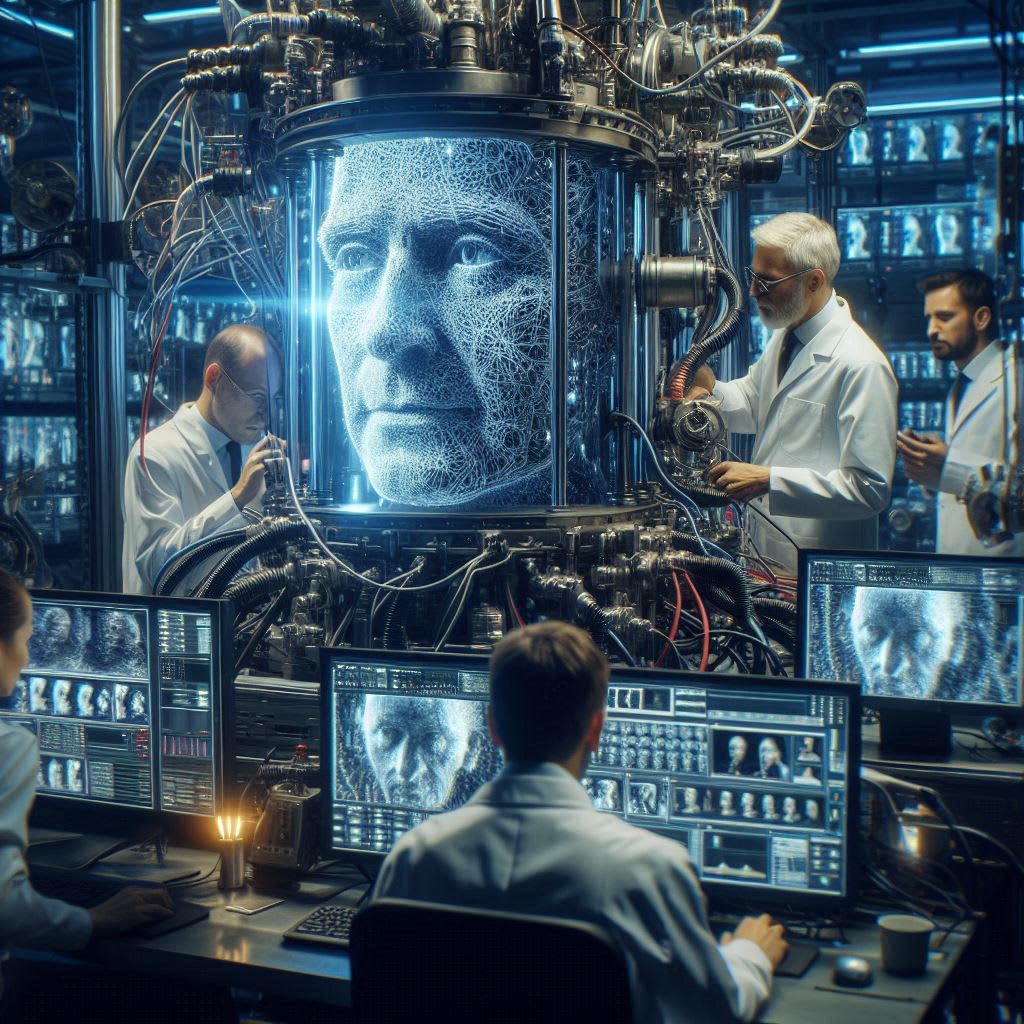
Whether you're experimenting with AI art or creating realistic video overlays, there's a tool out there for you.
In this guide, we'll cover some of the best deepfake software available today, including their features, use cases, and tips for getting started.
TL;DR Summary
Stable Diffusion with AUTOMATIC1111: Best for local image generation with powerful customization options.
Face Fusion: Excellent for video deepfakes and face blending with enhanced face detection.
Wav2Lip: Ideal for lip-syncing videos, making it appear as if the person in the video is saying the audio.
Getting Started with Deepfake Technology
If you're new to the world of deepfakes, starting with the basics of AI and machine learning can be helpful.
Pytorch's tutorials, especially those focused on image and video, provide a solid foundation for beginners.
Exploring repositories like the First Order Motion Model can also offer practical insights into how deepfake technology works.
Once you're comfortable with the basics, you can move on to experimenting with deepfake software.
The Top Deepfake Software Options
Each deepfake tool has its unique strengths, so choosing the right one depends on what you're looking to create.
Here are some of the best options currently available:
1. Stable Diffusion with AUTOMATIC1111
What It Is:
Stable Diffusion is an open-source AI art generator that can run on personal computers with GPUs that have more than 6GB of VRAM. It's well-known for producing high-quality images using various models and techniques.
Features:
Custom Models: Supports different models like Lora and ControlNet, allowing for extensive customization of generated images.
Ease of Use: The AUTOMATIC1111 user interface makes it easy for beginners to start generating images locally.
Why People Love It: Stable Diffusion with AUTOMATIC1111 is highly recommended for its ease of use and powerful capabilities. Users can create detailed images without needing an internet connection, making it a go-to choice for local generation.
Perfect For: Anyone interested in creating high-quality AI-generated images with advanced customization. This software is a great choice for artists and hobbyists alike.
2. Face Fusion
What It Is:
Face Fusion is designed for creating deepfake videos with enhanced face detection and blending.
It's known for its accuracy and precision when it comes to handling faces in videos.
Features:
Advanced Face Detection: Uses retinaface and yunet detectors for refined results.
Blending and Inpainting: Creates seamless face swaps by inpainting areas and blending faces from multiple images.
How It Compares: Face Fusion is often considered better than other options like Roop or Reactor, thanks to its improved face detection and ability to create composite face models from multiple images. It provides a more realistic and polished finish in video deepfakes.
Perfect For: Video creators looking to add realistic face swaps and deepfakes to their projects. Face Fusion is especially useful for those who need precise and high-quality results.
3. Wav2Lip
What It Is:
Wav2Lip is a tool specifically designed for lip-syncing in videos. It takes audio input and syncs it with video, making it look like the person in the video is speaking the provided audio.
Features:
Lip-Syncing Capability: Allows you to add audio to a video clip, making it appear as if the speaker in the video is saying the words.
Accurate Results: With proper setup, Wav2Lip can deliver impressive lip-syncing results.
User Experience: While some users find Wav2Lip resource-intensive, it delivers high-quality results when set up correctly. It's especially useful for anyone who wants to create videos where the audio and visual match perfectly.
Perfect For: Content creators, filmmakers, and video editors who want to create lip-synced videos or add custom audio to existing video clips.
Other Notable Deepfake Tools
If the options above don't fit your needs, here are a few other tools worth considering:
Roop: Once popular but now largely unsupported. Face Fusion is recommended as a better alternative.
Tensor.art and Clipdrop.co: Great for beginners who may find it challenging to set up local generators.
DALL-E 3 on Bing Create: Known for generating high-quality images but might require upscaling.
Choosing the Right Deepfake Software
When selecting deepfake software, keep these factors in mind:
Ease of Use: If you're new to deepfake technology, look for user-friendly options like AUTOMATIC1111, which offer a smooth setup process.
Capabilities: For those looking to dive deeper into video deepfakes, tools like Face Fusion and Wav2Lip provide specific features for face-swapping and lip-syncing.
Hardware Requirements: Some tools require higher-end hardware, especially for GPU memory. Check the requirements before diving in to avoid performance issues.
Pro Tips for Creating High-Quality Deepfakes
Understand Your Hardware: Deepfake generation can be resource-intensive, especially for video. Make sure your hardware meets the requirements for the software you choose.
Experiment with Models: Tools like Stable Diffusion support different models that can drastically change the style and quality of the output. Try various models to see which ones best suit your project.
Start Simple: If you're new to deepfakes, start with something simple, like a single image or basic lip-syncing project, before tackling more complex videos.
Join Communities: Deepfake communities on platforms like Reddit, GitHub, and Discord can be invaluable. They offer tips, answer questions, and share resources that can help you improve your projects.
Final Thoughts
Deepfake technology offers incredible possibilities for creative projects.
From creating lifelike images to lip-syncing video clips, the tools are becoming more powerful and accessible.
However, as with any technology, ethical considerations are important - use these tools responsibly and respect the privacy of others.
Whether you're interested in crafting AI art with Stable Diffusion or creating realistic lip-sync videos with Wav2Lip, there's a deepfake tool out there to suit your needs.
Try out these tools, experiment, and have fun exploring the world of deepfake technology.
Also Read -
About the Creator
PRASIT
I love to explore SaaS at https://digitalgrowthtools.com
Are You Planning College the Smart Way?
When students and parents start thinking about college, the first number that usually comes to mind is tuition. But have you ever wondered if tuition is actually the biggest expense of higher education? Surprisingly, the total cost of attending college often goes far beyond just tuition fees.
By Michael Petruska7 days ago in Education




Comments
There are no comments for this story
Be the first to respond and start the conversation.