
Mastering AI Image Generator Camera Position Prompts:
A Comprehensive Guide
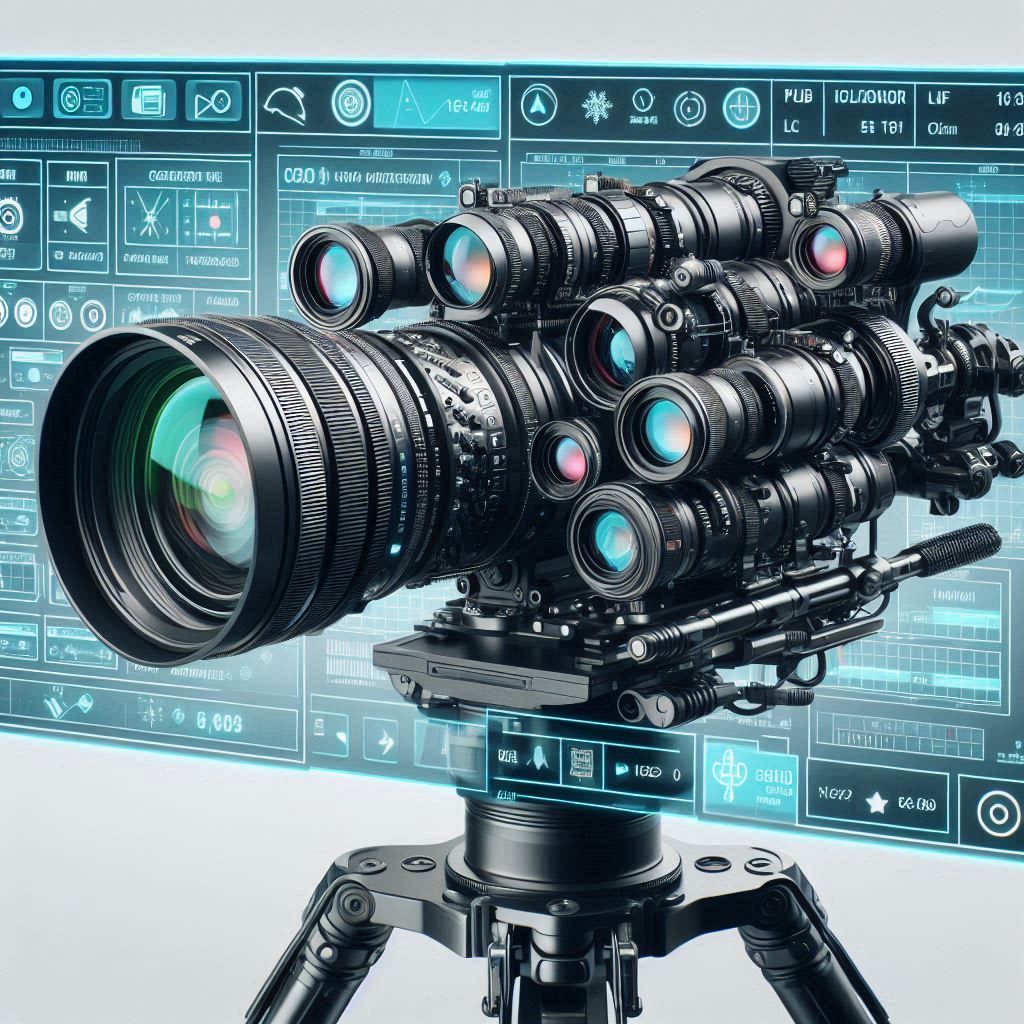
In the world of digital art and photography, the way an image is captured can significantly influence its emotional impact and storytelling.
With the rise of AI image generators, understanding how to effectively use camera position prompts has become essential for artists and creators looking to enhance their visual narratives.
This guide will explore the concept of camera position prompts, their importance in AI-generated imagery, and practical tips for crafting effective prompts.
Introduction
AI image generators have revolutionized how we create and manipulate images.
These tools can produce stunning visuals based on simple text prompts, allowing anyone to bring their creative visions to life.
However, the quality and effectiveness of the generated images depend heavily on how well these prompts are crafted.
One critical aspect of prompt engineering is specifying camera positions or angles, which can dramatically alter the perception of the subject.
What Are Camera Position Prompts?
Camera position prompts are specific instructions included in your text input that dictate the angle, distance, and perspective from which the AI should generate an image.
By incorporating these prompts, you can emulate techniques used in photography and cinematography, adding depth and realism to your AI-generated visuals.
Why Camera Position Matters?
The camera angle influences how viewers perceive a subject:
Emotional Impact: Different angles can evoke various emotions. For instance, a low-angle shot may convey power or dominance, while a high-angle shot could suggest vulnerability.
Visual Storytelling: The choice of camera position can enhance narrative elements within an image, guiding the viewer's focus and interpretation.
Aesthetic Quality: Well-chosen angles contribute to the overall composition and artistic appeal of an image.
Understanding Different Camera Angles
To effectively use camera position prompts in AI image generation, it's essential to understand various camera angles and their effects:
1. Eye-Level Shots
An eye-level shot places the camera at the subject's eye level:
Neutral Perspective: This angle creates a direct connection between the viewer and the subject, making it feel more relatable.
Prompt Example: "Eye-level shot of a person sitting at a café, enjoying a cup of coffee."
2. High Angle Shots
A high-angle shot looks down on the subject:
Vulnerability: This angle can make subjects appear smaller or weaker.
Prompt Example: "High angle shot of a child looking up at a towering tree."
3. Low Angle Shots
Low-angle shots position the camera below the subject:
Power Dynamics: This angle makes subjects appear larger and more imposing.
Prompt Example: "Low angle shot of a skyscraper against a clear blue sky."
4. Dutch Angles
Dutch angles tilt the camera off its horizontal axis:
Disorientation: This technique creates tension or unease.
Prompt Example: "Dutch angle shot of a chaotic city street at night."
5. Aerial or Bird’s Eye View
This perspective offers a top-down view:
Comprehensive Overview: It captures landscapes or large groups effectively.
Prompt Example: "Aerial view of a bustling marketplace from above."
Crafting Effective Camera Position Prompts
Creating effective camera position prompts requires clarity and specificity. Here are some tips for crafting prompts that yield impressive AI-generated images:
1. Be Specific About Camera Position
Clearly define the desired camera angle in your prompt:
Instead of saying "a person," specify "a close-up shot of a person’s face."
2. Combine Angles with Context
Contextualize your prompt by combining camera positions with descriptive elements:
For example, "Low angle shot of a knight in armor standing triumphantly on a hilltop at sunset."
3. Experiment with Distances
Incorporate distance into your prompts to affect emotional tone:
Use terms like "close-up," "medium shot," or "wide shot" to specify how much of the scene should be captured.
4. Include Emotional Keywords
Adding emotional descriptors can guide the AI in generating images that resonate with viewers:
For instance, "Medium shot of a couple laughing together in a park, conveying joy and connection."
Practical Applications of Camera Position Prompts
Understanding how to use camera position prompts effectively opens up various creative possibilities across different fields:
1. Digital Art Creation
Artists can leverage AI image generators to create unique pieces by specifying angles that enhance their artistic vision:
Example Prompt: "High angle shot of an enchanted forest with sunlight filtering through the trees."
2. Marketing and Advertising
In marketing, visuals play a crucial role in capturing attention:
Example Prompt: "Close-up shot of a delicious burger with toppings glistening under bright lights."
3. Storytelling in Film and Animation
Filmmakers can use AI-generated images for storyboarding or conceptual art:
Example Prompt: "Wide shot of a futuristic city skyline at dusk with flying cars."
4. Gaming Development
Game developers can generate concept art for characters or environments using specific angles:
Example Prompt: "Low angle shot of a dragon perched atop a mountain peak."
Enhancing Your Prompts with Lens Effects
To further refine your images, consider specifying lens effects or settings in your prompts:
1. Lens Types
Different lenses create unique visual effects:
Wide-Angle Lens: Captures more of the scene but may distort edges.
Prompt Example: "Wide-angle shot of a crowded beach during summer."
Telephoto Lens: Compresses distance between subjects and background.
Prompt Example: "Telephoto shot focusing on a single flower amidst a field."
2. Depth of Field
Specifying depth of field adds focus control to your images:
Shallow Depth of Field: Blurs background elements while keeping subjects sharp.
Prompt Example: "Close-up shot of a cat with blurred flowers in the background."
Common Mistakes to Avoid When Using Camera Position Prompts
While crafting prompts can be intuitive, several common pitfalls can lead to unsatisfactory results:
1. Lack of Clarity
Vague prompts often yield generic results:
Instead of saying “a person,” specify details such as clothing style or setting.
2. Overcomplicating Prompts
While detail is essential, overly complex prompts can confuse AI systems:
Strive for balance; include necessary details without overwhelming complexity.
3. Ignoring Composition Principles
Understanding basic composition principles (like rule-of-thirds) enhances prompt effectiveness:
Consider how elements within your prompt will interact visually.
Conclusion
Mastering AI image generator camera position prompts opens up new creative possibilities for artists, marketers, filmmakers, and game developers alike.
By understanding various camera angles and how they influence perception, you can craft effective prompts that yield stunning visuals tailored to your vision.
Experimentation is key—don’t hesitate to adjust your prompts based on results and feedback from generated images.
With practice and creativity, you’ll unlock the full potential of AI image generation while enhancing your storytelling capabilities through thoughtful visual compositions.
As technology continues to evolve, embracing these tools will empower you to create captivating imagery that resonates with audiences across diverse platforms—so start experimenting today!
About the Creator
PRASIT
I love to explore SaaS at https://digitalgrowthtools.com
10 Unusual Quiz Round Ideas That Will Make Your Next Game Night Unforgettable
Most pub quizzes follow the same pattern. You get a geography round, a history round, maybe a music round, and then everyone argues about whether the answer to question seven was technically correct. It works - but it rarely surprises anyone.
By Faabul Quizzes2 days ago in Education
Compact Home Gym Essentials for Athletes Training in Small Spaces
Many sports enthusiasts want the convenience of a home gym but worry that limited space makes it impossible to achieve. Apartments, shared rooms, or small houses often leave little room for large workout machines. Fortunately, athletes do not need a huge area to build an effective training environment. With the right equipment choices, even a small corner of a room can become a powerful workout space.
By Joel Barjenbrucha day ago in Education



Comments
There are no comments for this story
Be the first to respond and start the conversation.