
5 Major Challenges with the Texas Instruments TI-84 Plus CE Color Graphing Calculator
Their Possible Immediate Solutions

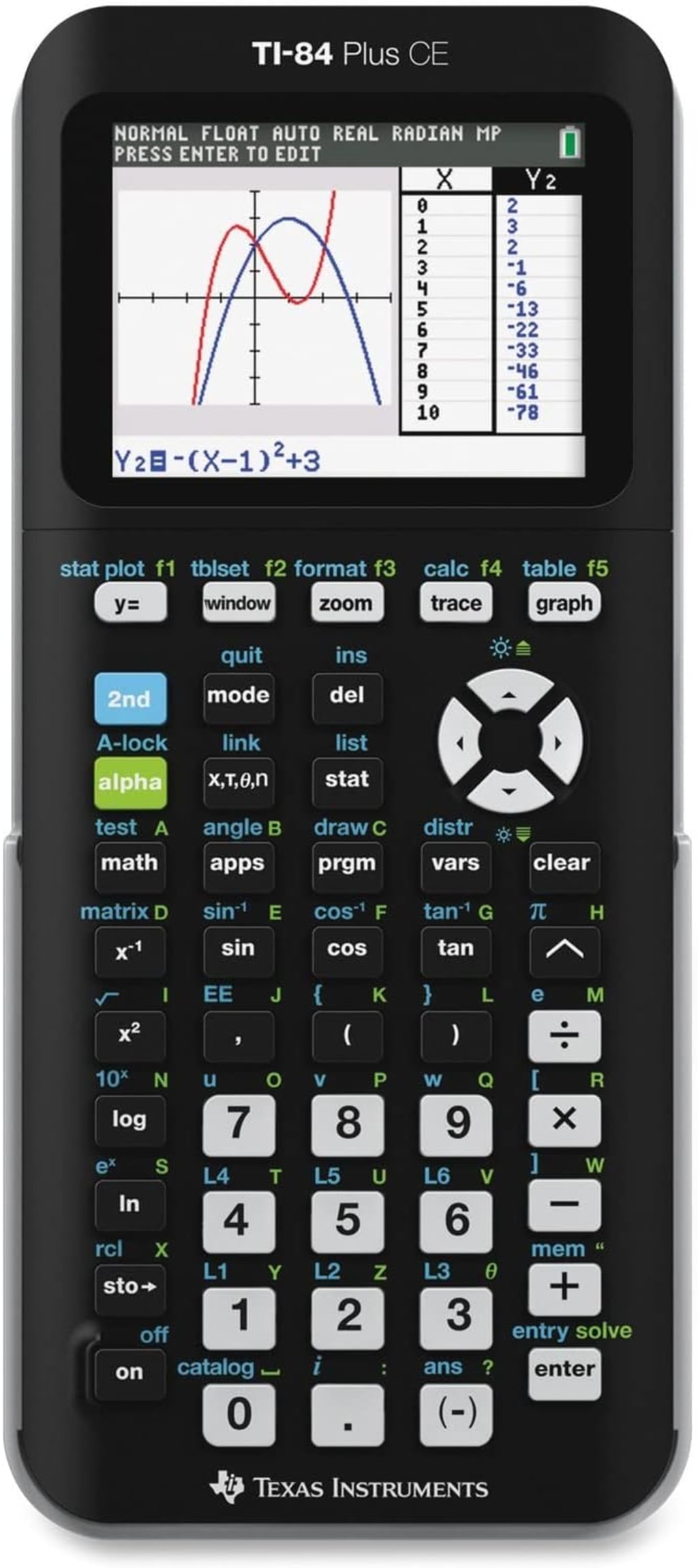
The Texas Instruments TI-84 Plus CE Color graphing calculator has been a staple in classrooms and professional settings for years. While it offers a robust suite of features, it also presents certain challenges for users. This article will delve into five of the most common issues and explore potential immediate solutions to address them.
Challenge 1: Steep Learning Curve
One of the most significant hurdles users face with the TI-84 Plus CE Color is its steep learning curve. The calculator boasts a vast array of functions and features, which can be overwhelming for newcomers. This complexity can hinder productivity and frustrate users, especially those with limited mathematical backgrounds.
Immediate Solution:
Enhanced User Manuals and Tutorials: Texas Instruments could develop more comprehensive and user-friendly manuals and tutorials. These resources should be structured to cater to users of different skill levels, with clear explanations, examples, and step-by-step guidance.
Interactive Online Learning Platforms: Creating interactive online platforms or mobile apps would allow users to learn at their own pace. These platforms could include video tutorials, quizzes, and practice exercises.
Community-Driven Support: Fostering an active online community where users can share tips, tricks, and troubleshooting advice could significantly reduce the learning curve for new users. Texas Instruments could facilitate this community by providing dedicated forums and support channels.
Challenge 2: Limited Memory Capacity
The TI-84 Plus CE Color's memory capacity, while improved over previous models, can still be a constraint for users who store large programs, data sets, or images. Running out of memory can disrupt workflow and lead to data loss.
Immediate Solution:
Memory Expansion Options: Introducing external memory expansion options, such as microSD card slots, would provide users with additional storage space.
Optimized Memory Management: Texas Instruments can implement software updates that optimize memory usage, allowing users to store more data without compromising performance.
Cloud Storage Integration: Integrating cloud storage services would enable users to offload large files and access them when needed.
Challenge 3: Outdated Interface
The TI-84 Plus CE Color's interface has remained relatively unchanged for several years, leading to a dated appearance and user experience. This can be particularly frustrating for users accustomed to modern, touch-screen devices.
Immediate Solution:
Interface Refresh: Texas Instruments could redesign the calculator's interface to incorporate a more modern look and feel while maintaining core functionality.
Touchscreen Integration: Exploring the possibility of adding a touchscreen to future models would significantly enhance user interaction and navigation.
Customizable Layouts: Allowing users to customize the calculator's layout and button assignments would provide greater flexibility and personalization.
Challenge 4: Battery Life
While the rechargeable battery is an improvement over previous models, battery life can still be an issue for heavy users, especially when using backlight or energy-intensive functions. Frequent recharging can be inconvenient, particularly during exams or long work sessions.
Immediate Solution:
Improved Battery Technology: Investing in research and development to develop longer-lasting battery technology would address this issue.
Battery Performance Optimization: Software updates can be implemented to optimize battery usage, extending battery life between charges.
Power Saving Features: Introducing power-saving features, such as automatic screen dimming and sleep mode, can help conserve battery power.
Challenge 5: Lack of Innovation
While the TI-84 Plus CE Color offers a solid foundation for mathematical calculations and graphing, some users desire more innovative features and capabilities. The calculator's core functionality has remained relatively unchanged for several years, leading to a perception of stagnation.
Immediate Solution:
Feature Expansion: Regularly introducing new features and functionalities, such as advanced statistical analysis, data visualization tools, and programming enhancements, would keep the calculator relevant and competitive.
Collaboration with Educators and Students: Gathering feedback from educators and students can help identify areas where the calculator can be improved and new features can be developed.
Open-Source Development: Considering an open-source approach for certain calculator components could foster community innovation and lead to the development of new applications and features.
By addressing these challenges, Texas Instruments can enhance the user experience of the TI-84 Plus CE Color and maintain its position as a leading graphing calculator.
About the Creator
increase
Infusing expertise into every word to empower you with the best choices. Unveiling hidden gems and top-notch products for your refined taste and better lifestyle. #QualityContent #InformedDecisions
Reader insights
Nice work
Very well written. Keep up the good work!
Top insights
Eye opening
Niche topic & fresh perspectives
Heartfelt and relatable
The story invoked strong personal emotions
Building Stronger Teams Through Diversity
Diversity in the workplace is more than a trend. It is a key part of building strong and creative teams. Companies today serve people from many cultures, backgrounds, and life experiences. Because of this, businesses need teams that reflect the world around them.
By Aaron Khieuabout 13 hours ago in Education
Neuroeducation Market to Surpass USD 3.0 Billion by 2033: Brain-Based Learning Solutions
The Global Neuroeducation Market is projected to grow from USD 2.2 billion in 2023 to approximately USD 3.0 billion by 2033, registering a CAGR of 3.4% during the forecast period. This steady expansion reflects increasing integration of neuroscience principles into curriculum design, teacher training, and cognitive-based learning methodologies aimed at improving student outcomes.
By Roberto Crum5 days ago in Education



Comments (1)
Thanks for sharing