
The 3 Best Monitor Sizes for Gaming
Finding the Perfect Screen Size for Immersive, Competitive, and Future-Ready Gaming


A few weeks ago, I was sitting in front of my aging 24-inch monitor, grinding through a late-night gaming session of Cyberpunk 2077. Everything felt… fine, but not amazing. The neon signs looked a little cramped, and I kept tilting my head like maybe the world outside the screen was hiding something. When I jumped into a firefight, I lost track of enemies in my peripheral vision something I blamed on my reaction time until a friend casually said during a Discord call: “Man, you need a bigger monitor.”
That stung a bit. But it was true. Gamers in 2025 have access to incredible graphics cards, high refresh rates, and immersive open-world games but the wrong monitor size can bottleneck all that power. If your screen is too small, you miss immersion. Too big, and your neck does a workout you didn’t sign up for.
That’s where this guide comes in. I’ve tested dozens of monitors (yes, literally after a minor splurge during sales season, my desk looked like a tech warehouse). I’ve compared refresh rates, panel types, and screen real estate until my eyes practically begged for a break. In this article, I’ll break down the three best monitor sizes for gaming in 2025, explain why they matter, and help you avoid the same mistakes I made.
Oh, and quick personal note: one of these was actually a birthday gift from my sister, and honestly, I didn’t expect it to change the way I play Elden Ring. But more on that later.
Product Reviews
1. LG UltraGear 27GP950-B (27-inch)
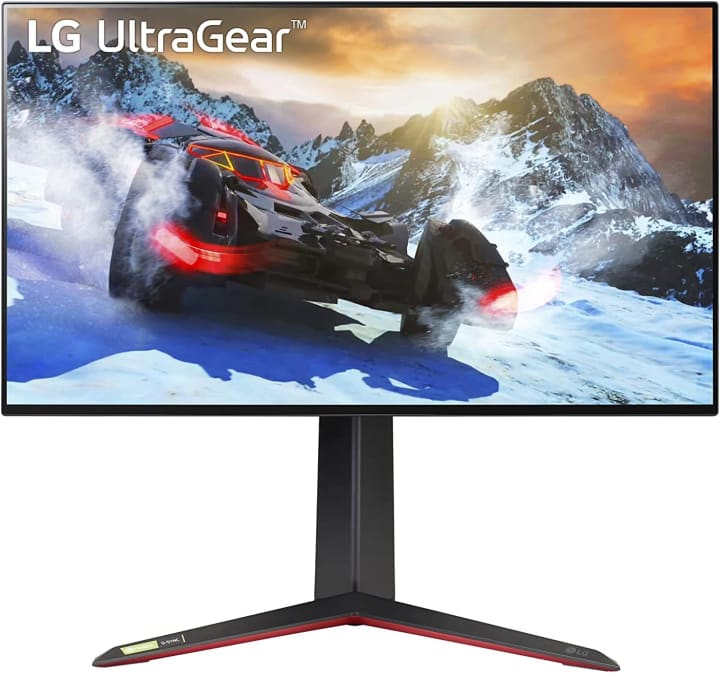
A few months ago, I grabbed this 27-inch LG UltraGear 27GP9 50-B after a frustrating weekend of losing gunfights in Valorant. I didn’t realize how much a 4K, high-refresh monitor could sharpen both visuals and my timing. This monitor is designed for competitive gamers but still delivers beautiful image quality for cinematic titles.
The UltraGear 27GP950-B packs a 4K Nano IPS display, a 144Hz refresh rate (overclockable to 160Hz), and 1ms response time. Combine that with G-Sync and FreeSync Premium Pro compatibility, and you’ve got a monitor that doesn’t just keep up with fast-paced shooters it feels like it predicts them. Colors pop in a way that makes open-world games feel alive without oversaturating.
The target audience here? Competitive gamers who want every possible edge without sacrificing visuals. If you’re like me someone who wants to sweat it out in ranked matches and then chill in Starfield this size and spec combo hits the sweet spot.
Summary:
The LG UltraGear 27GP950-B is the go-to for balanced gaming sharp, responsive, and immersive without overwhelming your setup.
Strengths:
4K resolution with excellent color accuracy
160Hz refresh rate with near-zero latency
Compact size perfect for medium desks
Weaknesses:
Pricey for a 27-inch monitor
Needs a powerful GPU to push 4K/144Hz consistently
2. Samsung Odyssey G7 (32-inch)
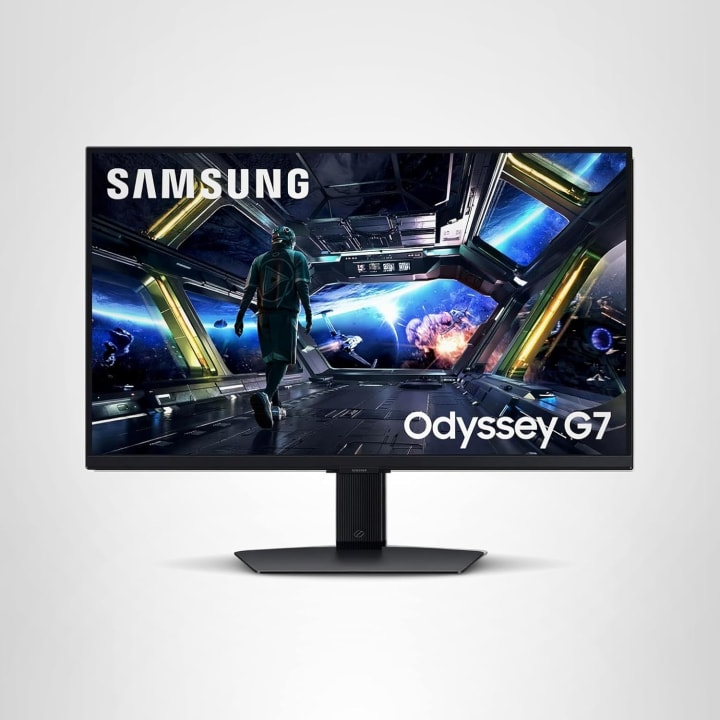
The Samsung Odyssey G7 was my “treat yourself” moment during a Black Friday sale (and yes, I almost regretted the credit card bill). At 32 inches, this curved QHD monitor is massive compared to a standard 27-inch, but surprisingly—it didn’t feel overwhelming. The curve wraps around your field of view in a way that’s… honestly addictive.
It’s rocking a 2560x1440 resolution, a 240Hz refresh rate, and a 1ms response time. What impressed me most was the deep contrast and HDR support dark areas in horror games feel genuinely terrifying, and bright lights don’t wash out the detail. Samsung’s 1000R curvature is more than just marketing fluff; it really reduces eye strain and pulls you into the game.
For gamers who want immersion without jumping into ultra-wide territory, this monitor size is perfect. It’s ideal for RPGs, racing sims, and action titles where world-building is everything.
Summary:
The Odyssey G7 nails immersion and speed, making it one of the best 32-inch monitors for 2025.
Strengths:
Gorgeous curved QHD display
Super-fast 240Hz refresh rate
Excellent HDR for vibrant visuals
Weaknesses:
Large footprint requires desk space
Curve isn’t for everyone (takes getting used to)
3. Alienware AW3423DW (34-inch Ultrawide OLED)
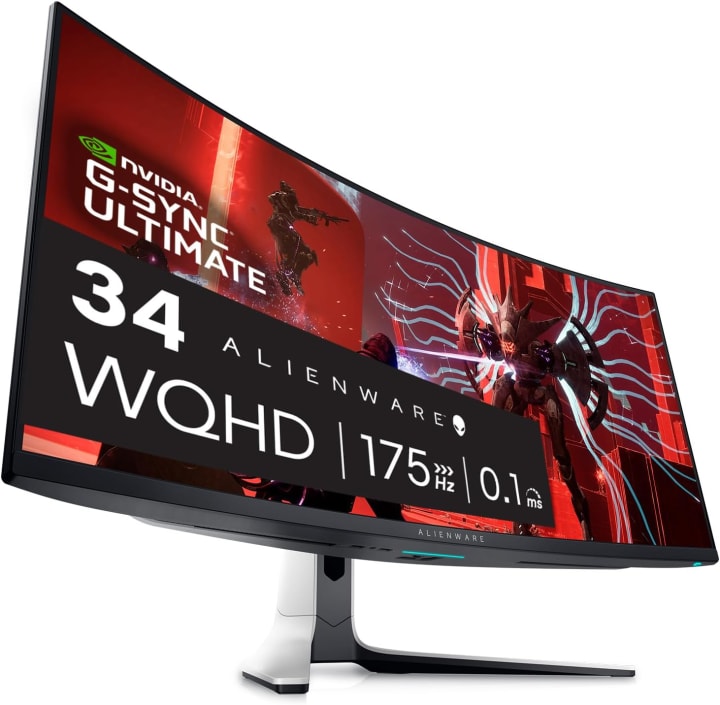
Now, this one wasn’t a purchase I’ll admit it was a gift from my sister on my birthday. And let me tell you, switching to the Alienware AW3423DW was like stepping into another dimension. At 34 inches ultrawide with OLED technology, this monitor isn’t just big it’s cinematic.
Specs? 3440x1440 resolution, 175Hz refresh rate, and OLED’s infinite contrast ratio. Honestly, once you’ve seen blacks on OLED, everything else feels grayish. I tested this with Cyberpunk 2077, and the neon-lit streets literally glowed in a way I’d never experienced. It’s not just for gaming eithermultitasking is way easier with the extra screen space.
The 34-inch ultrawide isn’t for everyone it requires both desk space and GPU power but if you want the most immersive, future-ready option, it’s unbeatable.
Summary:
The Alienware AW3423DW is the ultimate immersive display, perfect for gamers who want OLED brilliance and ultrawide real estate.
Strengths:
OLED panel with unbeatable contrast
Ultrawide format enhances immersion
High refresh rate for smooth gameplay
Weaknesses:
Very expensive
Needs serious desk space and GPU horsepower
Quick Tips for Shopping
Match size to setup: A 32-inch monitor can be amazing, but not if your desk is tiny.
Resolution matters: Bigger screen = higher resolution needed for sharpness. 27" pairs great with 1440p, while 32"+ benefits from 4K.
Refresh rate is king for gamers: Look for 120Hz minimum; 144Hz–240Hz is the sweet spot.
Panel type: IPS for color and wide angles, VA for deeper contrast, OLED for insane blacks.
Budget vs. premium: Don’t stretch your wallet if you won’t use all the features sometimes a “good enough” screen is perfect.
Quick Picks Section
Best Overall (balanced): LG UltraGear 27GP950-B (27-inch) – sharp, responsive, and versatile.
Best for immersion: Samsung Odyssey G7 (32-inch) – curved QHD for cinematic gameplay.
Premium Pick: Alienware AW3423DW (34-inch Ultrawide OLED) – the future of gaming displays.
FAQs
Q1: Is 27-inch too small for gaming in 2025?
Not at all. With 4K resolution, a 27-inch screen still delivers razor-sharp visuals and works well for desks with limited space.
Q2: Do I need a curved monitor for gaming?
Not a necessity, but curves can improve immersion and reduce eye strain on larger sizes (32-inch+).
Q3: Is ultrawide worth it for competitive gaming?
Depends. For immersion, ultrawide is amazing. But for esports titles like Valorant or CS2, some players prefer standard 27-inch for easier focus and faster head-turning.
Q4: Should I prioritize resolution or refresh rate?
If you’re into fast-paced shooters, refresh rate comes first. For RPGs or story-driven games, resolution and visuals matter more.
Conclusion
Choosing the right monitor size in 2025 isn’t just about pixels—it’s about comfort, immersion, and matching your gaming style. The 27-inch LG UltraGear is the perfect balanced option, the 32-inch Samsung Odyssey G7 offers next-level immersion without going ultrawide, and the 34-inch Alienware OLED is the dream setup if budget and space aren’t issues.
Each size has trade-offs too small and you miss immersion, too big and it gets impractical. But with the right choice, your gaming rig transforms into an experience, not just a setup.
Oh, and one more thing if you’re grabbing any of these, check Amazon deals. Shipping has gotten faster, and discounts pop up more often than you’d think.
Disclaimer: This post contains affiliate links. If you purchase through them, I may earn a small commission at no extra cost to you. It helps keep this blog running and lets me keep testing awesome gear.

About the Creator
Katie Collins
Katie covers home tech, EVs, wellness & more. She aims to help people make smart buying choices & reach life goals.
Keep reading
More stories from Katie Collins and writers in Beat and other communities.
The Best Monitor Arms and Mounts
A few weeks ago, I sat at my desk after a long day of editing photos and writing. My shoulders were tense, my neck stiff, and my monitor felt like it was sitting at a slightly wrong angle no matter how many times I nudged it. It wasn’t that I didn’t tryI stacked books, adjusted the chair, even balanced my laptop on a shoebox once. The result? An uneven, wobbly, and definitely not ergonomic setup that left me frustrated.
By Katie Collins5 months ago in Humans
It's 2026. Songs Turning 10 This Year
In 2016, we saw the rise of short form videos and what would lead to the birth of TikTok. We cannot forget the Snapchat filters no matter how cringe worthy some of them might have been. It was also the year in which the hit series Stranger Things debuted.
By Jasmine Aguilar20 days ago in Beat



Comments
There are no comments for this story
Be the first to respond and start the conversation.