
Create coloring book - Create coloring pages [Nurie Creator]
coloring book
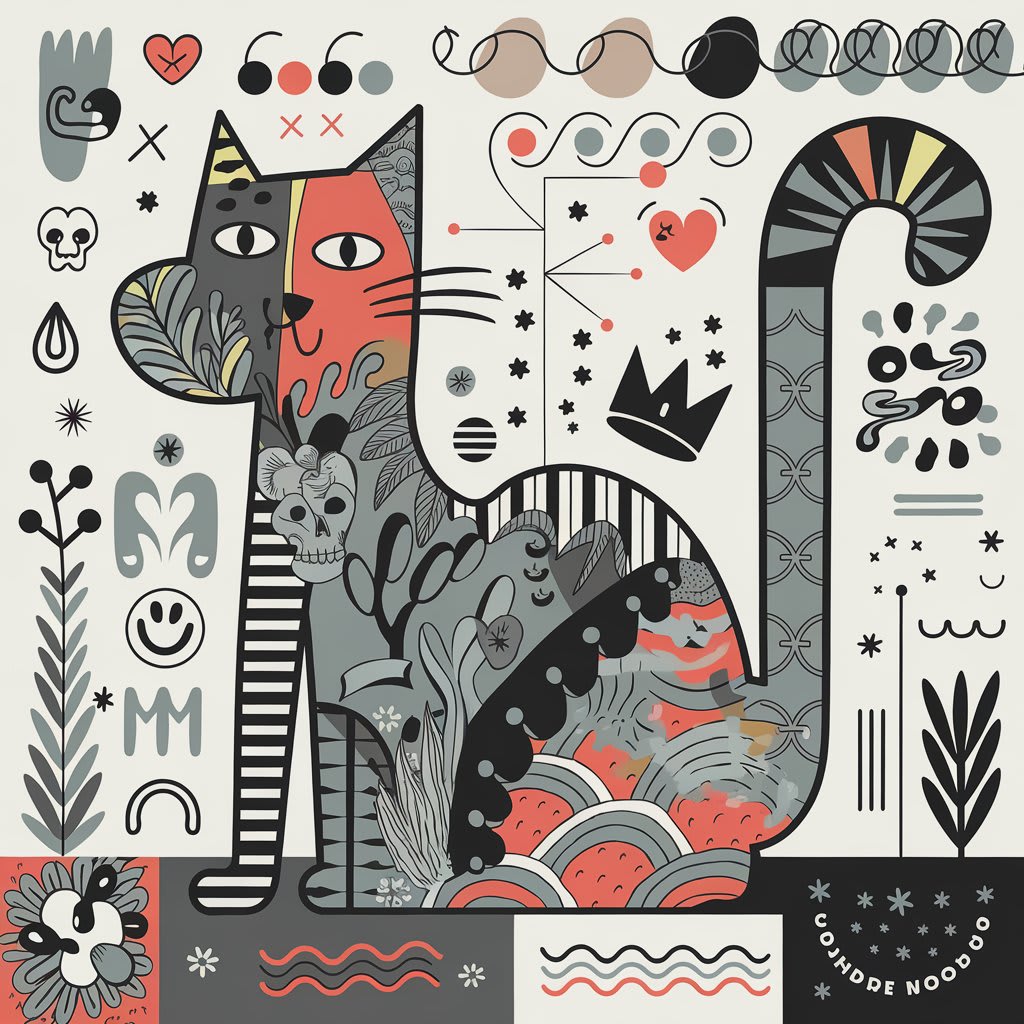
Create Your Own Coloring Book: A Guide to Designing Unique Coloring Pages
Coloring books have grown in popularity over the past few years, appealing to people of all ages. Whether you're an artist, a parent, or simply someone who enjoys creative projects, creating your own coloring book can be a fulfilling and profitable endeavor. Here’s everything you need to know about how to create coloring books and unique coloring pages.
Learn How to create Your first coloring book using AI
Why Create Coloring Books?
Stress Relief: Coloring is a well-known stress-reliever. Designing these books lets you share calming art with others.
Profit Potential: Personalized or niche coloring books can be sold online, at craft fairs, or in bookstores.
Creative Expression: Creating your own book offers the freedom to showcase your artistic style.
Steps to Create a Coloring Book
1. Decide on a Theme
A cohesive theme can make your book stand out. Popular ideas include:
Nature (flowers, forests, wildlife)
Fantasy (unicorns, dragons, magical worlds)
Mandalas and geometric patterns
Holiday or seasonal designs
2. Plan Your Pages
Decide how many pages you want. Most coloring books have 20–40 illustrations. Sketch a rough outline to organize your ideas and keep a consistent flow.
3. Create Original Illustrations
You can create your designs using various methods:
Hand-drawn art: Use pens, markers, or pencils to create linework on paper. Scan the artwork digitally for editing.
Digital tools: Software like Adobe Illustrator, Procreate, or Inkscape lets you design crisp, scalable illustrations.
Keep your designs bold and clean—intricate details are welcome but ensure lines are clear for easy coloring.
4. Optimize for Coloring
Ensure your designs are suitable for coloring by:
Using high-contrast black and white outlines.
Avoiding too much shading.
Ensuring balanced detail (not too crowded or sparse).
5. Compile Your Pages
Bring your pages together into a single document. Tools like Adobe InDesign or Canva can help you organize and format your book.
6. Print and Publish
Self-printing: Use high-quality paper that’s suitable for coloring materials like markers or crayons.
Professional printing: Choose online services like Lulu, Blurb, or Amazon KDP for polished, on-demand printing.
Create Custom Coloring Pages
If a full book feels like a big project, you can focus on single-page designs instead. These are perfect for gifts, classroom activities, or even downloadable products.
Tips for Designing Pages:
Personalize with names, dates, or messages for special occasions.
Cater to a niche audience, such as children, nature enthusiasts, or pet lovers.
Use stock photos for inspiration and trace outlines to convert photos into drawings.
Selling Your Coloring Books or Pages
Once your designs are ready, there are many platforms to sell them:
Etsy: Create an Etsy shop to sell physical or digital copies.
Amazon KDP: Publish your book for on-demand printing and reach a global audience.
Your Website: Build a website to showcase and sell your designs directly.
Local Markets: Sell printed copies at craft fairs, bookshops, or local events.
Final Thoughts
Creating a coloring book is not just an artistic venture; it can also be a wonderful way to share your creativity, inspire others, or earn extra income. Whether you’re designing a full book or unique coloring pages, the process is as rewarding as the final product itself.
Now, grab your sketchpad or open your design software—your coloring book masterpiece awaits!
About the Creator
Keep reading
More stories from James Renouf and writers in Art and other communities.
STREAMLIT NURIE CREATOR
In the rapidly evolving digital world, where creativity takes center stage, innovative tools and platforms that nurture artistic potential are gaining momentum. Nurie Creator is one such groundbreaking platform. It merges artistic creativity with the therapeutic and communal joy of coloring, carving a niche in the global artistic space.
By James Renouf 12 months ago in Art
Male Tattoo Artist Roles in Contemporary Tattoo Culture
Walking into a studio today feels very different from the old days of loud music and tough talk. Modern tattoo shops can be calm, warm and welcoming, and the person guiding you through the whole process is often a male tattoo artist who takes his job very seriously.
By Tools of Trade Studios5 days ago in Art


Comments (2)
Pls leave your comments , it means a lot to me
Thanks a lot for reading my Create coloring book - Create coloring pages [Nurie Creator] Article