
When and How to Migrate Legacy Building Designs into an Architectural BIM Workflow
When and How to Migrate Legacy Building Designs into an Architectural BIM Workflow
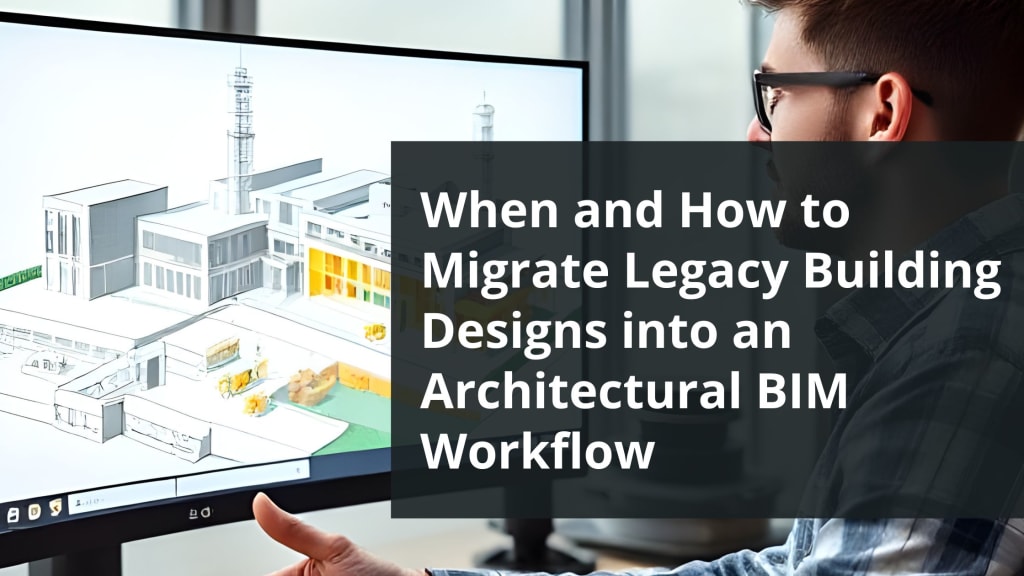
Many buildings around the world were designed using older 2D drafting methods or early CAD systems. While those drawings served their purpose at the time, they lack the flexibility, detail, and coordination needed for modern construction and renovation demands.
Migrating legacy building designs into a BIM Architectural Services workflow is becoming increasingly essential for engineers, builders, drafters, and modellers involved in renovation, extension, or facility management projects.
The process of transitioning from legacy design formats to a modern Architectural BIM Modelling Services approach isn't always straightforward. It involves understanding the original documentation, addressing information gaps, and choosing the right tools to translate static drawings into a coordinated and data-rich 3D model.
Understanding the Right Time to Migrate Legacy Designs
Migration shouldn't happen just because BIM exists. It should be a response to real project demands. One of the most common triggers is a renovation or expansion project. When an old building needs structural changes or system upgrades, old CAD files or paper blueprints make coordination difficult.
Moving to a Revit Architectural BIM Services setup makes coordination between disciplines faster and more accurate.
Facility owners and property managers also initiate BIM migration when they want a better understanding of how the building systems interact. A 3D model connected to data helps streamline space planning, maintenance, and lifecycle tracking. For government buildings, hospitals, and schools, this migration is often part of a long-term modernization strategy.
Preparing for the Migration Process
Before diving into modeling, start by collecting all available legacy data. This may include scanned drawings, paper blueprints, CAD files, and field notes. Often, original drawings are incomplete or inaccurate. That’s why many teams use reality capture methods like laser scanning to supplement outdated information.
Once all source materials are ready, the next step is to review them carefully. Understanding building layout, original construction methods, and current building condition helps avoid unnecessary errors later. Engineers and BIM experts analyze how much of the existing data can be translated into the model and identify parts that may need manual recreation.
Choosing the Right Modeling Strategy
Not all legacy projects need full Level of Detail (LOD) modeling. The scope of modeling should align with the purpose of the project. If the goal is renovation, the focus may be on structural and architectural elements. If it’s for facility management, additional layers such as furniture, room data, and asset tags may be required.
Using Architectural BIM Services, modelers recreate the building’s components in 3D using Revit or similar platforms. Walls, floors, ceilings, doors, windows, and other key architectural features are modeled based on old documentation. Where dimensions are missing, field verification or point cloud references help to reconstruct the building faithfully.
While modeling, it’s also important to think about how the project team will use the information later. For instance, when creating Architectural Shop Drawings, teams may need consistent annotation standards, naming conventions, and sheet layouts. A well-planned BIM workflow should meet both technical requirements and support the needs of onsite contractors and engineers.
Managing Complexity in Historical and Older Buildings
Legacy building migration becomes more complex when the structure is old or has undergone multiple renovations. Walls may not align with original drawings, levels may be off, and materials might vary across sections. These differences are normal and expected. However, they require special attention during the modeling phase.
Using tools from Revit Architectural BIM Services, it's possible to model irregular geometry, insert custom families, and represent unique building conditions. The goal is not to create a “perfect” model but to reflect the building as it exists today.
This kind of modeling requires experience and patience, especially when dealing with historical facades, curved walls, or layered renovations.
Field visits, 3D scans, and communication with maintenance staff can help fill in the gaps. The more accurate the model, the easier it becomes to produce reliable Architectural Shop Drawings and share project data with other disciplines like MEP or structural engineering.
Integrating BIM into Ongoing Project Workflows
Once the base model is ready, it can be integrated into broader project workflows. If the migration was done for a renovation, the BIM model can now serve as the starting point for design options. Architects and consultants use the 3D environment to explore ideas and communicate with stakeholders.
For construction teams, the model supports quantity take-offs, planning, and clash detection. It also offers better visual communication, which reduces the risk of errors during execution. Many builders and engineers now expect deliverables to include BIM models as part of project documentation.
Over time, the model also becomes a central piece of documentation for the client. Using BIM Architectural Services, the facility manager can link model elements to specifications, manuals, and maintenance schedules. This transforms the original set of outdated plans into a living, usable digital asset.
Practical Considerations and Tips
Migrating legacy designs is a technical process, but it’s also about collaboration. Engineers, modelers, architects, and drafters must work closely to interpret the old drawings correctly. Here are a few practical suggestions based on real project experience:
- Don't rely entirely on old files, validate critical dimensions through site visits.
- Use clear naming and version control, especially when multiple disciplines are involved.
- Keep the model simple when possible. Only model to the level that serves the project goals.
- Document assumptions. If a wall thickness or material type is unclear, record what was assumed and why.
- Use Architectural BIM Modeling Services with a team familiar with renovation workflows, not just new builds.
Deliverables and Project Handover
After migration, the final model often includes not just 3D geometry but detailed sheets and schedules. These can be exported as Architectural Shop Drawings for use onsite or in fabrication.
Additionally, views can be tailored for specific teams, architects, engineers, or clients.
As projects wrap up, all files should be archived in a format that's easy to revisit. A federated BIM model, drawing sets, and documentation become part of the digital record for the building.
The client receives not only an updated building design but also a tool that can serve their team in the years to come. This is where the shift from legacy to BIM truly pays off by creating models that continue to support project decisions and operations.
Conclusion
Migrating legacy building designs into an Architectural BIM Services workflow is no longer just a technical upgrade, it’s a necessary part of staying relevant in today’s fast-moving project environments.
Whether you're a drafter converting scanned plans, an architect working on adaptive reuse, or a builder preparing for structural work, understanding how and when to make the transition is key.
By starting with the right data, using the right tools like Revit Architectural BIM Services, and working closely with a skilled team, legacy plans can be transformed into reliable, detailed models. These models support smarter decisions, better coordination, and improved project outcomes, without abandoning the history and uniqueness of the original building.
If you're considering a legacy design migration, start small, think practically, and choose a BIM Architectural Services partner that understands both the technical demands and the human challenges involved.
The right workflow will not just translate old drawings into 3D, it will help move your project forward with clarity and confidence.
About the Creator
lisa Brown
Building Information Modelling delivers high quality out performing designs in Electrical BIM Services. We collectively work as a team and we believe in delivering end to end solutions in electrical designs and drawings.
Keep reading
More stories from lisa Brown and writers in 01 and other communities.
Struggling with BIM Software? Here’s How to Choose the Right One for Your Project
Choosing the right BIM software can be one of the most critical decisions at the start of a project. Whether you're an engineer working on infrastructure, a contractor managing on-site coordination, or a BIM modeler creating construction-ready deliverables, your software directly affects speed, accuracy, and collaboration.
By lisa Brown7 months ago in 01
Understanding Winter Clothing and Its Role in Women’s Fashion
Winter clothing has long served a practical purpose: protecting the body from cold temperatures, wind, and moisture. Over time, however, it has evolved into a reflection of culture, technology, and personal style. For women in particular, winter wardrobes balance insulation, comfort, and visual appeal, adapting to diverse climates and lifestyles.
By charliesamuel7 days ago in 01
Ludacris and Nelly draw backlash over bookings at MAGA-coded music festival
Ludacris and Nelly headlining a mostly right-wing event is good for them. It’s also great for the genre of hip hop. The two rap veterans have showcased their talents on other stages. Why can’t they perform for mostly MAGA folks and grab that bag?
By Skyler Saunders4 days ago in Beat




Comments
There are no comments for this story
Be the first to respond and start the conversation.