
What Activity Does Google Log?
What Activity Does Google Log?
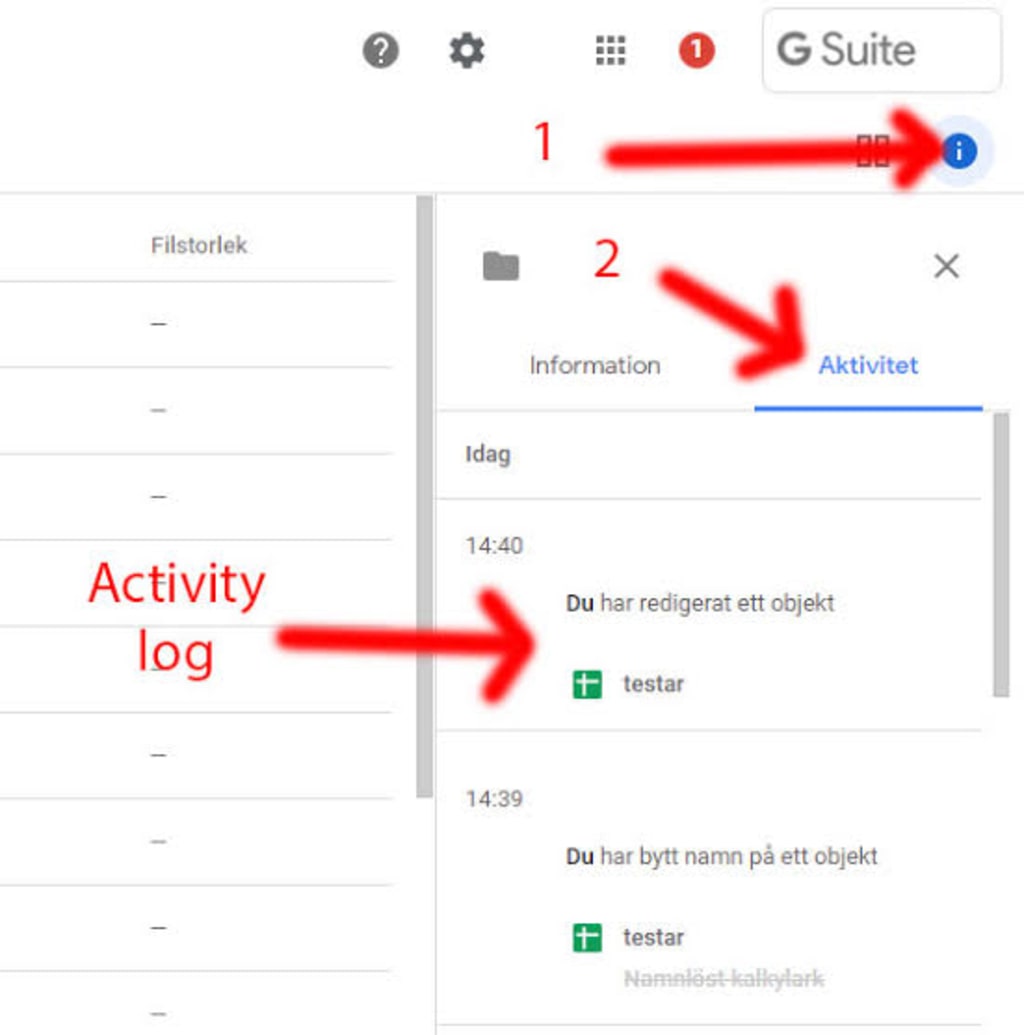
The World Wide Web has come a long way since its inception in 1993. In just three decades, it has transformed from a basic platform for media sharing and social interactions into a dynamic space that permeates every aspect of our lives. In the early days of the internet, the concept of data tracking wasn’t widely understood, and most users believed they remained anonymous as long as their names or photos weren’t attached to their actions. At that time, technology wasn’t as advanced, and data collection was minimal, posing little risk to users. Fast forward to today, and data privacy is a significant concern. Many internet users have become hyper-aware of the online footprints they leave behind, knowing that each click, search, and interaction is likely logged.
A Quick History of Google Activity Tracking
When Google first launched, it was primarily known as a powerful search engine, and data
collection was largely limited to improving search relevance. However, with the introduction
of services like Google AdWords in the early 2000s, Google began tracking user interactions
with ads to enhance their effectiveness. As the company expanded into services like Gmail
and Google Analytics, more specific data collection processes emerged.
The real shift came when Google partnered with Android, significantly increasing the scale of
data collection. Through mobile devices, Google could access detailed metrics such as user
location, device usage, and other sensitive information.
-
What Is Google’s My Activity?
Google provides its users with a platform called "My Activity" where they can view and manage the data that Google collects from their interactions with Google services. My Activity logs everything from YouTube videos watched and searches made to websites visited, such as pages reviewing casino sites with cashback bonuses, and more.
Before you get too concerned, it’s important to note that you have control over this data and
can turn off these tracking features if desired. You can see, manage, and delete much of
what Google logs.
-
What Does Google Track?
By visiting myactivity.google.com, logged-in users can access three primary types of activity data that Google tracks:
● Web & App Activity: All interactions within Google-related apps and services.
● Location History: A detailed timeline of where you've been, drawn from your mobile
devices.
● YouTube History: The videos you've watched and the searches you’ve made on
YouTube.
You can turn off each of these activity tracking categories or get even more specific by
customizing individual settings, such as disabling voice and audio activity while keeping
Chrome history on.
The data Google collects is intended to enhance your online experience. By understanding
your preferences, Google can offer personalized recommendations, more relevant search
results, and ads tailored to your interests. However, it’s understandable that some users may
feel uncomfortable with the amount of data being logged.
Google’s Data Logging on Android Devices
Android phones take data logging to a new level. Since mobile devices are constantly with
us, they provide a continuous stream of data. Everything from your location to app usage,
notifications, and more can be tracked. Studies show that Android devices send
approximately 1MB of data to Google every 12 hours, while iOS devices send about 52KB to
Apple during the same timeframe.
Are There Privacy Concerns?
Google, being a dominant force in the online world, has the challenge of securing its users'
data. While the company has a privacy policy that outlines how data is used, the fact
remains that it collects vast amounts of information. Google is transparent about this and
allows users to download and delete their Google data at any time. The company won’t sell
your data, but it may share it with third parties if you give consent or if required by law.
At times, Google’s insight into your preferences may seem uncanny. For example, you might
wonder how it knew you were interested in a specific product or hobby. This is due to the
algorithm's ability to make educated guesses based on your previous searches, the content
you’ve consumed, and the articles you’ve read.
About the Creator
Keep reading
More stories from John Boiten and writers in 01 and other communities.
Your Key to Security and Peace of Mind
In a world where security is paramount, locksmiths play a crucial role in ensuring that our homes, businesses, and vehicles are safe and secure. Locksmiths are more than just key makers or emergency responders; they are skilled professionals who provide a wide range of services, from lock installation and repair to security system consultation. This article explores the various services locksmiths offer, how to choose the right locksmith, and why understanding locksmith pricing is important, particularly in New York City. We’ll also discuss the importance of fire escape window gates approved by the FDNY for added safety and security.
By John Boitenabout a year ago in Lifehack
The Most Popular Types of Steel in Industry
Steel remains the backbone of modern industry. From towering skyscrapers to precision surgical instruments, this versatile alloy shapes our world in countless ways. But not all steel is created equal. Different compositions and treatments yield materials with vastly different properties, each suited to specific industrial applications.
By Sommersang3 days ago in 01
Mobile App Development Native vs Hybrid 2026
The Google ecosystem has shifted from indexing surfaces to validating underlying technical architectures as core Entity Signals. This tectonic movement means your choice between native and hybrid code now directly dictates your risk exposure within the Trust Graph.
By Del Rosario2 days ago in 01
Thoughts on Vocal and the way the world is
"Death cannot stop true love, only delay it." – Wesley in The Princess Bride. I decided to come back to Vocal on a very cold and dark night at the end of December. I had been, and still am, convalescing from a horrible staph infection that had gone misdiagnosed for months. This, paired with the increasing challenges of being healthy, making the best choices for my co-parented child, being a wife, and being a director at a new job, was a lot to manage.
By Jazzy 5 days ago in Confessions




Comments
There are no comments for this story
Be the first to respond and start the conversation.