
Unlocking Security: The Power of a Strong Mobile Password
How a Simple Step Can Protect Your Digital Life and Keep Your Data Safe
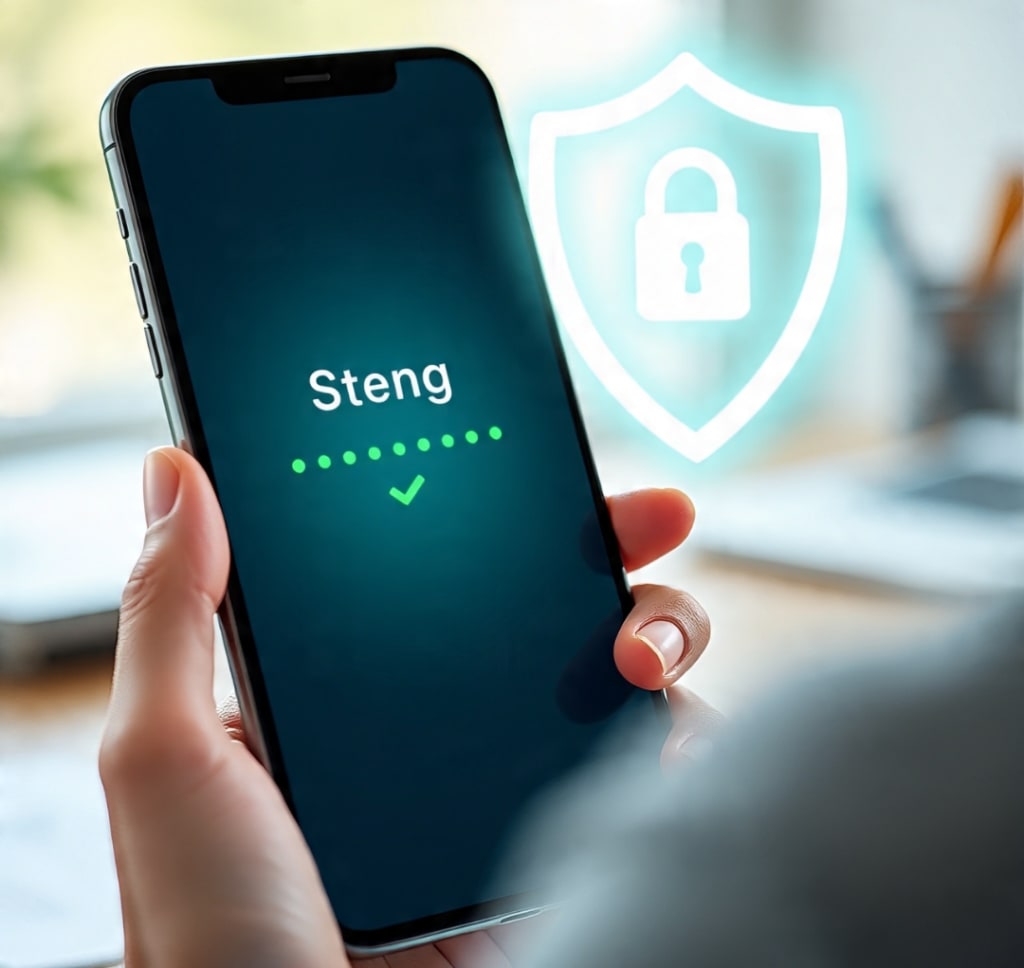
Unlocking Security: The Power of a Strong Mobile Password
How a Simple Step Can Protect Your Digital Life and Keep Your Data Safe
A few years ago, Maya never thought twice about her phone’s password. Like many people, she used a simple four-digit code—her birth year—to unlock her device. It was easy to remember, quick to type, and seemed harmless. After all, who would want to hack her phone?
That mindset changed one day when Maya lost her phone in a crowded café. Within minutes, someone had picked it up—and because her password was so simple, they gained full access. Emails, photos, saved passwords, bank apps, and even her work files were all wide open. It was a stressful and eye-opening experience.
Fortunately, she was able to recover most of her accounts by acting quickly, but the experience taught her a valuable lesson: a strong mobile password isn’t just a technical detail—it’s a shield protecting your digital life.
Why Mobile Passwords Matter
In today's world, our smartphones are like digital wallets, diaries, offices, and photo albums all rolled into one. We use them for banking, shopping, messaging, and storing sensitive information. That’s why having a strong password isn’t just recommended—it’s essential.
Weak passwords like “1234,” “0000,” or your birthdate can be cracked in seconds by even the most basic software. Cybercriminals often exploit these vulnerabilities to steal identities, money, and personal information.
On the other hand, a strong password—or even better, a passphrase—adds layers of protection. Modern devices also allow for biometric options like fingerprint scans and facial recognition, which enhance security while keeping things convenient.
Building Better Habits
After her phone was compromised, Maya decided to take her digital security seriously. She followed these key tips for creating stronger passwords:
1. Avoid common patterns – No more birthdays or “password123.”
2. Use longer passcodes or phrases – “!SummerVibes2025!” is much better than “1234.”
3. Enable two-factor authentication – Many apps offer this to add an extra layer of protection.
4. Don’t reuse passwords – If one account is compromised, reusing passwords puts all your accounts at risk.
5. Use a password manager – These tools store and create complex passwords so you don’t have to remember them all.
These small changes made a big difference. Maya felt more in control and confident knowing her information was safer. The best part? It didn’t take much effort—just awareness and a few minutes to set up.
The Role of Awareness
Maya’s experience is more common than most people realize. According to cybersecurity experts, millions of mobile devices are compromised each year due to weak or reused passwords. And yet, the solution is incredibly simple: creating strong, unique passwords and using the security features built into most modern phones.
Raising awareness about mobile security—especially among young users and seniors—is key. Just like locking your front door or wearing a seatbelt, using a strong password is a basic step that protects you from avoidable harm.
Peace of Mind Through Protection
Today, Maya teaches her friends and family about mobile security. She even helped her grandmother set up facial recognition on her phone, replacing the simple “1111” passcode she had been using for years.
“It’s not about being paranoid,” Maya says. “It’s about being prepared. My phone holds my whole life—I want to keep it safe.”
In a world where technology is constantly evolving, taking charge of your digital security is empowering. It’s a small step with big rewards: peace of mind, privacy, and protection.
Final Thoughts
Your mobile password might seem like a small thing—but it’s the key to your digital kingdom. Whether it’s your personal messages, private photos, banking information, or work emails, everything on your device deserves to be protected.
By choosing a strong password, enabling built-in security features, and staying informed, you’re not just preventing cyber threats—you’re actively taking control of your digital life.
So the next time you unlock your phone, ask yourself: Is my password protecting me, or putting me at risk?
It only takes a minute to make it stronger—and that minute could make all the difference.
About the Creator
Keep reading
More stories from Muhammad Saad and writers in 01 and other communities.
The Bond Between Us
The wind carried the scent of pine and something more ancient—perhaps memory itself. Jacob hadn’t been back to the cabin in fifteen years, not since the day he and his younger brother, Eli, had their final argument. Now, the air seemed to whisper with their past.
By Muhammad Saad 8 months ago in 01
7 Gamification Patterns That Boost EdTech Retention
The challenge for Education Technology in 2026 is high. It is no longer about just delivering content. The real goal is to sustain the "will to learn." Digital fatigue has reached new heights this year. The focus keyword is 7 Gamification Patterns That Boost EdTech Retention. This phrase represents a vital strategic shift. Product leaders must move from points and badges. They must embrace deep psychological engagement instead. Passive learning is now a dead concept. To survive the current market, platforms must change. They must become active and habit-forming environments.
By Del Rosario4 days ago in 01
D2C App Strategy for Retail Brands - 2026 Roadmap
D2C App Strategy for Retail Brands is a specific, systematic plan. Retailers use it to sell directly to consumers. They use mobile applications to do this. This method bypasses third-party marketplaces. It allows brands to own the entire journey. This guide outlines how to implement this strategy. A high-converting plan is essential in 2026. It helps maximize customer lifetime value. It also ensures total ownership of data.
By Devin Rosario6 days ago in 01




Comments
There are no comments for this story
Be the first to respond and start the conversation.