
Top 10 SaaS Tools for Growing Businesses
Essential SaaS Tools to Drive Growth, Save Time, and Boost Efficiency for Small Businesses

As businesses expand, so does the need for efficiency, scalability, and smarter workflows. For digital marketers, small business owners, and website managers, Software-as-a-Service (SaaS) tools can help you manage your workload, boost productivity, and reach your goals without breaking the bank.
In this article, we’re diving into the top 10 SaaS tools that every growing business should be using. Whether you're looking to enhance your social media strategy, improve customer relationships, or streamline communication, this list includes tools tailored to meet the unique demands of small businesses.
Let’s get into it!
Why SaaS Tools Are Essential for Business Growth
SaaS tools allow businesses to access powerful software without the hefty costs of purchasing, installing, and maintaining physical systems. They’re cloud-based, which means they’re accessible from anywhere, scalable to grow with your business, and constantly updated with the latest features. For small businesses, the benefits of SaaS tools are especially appealing:
Cost-Effectiveness: Pay-as-you-go pricing structures mean you only pay for what you need, with no long-term commitment or hardware investment.
Accessibility: Access your tools from any device with internet access, making them ideal for remote teams.
Scalability: Easily upgrade or downgrade as your business needs evolve.
Integration: SaaS tools often integrate with other software, allowing for seamless data flow across platforms.
With these advantages in mind, let’s take a look at the must-have SaaS tools for your business.
Top 10 SaaS Tools for Growing Businesses
1. Tagembed – Social Media Aggregation & Display
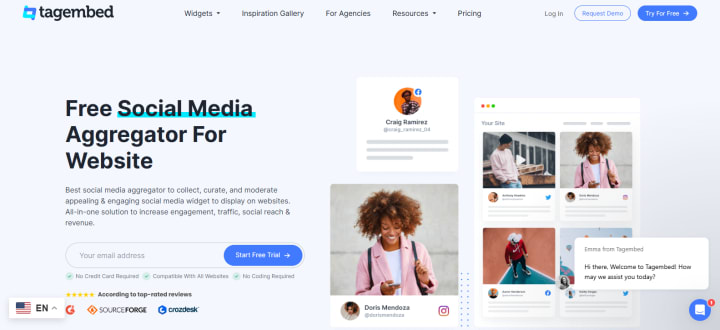
Tagembed is a powerful social media aggregator that allows businesses to showcase user-generated content (UGC) from multiple platforms directly on their website or digital displays. For businesses aiming to build credibility and encourage engagement, this tool is a must-have.
Key Benefits:
Real-Time Content: Aggregate content from platforms like Instagram, Twitter, and Facebook to create an engaging social wall.
Boosts Engagement: Displaying UGC builds trust with your audience, as it’s authentic content from real users.
Customizable Display: Match the display to your branding with customizable design options.
Best For: Small businesses looking to enhance website engagement with social proof and user-generated content.
2. Taggbox – Social Media Content Aggregator
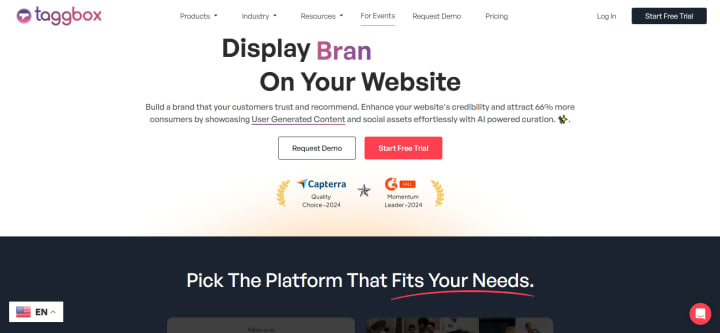
Similar to Tagembed, Taggbox is a versatile social media aggregator that enables brands to collect, curate, and showcase social media content on websites, at events, and on digital displays. Taggbox is ideal for businesses looking to drive interaction through user-generated content and enhance their brand presence.
Key Benefits:
UGC Curation: Pulls content from popular platforms and allows you to display it in real-time.
Customization: Offers design flexibility to match your brand’s style.
Increases Engagement: By showcasing authentic UGC, Taggbox increases time-on-page and improves audience trust.
Best For: E-commerce sites, event organizers, and brands focused on boosting their online reputation through UGC.
3. HubSpot – CRM & Marketing Automation
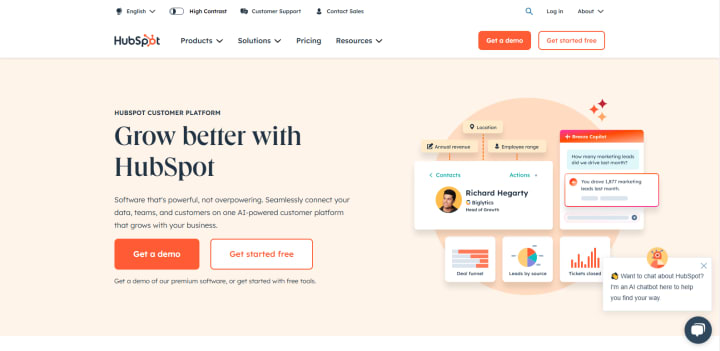
HubSpot is a comprehensive CRM and marketing platform that helps businesses manage customer relationships, automate marketing tasks, and analyze data. For growing businesses, HubSpot’s free CRM is a great entry point, with options to expand into paid tiers for more advanced marketing and sales capabilities.
Key Benefits:
Centralized CRM: Manage customer interactions across all touchpoints.
Marketing Automation: Automate emails, social media posts, and more.
Comprehensive Analytics: Track customer journeys and analyze campaign performance.
Best For: Businesses of all sizes looking for a one-stop CRM and marketing solution.
4. Slack – Team Collaboration & Communication
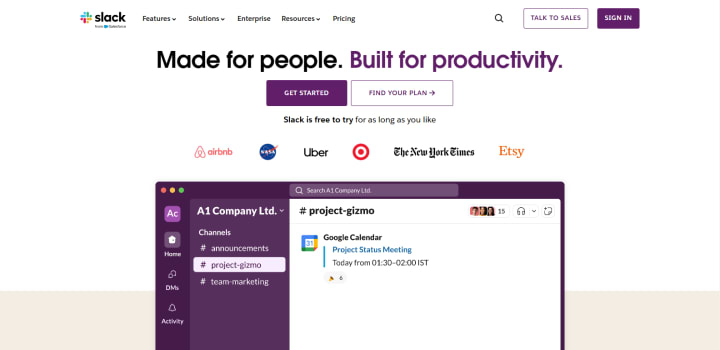
For team communication, Slack is a game-changer. Its intuitive interface and diverse features make Slack an essential tool for remote and hybrid teams, enabling seamless communication and collaboration. With channels, direct messaging, and integration with popular tools, Slack keeps teams connected.
Key Benefits:
Centralized Communication: Create channels for departments, projects, or topics.
Integrations: Connect with other tools like Google Drive, Zoom, and Asana.
Mobile Access: Stay connected with the team from anywhere.
Best For: Small to medium-sized teams, especially those working remotely or in hybrid environments.
5. Asana – Project Management
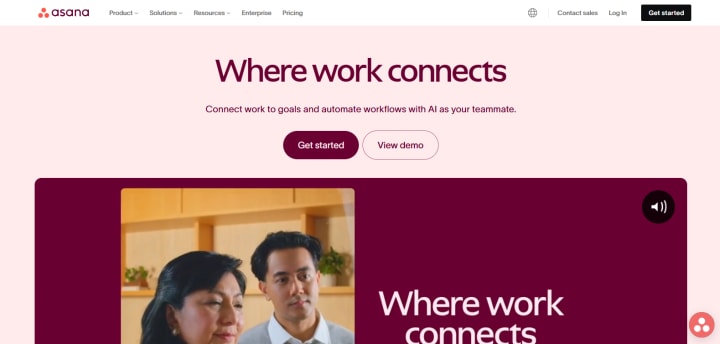
Project management becomes crucial as businesses grow, and Asana is one of the best SaaS tools available for this purpose. Asana’s project boards, task tracking, and timeline features allow teams to manage their projects effectively and meet deadlines.
Key Benefits:
Task Management: Organize tasks, set deadlines, and assign responsibilities.
Project Tracking: Visualize projects with boards and timelines for better organization.
Integration with Other Tools: Seamlessly connects with Slack, Google Drive, and more.
Best For: Teams needing efficient project planning and tracking.
6. Canva – Design & Marketing Content
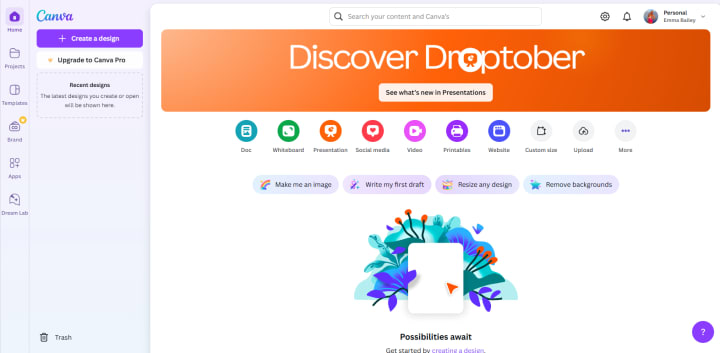
Canva is an intuitive design tool that allows anyone, regardless of design experience, to create visually appealing graphics for social media, ads, and presentations. Canva is ideal for businesses that need high-quality designs without hiring a graphic designer.
Key Benefits:
Ease of Use: User-friendly drag-and-drop editor.
Templates: Thousands of customizable templates for social media posts, ads, and more.
Brand Kit: Keep colors, fonts, and logos consistent.
Best For: Small businesses that need affordable, professional-looking graphics.
7. Google Analytics – Website & Data Analytics
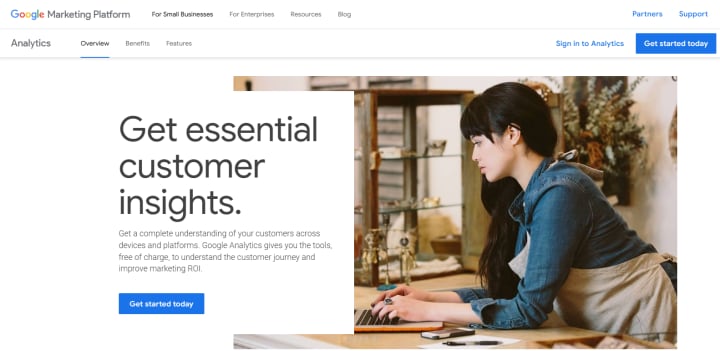
Google Analytics is a must-have tool for any website owner. It provides insights into website traffic, user behavior, and conversion rates, enabling businesses to make data-driven decisions. Best of all, it’s free, making it a go-to analytics tool for small businesses.
Key Benefits:
Detailed Insights: Understand your audience, track traffic sources, and monitor user behavior.
Goal Tracking: Set up and monitor specific goals like sales, sign-ups, or downloads.
Integration with Other Tools: Works seamlessly with Google Ads, Search Console, and other marketing tools.
Best For: Businesses looking to analyze and optimize their website performance.
8. Buffer – Social Media Scheduling & Management
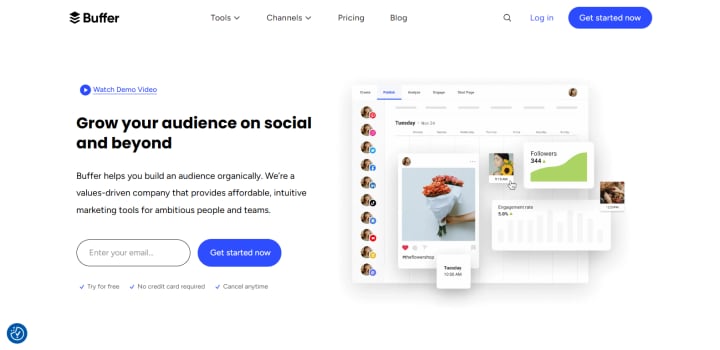
For businesses managing multiple social media accounts, Buffer is an excellent scheduling and analytics tool. Buffer allows users to plan, schedule, and analyze social media posts from a single platform, making social media management more streamlined.
Key Benefits:
Scheduling: Plan and publish posts on Facebook, Twitter, Instagram, and LinkedIn.
Analytics: Track engagement, reach, and performance across platforms.
User-Friendly Interface: Simple dashboard for easy management.
Best For: Small businesses and solopreneurs managing multiple social media accounts.
9. QuickBooks – Accounting & Finance
Keeping track of finances is crucial for any business, and QuickBooks simplifies this task. With features to manage invoicing, expenses, and payroll, QuickBooks provides a comprehensive accounting solution for small businesses.
Key Benefits:
Expense Tracking: Easily track income and expenses.
Invoicing: Create and send invoices directly from the platform.
Payroll Management: Streamline payroll processing.
Best For: Small business owners in need of an all-in-one accounting and financial management tool.
10. Zoom – Video Conferencing & Communication
In today’s remote work environment, Zoom has become essential for meetings, webinars, and virtual collaboration. Known for its reliability and ease of use, Zoom provides a dependable video conferencing solution for businesses of all sizes.
Key Benefits:
High-Quality Video and Audio: Reliable connection for meetings and presentations.
Webinars: Host virtual events and trainings.
Recording Features: Record meetings for later reference.
Best For: Businesses and teams looking for effective video conferencing solutions.
How to Implement and Integrate These Tools Effectively
To maximize the benefits of these tools, consider the following tips:
Start Small: Begin with one or two tools and gradually add more as your team becomes comfortable.
Integrate Seamlessly: Choose tools that integrate with each other, like Slack and Asana, to avoid data silos.
Automate: Use tools that offer automation features, like HubSpot’s marketing automation, to save time and reduce manual work.
Regularly Review Tool Effectiveness: Periodically assess each tool’s ROI to ensure it’s still meeting your business needs.
Maximizing ROI with SaaS Tools
To maximize ROI, ensure that each tool you use aligns with your goals:
Track Performance: Use built-in analytics to measure each tool’s impact.
Encourage Team Adoption: Host training sessions to ensure team members understand how to use each tool effectively.
Evaluate Periodically: Regularly assess whether each tool is still meeting your evolving business needs.
Conclusion
The right SaaS tools can transform your business operations, allowing you to streamline processes, enhance customer engagement, and scale efficiently. From social media aggregators like Tagembed and Taggbox to powerful project management tools like Asana and Slack, these tools are designed to help you grow your business effectively.
Take the time to explore these tools, try
About the Creator
Keep reading
More stories from baileyemma and writers in 01 and other communities.
Top 5 Digital Marketing Tools Every Small Business Needs to Grow in 2024
Small businesses have more chances than ever to connect with potential clients in the digital age. But in a competitive environment with limited resources, it's critical to identify the best solutions to increase effect and productivity. Small businesses can effectively compete by using digital marketing tools to increase visibility, enhance interaction, and expedite processes.
By baileyemmaabout a year ago in 01




Comments
There are no comments for this story
Be the first to respond and start the conversation.