
The Complete Guide to Hack Gmail Password in 2026: Understanding Threats and Protection
Learn how to hack a Gmail password and unauthorized access with this comprehensive guide.

Disclaimer: This article is for educational and informational purposes only. Unauthorized access to computer systems, including email accounts, is illegal under laws like the Computer Fraud and Abuse Act (CFAA) in the United States and similar legislation worldwide. This guide aims to help users understand threats to better protect their accounts, not to facilitate hacking.
Introduction: The Reality of Email Account Compromise
Google's Gmail serves over 1.8 billion users worldwide, making it a prime target for cybercriminals. Understanding how accounts are compromised is the first step toward effective protection. This comprehensive guide examines common attack vectors, professional security tools, and essential protection strategies based on cybersecurity research from authoritative sources including Google's own security team, Kaspersky Labs, and cybersecurity publications.
Tools Used by Hacker
Cybersecurity professionals use authorized tools to test security with permission. These same tools are sometimes misused by malicious actors:
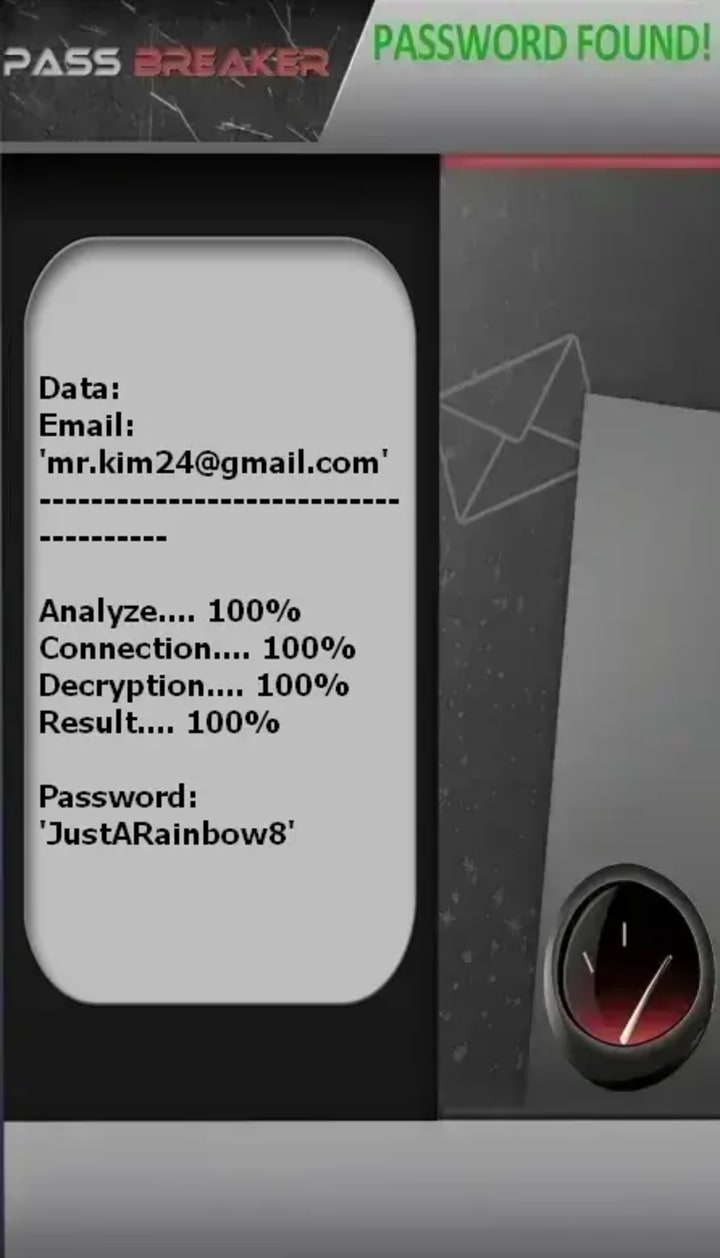
• PASS BREAKER (passwordrevelator.net/en/passbreaker) - An application that allows you to access a Gmail account (or Youtube) from an email. Using artificial intelligence, this application installs on your device and gives you access to any Gmail account.
• Metasploit Framework (rapid7.com/metasploit) - A penetration testing tool that security professionals use to discover and validate vulnerabilities

• Burp Suite (portswigger.net/burp) - A web vulnerability scanner used in authorized security assessments
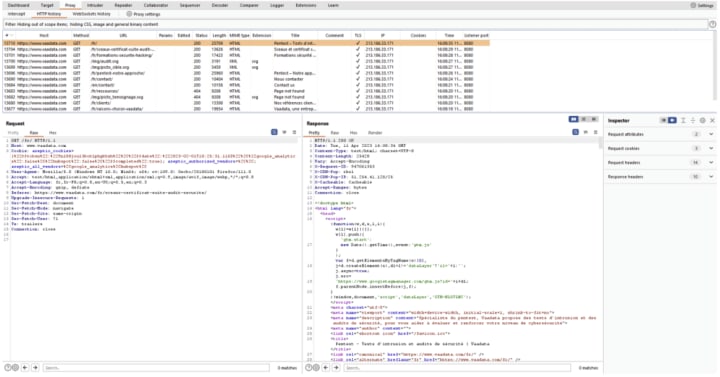
Important: Using these tools without explicit permission on systems you don't own is illegal.
Common Methods of Unauthorized Access
1. Phishing Attacks
Phishing remains the most prevalent method attackers use to compromise Gmail accounts. Sophisticated phishing campaigns mimic legitimate Google login pages to harvest credentials. According to Google's Threat Analysis Group, phishing attempts against Gmail users increased by 60% in 2023.
2. Credential Stuffing
Attackers use databases of previously breached username/password combinations, testing them against Gmail accounts. The 2023 Verizon Data Breach Investigations Report found that approximately 25% of breaches involved credential stuffing.
3. Social Engineering
Manipulation techniques convince users to voluntarily disclose their credentials or bypass security measures. This includes pretexting, baiting, and quid pro quo approaches targeting specific individuals.
4. Malware and Keyloggers
Malicious software installed on a user's device can capture keystrokes, including passwords, and transmit them to attackers. Remote Access Trojans (RATs) can give attackers full control over infected systems.
5. Session Hijacking
When attackers intercept authentication cookies, they can potentially gain access to accounts without needing the password itself, particularly on unsecured networks.
Comprehensive Protection Strategies
1. Enable Two-Factor Authentication (2FA)
Google's research shows that 2FA blocks 100% of automated bot attacks. Use:
• Google Authenticator (google.com/landing/2step)
• Physical security keys like Yubico (yubico.com)
• Google Prompt for push notifications
2. Use Strong, Unique Passwords
• Create passwords with at least 12 characters mixing letters, numbers, and symbols
• Never reuse passwords across multiple sites
3. Regular Security Checkups
Visit Google's Security Checkup (myaccount.google.com/security-checkup) monthly to:
• Review account activity
• Check connected devices
• Update recovery information
4. Recognize and Avoid Phishing Attempts
• Always check URLs before entering credentials
• Look for HTTPS and the padlock icon
• Be suspicious of urgent or threatening language in emails
• Never enter credentials after clicking links in emails
5. Keep Software Updated
• Enable automatic updates for your operating system
• Regularly update browsers and security software
• Use antivirus protection from reputable providers
6. Monitor Account Activity
• Regularly check "Last account activity" at the bottom of your Gmail page
• Set up suspicious activity alerts in Google Account settings
• Review connected apps and sites regularly
Frequently Asked Questions
Q: Can someone hack my Gmail without my password?
A: Yes, through methods like session hijacking, malware, or social engineering. However, enabling 2FA significantly reduces this risk.
Q: How can I tell if my Gmail has been compromised?
A: Signs include: unfamiliar sent messages, password change notifications, new recovery information, unexpected security alerts, or unfamiliar devices in account activity.
Q: What should I do if my Gmail is hacked?
A: Immediately use Google's Account Recovery (accounts.google.com/signin/recovery), run a security checkup, review connected apps, and enable 2FA if not already active.
Q: Are password managers safe to use?
A: Reputable password managers with strong encryption (like Bitwarden or 1Password) are generally safer than reusing weak passwords across multiple sites.
Q: How often should I change my password?
A: Security experts now recommend changing passwords primarily when there's evidence of compromise, rather than on a fixed schedule. Focus on creating strong, unique passwords for each service.
Q: What's more secure: SMS-based 2FA or authenticator apps?
A: Authenticator apps (like Google Authenticator or Authy) are generally more secure than SMS-based codes, which can be vulnerable to SIM-swapping attacks.
Conclusion: Building a Security-First Mindset
Protecting your Gmail account requires ongoing vigilance, not just one-time actions. Google continually updates its security measures, including AI-driven threat detection and advanced phishing protections. By combining Google's built-in security features with personal security best practices, users can significantly reduce their vulnerability to account compromise.
Remember that cybersecurity is a shared responsibility. Report suspicious emails to Google using the "Report phishing" option, and educate friends and family about these threats. The most effective defense against unauthorized access combines technology, awareness, and consistent security habits.
For additional resources on cybersecurity best practices, visit the Google Safety Center (safety.google).
About the Creator
Alexander Hoffmann
Passionate cybersecurity expert with 15+ years securing corporate realms. Ethical hacker, password guardian. Committed to fortifying users' digital safety.
Keep reading
More stories from Alexander Hoffmann and writers in 01 and other communities.
The Complete Guide to Hack Gmail & YouTube in 2026: Understanding Threats to Fortify Your Accounts
Why Your Google Account Is the Ultimate Digital Prize—And How to Protect It Your Google Account represents one of the most valuable targets in the digital landscape—a single key that unlocks Gmail, YouTube, Google Drive, Photos, and authentication for countless other services. With over 1.8 billion active Gmail users and YouTube's 2.5 billion logged-in monthly visitors, these accounts contain staggering amounts of personal, professional, and financial data. This guide examines the technical realities of account security from a professional cybersecurity perspective, providing legitimate protection strategies rather than exploitation methods.
By Alexander Hoffmann6 days ago in 01
Mobile App Development Seattle: Best Practices for Startups
It usually happens during the first real sprint review. The app exists now. Screens load. Buttons respond. Yet something feels fragile. A small change breaks another flow. Performance dips when more users log in than expected. A founder leans back and realizes the uncomfortable truth.
By Mike Pichai6 days ago in 01




Comments
There are no comments for this story
Be the first to respond and start the conversation.