
n8n vs Zapier vs Make.com: The No-Code Automation Showdown
Stop wasting hours—find your ideal no-code partner.

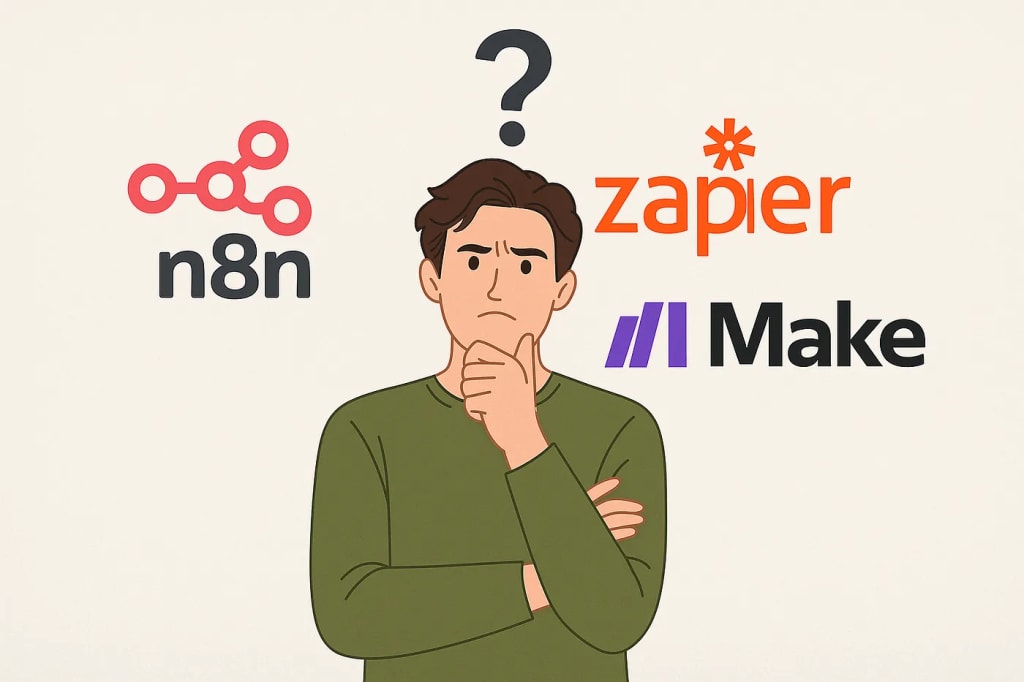
Are you drowning in repetitive tasks? Copy-pasting data between apps, manually triggering workflows, or spending hours building duct-tape systems that break every week? You’re not alone.
In today’s fast-paced digital world, creators, solopreneurs, and lean teams need automation not as a luxury — but as survival.
Whether you’re running an online store, managing a newsletter, or building SaaS tools, choosing the right automation platform can save you hundreds of hours and thousands of dollars.
But here’s the challenge: which automation platform fits your workflow, skill level, and growth goals best?
In this guide, we compare three of the most popular no-code/low-code automation tools in 2025: Zapier, Make.com (formerly Integromat), and n8n.
Each of these workflow automation platforms offers a unique approach to streamlining repetitive tasks, integrating cloud apps, and building scalable business logic — without writing full-stack code.
🔍 Platform Overview
n8n
Type: Open-source automation platform
Pricing: Free (self-hosted) + Paid cloud plans
Hosting: Self-hosted or Cloud
Code Flexibility: High (Node.js, JS snippets)
Zapier
Type: SaaS automation tool
Pricing: Free tier + Paid from $19.99/month
Hosting: Cloud only
Code Flexibility: Low (limited code steps)
Make.com (Integromat)
Type: Visual automation builder
Pricing: Free tier + Paid from $10/month
Hosting: Cloud only
Code Flexibility: Moderate (advanced modules + JS)
🔧 Ease of Use
Zapier is the easiest to get started with. Its clean UI and vast template library make it perfect for beginners.
Make.com has a more powerful visual builder, with drag-and-drop interfaces and modular logic, but it takes time to master.
n8n is geared toward developers or power users. If you’re comfortable with workflows and APIs, it’s incredibly flexible — but less beginner-friendly.
💡 Flexibility & Features
n8n supports conditionals, branching, loops, and custom scripting. It’s ideal for building complex, backend-style automations.
Zapier is great for simple, trigger-action workflows across thousands of tools — but falls short in complex logic unless you pay more.
Make.com supports routers, filters, error handling, scheduling, and data flow visuals — offering a middle ground between Zapier’s ease and n8n’s power.
🛠 Use Case Highlights
Use Case: Simple automations (e.g., Gmail → Slack)
Best Tool: Zapier
Why: Easy setup, rich template library
Use Case: SaaS backend automation
Best Tool: n8n
Why: Full customization and self-hosting support
Use Case: Marketing campaign management
Best Tool: Make.com
Why: Visual logic builder + advanced scheduling + integrations
🌐 Community & Ecosystem
n8n has an active open-source developer base, plugin architecture, and vibrant community on GitHub/Discord.
Zapier offers robust documentation and customer support but minimal extensibility.
Make.com has an engaged user base, growing learning resources, and integration-focused roadmap.
🧭 Which One Should You Choose?
✅ Choose Zapier if you’re a non-technical solo operator who needs simple, reliable automation now. Great for marketing teams, admin tasks, and creators with basic needs.
🧠 Choose Make.com if you want more visual power and logic depth without going full dev mode. Ideal for tech-savvy marketers, operations managers, and freelancers.
🔧 Choose n8n if you’re a developer, power user, or privacy-first builder. Best for custom SaaS flows, complex backends, or if you’re self-hosting.
🚀 Pro Tip: If you’re building scalable workflows, integrating with APIs, or need GDPR-compliant automation, n8n’s self-hosted architecture is ideal.
🔗 Resources
You can explore these platforms directly:
n8n.io
zapier.com
make.com
Which one are you using, or planning to try? Drop your thoughts in the comments.
About the Creator
Scott Ross
To survive is to find passion in your journey.
Keep reading
More stories from Scott Ross and writers in 01 and other communities.
Miss Persephone's Manual to a Seemingly Ordinary Life
Miss Persephone was found at the dining table, her blue eyes swollen, her tears arriving and retreating like the tides of the ocean. Earlier that day, her family had visited her in the retirement home where she had lived for eight years. It was her eightieth birthday.
By Imola Tóth7 days ago in Fiction




Comments
There are no comments for this story
Be the first to respond and start the conversation.