
How to Use Sabre Flight Search API for Real-Time Booking
Learn how to use Sabre Flight Search API for real-time bookings and smooth travel integration in your app or platform.

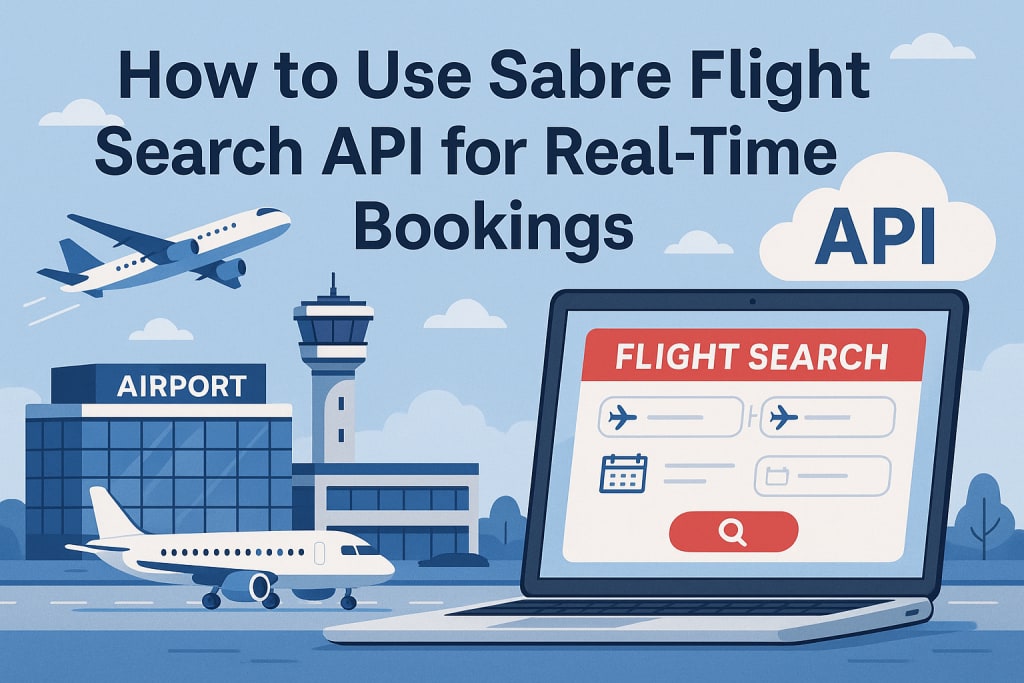
In today’s digital travel world, people expect instant access to flight options no delays, no outdated information. To meet this demand, travel platforms need something powerful working behind the scenes. That’s where the Sabre Flight Search API comes in.
Sabre is one of the leading names in travel technology. Their flight search API allows travel websites and apps to offer real-time flight data, accurate pricing, and seamless booking experiences. A proper Sabre API integration helps businesses deliver these capabilities effortlessly, enhancing both performance and user satisfaction.
Step-by-Step Guide to Using the Sabre Flight Search API
Step 1: Set Up Your Developer Account
Before you can start using the API, you’ll need to create a free account on Sabre Dev Studio. This is where you’ll access the tools and documentation to build and test your integration.
Once you’ve signed up, you’ll be able to create your own app inside the dashboard this is what unlocks your development access. Think of it as your backstage pass to Sabre’s travel data.
Step 2: Generate API Credentials
After creating your app, Sabre gives you a set of credentials: a client ID and client secret. These act like your app’s username and password for talking to the API.
You’ll also get two important URLs one for testing and one for when you’re ready to go live. These credentials are what you’ll use to authenticate your app securely, so keep them safe.
Step 3: Understand the Endpoint & Parameters
Now that you're all set up, it’s time to understand what the API needs to do its job. The Sabre Flight Search API works by receiving specific details like where your user is flying from and to, travel dates, number of travelers, and their cabin preferences.
You can also add filters for things like non-stop flights or preferred airlines. This flexibility helps you offer results that match exactly what your customers are looking for.
Step 4: Make a Test API Request
Before going live, you’ll want to test everything using Sabre’s sandbox environment. This lets you send sample requests and see how the API responds all without affecting real bookings.
During testing, you’ll simulate real-world searches and confirm that the API returns correct flight data, prices, and availability. It’s your chance to make sure everything works smoothly before launching to users.
Step 5: Parse and Display Real-Time Results
Once the data starts coming in, your job is to present it clearly to your users. You’ll take the results from the API — like airline names, flight times, prices, and baggage info — and display them in a clean, easy-to-understand format.
Good UI/UX is key here. Travelers love being able to compare prices, filter by their preferences, and find the best deals fast. This is where your platform really shines.
Key Features of Sabre Flight Search API
Real-Time Flight Availability
One of the biggest benefits of using Sabre’s API is that it gives you live flight data. Your users see exactly what’s available at that moment — no outdated schedules or “sold out” surprises.
Multi-Carrier Fare Search
The API can pull in options from multiple airlines at once, even combining them into one trip if needed. Whether it's a roundtrip on one airline or a mix of carriers for the best deal, Sabre handles it all.
Advanced Filtering Options
Want to show only non-stop flights? Or only flights from a certain airline? The API makes this easy. You can customize search results based on things like:
Number of stops
Travel class (like Economy or Business)
Departure and arrival times
Specific airline preferences
It gives users more control, and that leads to better bookings.
Common Use Cases and Applications
Real-Time Flight Comparison for Travel Websites
If you run a travel website, integrating Sabre’s API means your visitors can search, compare, and book flights without delays. It keeps your platform fast, modern, and competitive.
Mobile Apps for Last-Minute Flight Bookings
People on the go need fast answers. Whether someone’s booking from an airport or looking for a spontaneous getaway, a mobile app using the Sabre API can show real-time flight options and pricing in seconds.
AI-Powered Travel Assistants and Bots
With the rise of AI and chatbots, Sabre’s API is a great fit for conversational travel booking. It lets your chatbot respond with real-time flight options when someone says, “Find me the cheapest flight to London this weekend.”
Conclusion
The Sabre Flight Search API is more than just a technical tool it’s a game-changer for travel platforms that want to deliver fast, accurate, and personalized booking experiences.
With real-time flight data, flexible search filters, and support for multi-airline options, it gives your users everything they need to book smarter. Whether you're building a travel app, website, or even an AI assistant, integrating this API helps you stay competitive in a fast-changing travel industry.
About the Creator
Nico Gonzalez
Hi, I'm Nico Gonzalez! I'm passionate about technology, software development, and helping businesses grow. I love writing about the latest trends in tech, including mobile apps, AI and more.
Keep reading
More stories from Nico Gonzalez and writers in 01 and other communities.
How to Choose the Right Generative AI Tech Stack
As generative AI becomes a game-changer across industries from content creation to customer service building the right tech stack has never been more critical. Whether you're developing a text-based chatbot, an image generator, or a voice assistant, your choice of tools, frameworks, and infrastructure will directly affect your app’s performance, scalability, and cost.
By Nico Gonzalez7 months ago in 01
Responsible AI Development Design, Testing, and Governance for Teams
Artificial Intelligence is transforming how enterprises operate — from automation and predictive analytics to intelligent customer experiences. In fact, over 90% of firms use AI in some capacity today, with adoption expanding quickly across departments and workflows.
By Jakob Stanelya day ago in 01
RAG on Mobile: Embedding Vector Databases in Production
The industry is changing. By 2026, we have moved away from cloud AI. We now favor "Local-First" architectures. These systems prioritize user privacy. They offer offline functionality. They also reduce network latency. This shift toward RAG on mobile is a major transition. RAG stands for Retrieval-Augmented Generation. It is a way to give AI better context.
By Devin Rosario5 days ago in 01
Tatt~Master
— Assembly Line Tatt Machine ~ Impressions to Impress — As I begin to understand more about the Tattoo Phenomenon. I've written silly, yet verbatim, dating site anecdotes in 'Frazzled.' So let me ask you: Would you be More attracted to someone slathered with tattoos, or Less?
By Jay Kantor2 days ago in Humor




Comments
There are no comments for this story
Be the first to respond and start the conversation.