
Helpdesk Ticketing System: A Complete Guide to Enhancing Customer Support
Helpdesk Ticketing System
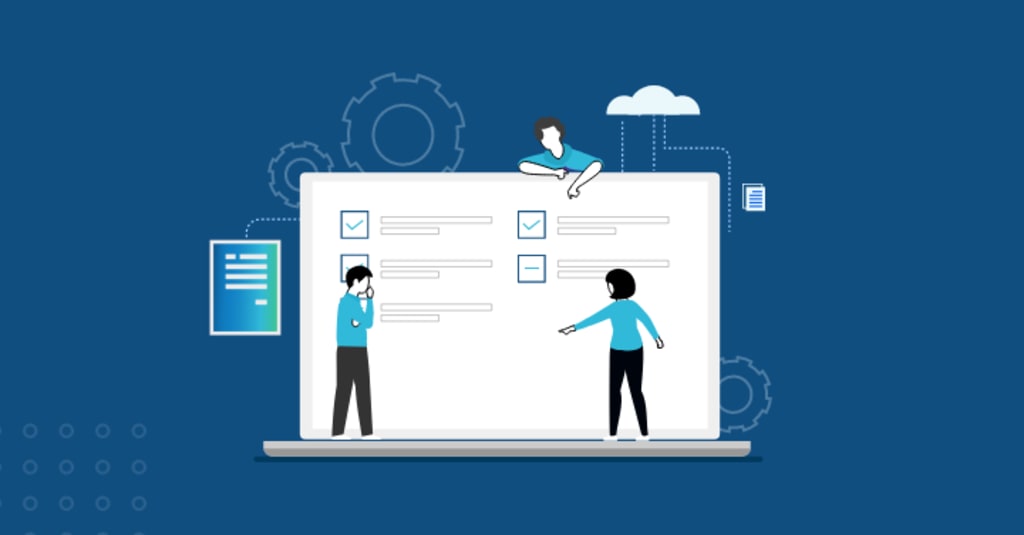
One of the most effective ways to ensure your support team is efficient, responsive, and organized is by implementing a Helpdesk Ticketing System. Whether you run a small business or manage a large organization, a helpdesk ticketing system can drastically improve the way your support team handles customer issues.
This article will explore what a helpdesk ticketing system is, its features, benefits, and how it can help transform your customer service operations.
What is a Helpdesk Ticketing System?
A Helpdesk Ticketing System is a software solution designed to help support teams manage, track, and resolve customer issues or queries. It allows businesses to create, assign, and monitor tickets for each customer request, ensuring no issue is overlooked. These systems serve as a centralized hub where all customer interactions are logged, providing a streamlined approach to solving problems efficiently.
Key Features of a Helpdesk Ticketing System
Ticket Creation and Management: Every customer query or issue is logged as a "ticket" that includes relevant details like the issue description, priority level, and customer information. This ensures that all tickets are systematically tracked and managed until resolution.
Automated Ticket Routing: Helpdesk systems can automatically route tickets to the right department or agent based on predefined rules. This eliminates confusion and speeds up response times by ensuring that the right person handles each case.
Customizable Ticket Forms: Many helpdesk systems offer customizable forms that allow you to capture specific information about customer issues. This helps agents to understand the problem better and resolve it faster.
Prioritization and SLA Management: A ticketing system can categorize tickets based on priority (e.g., low, medium, high) and ensure compliance with service level agreements (SLAs). This feature helps prioritize critical issues and meet customer expectations within agreed timelines.
Knowledge Base Integration: A knowledge base or FAQ section can be integrated within the ticketing system, enabling customers to find solutions to common issues on their own. This reduces the volume of incoming tickets and enhances customer self-service.
Multi-channel Support: A modern helpdesk system consolidates tickets from various channels such as email, live chat, phone calls, and social media platforms into a single platform. This ensures that no matter how customers reach out, their issues are captured and managed effectively.
Analytics and Reporting: Advanced helpdesk systems offer analytics tools to track key metrics such as response time, ticket resolution time, customer satisfaction, and more. These insights help businesses identify areas of improvement and optimize their support processes.
Collaboration Tools: Helpdesk ticketing systems often come with internal communication features that enable agents to collaborate and resolve tickets more effectively. These tools help teams work together in real-time, ensuring quicker resolutions.
Benefits of Using a Helpdesk Ticketing System
1. Improved Efficiency and Productivity
A helpdesk ticketing system streamlines support workflows by automating ticket creation, routing, and prioritization. With a structured approach, support teams can work more efficiently, reducing time spent on administrative tasks and focusing on solving customer problems.
2. Enhanced Customer Satisfaction
By providing a centralized platform for managing customer issues, helpdesk systems ensure faster response times and better service delivery. Customers appreciate timely resolutions, and this leads to higher satisfaction levels and loyalty.
3. Better Collaboration and Communication
With integrated collaboration tools, support agents can easily discuss complex cases with colleagues or escalate issues to higher-level technicians. This promotes a more cohesive support team, ensuring that complex issues are resolved promptly.
4. Increased Accountability and Transparency
Helpdesk systems provide clear visibility into the status of every ticket, making it easy to track progress, identify delays, and hold team members accountable. Managers can easily monitor the team's performance and ensure that SLAs are met.
5. Cost Savings
By reducing manual processes and improving ticket resolution times, a helpdesk ticketing system can significantly cut operational costs. It also minimizes the likelihood of errors, reducing the need for costly rework.
6. Scalability
As your business grows, your customer support needs will grow too. A helpdesk ticketing system is scalable, allowing you to handle a higher volume of tickets without sacrificing the quality of service.
How to Choose the Right Helpdesk Ticketing System
When selecting a helpdesk ticketing system for your business, there are several factors to consider:
Ease of Use: The system should be user-friendly for both agents and customers. A complex system may cause delays and frustration, so choose one that is intuitive and easy to navigate.
Customization Options: Choose a system that allows you to customize ticket forms, workflows, and automated processes to suit your specific business needs.
Integration Capabilities: Ensure that the system integrates well with other tools you use, such as CRM software, email marketing platforms, and communication tools.
Security: Since your helpdesk will store sensitive customer data, security features such as data encryption, access control, and GDPR compliance are critical.
Cost-Effectiveness: While it's important to find a system that fits your budget, don't compromise on essential features. Compare different systems and choose one that offers the best value for money.... Read More on KYourC
About the Creator
Keep reading
More stories from Ravi Kumar and writers in 01 and other communities.
The Ultimate Guide to Helpdesk Ticketing Systems: Features, Benefits, and Best Practices
A Helpdesk Ticketing System is one of the most effective tools that can help businesses streamline customer support, resolve issues efficiently, and enhance user satisfaction. Whether you are a small startup or a large enterprise, understanding the role and benefits of a helpdesk ticketing system is crucial.
By Ravi Kumarabout a year ago in 01
Is Building a TradeZella Clone the Right Move? Guide to Launch a Trading Platform
The trading digital environment has changed a lot over the years, and the traders now heavily depend on platforms that enable them to effectively monitor and analyze their trades. One of such platforms is the TradeZella, with its advanced trade journaling and analytics capabilities. To those who might be interested in coming up with a similar solution, a TradeZella Clone would be an effective place to start.
By Ibrahim Khan2 days ago in 01



Comments
There are no comments for this story
Be the first to respond and start the conversation.