
Hardening Linux: Why Antivirus and HIDS Deserve a Place in Your Security Stack
Hardening Linux

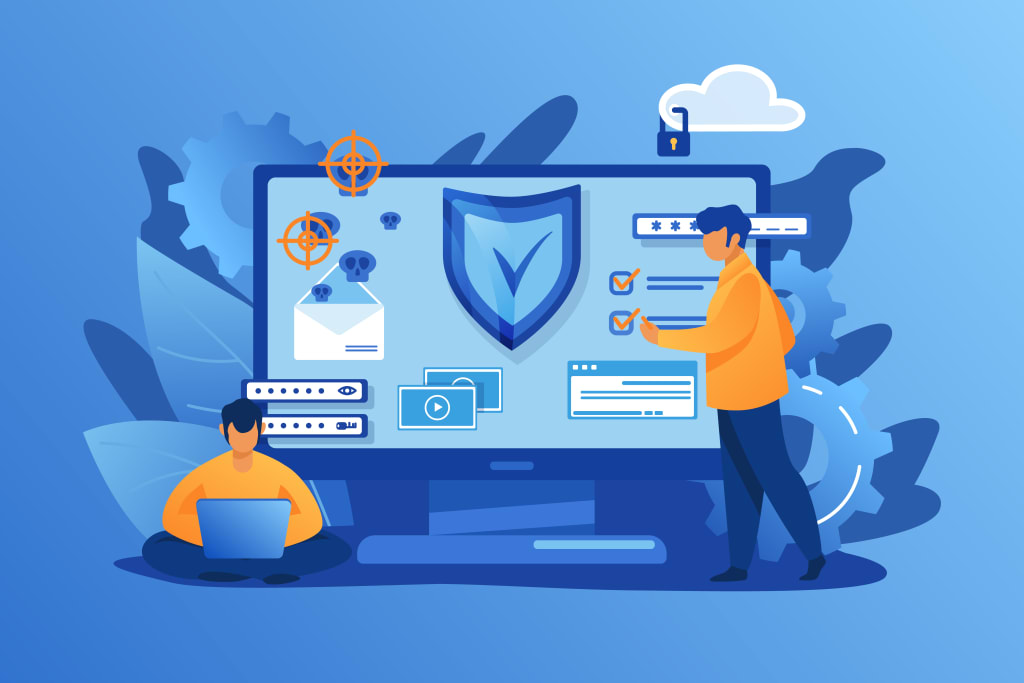
Introduction
In my POV - Linux has a reputation for being “the secure OS” to some extent, that’s earned. It’s lean, permissions-driven, and less targeted than Windows.
But let’s not fool ourselves. Linux is everywhere now—cloud servers, developer workstations, CI/CD pipelines, IoT devices. And wherever Linux goes, cybercriminals are starting to follow.
If your organization runs on Linux, relying on default security settings just won’t cut it anymore. You need a proactive strategy—and that starts with combining antivirus and Host Intrusion Detection Systems (HIDS).
Let’s break down what that looks like in the real world.
1. Why Linux Isn’t Immune Anymore?
Linux has grown far beyond backend file servers. It’s the backbone of modern infrastructure, from AWS instances to edge computing. With that kind of reach, it's a much juicier target today than it was ten years ago.
We’re seeing more:
- Rootkits that slip under the radar
- SSH brute-force attacks
- Crypto miners hiding in containers
- Supply chain risks introduced through insecure repositories
And on top of the technical threats, compliance standards like GDPR, HIPAA, and SOC 2 now expect security monitoring across all platforms—including Linux.
2. What “Hardening” Linux Really Means?
When people talk about “hardening” a Linux system, they usually mean tightening up default settings. Sure, that includes things like:
- Disabling unnecessary services
- Using strong, unique user permissions
- Keeping the OS and packages up to date
But in 2025, that’s just table stakes.Hardening today means adding visibility. That’s where tools like antivirus and HIDS come in. They let you detect what your eyes (and logs) can’t always see.
3. Antivirus for Linux: Yes, It’s Worth It
It’s not 2005 anymore—Linux malware exists. And it’s getting sneakier.
Antivirus for Linux tools help you to catch:
- Keyloggers and credential-stealers
- Malicious scripts downloaded from untrusted sources
- Payloads in tarballs or GitHub repos
- Modified binaries and suspicious file behavior
Basic scanning can be accomplished using tools like ClamAV, but enterprise tools like Sophos, Bitdefender or ESET are better suited for real-time security and more comprehensive threat detection.
No, they’re not bloated. Yes, they can run efficiently—even on production systems.
4. What HIDS Brings to the Table?
Now let’s talk about HIDS. Unlike antivirus, which focuses on identifying bad files, HIDS is all about behavior.
Imagine someone logs in with a valid user account at 3AM, and a config file changes 30 seconds later. Your antivirus won’t blink. But your HIDS should throw up a red flag.
HIDS Monitors:
- File changes (especially in sensitive areas like /etc/ or user directories)
- Authentication attempts and login behavior
- System logs and unexpected command executions
And if something strange happens, it can notify you instantly.
5. How HIDS Works? (Without Killing Your Performance)
Most HIDS tools work by running lightweight agents on your system. They:
- Track file integrity
- Scan logs for patterns or anomalies
- Compare system behavior to rules you define
Some tools (like AIDE) are barebones and only do file integrity. Others, like Wazuh or OSSEC, go much deeper—offering dashboards, SIEM integration, and even built-in alerting via Slack or email.
You control how deep the monitoring goes. When tuned right, it won’t slow your system down.
6. Popular HIDS Tools Worth Checking Out:
Here are a few of the best options, based on what you need:
OSSEC – Open-source, scriptable, decent for log monitoring and file tracking
Wazuh – A modern fork of OSSEC, with added UI, rule templates, and cloud support
AIDE – Minimalist and good for low-resource environments
Samhain – Scalable and stealthy, great for detecting rootkits or tampering
Pro tip : If you’re using a centralized logging setup like ELK or Splunk, make sure your HIDS integrates cleanly with it.
7. Why Antivirus and HIDS Work Better Together?
Let’s say a malicious user uploads a script to your server:
- Your antivirus might detect the file and quarantine it.
- But what if the script runs before that? Or what if it modifies a config file before being deleted?
- This is where HIDS kicks in. It watches for:
- The file being executed
- The config file being edited
- The unexpected user login
- that preceded it
Together, AV and HIDS give you detection + context. That’s what makes the difference between reacting to an incident—or preventing it.
8. Real-World Scenarios Where This Matters
- Web server in a DMZ: Antivirus for Linux handles file uploads. HIDS watches for web shell activity.
- CI/CD build server: AV scans for malicious dependencies. HIDS alerts you if builds suddenly change structure.
- Linux workstation: Antivirus prevents malware downloads. HIDS logs and alerts when sensitive files are modified.
- Cloud containers: Tools like Falco act as HIDS for container runtime behavior.
9. Tips for Getting It Right:
Here’s how to keep your hardened Linux environment secure and manageable:
- Keep antivirus definitions updated daily
- Review and fine-tune HIDS rules regularly
- Test your alerts—don’t wait for an attack to find out if they work
- Centralize your logs for better incident response
- Set up MFA and restrict root login where possible
Conclusion:
Linux still has a strong security backbone—but it’s not bulletproof. As attackers become smarter and Linux plays a bigger role in infrastructure, visibility is your best friend.
By combining antivirus with a Host Intrusion Detection System, you’re giving your team the tools to stop threats early—and respond faster when something slips through.
Security isn’t about being perfect. It’s about being prepared.
FAQs
Q1: Do I still need antivirus if I’m running a locked-down Linux server?
Yes. Especially if the server connects to the internet or processes files from external sources.
Q2: Will HIDS slow down my machine?
Not if it’s configured right. Start with basic file monitoring and build from there.
Q3: How often should I check HIDS alerts?
Ideally, daily. But at the very least, have automated alerts set up for critical rules.
Q4: What’s a good low-budget combo?
Use ClamAV for antivirus and Wazuh for HIDS. Both are free and well-supported by the community.
Q5: Can HIDS detect insider threats?
Yes—especially changes to critical files, user accounts, or odd login behavior. It’s one of its strengths.
About the Creator
Patricia Leader
Patricia Leader is a tech blogger who writes about Python, AI, and Machine Learning. She simplifies complex topics to help readers understand and apply them in real-world scenarios.
Keep reading
More stories from writers in 01 and other communities.
Replica Designer Handbags and Luxury Designer Purses: A Cultural Perspective
Handbags are among the most consistently used personal items in modern life. While often discussed in relation to fashion, their significance extends far beyond visual appeal or brand recognition. Handbags function as everyday tools, supporting routine activities such as work, travel, and social engagement. Within this broader context, conversations around Replica Designer Handbags and Luxury Designer Purses reflect changing attitudes toward access, value, and practicality rather than simple questions of trend or status.
By charliesamuel4 days ago in 01



Comments
There are no comments for this story
Be the first to respond and start the conversation.