
Flutter Widgets Explained: Stateless vs Stateful Widgets
App Widgets Explanation
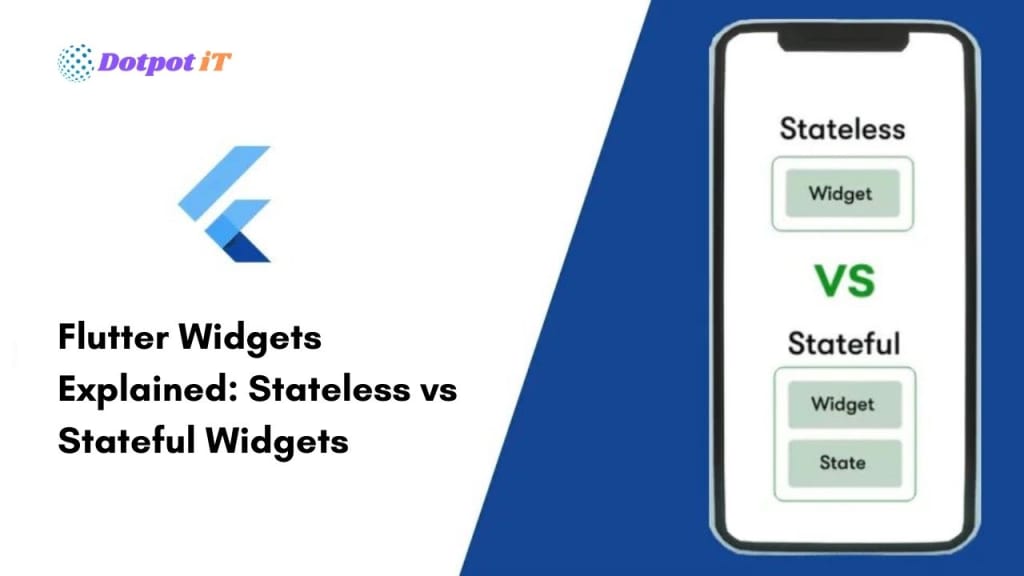
If you’ve ever wanted to build a mobile app using Flutter, you’ve probably come across the terms Stateless Widget and Stateful Widget. But what do they really mean, why do they matter, and how do you decide which to use?
This guide will demystify Flutter widgets, making it easy for any beginner to understand their purpose and how to use them effectively.
👉 Want a custom app built with the latest Flutter best practices? See how Dotpotit.com can help.
What Is a Widget in Flutter?
In Flutter, everything is a widget.
A widget controls a part of the app’s UI (user interface): a button, a text label, a layout, or even a whole screen. Flutter’s widget system is what gives it flexibility and power.
There are two main categories of widgets: Stateless and Stateful.
Let’s break down the differences.
Stateless Widgets
A StatelessWidget is, as the name suggests, a widget that does not change once it’s built; its properties remain the same throughout its lifetime. It’s ideal for parts of your UI that don’t need to update dynamically.
Common Examples:
- AppBar
- Text
- Icon
- Static Images
Sample Code:
class MyGreeting extends StatelessWidget {
@override
Widget build(BuildContext context) {
return Text('Hello, world!');
}
}
When to Use:
- Displaying static text or images
- Buttons with fixed labels
- Layout elements that never change
Need static screens or marketing pages for your app? Our Flutter experts at Dotpotit.com can build them fast and pixel-perfect.
Stateful Widgets
A StatefulWidget can change over time. It’s perfect for dynamic screens or interactive features where you want your UI to update when something happens (like a button press or data fetch).
Common Examples:
- Forms
- Animations
- Lists that update
- User input fields
Sample Code:
class CounterWidget extends StatefulWidget {
@override
_CounterWidgetState createState() => _CounterWidgetState();
}
class _CounterWidgetState extends State<CounterWidget> {
int _count = 0;
void _increment() {
setState(() {
_count++;
});
}
@override
Widget build(BuildContext context) {
return Column(
children: [
Text('Count: $_count'),
ElevatedButton(
onPressed: _increment,
child: Text('Increment'),
),
],
);
}
}
When to Use:
- Forms that validate or update as the user types
- Real-time data displays
- Animations and user-triggered events
Want interactive features or real-time updates in your app? Discover our advanced Flutter development at Dotpotit.com.
Choosing Between Stateless and Stateful
Here’s a simple way to decide:
If your widget never changes (e.g., static logo, welcome message), use StatelessWidget.
If your widget changes as a result of user actions, data loading, or time, use StatefulWidget.
Still unsure?
Get a free consultation from Dotpotit.com, and our team will guide you through the best practices for scalable app architecture.
Pro Tips for Using Widgets in Flutter
- Keep widgets small and focused. Each widget should have a single responsibility.
- Nest widgets to build complex UIs from simple building blocks.
- Use Flutter’s rich widget library, don’t reinvent the wheel!
Want your app to be future-proof and scalable?
See how Dotpotit.com’s app development team crafts robust Flutter solutions.
Final Thoughts
Understanding the difference between Stateless and Stateful widgets is a foundational skill for any Flutter developer. Once you master these concepts, you’ll find building even complex interfaces feels logical and manageable.
Whether you’re coding your first app or looking to scale up a growing project, choosing the right widget structure is essential for performance and maintainability.
Need help with your Flutter project or want to hire a trusted development team? Contact Dotpotit.com for modern, scalable Flutter app development!
Stay tuned for more Flutter tips, deep dives, and practical guides—coming soon!
About the Creator
Keep reading
More stories from writers in 01 and other communities.
JobWeiterbildung Scales Training Infrastructure to Address Mandatory Regulatory Requirements in Germany
Germany is renowned for its stringent regulatory framework, particularly concerning professional qualifications and continuous education. The concept of "Weiterbildung", which translates to further education or continuing professional development, is not merely encouraged but often legally mandated across a diverse range of industries. This pervasive requirement ensures that professionals across the nation consistently uphold high standards of competence, adapt to evolving industry practices, and comply with crucial safety protocols. For both individuals seeking to advance their careers and businesses striving to maintain operational legality and excellence, understanding and adhering to these mandates is paramount. The landscape of German professional development is complex, requiring a clear strategy to identify, access, and successfully complete the necessary training modules that are often tied to specific sectors and roles, preventing potential legal pitfalls and ensuring a skilled workforce.
By charliesamuelabout 13 hours ago in 01
Center Stage with Paul Stewart
*** I'm keen to republish the interviews I did for my series with Vocal creators. It's been a few years and I thought it might be nice to revisit these wonderful conversations. I'll be releasing them one at a time for a few weeks/months.
By Heather Hubler7 days ago in Interview




Comments
There are no comments for this story
Be the first to respond and start the conversation.