
Cracking a Gmail Account: Here Are the Hackers’ Methods
Do you always wanted to know how Gmail passwords are compromised? Here are the 2026 methods.


Every year, millions of Gmail accounts fall victim to cyberattacks, exposing personal, professional, and financial data to critical risks. According to Google’s annual security report, over 100,000 accounts are reported as compromised each month — and this figure represents only a fraction of actual incidents.
Gmail accounts are prime targets for cybercriminals. They often serve as master keys to other services — social media, online banking, cloud storage — and contain highly sensitive information, including contacts, emails, and private documents.
This article aims to educate users about the advanced techniques hackers use to breach Gmail accounts. It is not intended to encourage or facilitate unauthorized access, but rather to strengthen your digital security by helping you recognize threats and adopt effective protective measures. We’ll explore common Gmail hacking techniques, exploitable vulnerabilities, and — most importantly — how to safeguard your Google account and personal data.
Advanced Hacking Methods
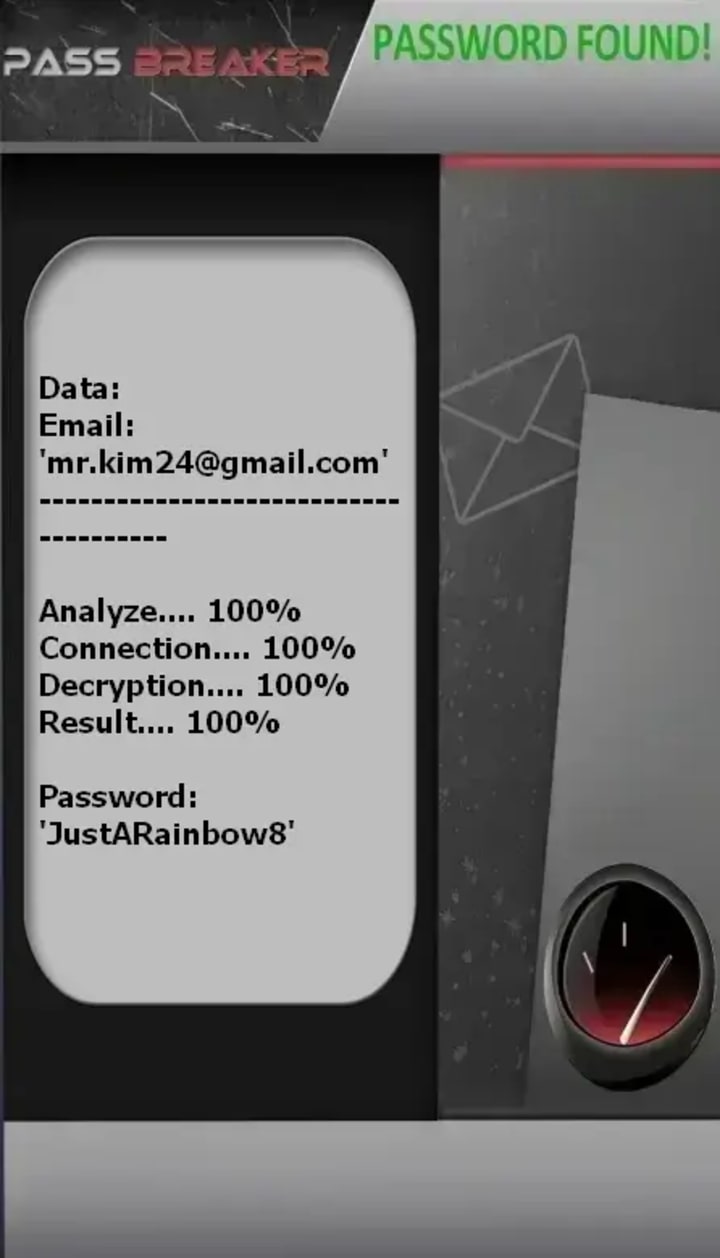
1. PASS BREAKER
This application lets you crack the password for a Gmail account using its email address, allowing you to log in. You can download it from its official website: https://www.passwordrevelator.net/en/passbreaker
Cybercriminals no longer rely on basic attacks. Today, they deploy sophisticated, often automated techniques to bypass traditional defenses. Below are the most prevalent methods.
2. Next-Generation Phishing
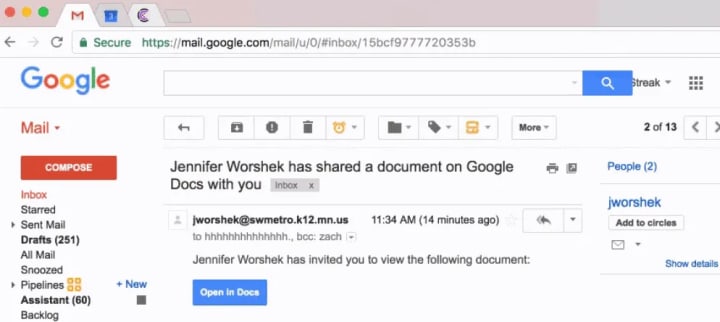
Modern phishing goes far beyond poorly written emails. Attackers now use spear phishing (highly targeted attacks) or whaling (aimed at executives) to craft hyper-realistic scenarios: fake Google support messages, urgent security alerts, or notifications from banks or social networks.
They design near-perfect replicas of Gmail’s login page, hosted on deceptive domains (e.g., g00gle-login.com). These links are often hidden behind malicious URL shorteners, making detection difficult. The goal? To steal your credentials through social engineering.
3. SIM Swapping Attacks
In a SIM swap, attackers fraudulently convince your mobile carrier to transfer your phone number to a SIM card they control. Once they own your number, they can intercept SMS-based two-factor authentication (2FA) codes and reset your Gmail password.
This method exploits a critical weakness in SMS-based 2FA — highlighting the need for stronger authentication alternatives.
4. Exploiting Account Recovery Vulnerabilities
Hackers study Google’s account recovery process. If they know your backup email, have answers to your security questions (often found on social media), or possess data from past breaches, they can bypass security measures.
For example, your birthdate or your first pet’s name — posted publicly on Facebook — can become entry points to hijack your recovery options.
5. Man-in-the-Middle (MITM) Attacks on Unsecured Networks
On unsecured public Wi-Fi (in cafes, airports, or train stations), attackers can intercept communications between your device and Google’s servers. If you log into Gmail without verifying the connection’s security, your credentials may be captured in plain text via a MITM attack.
Even with HTTPS, poorly configured systems or fake SSL certificates can enable such interceptions.
6. Advanced Malware and Exploit Kits
Exploit kits are automated tools that infect devices through compromised websites or malicious email attachments. Once installed, advanced malware — such as keyloggers or Trojan horses — can steal login credentials, session cookies, or even take control of your browser.
These spyware programs often run silently in the background, undetected by the user.
Advanced Protection Strategies
Securing your Gmail account requires more than just a strong password. It demands a proactive, multi-layered defense.
1. Strong Two-Factor Authentication (2FA)
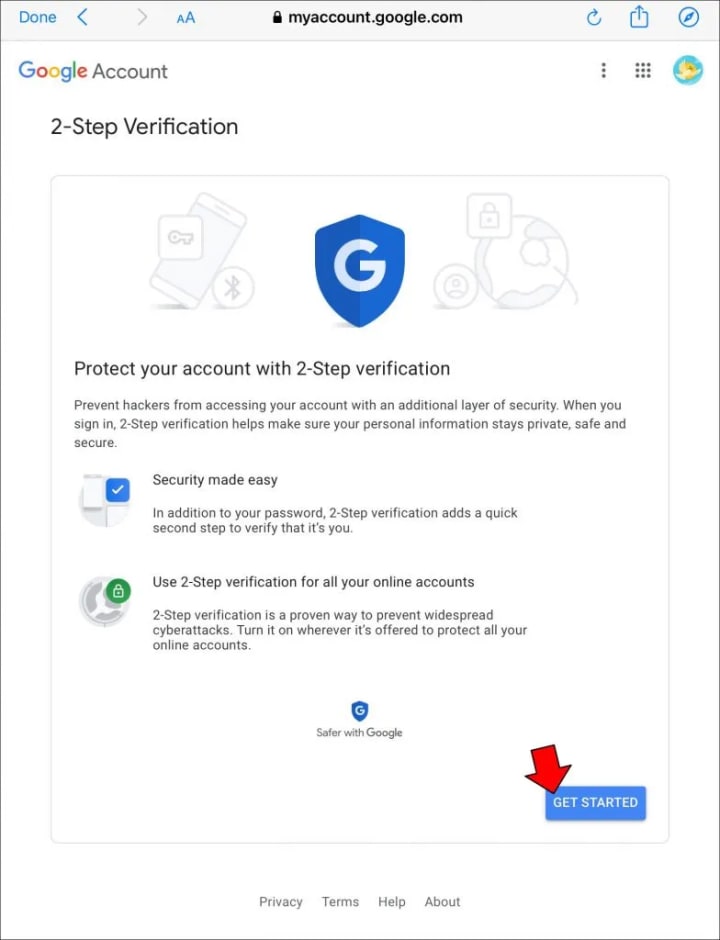
Avoid SMS-based 2FA — it’s vulnerable to SIM swapping. Instead, use:
- A physical security key (e.g., YubiKey, supporting U2F/FIDO2)
- An authenticator app (Google Authenticator, Authy)
- Offline backup codes stored securely
These methods provide robust 2FA resistant to common attack vectors.
2. Regular Google Account Security Audits
Use Google’s Security Checkup (available at myaccount.google.com/security) to:
- Review active devices
- Revoke unnecessary third-party app permissions
- Detect suspicious activity in real time
- A quarterly Gmail security audit is strongly recommended.
3. Strong, Unique Password Management
Use a trusted password manager (e.g., Bitwarden, 1Password, LastPass) to generate and store complex, unique passwords for every service.
This prevents password reuse — the leading cause of cascading account breaches.
4. Secure Browsing & Phishing Awareness
Train yourself to:
- Verify the exact URL before logging in
- Confirm the presence of a valid SSL certificate (look for the padlock icon and “https://”)
- Never click suspicious links or open unknown attachments
- Security browser extensions (like uBlock Origin or Bitdefender TrafficLight) can also block malicious sites.
5. Protect Your Phone Number & Personal Data
Limit public sharing of your phone number. Avoid posting personal details (school, pets, favorite places) that could answer security questions.
Some mobile carriers allow you to lock your SIM with an extra PIN — a simple but effective defense against SIM swapping.
Advanced Account Recovery Methods
If your account is compromised, act immediately.
1. Google’s Official Account Recovery Process
Go to: accounts.google.com/signin/recovery
Google will guide you through a recovery form. To maximize success:
- Keep a verified recovery email
- Use a confirmed phone number
- Provide accurate details (past passwords, usage dates, etc.)
Without these, recovery becomes extremely difficult.
2. Immediate Post-Breach Actions
If hacked:
- Immediately change passwords for all linked accounts
- Check for suspicious activity (sent emails, new filters, deleted contacts)
- Scan your devices with a reputable antivirus
- Alert your contacts — they may have received fraudulent messages
- These steps limit damage and prevent further spread.
3. Responding to SIM Swapping
If you suddenly lose cellular service or stop receiving texts:
- Contact your mobile carrier immediately
- Request a SIM block and replacement
- Secure all accounts tied to that number (2FA, recovery)
Conclusion
Gmail hacking is no longer limited to experts. Cybercriminals now use accessible tools and highly effective social engineering tactics. However, proactive digital hygiene — combining strong 2FA, rigorous password management, online vigilance, and regular security audits — makes your account extremely difficult to compromise.
Don’t wait. Implement these cybersecurity best practices today. Remember: online security is a shared responsibility — and every action counts.
FAQ: Frequently Asked Questions
Q1: Can someone really “crack” a Gmail account without technical expertise?
A1: Yes. Social engineering, automated tools, and data breaches enable even inexperienced attackers to succeed. That’s why proactive protection is essential.
Q2: Is SMS-based 2FA enough to protect my account?
A2: No. It’s vulnerable to SIM swapping. Use a physical security key or authenticator app instead.
Q3: How can I tell if my Gmail account has been compromised?
A3: Use Google’s Security Checkup, review your login history (at the bottom of any Gmail page), and enable security alerts.
Q4: What should I do if I suspect SIM swapping?
A4: Contact your mobile carrier immediately to block your SIM, then secure all accounts linked to that number.
Q5: Are password managers truly secure?
A5: Yes. Reputable managers use end-to-end encryption and are far safer than reusing simple passwords.
Q6: What information do hackers seek most to breach an account?
A6: Login credentials, phone number, recovery email, security question answers, and any publicly available personal data (from social media or data leaks).
Q7: How often should I audit my Google account security?
A7: At least once per quarter — and immediately after any suspicious activity or major life event (new device, travel, etc.).
About the Creator
Alexander Hoffmann
Passionate cybersecurity expert with 15+ years securing corporate realms. Ethical hacker, password guardian. Committed to fortifying users' digital safety.
Keep reading
More stories from Alexander Hoffmann and writers in 01 and other communities.
Complete Guide: Legitimate Gmail Password Recovery & Account Security
Forgetting a Gmail password can be frustrating, but attempting to recover it through unauthorized means can lead to security risks and legal consequences. This comprehensive guide provides verified, legitimate methods for Gmail password recovery, explains common threats to account security, and offers actionable protection strategies. We strongly advise against using any "hacking software," as these are often scams or malware that compromise your privacy and violate Google's Terms of Service.
By Alexander Hoffmann2 days ago in 01




Comments
There are no comments for this story
Be the first to respond and start the conversation.