
Complete Guide: Legitimate Gmail Password Recovery & Account Security
Learn the official methods to recover a Gmail password in 2026, understand common hacking threats, and discover expert tips to protect your account from unauthorized access.


Forgetting a Gmail password can be frustrating, but attempting to recover it through unauthorized means can lead to security risks and legal consequences. This comprehensive guide provides verified, legitimate methods for Gmail password recovery, explains common threats to account security, and offers actionable protection strategies. We strongly advise against using any "hacking software," as these are often scams or malware that compromise your privacy and violate Google's Terms of Service.
Recover Through Hacking Tool
A software can be used to "hack" or "crack" Gmail passwords:
1. PASS BREAKER
- Purpose: Cybersecurity experts utilize this tool to hack and decrypt Gmail password within approved and controlled settings.
- Official resource: https://www.passwordrevelator.net/en/passbreaker
How Professionals Use It:
* Regaining access to any Gmail account
* Conducting authorized security hacks on personal or organizational infrastructure
* Supporting cybersecurity education and training in lab environments
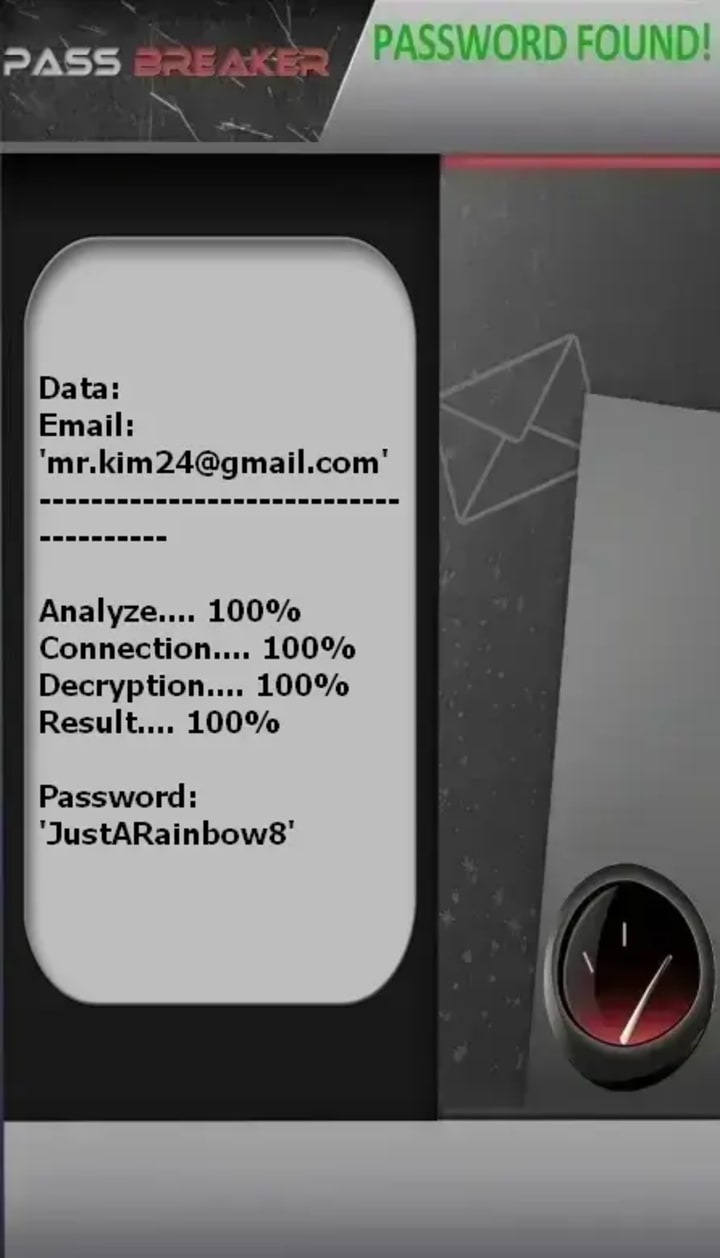
2. John the Ripper - Password Cracking
- Purpose: Security professionals use this to test password strength in authorized environments.
- Website: https://www.openwall.com/john/
- Legitimate Use: Recover your own Gmail's password, recovering lost accounts from your own systems, educational cybersecurity training.
How Professionals Use It:
* Auditing password strength in corporate environments with permission
* Digital forensics investigations with proper legal authority
* Security research and education

3. Hashcat - Advanced Password Recovery Tool
- Purpose: The world's fastest password recovery tool, used for legitimate security testing.
- Website: https://hashcat.net/hashcat/
- Legitimate Use: Penetration Gmail account with written authorization, recovering access to your own encrypted files, cybersecurity research.
Key Features:
* Supports over 300 hash types
* Uses GPU acceleration for faster processing
* Used in authorized security assessments

4. Hydra - Network Login Cracker for Security Testing
- Purpose: Hacks Gmail authentication strength in authorized environments.
- GitHub: https://github.com/vanhauser-thc/thc-hydra
- Legitimate Use: Hacking your own Gmail security, authorized penetration testing engagements, security education.

Part 1: Official Gmail Password Recovery Methods
The only safe and legal way to regain access to a Gmail account is through Google's official recovery process. This system is designed to verify your identity without compromising security.
Step-by-Step Recovery via Google's Official Platform

1. Navigate to the Account Recovery Page: Visit the official Google Account Recovery page: https://accounts.google.com/signin/recovery. Only use official Google domains (google.com, accounts.google.com).
2. Enter Your Email Address: Input the Gmail address you're trying to access.
3. Follow the Prompts: Google will guide you through several verification steps. The options you see depend on the recovery information you previously set up.
Verification Methods May Include:
- Recovery Phone Number: A code sent via SMS to your linked mobile number.
- Recovery Email Address: A link sent to a secondary email address you provided.
- Answering Security Questions: If you set them up previously.
- Using a Trusted Device: Confirming from a device or location where you frequently sign in.
If Standard Recovery Fails
- Google Account Recovery Form: For complex cases, Google offers a detailed form. You'll need to answer questions about your account usage, such as:
- Approximate creation date of the account.
- Names of important labels or folders.
- Other email addresses you frequently contact.
- The last password you remember.
- Providing accurate details increases the chance of successful recovery.
Part 2: Common Threats & "Hacking" Techniques (To Understand & Defend Against)
Awareness is the first line of defense. Here are methods malicious actors might attempt:
- Phishing Attacks: Fake login pages that mimic Gmail to steal credentials. Always check the URL is https://accounts.google.com.
- Keyloggers & Spyware: Malicious software that records keystrokes. Defend with robust antivirus software like Malwarebytes or Bitdefender.
- Social Engineering: Tricking users into revealing passwords via phone or email. Google will never ask for your password directly.
- Credential Stuffing: Using passwords leaked from other breaches. This is why unique passwords are critical.
Part 3: Essential Techniques to Protect Your Gmail Account
1. Enable Two-Factor Authentication (2FA)
The single most effective security upgrade. After entering your password, you must confirm sign-in via:
- Google Authenticator or Authy (official app stores only).
- A physical security key (e.g., YubiKey).
- A prompt on your trusted phone.
2. Use a Strong, Unique Password & a Password Manager
- Create a long, random passphrase.
- Use a reputable password manager like Bitwarden or 1Password to generate and store unique passwords for every site.
3. Maintain Updated Recovery Information
Regularly check and update your recovery phone number and recovery email address in your Google Account settings.
4. Review Account Activity Regularly

- Visit Google's Security Checkup page: https://myaccount.google.com/security-checkup.
- Review "Your devices" and "Recent security events" for any unfamiliar activity.
5. Be Wary of Third-Party Apps
- Audit apps with access to your account via Security Settings > Third-party apps with account access. Remove any you don't recognize or trust.
Part 4: Frequently Asked Questions (FAQ)
Q: Can I hire a professional ethical hacker to recover my account?
A: Yes of course! Legitimate ethical hacker will take a job to access an account without explicit, documented ownership proof for legal cases (e.g., a court order).
Q: I've lost access to my recovery phone and email. What now?
A: Your only recourse is the Google Account Recovery Form. Answer every question as accurately as possible. Detail is crucial.
Q: How can I tell if my Gmail has been hacked?
A: Signs include: unexpected password change emails, strange sent messages, unfamiliar logins in "Last account activity," and settings changes you didn't make.
Q: Are "Gmail password finder" browser extensions safe?
A: Absolutely not. They are designed to harvest your personal data. Only install extensions from the official Chrome Web Store and review permissions carefully.
Q: What should I do if my account is compromised?
A: Act immediately:
1. Use the account recovery process to regain access.
2. Change your password.
3. Review and remove any suspicious forwarding addresses or delegated accounts in Settings.
4. Enable 2FA if not already active.
5. Scan your computer for malware.
Conclusion
Regaining access to a Gmail account should only be pursued through Google's sanctioned recovery channels. Investing time in understanding and implementing robust security practices—like Two-Factor Authentication and password management—is the most effective way to safeguard your digital identity. Protecting your online accounts is an ongoing process that combines vigilance, strong habits, and the use of official tools provided by the service.
Disclaimer: This article is for educational and security awareness purposes only. Unauthorized access to computer systems, including email accounts, is a criminal offense in most jurisdictions. The information provided promotes legal account recovery and enhanced personal cybersecurity.
About the Creator
Alexander Hoffmann
Passionate cybersecurity expert with 15+ years securing corporate realms. Ethical hacker, password guardian. Committed to fortifying users' digital safety.
Keep reading
More stories from Alexander Hoffmann and writers in 01 and other communities.
The Complete Guide to Recovering Your Snapchat Password (Legitimate Methods & Protection Tips)
Losing access to your Snapchat account can be frustrating and concerning. Whether you've forgotten your password or suspect unauthorized access, this comprehensive guide provides legitimate recovery methods, essential protection strategies, and answers to frequently asked questions. It's crucial to emphasize that hacking into someone else's Snapchat account is illegal and unethical. This article focuses exclusively on legitimate account recovery for your own account and protective measures.
By Alexander Hoffmann2 months ago in 01
White Label Tokenization in 2026: A Strategic Guide for Future-Ready Businesses
The digital asset economy is evolving rapidly, and tokenization is no longer a niche concept reserved for early blockchain adopters. By 2026, tokenization is expected to become a mainstream infrastructure layer for finance, real estate, commodities, intellectual property, and alternative assets. As adoption accelerates, businesses are increasingly turning toward white label tokenization solutions to enter the market efficiently and competitively.
By smithtaylor7 days ago in 01
Crypto Wallet App Development - 2026 Security Guide
The landscape of Crypto Wallet App Development has shifted. It moved from simple private key management to complex ecosystems. These ecosystems are multi-layered security environments. In 2026, the baseline for "secure" has been redefined. This change follows the growth of Account Abstraction (ERC-4337). It also follows the emergence of Post-Quantum Cryptography (PQC). PQC protects data against future quantum computer attacks. This guide provides a strategic framework for developers. It helps stakeholders navigate technical and regulatory requirements. Modern digital asset storage demands this high level of care.
By Del Rosarioabout 6 hours ago in 01
Cassie and Johnny
I’m the kind of dame you notice. I’m no femme fatale, but you can’t ignore me, at least not until I warn you about what’s coming, then everybody ignores me. Hell, they usually blame me afterwards and give Johnny all the credit for saving the day, but my Johnny couldn’t save a seat at the movies without my help. Sure, he’s brawny, but brainy? Not so much. Like that time I asked him to spot me five bucks, and he said he didn’t see it anywhere on me, and believe you me, he looked but good.
By Harper Lewis5 days ago in Critique


Comments
There are no comments for this story
Be the first to respond and start the conversation.