
Beyond the Inbox: A Down-to-Earth Guide to Random Email Generators (and How to Use Them Wisely)
How a Random Emails Generator Can Help You Stay Private and Spam-Free Online
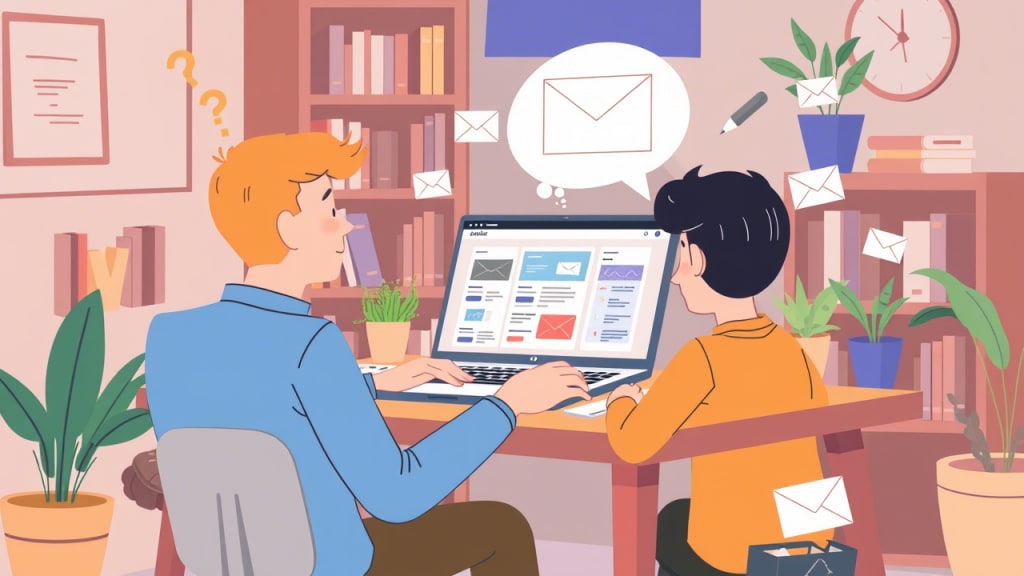
Have you ever found yourself sighing at a flood of newsletters, sign-up confirmations, or marketing blasts? In today’s online world, your email address is more than just a way to chat with friends—it’s a key to dozens of websites, apps, and services. But what if you could hand out a temporary, “dummy” email address whenever you don’t really want something tied to your main inbox? That’s exactly what a random (or disposable) email generator lets you do.
Whether you’re a developer who needs to test a new sign-up flow, a marketer wanting to avoid spam, or just someone who prefers to slip in under the radar, random email tools can save you a headache. But like any tool, they work best when you know their quirks—and their limits.
What Are “Random Email Generators,” Anyway?
Picture this: instead of typing in “[email protected]” every time you need a throwaway address, you click a button and suddenly have “[email protected].” That’s a random email generator in action. It’s usually a simple website (or sometimes an API if you’re a developer) that automatically crafts a brand-new address for you—letters, numbers, and an obscure domain, all chosen by the software.
That address typically doesn’t belong to a real person, and it won’t last forever. In fact, most of these services keep that inbox alive for just minutes or hours before completely deleting it. But in that short window, you can receive a verification link or a quick message, then walk away—no clutter in your “real” inbox.
Why Would Anyone Want a Temporary Email?
You might wonder, “Isn’t it easier to just give out my actual email?” Sure—but let’s be honest: how many times have you signed up for a free e-book, tried a promo code, or joined a one-day webinar, only to be bombarded by follow-up marketing emails for weeks? Using a random email address is a neat hack to keep your main inbox tidy. Here are a few everyday scenarios where it really pays off:
You’re testing new software. If you’re building or QA-testing a website or app, you need fresh email addresses to see how things behave—password resets, welcome emails, spam filters, and so on. Instead of cluttering your personal inbox, you let the generator handle it.
You want to dodge spam. Maybe you saw a cool Whitepaper or a PDF guide behind a “subscribe” form. One quick disposable email address, and you get what you need without signing up for yet another monthly newsletter.
You crave a bit of privacy. Sometimes you just want to comment on a forum or grab a free template without linking it to your everyday persona. Enter the throwaway email: one small step for anonymity, one giant leap for clutter-free living.
Bots love scraping for real emails. If you publicly post “[email protected],” you’ll eventually see that address on spam lists. But if you only use a random address in a questionable corner of the web, bots collect that instead—and it vanishes soon after.
Free marketing/UX experiments. Marketers occasionally need to see how different sign-up forms or promotional emails land in various folders (Primary? Promotions? Spam?). Having multiple disposable addresses helps you run those experiments without dragging your main account through the mud.
Picking the Right Tool: What Actually Matters
Let’s be frank: not every “random email generator” website is worth your time. Some are clunky, others use domains that every major service has blacklisted, and a few log your IP or scan your messages. If you’re just poking around, sure, you can grab the first one you find. But if you ever need to actually receive a verification link or expect minimal downtime, here are a few things to look out for:
Does it come with an inbox (and does that inbox actually work)?
Some generators only spit out an address but don’t let you see incoming mail. That’s fine for placeholder data in a form, but if you need to click a “Confirm your account” link, you’ll want a service that gives you a live inbox for at least a few minutes.
Sites like 10MinuteMail, Guerrilla Mail, and Temp-Mail are designed just for this: they show you incoming messages in real time, up until their timer runs out.
Are the domains reliable?
A lot of disposable services use domains that big websites automatically ban. For example, if you’re trying to sign up for a new social network and it says, “Sorry, no disposable addresses,” you’ll be left guessing which service still works. The better generators offer multiple domain options or actively rotate their domains to avoid blacklists.
How long does the inbox live?
Does it vanish after 10 minutes? One hour? Twenty-four hours? Some give you a countdown clock, so you know exactly when your new email will self-destruct. If you need longer, look for a service that lets you “refresh” or extend the life of that inbox.
Privacy and logging.
If you’re handing over an email address you don’t care about, you probably don’t want the service storing your metadata forever. Reputable providers promise not to log or share your info, aside from necessary spam filtering. Always glance at their privacy policy before pasting in anything sensitive.
Ease of use (and whether it’s mobile-friendly).
A “copy” button is a must. A cluttered UI or ads splattered all over the screen? That’s annoying when you’re in a hurry. If you’re on your phone, you want a generator that doesn’t lock up your browser with pop-ups or endless captcha loops.
When to Reach for That Disposable Address—and When to Hit “Nope”
Alright, so you’ve found a generator that works. Great! But remember: these tools shine in specific moments and quickly become dangerous if you treat them like your primary inbox.
Use them when you want to…
Sign up for a short-lived free trial or webinar link without cluttering your real email.
Test your new app or website’s signup flow.
Keep your identity under wraps for low-stakes activities (commenting on a blog, grabbing a public PDF, etc.).
Conduct marketing or user-experience experiments without mixing your real email with your test data.
Avoid them if you need to…
Reset your bank password or interact with any financial or governmental service—those require an email you actually control.
Apply for jobs, register on social media accounts you intend to keep, or deal with anything where you might forget the address or need the inbox months later.
Send or receive highly sensitive personal information; assume this isn’t fully private or encrypted, especially after the inbox disappears.
Break terms of service on platforms or try to evade bans—abusing disposables teeters into unethical (and sometimes illegal) territory.
In short: think of a random email like a single-use ticket. It’s perfect for one short ride, but don’t expect to hang onto it forever.
A Note on Ethics: Don’t Be That Person
Here’s a reality check: these tools exist to protect privacy, prevent spam, and streamline testing—not to let you run amok creating fake identities. If you start using throwaway emails to:
Spam people,
Harass others,
Impersonate someone for illicit gain, or
Cheat in contests and sweepstakes,
you’ve crossed the line. Always ask yourself: “Is what I’m doing fair and harmless?” If not, ditch the disposable and stick with a legitimate, long-term address.
Wrapping Up: A Handy Tool, If You Play by the Rules
At the end of the day, random emails generator are like a Swiss Army knife for your digital life. They declutter your main inbox, let you test your own projects efficiently, and add a small layer of privacy whenever you don’t want “[email protected]” plastered all over the internet.
Just remember to:
Pick a trustworthy service (one that gives you a working inbox, reliable domains, and a clear privacy stance).
Use it for short-term tasks only—never for anything you’ll need access to down the road.
Respect the ethics of online interaction. Don’t abuse throwaways for spam or fraud.
Treat these tools like disposable gloves: perfect for certain jobs, convenient, and gone when you’re done. Use them smartly, and you’ll save yourself from unwanted emails, testing headaches, and a cluttered digital life.
Bonus tip: If you’d like to see a live demo of a disposable inbox in action—just head over to any of the well-known services (for example, 10MinuteMail) and watch how your temporary email appears, collects mail, and vanishes on its own. It’s a quick way to appreciate how simple (and powerful) this little trick can be.
About the Creator
Keep reading
More stories from james rodis and writers in 01 and other communities.
The Ultimate Guide to Burner Emails: Protect Your Inbox and Privacy
Introduction: Reclaim Your Inbox with a Burner Email Imagine this: You sign up for a one-time newsletter to get a discount code, and suddenly your inbox is flooded with daily promotional emails. Or you’re testing a new app but don’t want your personal email linked to it. Sound familiar? This is where a burner email comes to the rescue.
By james rodis10 months ago in 01
Understanding Ceramic Components: Materials, Manufacturing, and Modern Applications
Ceramics have been used by human societies for thousands of years, evolving from simple pottery into highly engineered materials used in advanced industries. Today, the word ceramic refers not only to traditional objects but also to technical materials designed for precision, durability, and performance. Modern discussions around ceramic components reflect this long history of innovation and adaptation.
By charliesamuel2 days ago in 01
TUS NUA - ch 53
TUS NUA – ch 53 New Beginnings – Mia and Midnight (*)(*)(*) Finola knew Ali’s brother-in-law needed to put his mind at rest. She fed her arm through his and led him outside. “We’ll sit here. If you like, I can put a block around us so our conversation will be private.”
By Margaret Brennan4 days ago in Fiction


Comments (1)
I've used random email generators a bunch. When testing new software, it's great not to clutter my main inbox. Like you said, it's super easy to click a button and get a new address. But I wonder, how do these generators ensure the domains they use are legitimate? Sometimes I worry about getting flagged as spam when using them. Also, do they ever run into issues with certain services not accepting these temp emails?