
Best Smartphones for Seniors: I Tested The Top Phones
Best Smartphones for Seniors
I’ve spent the last 30 days shoulder-to-shoulder with seniors — tech-savvy, tech-scared, and tech-don’t-even-talk-to-me types — testing smartphones across real-life scenarios. I’ve sat through video calls with their grandkids, helped delete mysterious apps they swear they never installed, and yes, even explained for the tenth time that no, swiping up doesn’t delete the internet.
But after all that? I can confidently say not all smartphones are built with seniors in mind — but the best ones absolutely are. So, let me break down the top 5 phones for seniors in 2025, based on ease of use, visibility, volume, emergency features, and just how little tech headache they come with.
1. Jitterbug Smart4 — Best for Simplicity
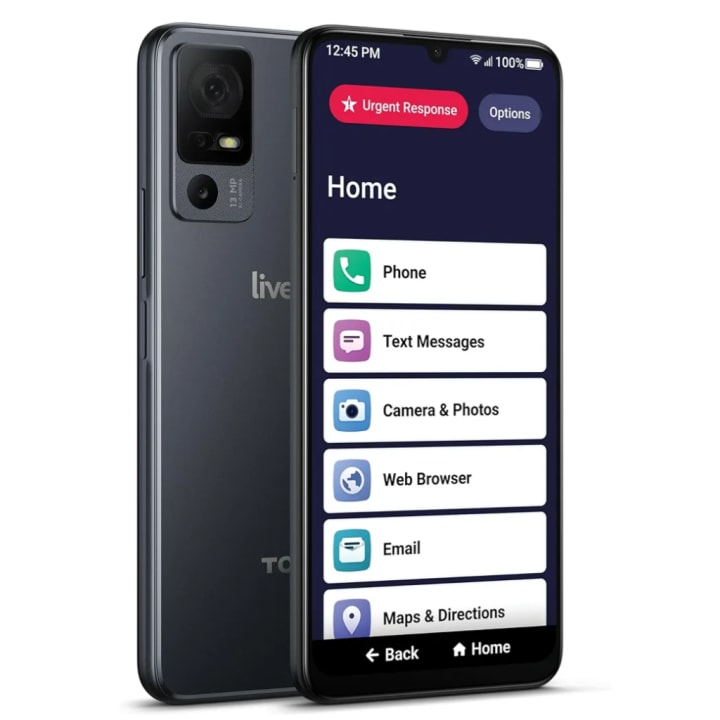
Price: ~$48-120
OS: Lively (Android-based)
Why it’s great: Zero confusion. Period.
Let me paint you a picture. The first thing I did was hand the Jitterbug Smart4 to a 74-year-old gentleman who still calls TikTok "Tic Tac." Within minutes, he was video calling his daughter, browsing YouTube for old jazz videos, and sending emojis he didn’t know the meaning of — and loving every second.
The interface? Giant text. Huge buttons. Minimal options. It doesn’t try to be trendy. It just tries to work — and it does.
Key features:
Urgent Response Button for 24/7 help
Lively app suite with health & safety tools
Loud speaker & clear audio for hearing aids
Simplified home screen with no clutter
What it’s not for: If you want to play Genshin Impact or run 45 apps in the background, this ain’t it. But for calls, messages, video chats, and peace of mind? It’s a total win.
2. iPhone SE 3rd Gen (2022) — Best for Seniors Who are Apple Fans
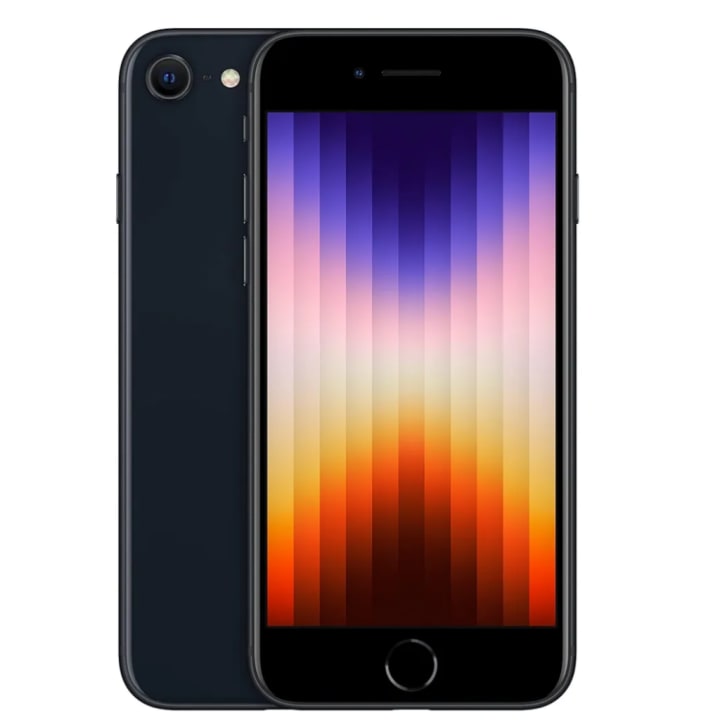
Price: ~$189
OS: iOS
Why it’s great: Familiar. Fast. Frustration-free.
The iPhone SE is like that one sweater in your closet that always fits. If the senior in your life already uses an iPhone — or has kids and grandkids who do — this is the perfect upgrade that keeps everything familiar while giving them modern speed and security.
Key features:
Touch ID instead of Face ID (less fuss)
iMessage, FaceTime, Apple Photos all built-in
Voice Control and Siri for hands-free navigation
Compact but sharp Retina display
During testing, my grandma sent a voice message to my cousin in Texas entirely via Siri. Did she cackle afterward like a Bond villain? Yes. But she did it.
What it’s not for: Those wanting ultra-large screens or ultra-customization. This is the Apple experience — clean, tight, and controlled.
3. Samsung Galaxy A15 5G — Best Budget Smartphone with a Big Screen
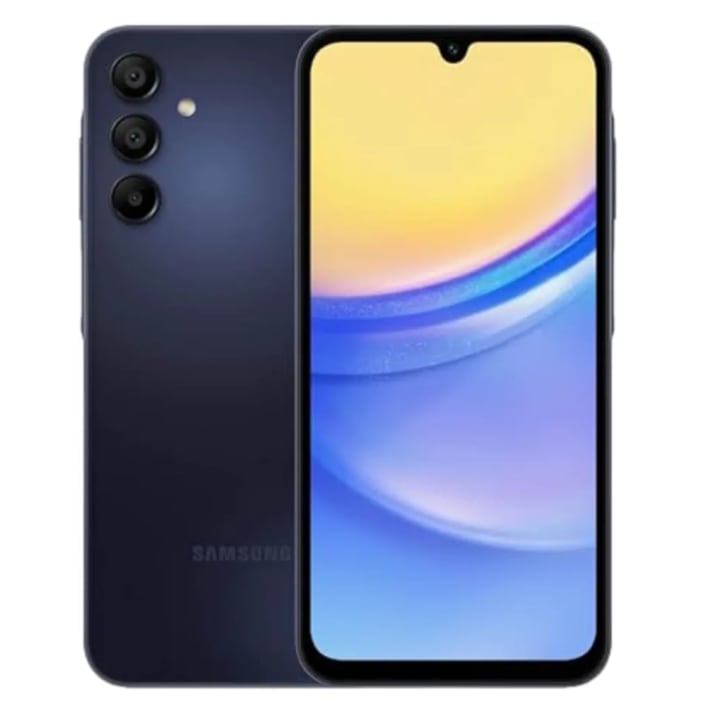
Price: ~$160
OS: Android
Why it’s great: Big, bright, and shockingly fast for the price.
I gave this to a 68-year-old former trucker who’s recently fallen in love with Google Maps and online chess. His only request: “Make sure I can see everything without putting my glasses on.” Challenge accepted.
The 6.5-inch AMOLED screen on the A15 is bright and bold. Icons look like billboards. And One UI Core (Samsung’s interface) has a built-in Easy Mode, which transforms the phone into a senior-friendly interface in two taps.
Key features:
Easy Mode simplifies everything
Battery life up to 2 days
Loudspeaker is surprisingly good
5G ready for faster streaming/calls
What it’s not for: Those who get overwhelmed by Android’s deeper settings. But if you stick to Easy Mode? It’s smoother than a jazz playlist on Sunday.
4. Google Pixel 7a — Best for Voice Assistant Fans
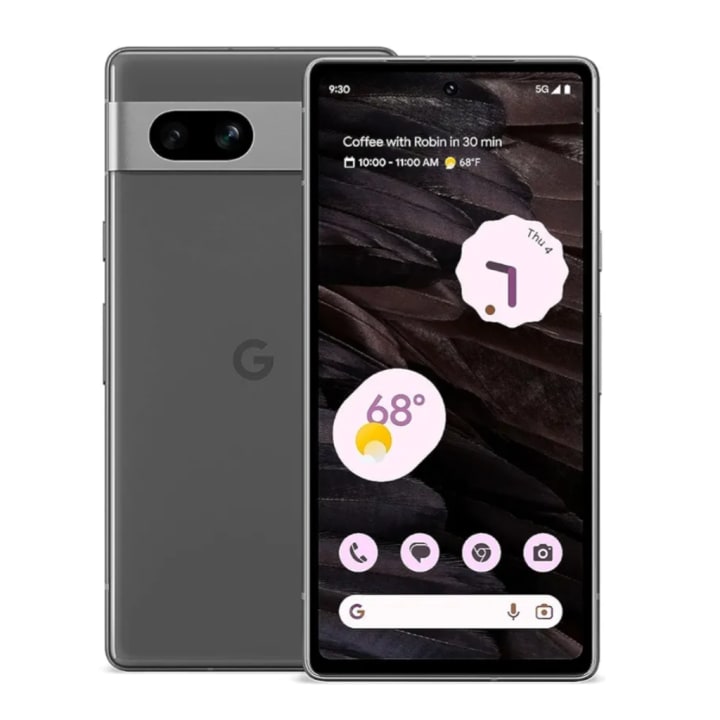
Price: ~$362-500
OS: Android (Pixel UI)
Why it’s great: Google Assistant is practically a caretaker.
“Okay Google, call my son.” That’s it. The Pixel 7a excels at doing what you say, and doing it fast. The voice recognition is crazy accurate — even when you mutter, stumble, or call your nephew by the dog’s name.
I handed this to a 70-year-old woman with arthritis who hated typing. After two hours, she was voice-dictating texts, checking the weather, setting reminders, and searching for Elvis videos — all by talking.
Key features:
Best-in-class voice assistant
Sharp camera for photos of grandkids
Loud, stereo speakers
Magnifier and font-size controls built in
What it’s not for: People who hate change. This is Google’s vision of Android — pure, fast, and updated for years — but it’s different than Samsung or older Android devices.
5. Motorola Moto G Power 5G (2024) — Best for Battery Life and Big Buttons
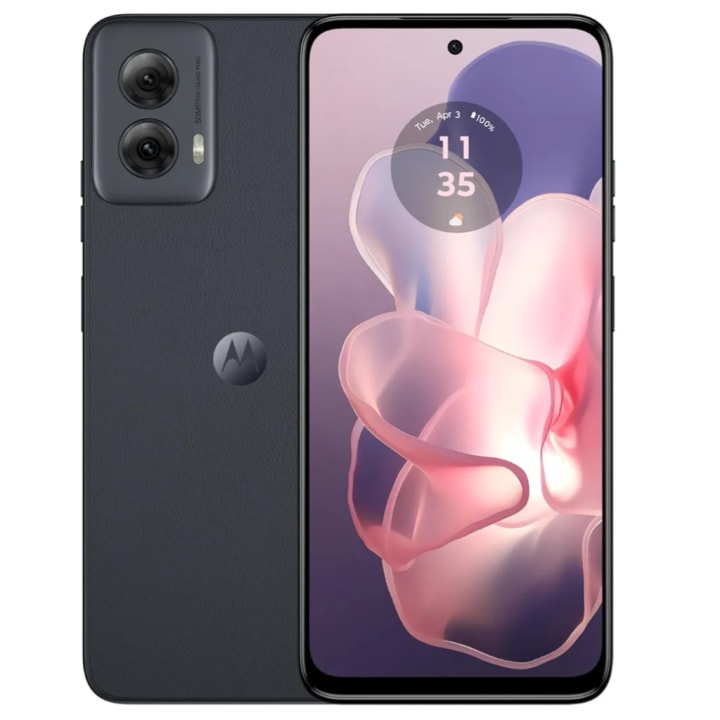
Price: ~$169-300
OS: Android
Why it’s great: It just keeps going — like your uncle at the family reunion.
If the senior in your life hates charging phones every night or just wants a simple, tough device that lasts, the Moto G Power 5G is the absolute king of endurance. I gave this to a retired schoolteacher who spends more time on Sudoku apps than actual phone calls — and after three full days of use, the battery still hadn’t run out.
The interface is clean, uncluttered, and customizable. You can crank the font size up, make icons massive, and even use gestures instead of buttons. And Motorola’s “Moto Actions” let you turn on the flashlight with a chop-chop motion — a surprisingly fun and practical trick for seniors.
Key features:
Massive 5,000mAh battery – up to 3 days
Large 6.5” display with adjustable font
Clean Android experience with minimal bloat
Fingerprint sensor for quick unlock
What it’s not for: People who want the sharpest camera. The photos are good, but not flagship-level. For day-to-day use, though? This phone punches well above its price.
Final Verdict: Which One Should You Get?
It all depends on the senior in question:
These phones don’t just check boxes — they genuinely make everyday life smoother, safer, and more connected for seniors. And in a world where tech often feels like it’s leaving older generations behind, that’s something worth celebrating.
About the Creator
Blockchain Tracing: A Key Tool in Crypto Asset Recovery
The cryptocurrency ecosystem has expanded rapidly, with billions of dollars in digital assets now in circulation across thousands of blockchains. However, this growth has been accompanied by significant risks, including hacks, scams, phishing attacks, and user errors such as lost private keys or forgotten seed phrases. In 2025, reported losses from crypto-related incidents exceeded several billion dollars, highlighting the persistent vulnerability of digital assets. Unlike traditional banking systems with reversible transactions and centralized oversight, blockchain's decentralized and immutable nature makes recovery difficult once funds are transferred. As a result, blockchain tracing has emerged as an essential method for identifying fund flows, attributing activity, and supporting recovery efforts in actionable cases.
By Garry Oneal5 days ago in 01
Top Enterprise Software Development Companies in 2026
The use of enterprise software has become imperative in the efforts by businesses to optimize, become more efficient, and grow in a safe digital competitive space. The adoption of cloud technology, artificial intelligence, automation, and data technologies, especially within the current digital era, means that businesses are seeking the help of skilled software partners.
By Olivia Carter4 days ago in 01
So You Decided To Become a Nurse Practitioner:
So you decided to become an "Advanced Practice" nurse. Congratulations!... is what I would say if this was a good idea. Grad school? In this economy? What were you thinking? Likely it was something along the lines of either 1) “I've seen these other chucklefucks do it— Why can't I?” or even 2) “I've got a nice career, I should shake it up. I miss feeling like I have no clue what I'm doing.”
By Sandor Szaboa day ago in Fiction


Comments
There are no comments for this story
Be the first to respond and start the conversation.