
Artificially Artistic
How I learned to make my own images


My artistic ability has always been limited to specific areas. My father was an amazing artist. He could draw and sculpt, and he was also a very talented musician. My own artistic abilities seem to be a diluted form of what my dad was capable of. I enjoy making unusual things out of cake and I can sculpt passable representations of many things out of various materials. I would also like to believe that my writing has improved in the year or so I have been working on it. However, I do not consider my ability to draw or paint to be enviable.
In recent months I have been looking for alternative sources for images to use for the various written pieces I create. I have spent lots of time finding the perfect, unique image among the Unsplash offerings for a poem or story, only to see several other stories using the same image I did.
I know some writers create their own images, but I have looked at various options for doing this, and put off learning to use them like the overachieving procrastinator that I am. I have used my own limited selection of photographs to supplement the Unsplash images up to now.
A few months ago I started seeing beautiful, unique images by Vocal creator Mike Singleton - Mikeydred. He kept publishing images on Facebook and then writing poems and stories to go along with them. Mike was using Nightcafe Creator, an AI image generator, to create his images.
I excitedly went to the NightCafe website to try it out. I started to make a creation, but then noticed that I only had five credits. I didn’t realize that I would get five credits every day and that I would be able to earn free credits by doing other things, so I just left the site because I didn’t want to pay for it.
Not long after I instantly gave up on using NightCafe, I decided to self publish my first book on Amazon. I was obviously new to the process and had a lot to figure out. I realized I would need to come up with a cover for the book. I was told that Amazon had some various covers to choose from, but I really wanted something unique. I decided to give NightCafe another shot, and possibly pay for a month in order to use it if I needed to.
Before getting started I did a little research to make sure I would be able to use my creation for something I was planning to sell as my own work. I was pleased to find out that the images created in NightCafe belong to the creator, so there is no issue with copyright.
When I created my account I realized that there were ways of getting more credits for free. I stumbled through creating different images, making minor changes to settings, until I ended up with an image I really liked that fit the title and theme of my book. I had created the cover image for Shadow and Flame.
After getting my book published I continued to make new creations. I have the NightCafe app on my phone, and I also use it on my laptop. I have learned a lot about different features through the process of experimentation, but I have recently noticed that some people have made videos on YouTube to help people learn how to use the platform.
At first I just put in a text prompt and used the different algorithms and styles available in the “text to image” generators. I was amazed how different the images turned out using the same text prompt with different algorithms and styles.


After playing with the various styles I tried evolving some of the images I had already created. I was able to add additional text prompts and change styles. In some cases the evolved images were nearly identical to the first creation, but sometimes they really amazed me.

The next thing I tried was the Style Transfer feature, where you could upload an image and apply different styles to it. I decided to try to make a new profile image for myself, so I uploaded a picture of myself and experimented with the different styles. You could even blend styles. Some of the results of this experience were really interesting and some were really weird. To be fair, the app does suggest using pictures of landscapes and things, rather than pictures of people. I have to admit I used an embarrassing number of credits on this experiment.
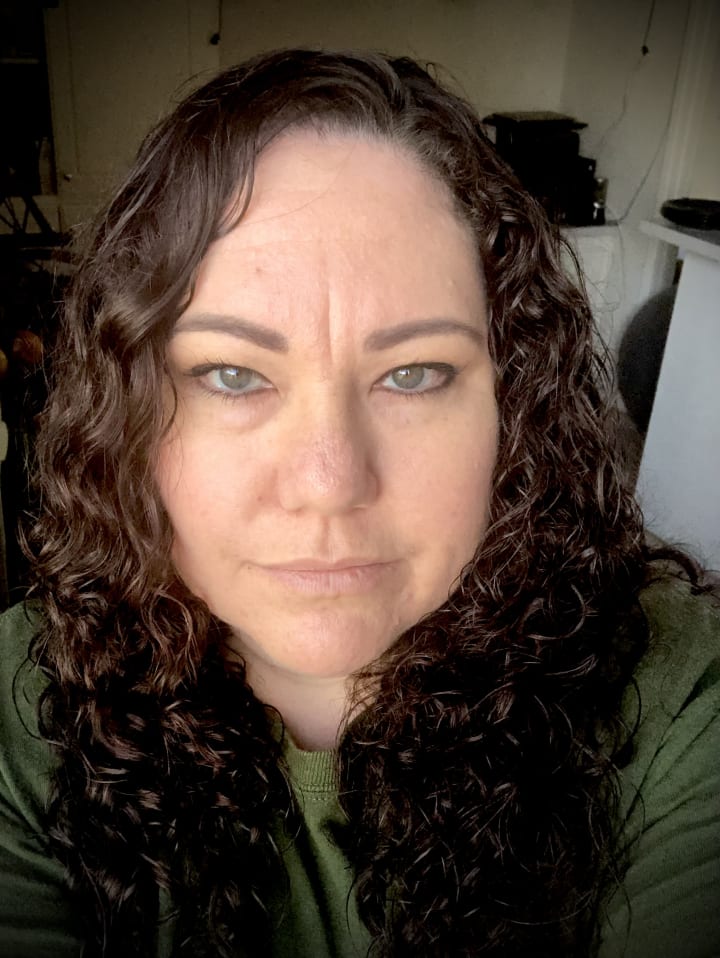

The next thing I figured out was that I could use a starter image, including a photo, in the text to image generators by using the advanced options. I tried using the picture of me, but I haven’t mastered getting a good image using this technique in that way.

I did have good luck in using a picture taken from my living room as a starter image, though. I used the image for one of my poems.


I know using AI to create art is not the same as creating art by painting or drawing, but I’m a lot happier with the results I get when I use NightCafe than I am when I try to paint or draw. I really enjoy creating images now, and I’m afraid I would spend way too much time on the site if I had an unlimited number of credits.
I also enjoy looking at other users’ creations. I have followed some other creators and I have some followers, too. I now have over 160 creations and I plan to keep going. I know I still have a lot to learn, and I will enjoy the process.

About the Creator
Reader insights
Outstanding
Excellent work. Looking forward to reading more!
Top insights
On-point and relevant
Writing reflected the title & theme
Easy to read and follow
Well-structured & engaging content
Expert insights and opinions
Arguments were carefully researched and presented
Eye opening
Niche topic & fresh perspectives
Compelling and original writing
Creative use of language & vocab
Heartfelt and relatable
The story invoked strong personal emotions
Excellent storytelling
Original narrative & well developed characters
Masterful proofreading
Zero grammar & spelling mistakes
Keep reading
More stories from Dawn Salois and writers in 01 and other communities.
Data Aggregation Techniques for Effective Analytics
Data alone separates opinion from insight. Many organizations proclaim to be data-driven, yet remain tangled in fragmented spreadsheets, contradictory dashboards, and reports that inspire little confidence. The challenge isn’t quantity—it’s organization. Effective data aggregation turns scattered numbers into decisions you can truly trust.
By Swiftproxy3 days ago in 01
This Is What I Do When People Throw Rocks At Me
Rocks have been thrown at me for a greater part of my life. Some have been small and missed hitting me. When people don't get a reaction from me, they throw bigger rocks with a better aim. Many have been hurled at me with precision over the years. For a long time, I thought my only options were to dodge them or be crushed by them.
By Margaret Minnicks5 days ago in Confessions



Comments (5)
I've been curious about these! I do graphics stuff for a living but sometimes shortcuts are nice! You have certainly piqued my interest with this piece!
Omgggg! Those beach pics are soooo beautiful! At first I was a bit crappy at the images that I've created. I have improved since, lol but no where as gorgeous as your pics. I loved them all!!!
Excellent article. Now, I would dive into Nightcafe. I turned away for the same reason you did. It all be your fault. 🤣🤣🤣
♥️🥰🌹Beautiful, you are so talented .
Thank you for sharing this Dawn, you have created some absolutely amazing images and this is a brilliant article on the subject.