
An Exclusive Outline - Web Designer vs Web Developer: What’s the Key Difference?
Web Design vs Development

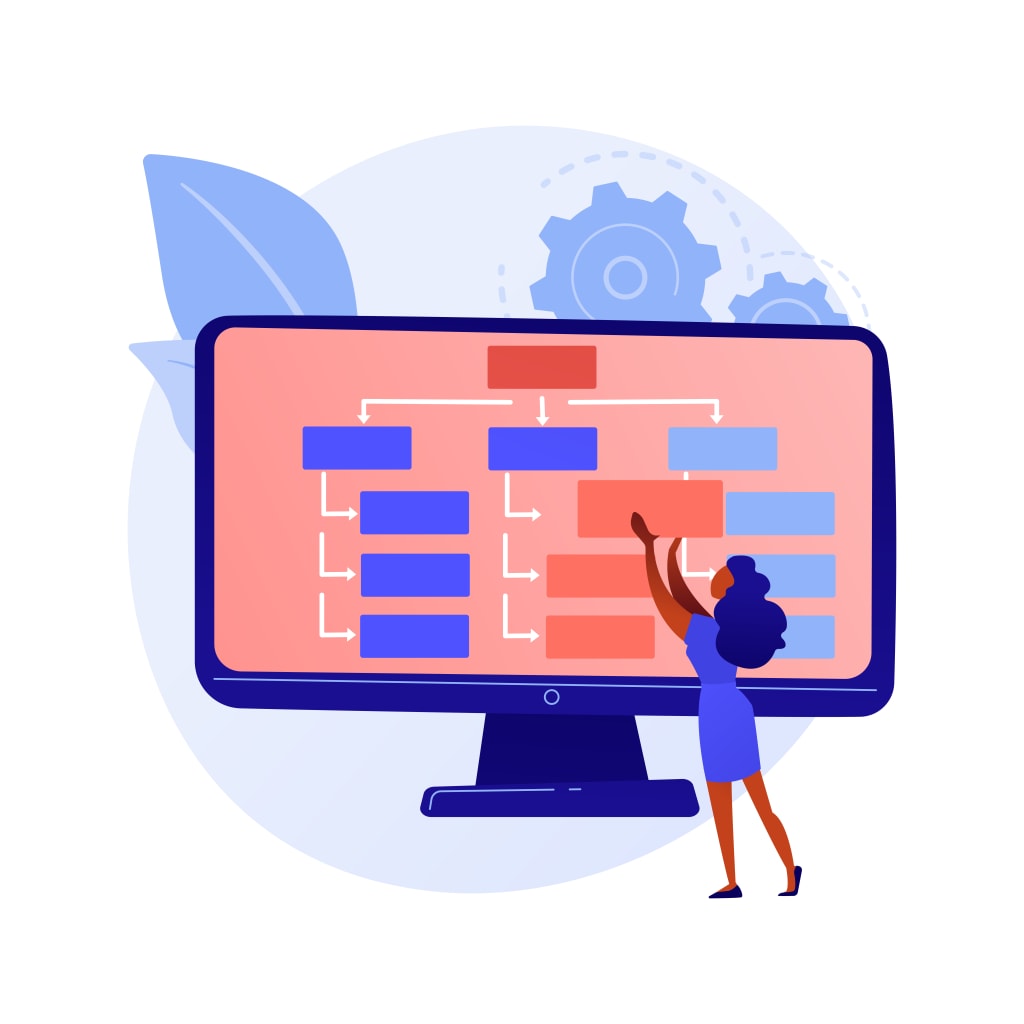
In a web business, many times you will face clients approaching you and asking you to design their websites. But when they tell you their condition, you will come to know that it's not just designing work, it also includes development work. Most people think that the terms web design and development are the same. But the fact is that these two phrases have different meanings.
While website designing looks after the assembly of a few web pages and creating your website, website development is all about its functionality. The look and feel of a website depends on the website building but, the functionality lies in web development. Now here I will show how these two terms vary from each other.
Impressive description of web designing
Let's get started with web designing first. Now, website designing is creating a web page that includes colors and graphics. In simple words, it is sketching by using colors. It's just what we do on paper, but here we are doing it on computers. Web Designing is related to the look and feel of the website or graphical representation of the web page.
Their goal is frequently to ensure that the site is both visually appealing and user-pleasant. It encourages visitors to stay as long as feasible. In addition, to the overall framework and layout structure, thinking about and building conversion-generating components, developing web pages in a way that works across several devices.
Types of web designing
=> User Experience (UX) - UX designers ensure that the website is structured together in a way that users are engaged and have a great experience.
=> User Interface (UI) - In the web design and development of a website, UI designers are also crucial. More precisely, their job is to improve a website's usability and optimize in a way that encourages conversions.
=> Visual Designer-Visual designers work with the layout and visual features of a website. This project incorporates elements of both UX and UI design.
Stunning explanation of web development- design vs development
Now, let's move on to web development. It is creating the functionality of web pages or creating the back-end of the website. It is done through programming. Interaction between different pages, working of a website is the web development part.
Their job involves a great deal of technical effort, including advanced programming languages and complex coding. In a word, they take designers' ideas and concepts and transform them into real, live, and completely functional websites. There are different languages used to develop the website, like PHP, ASP, and Java.
Types of web development
Mainly, web development focuses on a handful of programming languages. However, it will depend on the type of web development work they generally do.
There are three main kinds of web development:
=> Front-end web developer- Front-end developers code the actual website using CSS, HTML, and JavaScript.
=> Back-end- Back-end developers code the database and server using complex programming languages such as PHP, C#, Java, Ruby, and SQL.
=> Full-stack- Finally, full-stack developers code both the front and back ends of a website. They have a solid understanding of how everything works and functions together.
Web Design vs Web Development: What’s the Difference?
=> Remember that design and development work together when creating a website. They are both parts of the process that begins with a customer's concept and ends with a well-built site that is easy for customers to use. A company that is good to work with will help guide you through the steps from beginning to end and help deliver a beautiful website on time and within budget.
=> Web design implicates the way the website looks. Each website has a different feel and should stand out and be impressive for your customers. You want to make sure that design elements such as color, font size and style, and the position of images and text all work together to create a website that looks professional.
=> There are a few key things that you need to consider when designing a website. You want to create a site that makes it easy for clients to find the information they are looking for very quickly and easily. A professional-looking site is often simple and showcases your products and services in a very straightforward way.
=> Many times, people who are just starting in business may think that a flashy web page that features a lot of information attracts the right kind of attention, but the opposite is actually true.
=> Web development has more to do with the coding and programming that makes the site function. It may include items such as analytics programs that allow you to monitor traffic to your area. It may also involve content management systems that give you control over the text elements of your website.
=> A site that uses the best web development principles will load smoothly and without much delay. It is essential because you want to make sure that your site will load quickly on a slower Internet connection. Remember that not all clients have high-speed internet connections, and the last thing you want is to lose clients because they are getting frustrated.
=> Working with a good web design and web development firm is essential. Your website speaks for your company and is often the first contact that a possible client will have. You want to make sure that your website is professional and placed together well.
Therefore, before anyone finds his interest in the online business, should know the difference between web design and web development.
About the Creator
Keep reading
More stories from Akshay Sharma and writers in 01 and other communities.
Transferring a Domain to WordPress - A Complete Guide!
Having your own website is regarded as a must have' for enhancing your internet visibility. On the other hand, having your own domain is a powerful method to distinguish your existing website from the competition and enable an effective content management system. Although there are several CMS platforms to choose from, WordPress is by far the most popular. In this article, you will get to learn about how to transfer domain to WordPress. Before making a decision, we should assess the following benefits of WordPress:
By Akshay Sharma4 years ago in 01
The Changing Architecture of Finance Through Fintech Software – 2026
Introduction The global financial ecosystem is undergoing a structural transformation driven by fintech software. By 2026, finance is no longer defined solely by traditional banks, rigid systems, or centralized control. Instead, it is shaped by agile digital platforms, open ecosystems, real-time data processing, and customer-centric innovation. Fintech software has redefined how money is stored, transferred, invested, and managed, fundamentally changing the architecture of finance at both institutional and consumer levels.
By Aarti Jangid3 days ago in 01
Cryptocurrency Market Size and Forecast 2025–2033: Digital Assets Redefining the Global Financial System
Global Cryptocurrency Market Outlook The global cryptocurrency market is entering a decisive phase of maturity and institutional relevance. According to Renub Research, the cryptocurrency market is expected to grow from US$ 5.82 billion in 2024 to US$ 17.14 billion by 2033, expanding at a CAGR of 12.75% from 2025 to 2033.
By Janine Root 4 days ago in 01



Comments
There are no comments for this story
Be the first to respond and start the conversation.