
5 Effective Ways to Receive Text Messages from Another Phone Number
Discover 5 effective ways to receive text messages from another phone number, including text forwarding, Dual SIM, and apps like Scannero. Learn step-by-step methods for iPhone and Android to stay connected or monitor safely.

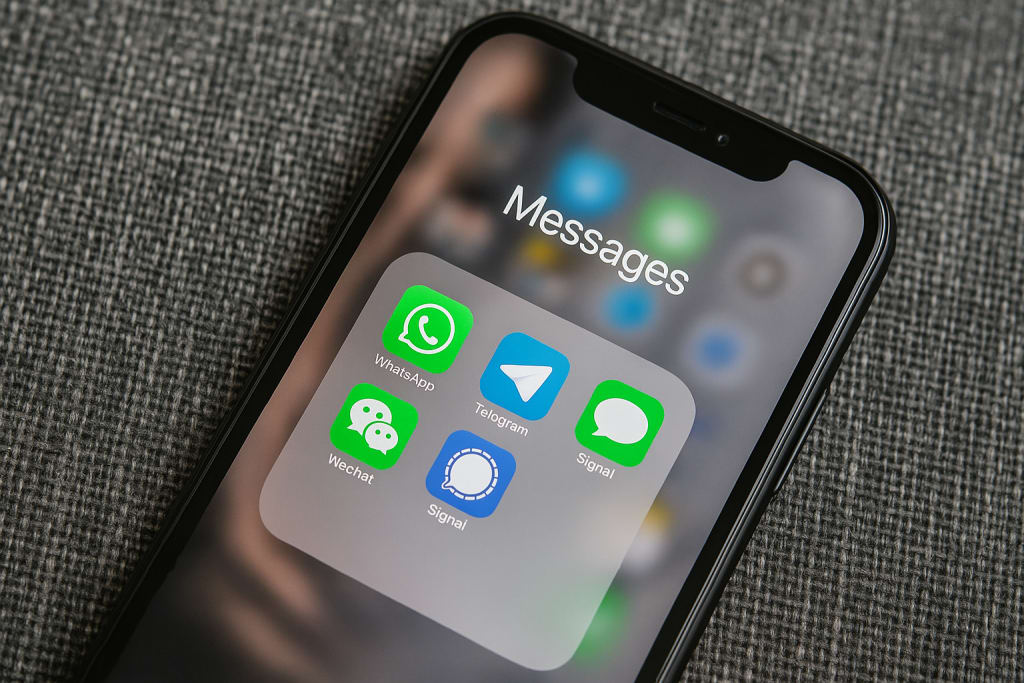
In an era where communication drives everything, having access to text messages from another phone number can be a game-changer. Whether you’re a parent keeping tabs on your child’s safety, a busy professional juggling multiple lines, or someone curious about tech solutions, there’s a method for you. This article dives into five practical and effective ways to receive text messages from another phone number, offering detailed steps and insights to help you choose the best approach.
Why Access Messages from Another Number?
Before exploring the methods, consider why this might matter. For parents, it’s about ensuring kids stay safe in a digital world full of unknowns. For others, it’s about convenience—managing personal and work numbers without missing a beat. Whatever your reason, these five solutions will keep you connected and informed.
1. Text Message Forwarding: Simple and Built-In
Text message forwarding is a straightforward way to receive texts from one phone on another device. Most smartphones have this feature baked right in.
For iPhone Users:
Apple’s ecosystem makes this seamless with iMessage. Go to Settings > Messages > Text Message Forwarding, then select the devices (like your iPad or Mac) where you want messages to appear. After verifying with a code, all SMS and MMS messages sync across your chosen devices via iCloud. Keep your devices online for real-time updates.
For Android Users:
Android offers flexibility with Google Messages. Open the app, tap the three-dot menu, and select Messages for Web. Visit messages.google.com/web on your computer, scan the QR code, and your texts will appear instantly. It’s a handy way to manage messages without your phone nearby.
This method shines for its simplicity but relies on a stable internet connection.
2. Dual SIM or eSIM Technology: Two Numbers, One Device
Dual SIM and eSIM technology let you handle two numbers on one phone—a perfect solution for separating work and personal life or monitoring another line.
How It Works:
If your device supports Dual SIM, insert a second SIM card. For eSIM, head to Settings > Mobile Network > Add a Mobile Plan and scan your carrier’s QR code. Once set up, switch between numbers effortlessly in your messaging app.
Practical Use:
Label each number (e.g., “Work” or “Personal”) and check both inboxes regularly. It’s a hardware-based solution that doesn’t need extra apps, though you’ll need a compatible phone.
3. Third-Party Apps: Advanced Monitoring Tools
Third-party apps like mSpy and Eyezy take things up a notch, offering robust options for receiving and monitoring texts.
mSpy:
This app tracks texts, calls, and social media on Android and iOS devices. It runs discreetly, delivering updates without constant access to the target phone.

Eyezy:
Eyezy adds features like screen recording and keystroke capture—ideal for parents watching for risky online behavior.

These tools are powerful but must be used ethically and legally, with consent where required.
4. Cloud-Based Syncing: Access Anywhere
Cloud syncing backs up your messages and makes them available across devices, ensuring you never miss a text.
iPhone:
In Settings > [Your Name] > iCloud, turn on Messages. Your texts sync to all Apple devices linked to your account, provided you have iCloud storage space.
Android:
Use Google Backup in Settings > Google > Backup. Tap Backup Now, then restore texts with apps like SMS Backup & Restore from Google Play.
This method is great for convenience and security, though it requires periodic backups.
5. Scannero: Simple Location Tracking for Parents

Scannero is a lightweight tool designed for one key purpose: helping you locate a phone quickly and discreetly. Unlike full-scale parental control apps, Scannero doesn’t monitor texts, calls, or app usage. Instead, it uses phone number lookup technology to identify the approximate location of a device—no need to install anything on the target phone. Just enter the number, and once the recipient consents, you’ll receive their GPS location. It’s especially useful for one-time check-ins, travel safety, or verifying someone’s whereabouts with minimal setup.
Final Thoughts
From text forwarding to Scannero, these five methods offer versatile ways to receive text messages from another phone number. Each has its strengths—whether it’s the simplicity of Dual SIM or the depth of third-party apps. Choose what fits your needs, use it responsibly, and stay connected with confidence.
About the Creator
StartDigital
Helping startups grow with smart SEO, AI-powered marketing, and conversion-focused web design. Strategy meets creativity—from idea to impact.
Keep reading
More stories from StartDigital and writers in 01 and other communities.
Top Android Spy Apps of 2025: Your Ultimate Guide to Digital Safety
Navigating the digital landscape in 2025 can feel like walking through a minefield, especially when it comes to keeping loved ones safe online. From sneaky cyber threats to the ever-present risks of social media, Android spy apps have become invaluable tools for parents, employers, and anyone looking to secure their digital world. These apps let you monitor devices discreetly, offering peace of mind without raising suspicion. In this guide, we’ll dive into the best Android spy apps for 2025—mSpy, Eyezy, and Moniterro—exploring their standout features and why they’re worth your attention.
By StartDigital7 months ago in 01
Jeff Bezos reveals the No. 1 secret behind Amazon’s trillion-dollar success, has a unique advice for young people
Jeff Bezos reveals the No.1 secret behind the company’s trillion-dollar success. He said that it can be advantageous for any company if they pay attention to customer instead of your competitor, giving a classic example of customer-driven innovation Amazon Prime. Jeff Bezos also advised young entrepreneurs to gain foundational skills through entry-level jobs like those at McDonald’s, emphasizing responsibility and resilience.
By Dena Falken Esq5 days ago in 01
Why Your Construction Business Needs a Mobile Concrete Mixer
Are you tired of waiting for concrete deliveries? Do you want more control over your construction projects? A mobile concrete mixer might be the solution you need. These machines bring concrete production directly to your job site. They eliminate delays and give you fresh concrete whenever required. In this article, we will explore how they work and why they matter. We will also discuss key factors to consider when choosing one. By the end, you will understand how a self loading concrete mixer can improve your operations. Let’s dive in and learn more about this valuable equipment.
By consrtuctionmachines2 days ago in 01


Comments
There are no comments for this story
Be the first to respond and start the conversation.