
Is Your Android Being Tracked? Here's How to Spot and Remove Stalkerware
How to Detect and Remove Stalkerware for Ultimate Privacy Protection

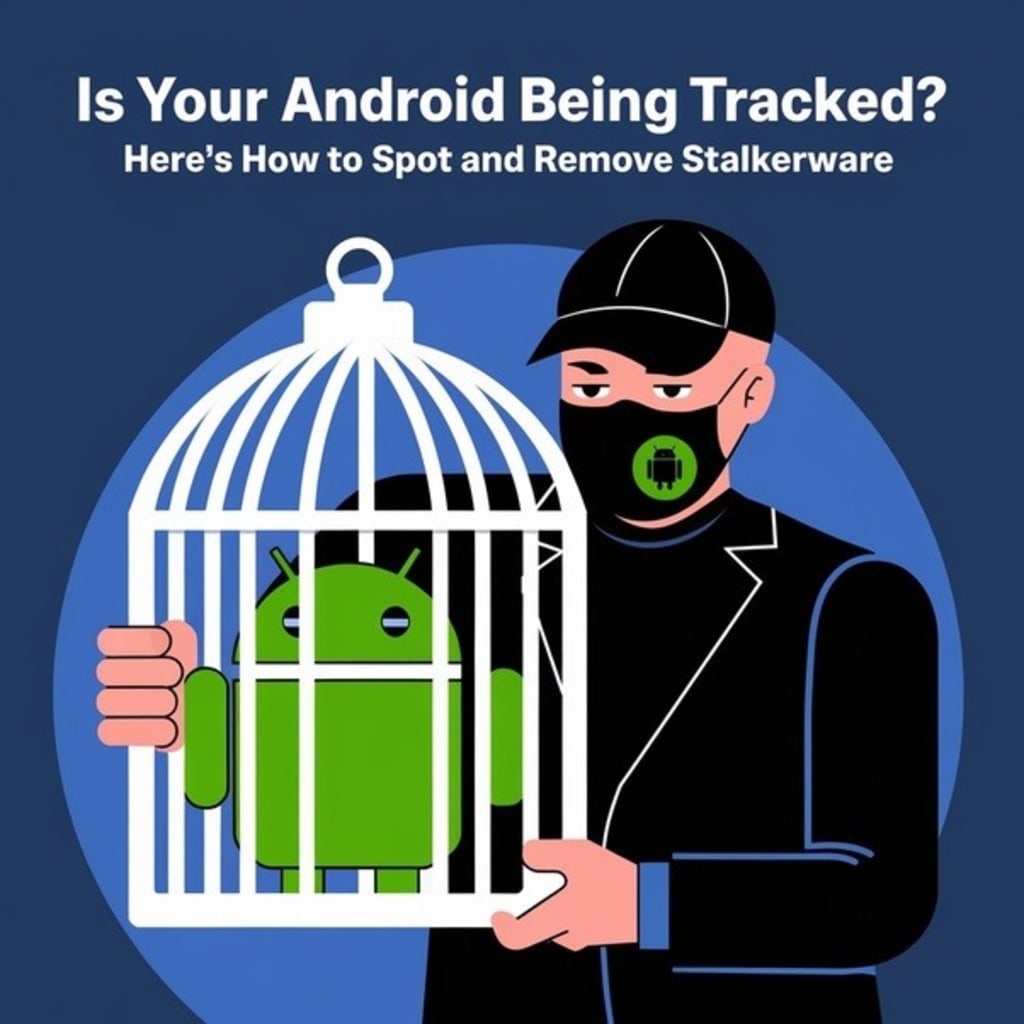
In today's digitally connected world, the security of our personal devices is paramount. With the rise of malicious software designed to monitor and exploit personal data, it's crucial to stay informed and vigilant. This article delves into the insidious threat of stalkerware on Android devices, offering insights into detection and removal to safeguard your privacy.
Understanding Stalkerware
Stalkerware refers to software installed on a device without the owner's consent, enabling unauthorized monitoring of activities. Often masquerading as legitimate applications, these malicious programs can access personal data, track locations, and even intercept communications. The clandestine nature of stalkerware makes it a potent tool for cybercriminals and malicious entities.
Common Signs of Stalkerware Infection
Recognizing the presence of stalkerware is the first step toward protection. Common indicators include:
Decreased Battery Life: Unusual battery drain may signal background processes associated with unauthorized monitoring.
Overheating: Continuous background activity can cause the device to overheat unexpectedly.
Increased Data Usage: Stalkerware often transmits data to external servers, leading to spikes in data consumption.
Unfamiliar Applications: The presence of unknown apps, especially those with generic icons or names, can be a red flag.
Performance Issues: Lagging, crashes, or unresponsive behavior may result from malicious software interference.
Steps to Detect Stalkerware on Your Android Device
To identify potential threats:
Review installed applications: Regularly inspect all installed apps. Look for unfamiliar or suspicious applications that you don't recall installing.
Check App Permissions: Navigate to your device's settings to review app permissions. Be wary of apps requesting access to sensitive data or functions without a clear purpose.
Utilize Security Software: Employ reputable mobile security applications that can detect and alert you to potential stalkerware.
Removing Stalkerware from Your Device
If you suspect your device is compromised:
Update Device Software: Ensure your Android OS is up-to-date, as updates often include security patches that can thwart malicious software.
Run a Security Scan: Use trusted antivirus or anti-malware apps to scan and identify potential threats.
Uninstall suspicious apps: Manually remove any applications identified as malicious or unnecessary.
Factory Reset: As a last resort, performing a factory reset can remove persistent threats. However, this will erase all data, so ensure important information is backed up.
Preventative Measures
To safeguard against future threats:
Download from trusted sources: Only install apps from official app stores like Google Play.
Regularly Update Apps and System Software: Keeping software current ensures you have the latest security enhancements.
Be Cautious with Permissions: Scrutinize app permission requests and deny access to unnecessary data or functions.
Install Security Software: Maintain active security applications to provide real-time protection against threats.
What is stalkerware?
Stalkerware is malicious software installed without consent to monitor and track device activity.
How can I tell if my Android device has stalkerware?
Signs include rapid battery drain, overheating, increased data usage, unfamiliar apps, and general performance issues.
Can factory resetting my device remove stalkerware?
Yes, a factory reset can remove stalkerware, but it also erases all personal data. Ensure you back up important information before proceeding.
How can I protect my device from stalkerware?
Download apps only from trusted sources, regularly update your device, monitor app permissions, and use reputable security software.
Are there legal implications associated with stalkerware?
Yes, using stalkerware to monitor someone without their consent is illegal and punishable by law.
What should I do if I find stalkerware on my device?
Remove the malicious software immediately, update your security settings, and consider consulting legal authorities if you believe your privacy has been violated.
Conclusion
Maintaining the security of your Android device is essential in today's interconnected world. You can protect your private information from dangerous threats like stalkerware by being vigilant, monitoring your device, and implementing robust security measures. Follow the social media marketing experts to stay up to date on the newest trends if you are interested in social media marketing trends.
About the Creator
Smm Experts
Your Social Media Marketing A-Team includes a Dedicated Account Manager, a Seasoned Social Media Buyer, a Creative Graphics Designer, and a Talented Content Writer, working harmoniously to propel your brand forward.
Keep reading
More stories from Smm Experts and writers in Writers and other communities.
How Can I Use Social Media To Increase Sales?
In today's digital landscape, social media platforms are indispensable tools for businesses aiming to enhance their sales and brand presence. With the right strategies, you can effectively leverage these platforms to reach your target audience and drive conversions.
By Smm Experts 11 months ago in Writers
It's Winter
Anne Bernays and Pamela Painter — What If? Writing Exercise for Fiction Writers prompts The Exercise —Write a scene involving two characters. Have the point-of-view character presume something entirely different about the situation from what the other character's overt behavior seems to imply. For example, a landlord comes to visit, and the tenant suspects that it isn't a visit but an inspection. Make up several situations in which one character can fantasize or project or suspect or even fear what another character is thinking. The Objective - To show how your characters can use their imaginations to interpret the behavior and dialogue of other characters.
By Denise E Lindquist21 days ago in Writers
Smart phones, Humans and Aliens.
WARNING. I will be tapping into one of your favorite creative tensions: The absurdity of humans worshipping their glowing rectangles as if they were tiny oracles. There’s something deliciously poetic about that contradiction, and it lends itself beautifully to an instructive proviso.
By Novel Allen7 days ago in Poets


Comments
There are no comments for this story
Be the first to respond and start the conversation.