
How to Connect Audio Equipment?
Connecting audio equipment is a crucial step in a modern home entertainment system. Whether it's a home theatre, music playback system or professional audio equipment, the right connections ensure the best sound quality and experience. In this article, we will introduce the connection method of audio in detail, including different types of audio equipment, the choice of connecting cables and solutions to common problems.
1.Understanding Audio Equipment
Before you start to connect the audio, you first need to understand the audio equipment you use. Audio equipment usually includes the following types:
- Speakers
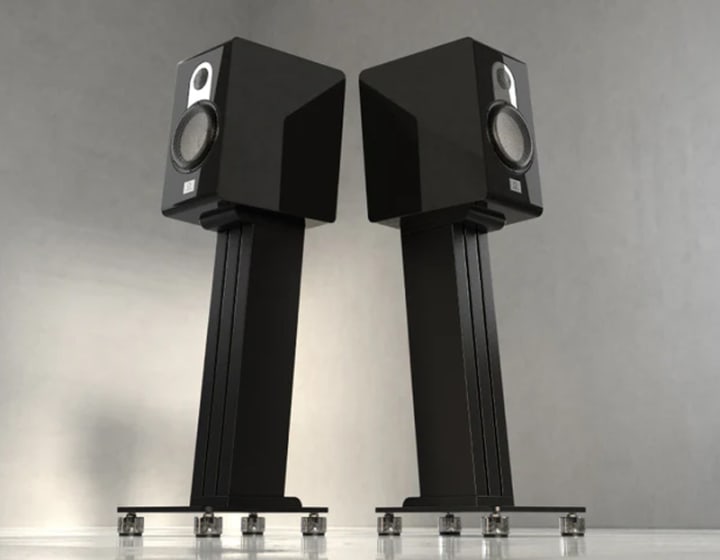
Speakers are the core of an audio system and are responsible for converting electrical signals into sound. Speakers can be categorised into active and passive speakers. Active speakers have built-in amplifiers, while passive speakers need external amplifiers to drive them.
- Amplifiers
Amplifiers are used to enhance the strength of the audio signal to drive the speakers. The choice of amplifier depends on the impedance and power requirements of the speakers.
- Source Devices
Source devices include CD players, turntables, computers, mobile phones, etc., which provide audio signals.
- Audio Processors
Audio processors are used to adjust the characteristics of the audio signal, such as equaliser, sound processor, etc.
Choosing Connecting Cables
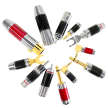
When connecting audio equipment, choosing the right connecting cables is crucial. Common audio connecting cables include:
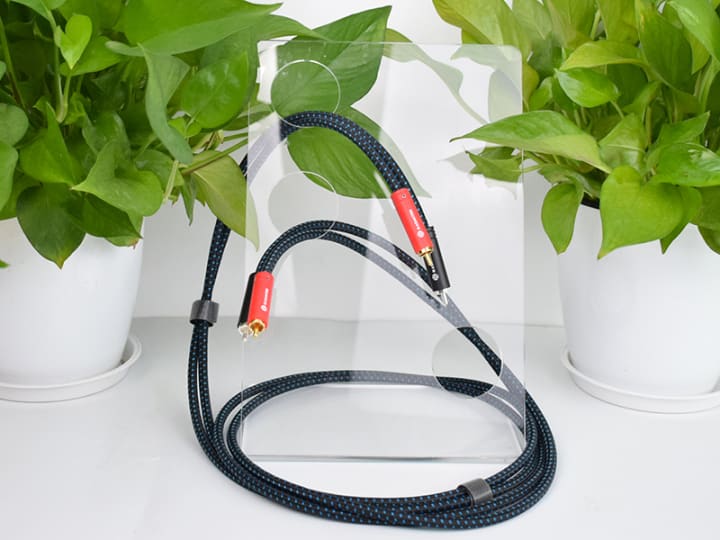
RCA cables are typically used to connect audio source equipment to an amplifier or audio processor. They usually have red and white plugs for the right and left channels respectively.
XLR cables are mainly used in professional audio equipment and provide better interference immunity. They are usually used to connect microphones and mixers.
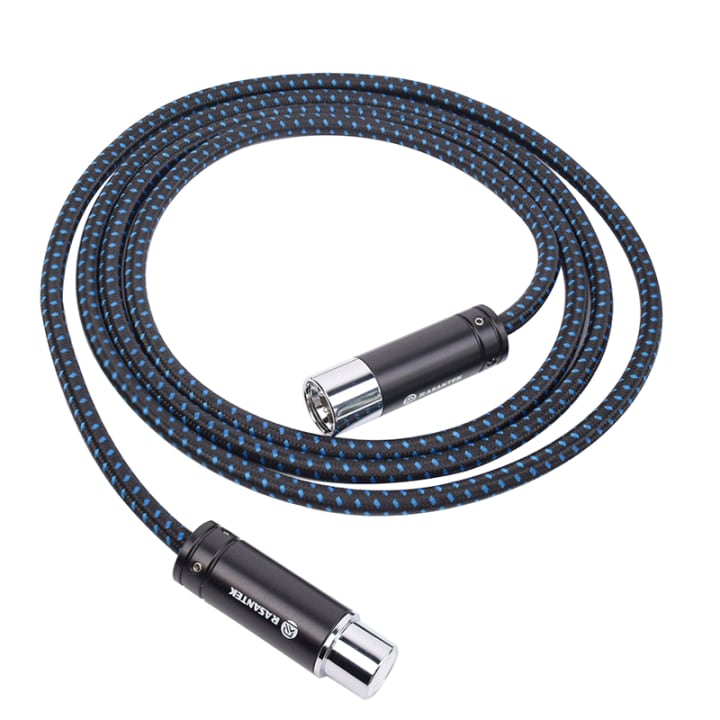
TRS cables are used for connecting musical instruments, audio interfaces and amplifiers and are capable of transmitting balanced signals.
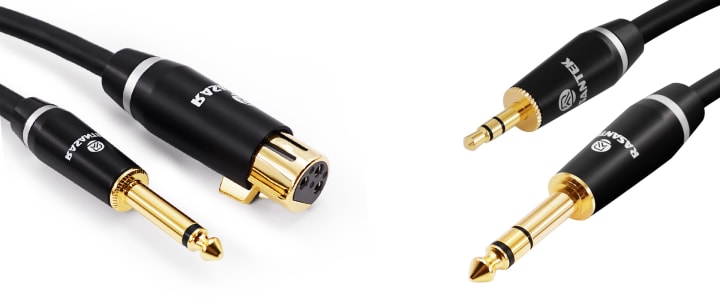
- Optical Cables
Optical cables are used for digital audio transmission and provide high quality audio signals, often used to connect TVs and sound systems.
- HDMI Cables
HDMI cable not only transmits audio, but also transmits video signals, suitable for connecting modern TVs and home theatre systems.
Steps to Connect Audio Equipment
After understanding the audio equipment and connecting cable, the following are specific steps to connect audio equipment:
- Determine Device Placement
Before connecting audio equipment, you should first determine the placement of each device. Speakers should be placed in the best listening position, usually with the audience to form an equilateral triangle layout. Amplifiers and sound source equipment should be placed in a convenient location for operation.
- Connect Source Devices
Depending on the type of your source device, select the appropriate connection cable for connection. For example:
To connect a CD player to an amplifier using an RCA cable: insert the red plug of the RCA cable into the right channel input of the amplifier and the white plug into the left channel input.
Use HDMI cable to connect TV to sound system: plug one end of the HDMI cable into the HDMI output port of the TV and the other end into the HDMI input port of the sound system.
- Connect Amplifier to Speakers
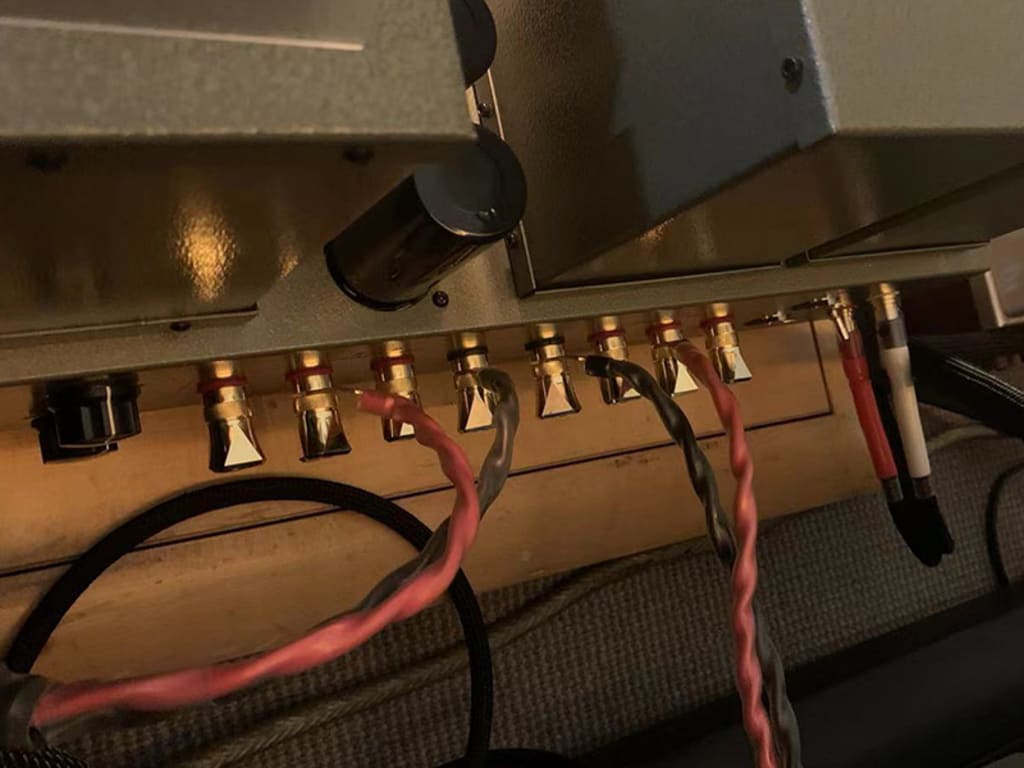
When connecting the amplifier and speakers, make sure the polarity of the connecting cable is correct. Usually, amplifiers and speakers are marked to indicate positive and negative polarity. The following steps should be followed when making connections:
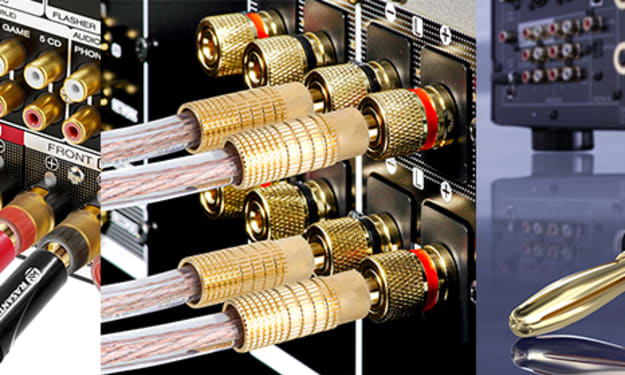
Connect the amplifier and speakers using speaker cables: connect one end of the speaker cable to the speaker output port of the amplifier and the other end to the input port of the speakers. Make sure the positive and negative terminals are connected correctly.
- Connect Audio Processor
If you are using an audio processor, you can make connections between the source device and the amplifier. The procedure is as follows:
Connect the source device to the audio processor using RCA cables: Connect the output ports of the source device to the input ports of the audio processor.
Connect the audio processor to the amplifier using RCA cables: connect the output ports of the audio processor to the input ports of the amplifier.
- Check Connections
After you have made all the connections, double-check that each connection is secure to ensure that there are no loose or incorrect connections. This can be done by gently pulling on the connecting wires to make sure the connections are secure.
Testing the Audio System
After completing all the connections, the next step is to test the audio system to ensure that it works properly. You can follow the steps below to test the system:
1. Power On Devices
First switch on all audio equipment, including source devices, amplifiers and speakers. Make sure that all devices are powered on and working properly.
2. Play Audio
Check the sound quality of the audio system by selecting a piece of audio you are familiar with and playing it. Pay attention to the volume adjustment to avoid distortion caused by too high volume.
3. Adjust Settings
Adjust the settings of the sound system according to your personal preferences, including volume, equaliser and other sound settings. Adjustments can be made through the control panel of the audio processor or amplifier.
Common Issues and Solutions
In the process of connecting and using audio equipment, you may encounter some common problems. The following are some common issues and solutions:
1. No Sound
If there is no sound from the sound system, you can check the following points:
- Make sure all devices are switched on.
- Check the volume setting of the source device to make sure it is not muted.
- Ensure that the connection cables are securely connected and not loose.
2. Distorted Sound
If the sound is distorted, it may be due to one of the following reasons:
- Volume is too high, try lowering the volume.
- Poor quality connecting cable, consider replacing the cable with a high quality one.
- Check the speakers for damage and repair or replace if necessary.
3. Noise Interference
If the sound system is experiencing noise interference, try the following:
- Ensure that the connection cables between all equipment are routed away from the power cord to minimise interference.
- Use balanced connection cables (e.g. XLR or TRS cables) to reduce noise.
- Check the grounding of the equipment to ensure that it is well grounded.
Conclusion
The proper connection of audio equipment is key to ensuring a high-quality audio experience. By understanding audio equipment, choosing the right cables, and following the correct steps to make connections, you can effectively build a great sound system. At the same time, understanding common problems and their solutions can also help users in a smoother process.
About the Creator
selina li
Hello, my name is Selina, Product Specialist at Rasantekaudio.20 For many years we have been supplying high-end audio plugs, cables and accessories to companies all over the world. We are happy to share our knowledge about audio and video.


Comments
There are no comments for this story
Be the first to respond and start the conversation.