
How to Choose the Right YouTube Downloader for Your Needs
MP3Studio YouTube Downloader

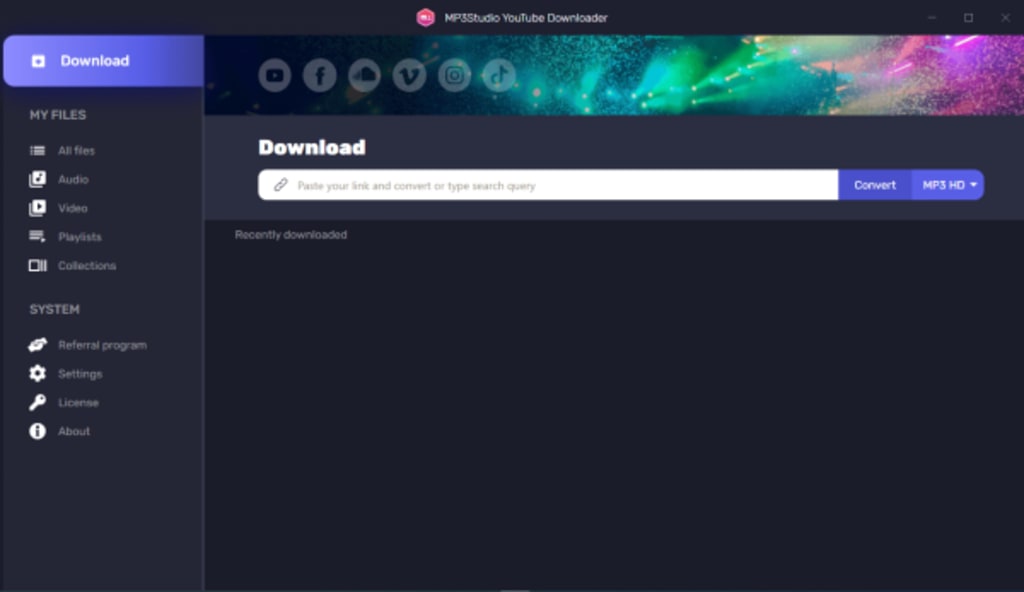
YouTube is one of the largest and most popular platforms for streaming videos, offering everything from music, tutorials, and movies to personal vlogs and educational content. However, YouTube doesn’t provide an official option to download videos directly to local storage, except through its Premium service, and even then, the downloads are restricted to the YouTube app. This is where a YouTube downloader comes into play. In this article, we’ll explore what a YouTube downloader is, its legality, features to look for, and some popular tools for downloading videos.
While YouTube downloaders can be a convenient tool for offline viewing, it’s essential to use them responsibly. Observing YouTube’s Terms of Service and copyright regulations, while prioritizing safe and reputable tools, can help you enjoy your favorite content in a way that’s secure and respectful of creators.
- Video Quality Options: The ability to choose video quality, ranging from low-resolution 144p to high-definition (HD) 1080p, or even 4K, is essential for ensuring compatibility with your device’s storage and display capabilities.
- Format Choices: Support for various formats, such as MP4, AVI, and even audio-only formats like MP3, allows flexibility depending on your needs.
- Download Speed: Faster download speeds make a significant difference, especially with high-definition and large files.
- Batch Downloading: Some downloaders let users save entire playlists or multiple videos at once, which can save a lot of time.
- Subtitle Downloading: The ability to download subtitles is valuable for educational and foreign language videos.
About the Creator
Micheal Jones
My journey has been fueled by a love for innovation and a desire to make a positive impact through my work.
Keep reading
More stories from Micheal Jones and writers in Writers and other communities.
Maximizing Efficiency in API Testing
HttpMaster Pro is a powerful, feature-rich tool for developers and testers who work with web-based applications, web APIs, and HTTP requests. Its broad functionality, from versatile HTTP request handling to comprehensive logging and automation support, makes it an excellent choice for testing modern web applications and services. For teams looking to enhance their API testing capabilities, HttpMaster Pro offers the features and flexibility needed to build, test, and validate reliable, high-quality software.
By Micheal Jonesabout a year ago in Writers
March 15, 2026
Merriam Webster - Word of the day: Tranche refers to a division or portion of a whole. World Contact Day is commemorated every year on March 15. It is a unique observance held globally to focus on communicating with extraterrestrial life and exploring the possibility that intelligent beings may exist beyond Earth. World Contact Day inspires people to invoke their curiosity and spend time thinking about the universe and the mysteries surrounding it. What is the “Ides of March”? According to the Roman calendar, the Ides are a monthly occurrence. In March and other months with 31 days, the Ides always falls on the 15th; it falls on the 13th in months with 30 days. The Ides traditionally marked the arrival of the new Moon and was cause for celebration. The word “Ides” is derived from Latin, meaning “to divide.” Mothering Sunday in 2026 falls on Sunday, March 15. Mothering Sunday, celebrated in the United Kingdom and Ireland, occurs on the fourth Sunday of Lent, which is exactly three weeks before Easter. Unlike the fixed-date Mother's Day in countries like the United States, Canada, and Australia, Mothering Sunday’s date changes each year according to the Christian liturgical calendar. On March 15, 2026, several notable observances and events are celebrated: Dumbstruck Day: A day to express frustration. Everything You Think is Wrong Day: A day to challenge and celebrate wrong beliefs. International Day Against Police Brutality: A day to raise awareness and advocate against police violence. My look at today, March 15, 2026 below:
By Denise E Lindquistabout 15 hours ago in Writers
The Library of Lost Things
The rain didn’t just fall in Oakhaven; it sighed. It was the kind of gray, relentless drizzle that made you want to stay inside and count your regrets. I found myself standing in front of a building I’d passed a thousand times but never truly noticed: a narrow storefront with a peeling wooden sign that read The Library of Lost Things.
By Nolan Ellis7 days ago in Writers
Hottest in the Office
Dear Rafi, You’re very distracting to work around. For the first second I saw you the other day, I thought you were some type of executive. It took a moment to realize no, you were just the new guy, dressed up for the job he wants. Be still, my heart.
By Gabriel Shames6 days ago in Pride


Comments