
Unlocking Creativity Through Automation in Graphic Design
Creativity Through Automation in Graphic Design

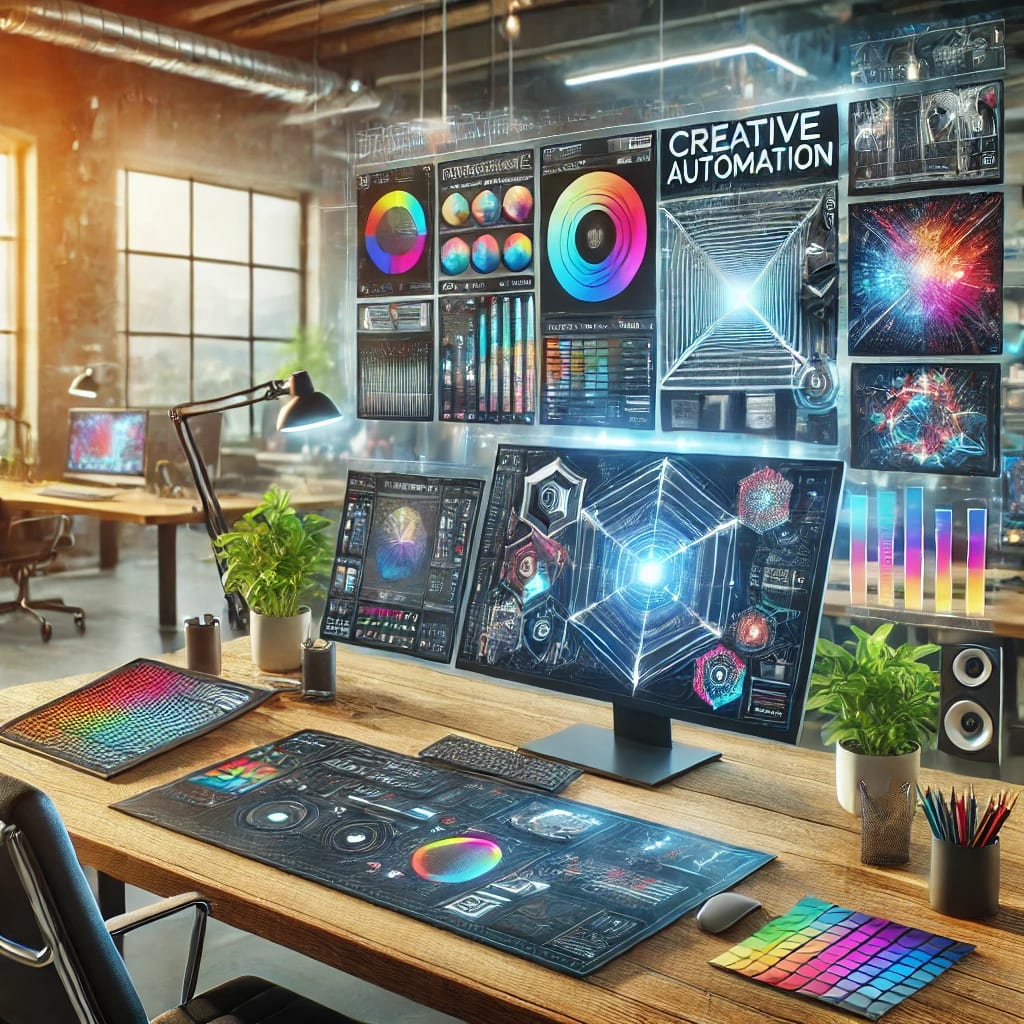
Graphic design is a field that thrives on creativity, innovation, and visual storytelling. Yet, with the increasing demand for content in today’s fast-paced digital world, graphic designers often face the challenge of balancing creativity with efficiency. Enter creative automation, a game-changing approach that combines technology and artistry to streamline the design process without compromising quality.
This article explores how creative automation is transforming the world of graphic design and how designers can leverage it to unlock new levels of creativity and productivity.
What is Creative Automation?
Creative automation involves using technology, such as AI-driven tools and software, to automate repetitive and time-consuming design tasks. Instead of spending hours resizing images, generating layouts, or managing assets, designers can focus on crafting compelling visuals and narratives.
How Creative Automation Enhances Graphic Design
1. Boosts Efficiency
Automation tools can handle tasks like:
Resizing and cropping images for various platforms.
Generating multiple design variations for A/B testing.
Automating typography and color schemes based on pre-set rules.
This reduces manual effort, saving time for designers to focus on the creative aspects of their projects.
2. Ensures Consistency Across Campaigns
Brand consistency is crucial in graphic design, especially for large-scale campaigns. Creative automation enables designers to:
Apply brand guidelines automatically.
Maintain uniformity across all visuals and touchpoints.
Update design elements globally in real time.
3. Empowers Personalization at Scale
In today’s marketing landscape, personalized content drives engagement. Creative automation tools allow designers to:
Create tailored visuals for specific audience segments.
Adapt designs for different cultural or regional preferences.
Generate dynamic content for email marketing, social media, and ads.
4. Encourages Experimentation
By automating routine tasks, designers can dedicate more time to exploring new styles, layouts, and techniques. Automation tools can also provide inspiration through:
AI-generated design suggestions.
Pre-made templates that can be customized creatively.
Popular Creative Automation Tools for Graphic Designers
Canva Pro: Automates resizing, template creation, and collaborative workflows.
Adobe Sensei: AI-powered features in Adobe Creative Cloud that enhance editing and design efficiency.
Figma: Streamlines team collaboration with design systems and component libraries.
RelayThat: Ensures brand consistency with automated design resizing and layouts.
Challenges and Limitations of Creative Automation
While creative automation is powerful, it has its limitations:
Lack of Originality: Automation tools rely on pre-set rules, which may limit unique or custom designs.
Learning Curve: Designers must invest time to learn and adapt to new tools.
Dependence on Technology: Over-reliance on automation may dilute the human touch in design.
The Future of Creative Automation in Graphic Design
As technology continues to evolve, the integration of creative automation in graphic design is likely to become even more seamless. AI-driven tools will:
Predict design trends and provide data-driven insights.
Enhance collaboration with real-time feedback and revisions.
Enable immersive experiences through AR and VR design automation.
Conclusion
Creative automation is not about replacing graphic designers but empowering them to achieve more with less effort. By embracing automation, designers can enhance efficiency, foster innovation, and focus on what they do best—creating captivating visuals that tell powerful stories.
As the lines between technology and creativity blur, the future of graphic design is bound to be both automated and inspired.
About the Creator
Keep reading
More stories from Karen Anthony and writers in Serve and other communities.
Neurofilament Light: A Promising Biomarker in Neurological Disease Diagnosis
The landscape of neurological disease diagnosis is undergoing a transformation, driven by advances in molecular biomarkers. Among these, neurofilament light chain (NfL) has emerged as a particularly promising biomarker. This article explores the significance of NfL in diagnosing neurological diseases, its potential applications, and the future directions of this burgeoning field.
By Karen Anthonyabout a year ago in Psyche
Rising Tensions: U.S.-Iran Conflict Escalates After Leader's Death"
In a dramatic escalation of tensions in the Middle East, Iran’s Supreme Leader Ayatollah Ali Khamenei has been confirmed dead following a large-scale military operation conducted by the United States and Israel. This development marks one of the most serious confrontations between the U.S. and Iran in decades, with region-wide impacts and uncertain global consequences.�
By shaoor afridia day ago in Serve
Trickle Them Down, But Not Out
The thing about smart people is that they should know better, but alas, intelligence is not the same as wisdom. Not only do the mistakes of experts too short on vision—when they are not corrected—have the potential to do great and far-reaching damage, but they also undermine public confidence in the very notion of expertise. This is particularly so when expertise is wielded in defence of the rich and powerful as a cudgel against those laid low. As an academic, this lack of faith in “so-called experts” is painful to see as it plays out in the spread of dis-/misinformation, conspiracy theories, and anti-intellectualism writ large. But it is also an understandable impulse given the catastrophic failure of an economic ideology pushed by certain economic experts. Supply-side economics has shaped a broken system for the last half-century and has arguably done more to undermine the fabric of the American Dream than any policy framework of the past century.
By Cory Wright-Maley6 days ago in Humans




Comments
There are no comments for this story
Be the first to respond and start the conversation.