

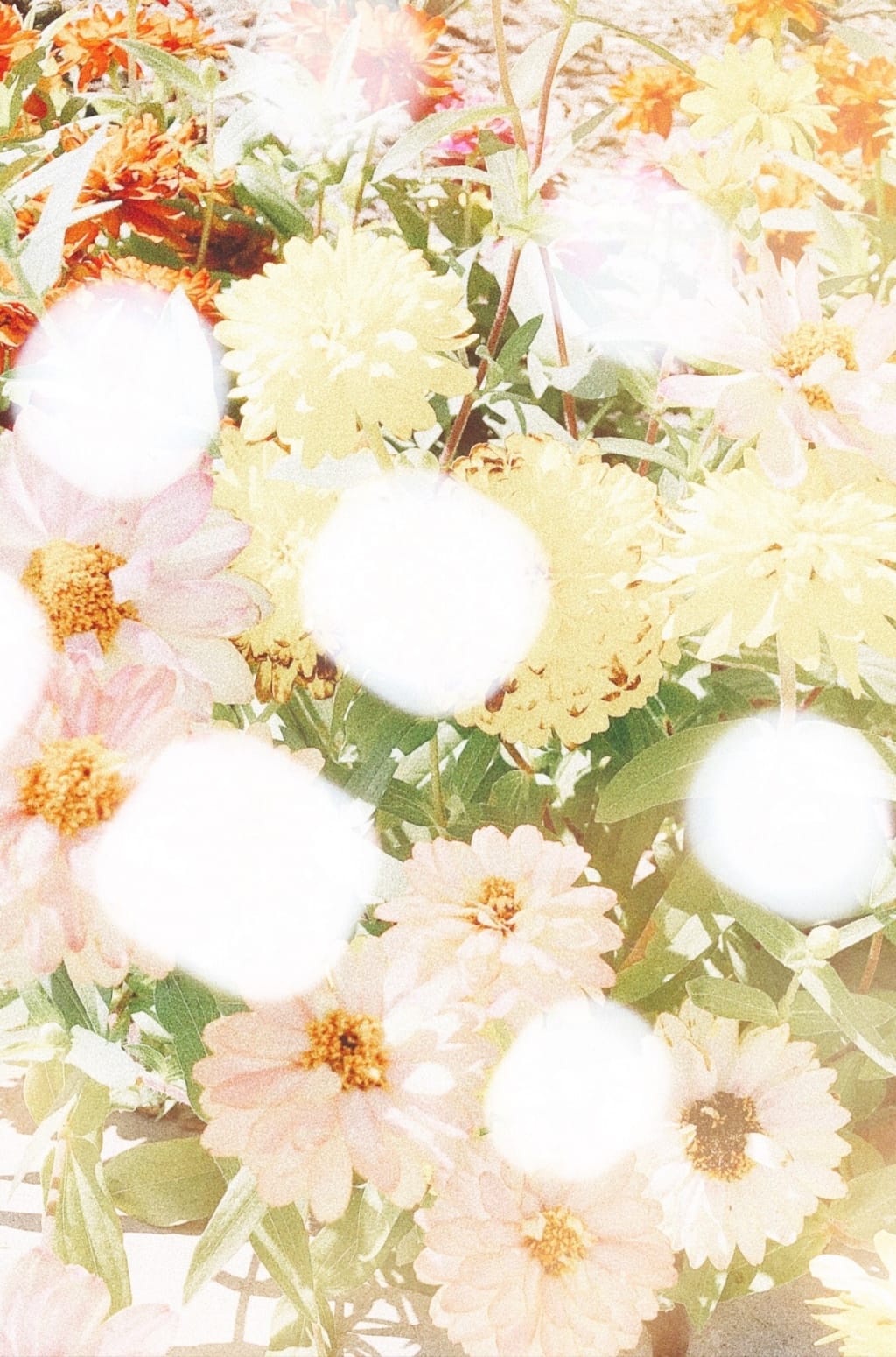
Taking photos has always been one of my favorite hobbies, so the chance to share my creative process behind some of my favorite photos I’ve ever taken was an opportunity I had to take. Photography can come in many ways but for me I just slip my phone out of my back pocket and began becoming inspired by nature, creativity, and my imagination. Usually I have a particular aesthetic that I personally follow but to put it in a word for others to understand the word would be: “dreamy”. I like for my photos to look as if they’ve just been specially plucked from my imagination, but there would be no way for me to succeed in bringing my vision to life by without these apps and their features:
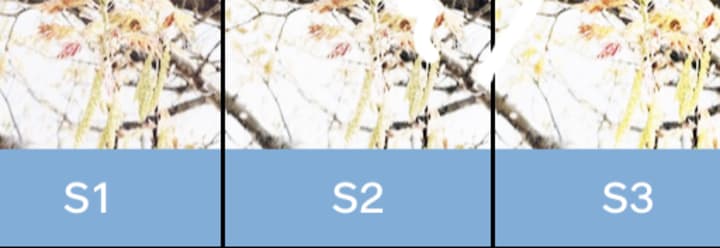
* VSCO: Filters S1-S3
* Superimpose
* Dazz
After I have assembled all my apps, I decide what type of photo or the apps needed for the photo I plan on taking; for this post I decided to share a few different examples, starting with my favorite, superimposing photos. Superimposing, for me adds a heightened effect of one photo by adding another to give it more depth and meaning to create a story.
Example 1: The Rose
Apps:
* Dazz (Camera DQS)
* VSCO (brightness)
* Instagram (for brightness as well if VSCO is not owned)
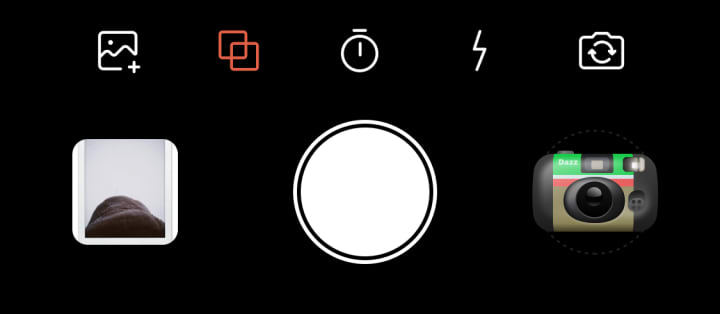
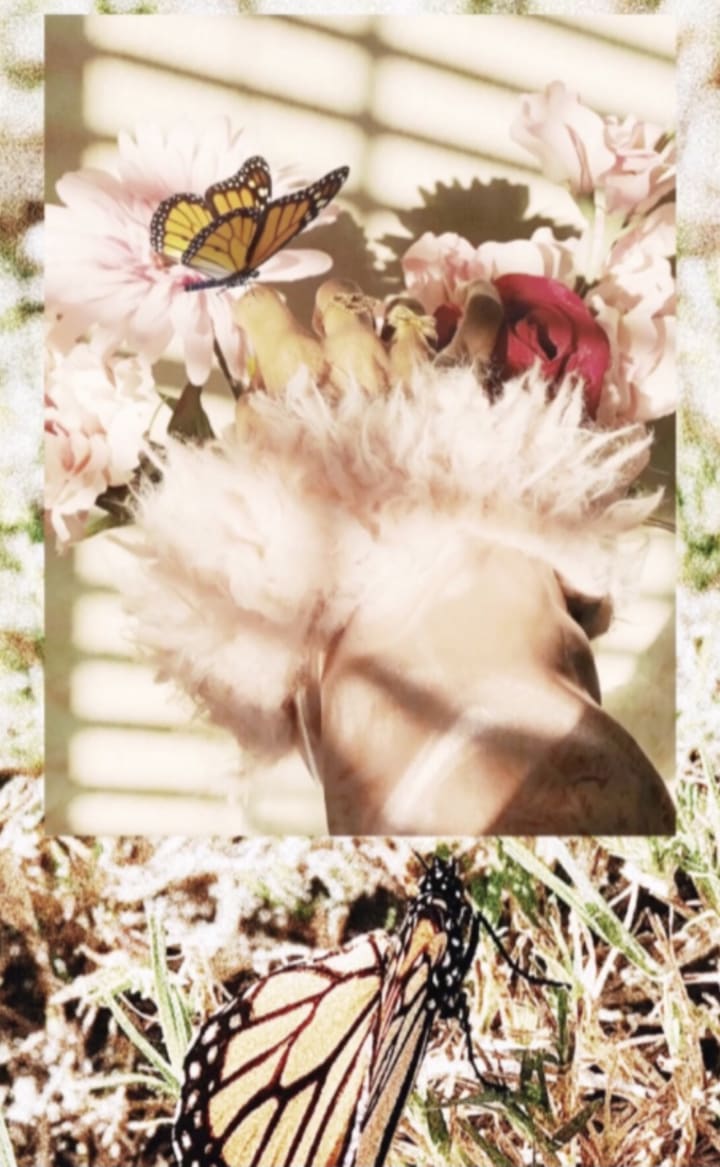
First I choose my two photos that I think will create a harmonious new image. After choosing I’ll put both into Dazz after selecting the film effect I want to use (DQS), then press the 2 overlapping squares to insert the photos then getting the dreamy result below.
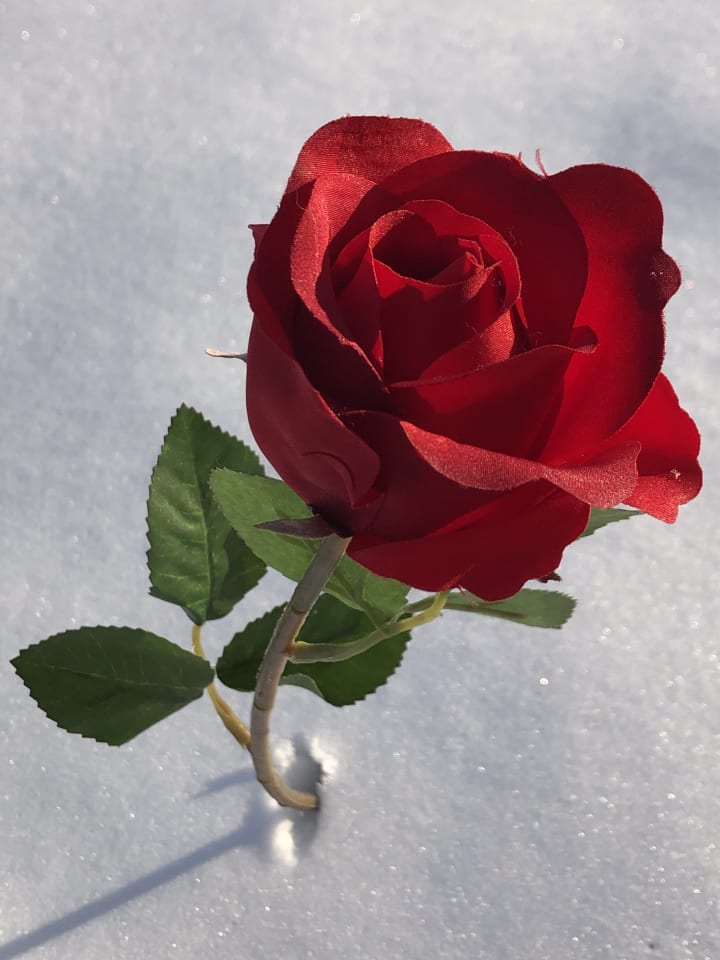
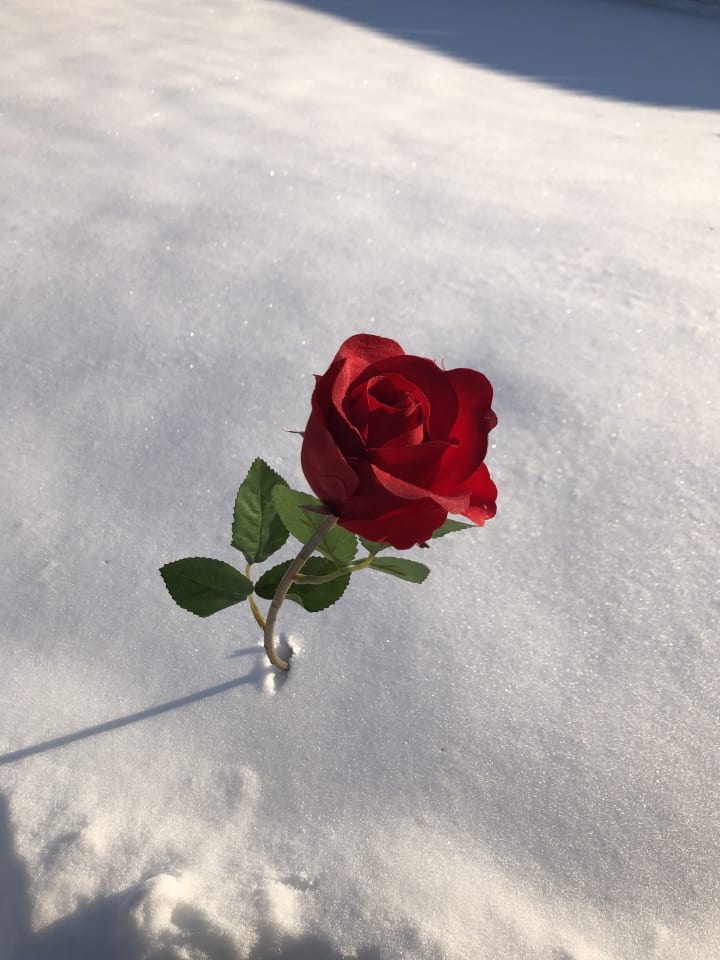
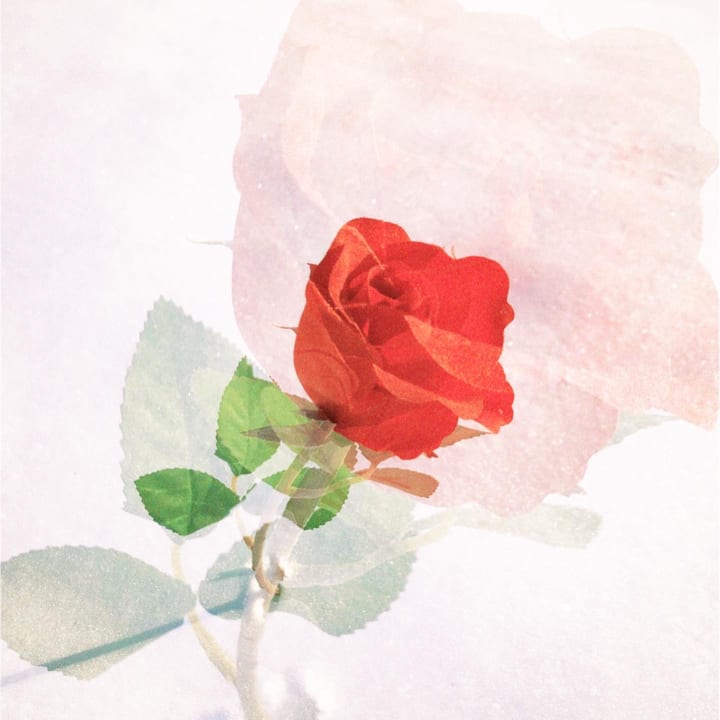
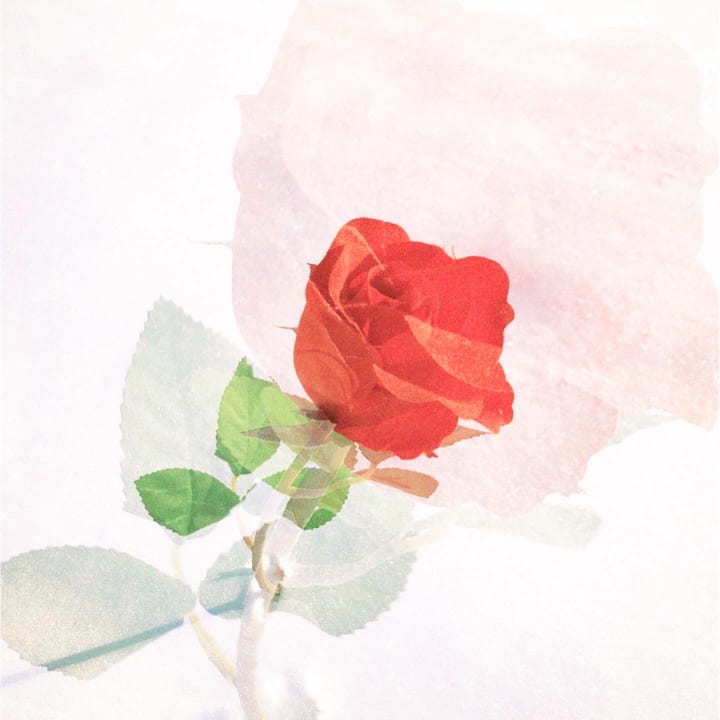
After getting the photo, I take them to either VSCO for the exposure option or Instagram for brightness depending if I’m choosing to post my photos on there or not. Once I add just a decent amount of brightness I instantly have my imagined desired result.

Other Superimpose examples:
Example 2: The Stacking Images
Apps:
Superimpose
VSCO (brightness, grain, S2 filter)
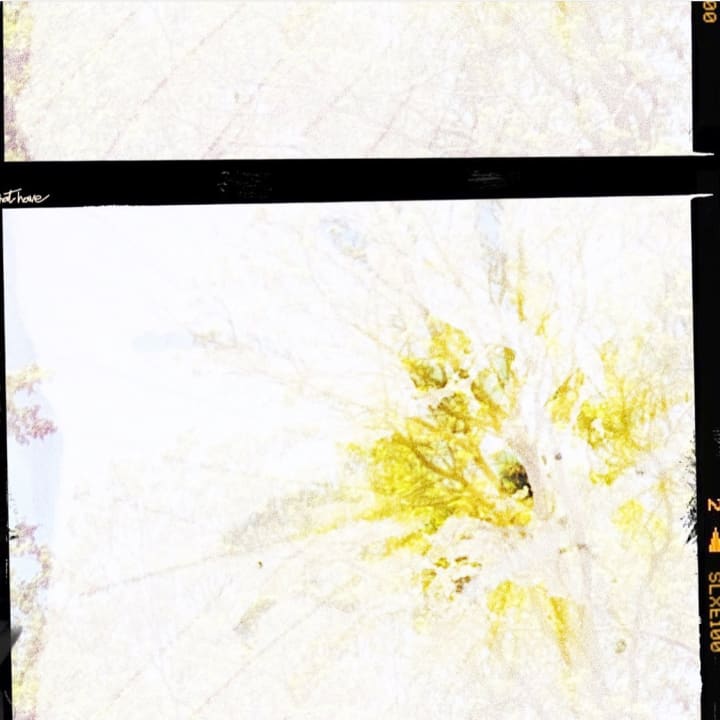
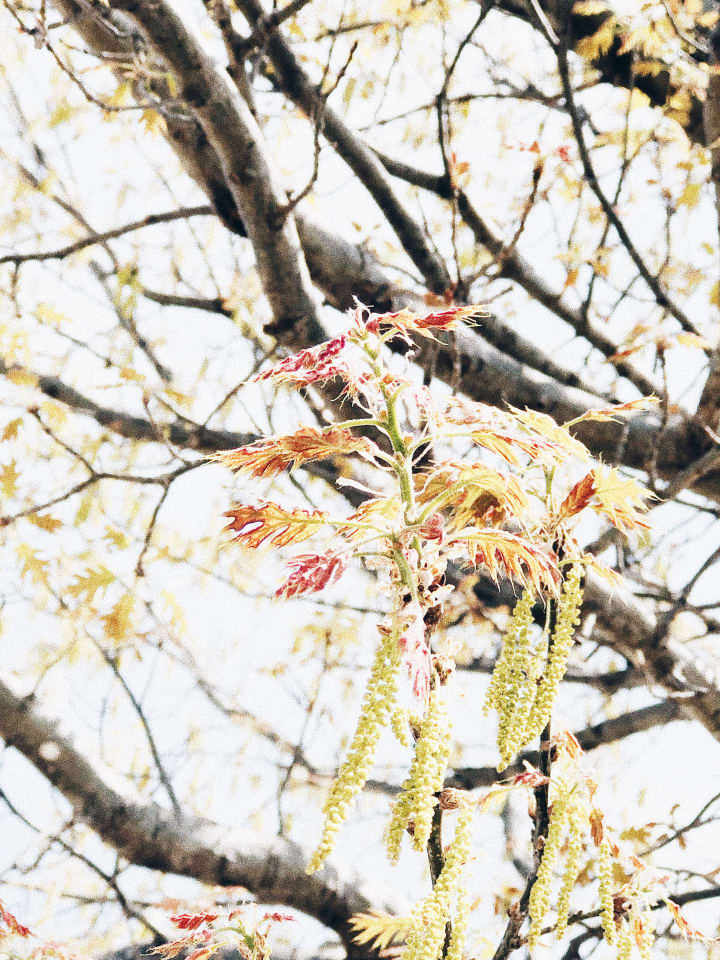
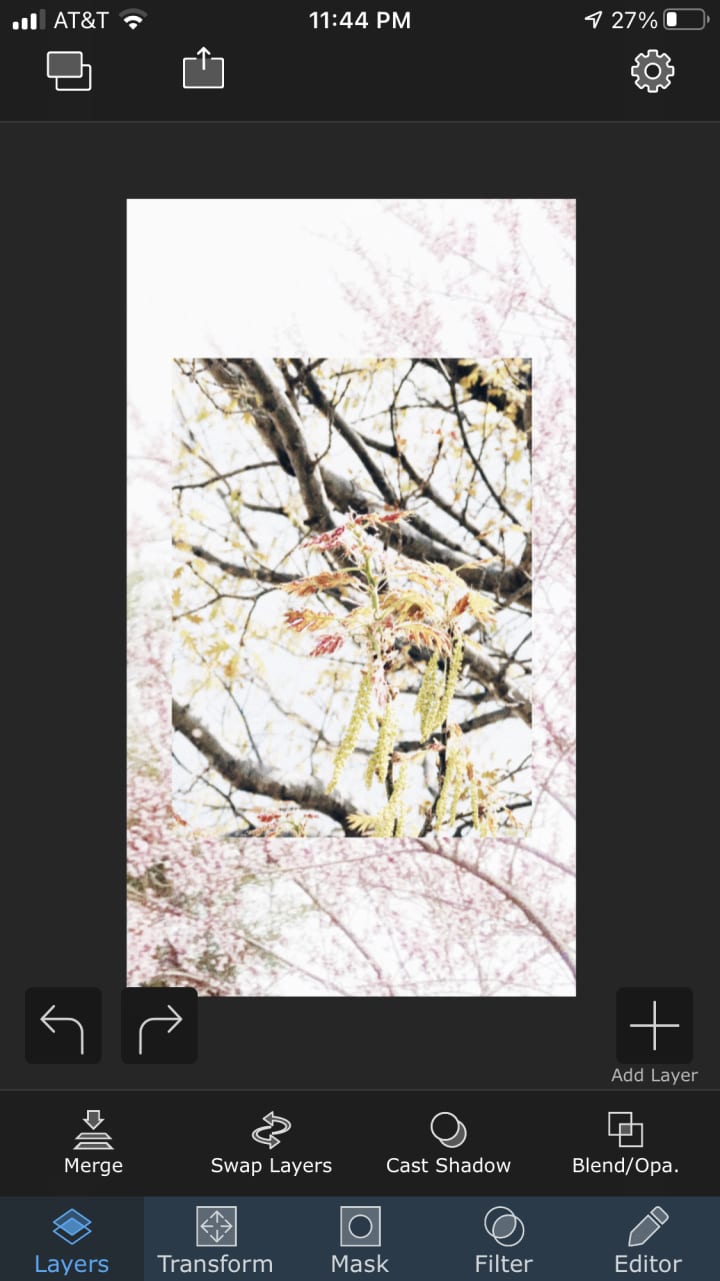
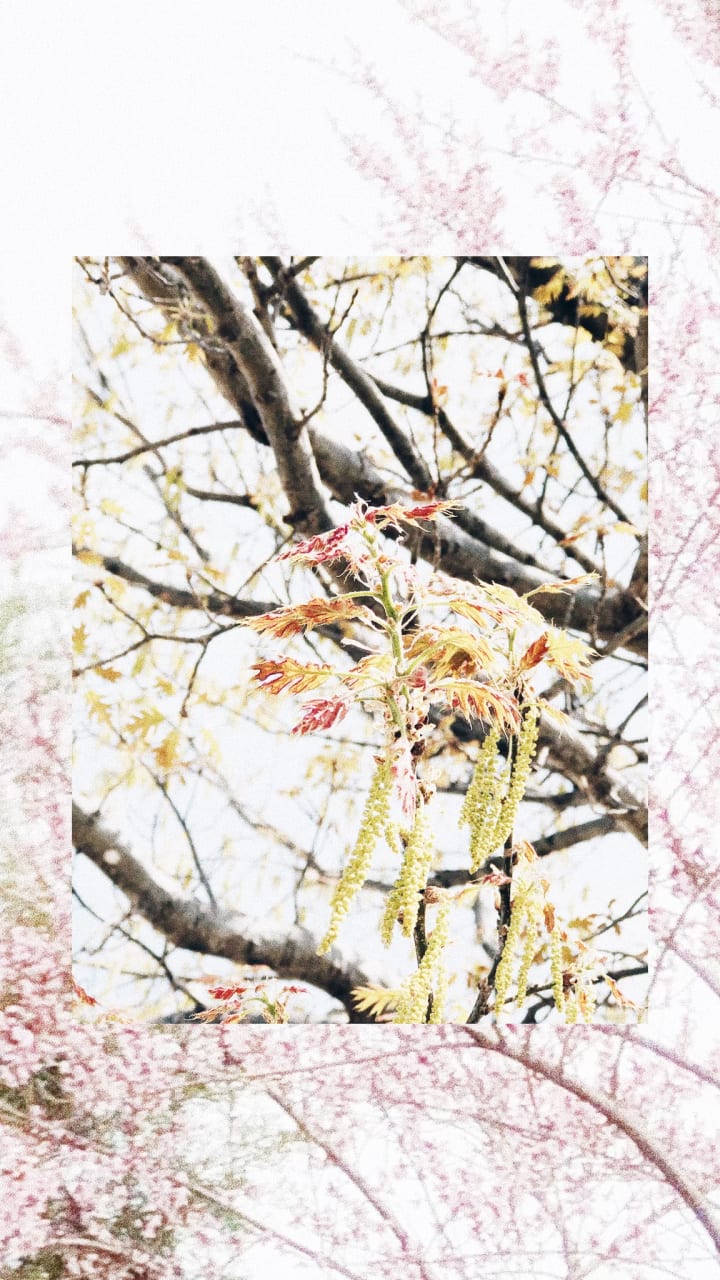
This can be seen as a companion to Example 1. I’m also a big fan of just stacking two unrelated photos with having it completely superimposed into becoming one, they still have their separate stories to tell just together instead of becoming one story.
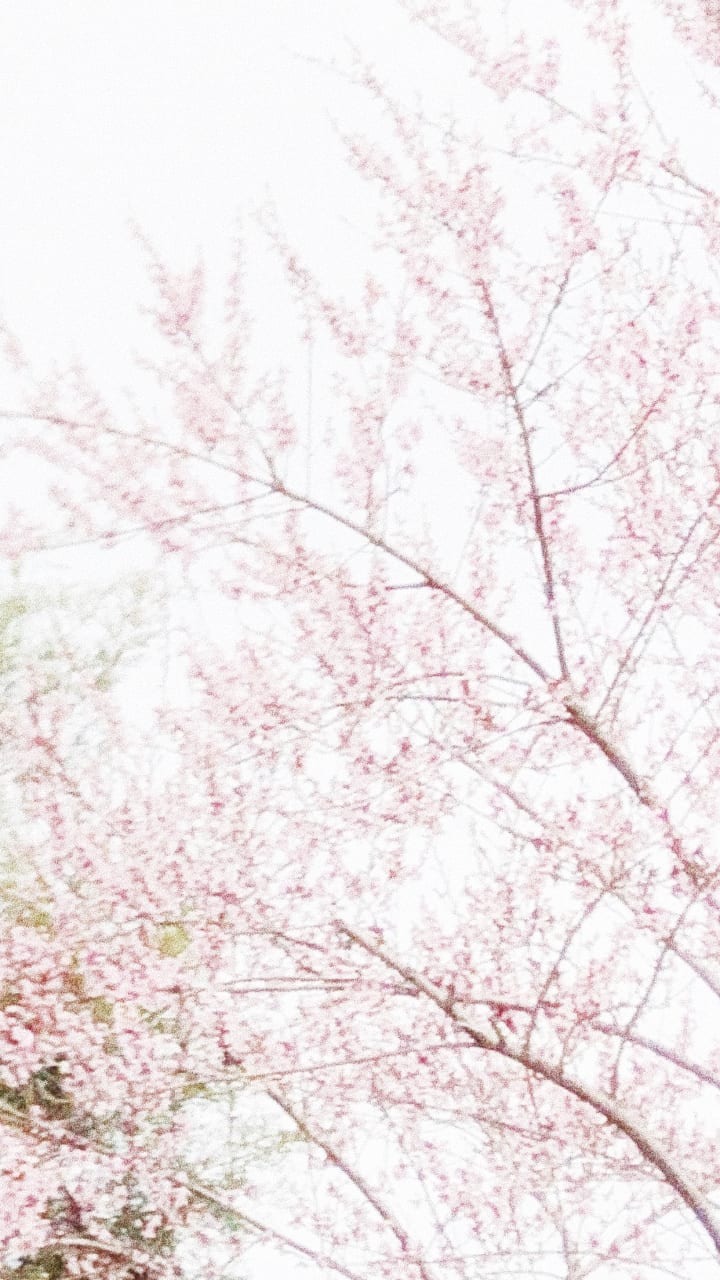
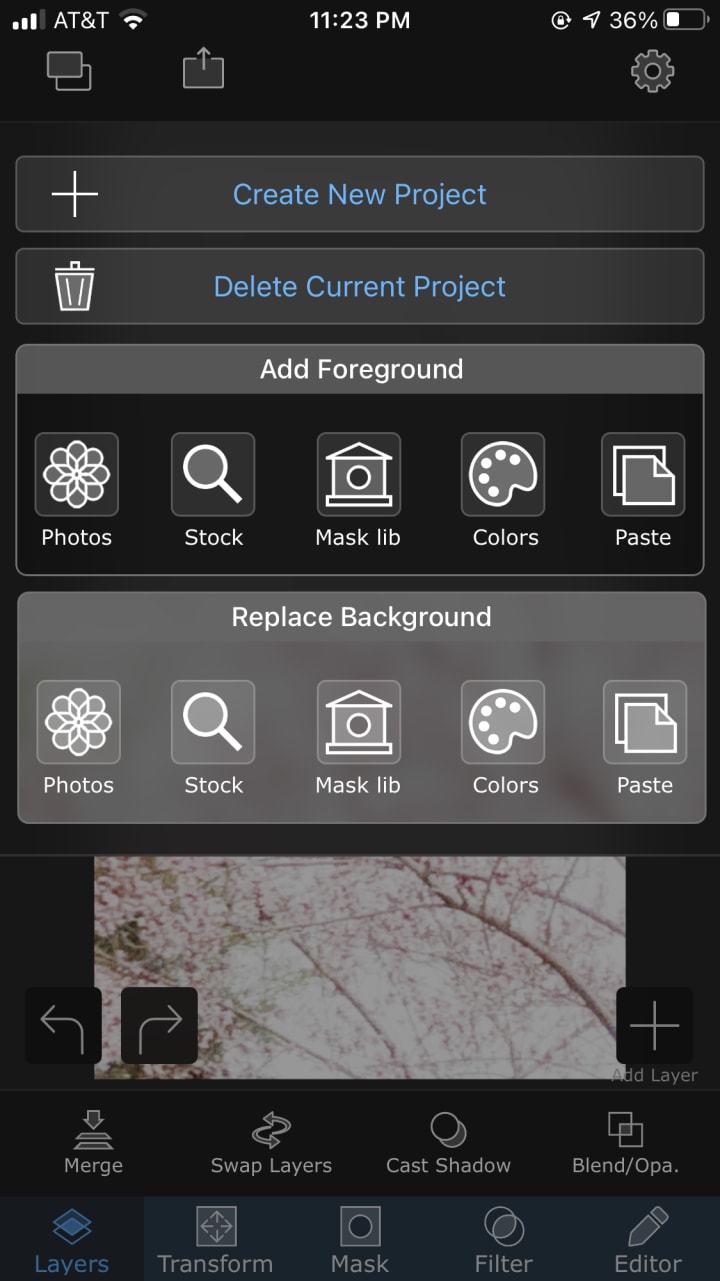
Just like Example 1 I take two photos but this time from different day, weeks or months. I open superimpose and add the first image I’d like as the background then add a photo for what I’d like as the foreground. After this quick and easy step I open VSCO, press S2, then add a fair amount of brightness and a fair-ish amount of grain. Or in this case it has already been added separately and you only need to layer each photo. Also to add to the grain conversation, sometimes I think it adds more to the photo if you do go with a lot of grain but only in certain cases such as nature shots like mine.

Other:
Example 3: In squares or rectangles?
Apps:
* VSCO
My last example is about grids, grids I feel really help bring my imagination to life in an even bigger way. Through this method I use/used the grids of Instagram (an unused account) and VSCO (studio grid) but only used one or two photos just cropping it in different ways.
Instagram version:
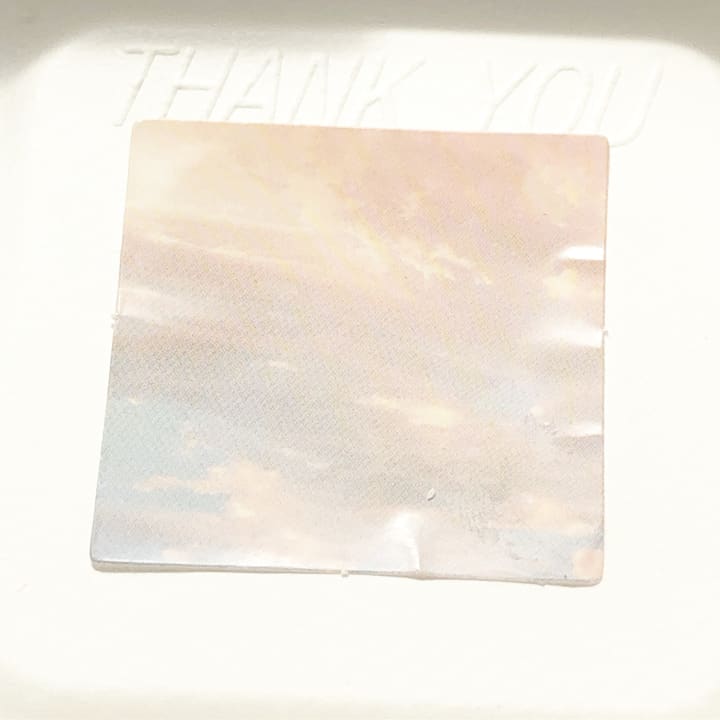
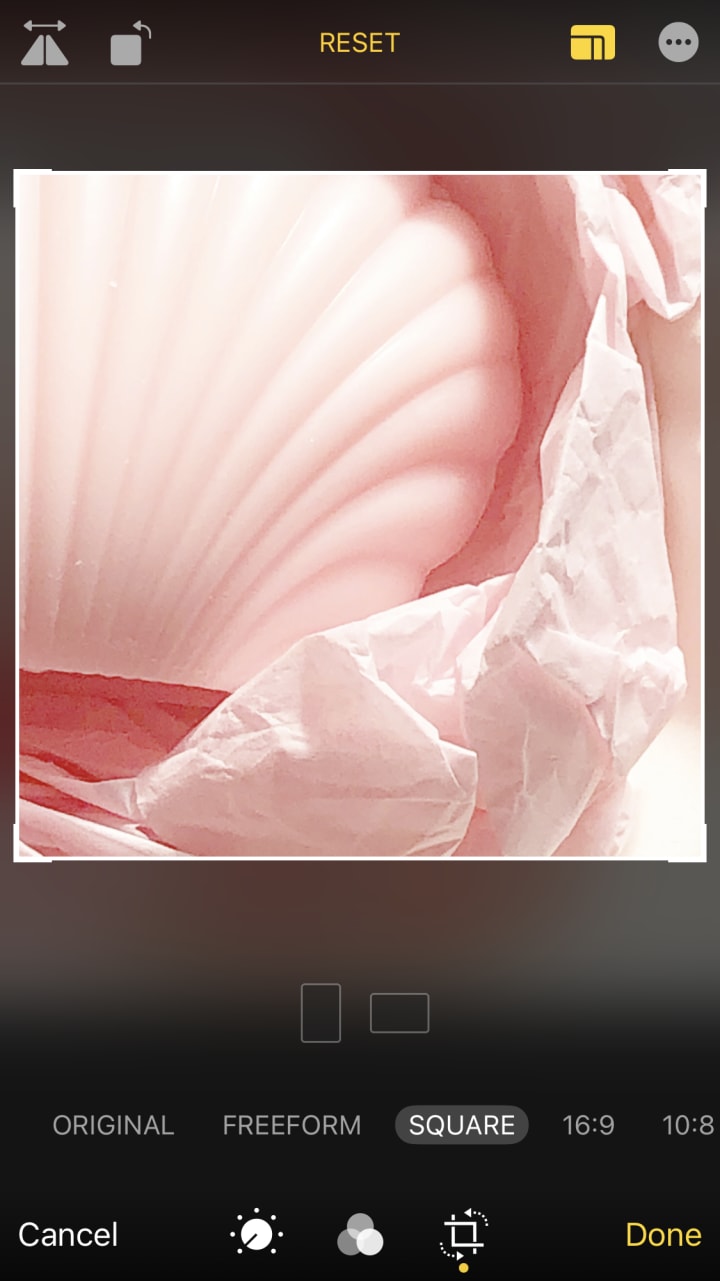
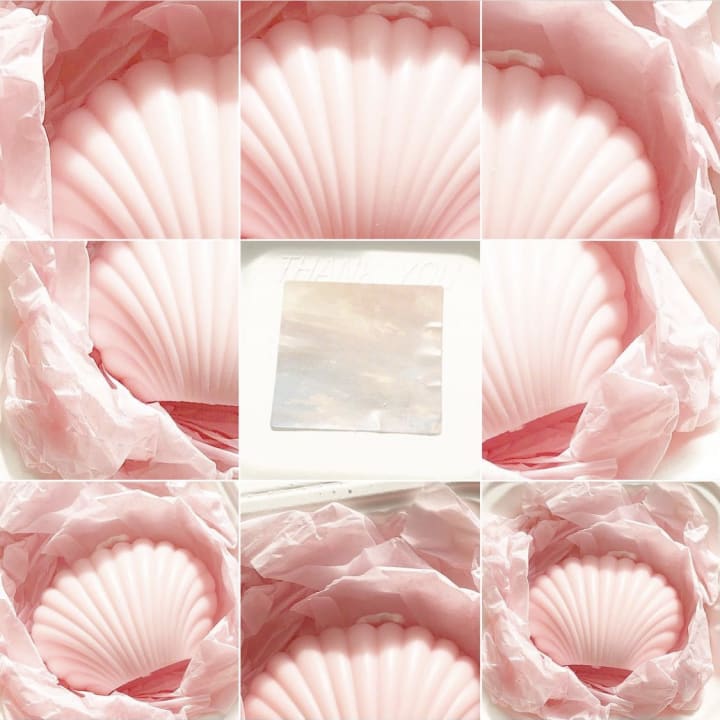
First I take two photos, (these are brightened with instagrams tools including shadows and highlights turned up) one for the middle and one that I’m going to crop different ways to use for the other squares. Once I find my photos I take the photo of the candle and crop it in my photos app under the square option. Once I’ve done that eight times I then go to an unused Instagram account and begin adding my photos and my middle photo for row two second square. After that’s completed I’ve finished my collage and ready to screenshot all nine squares for a completed result.

VSCO version:
This version is quick and simple. I upload several photos to my VSCO studio, a total of nine, once I do that I screenshot it crop it slightly and edit the photo by adding grain and exposure.
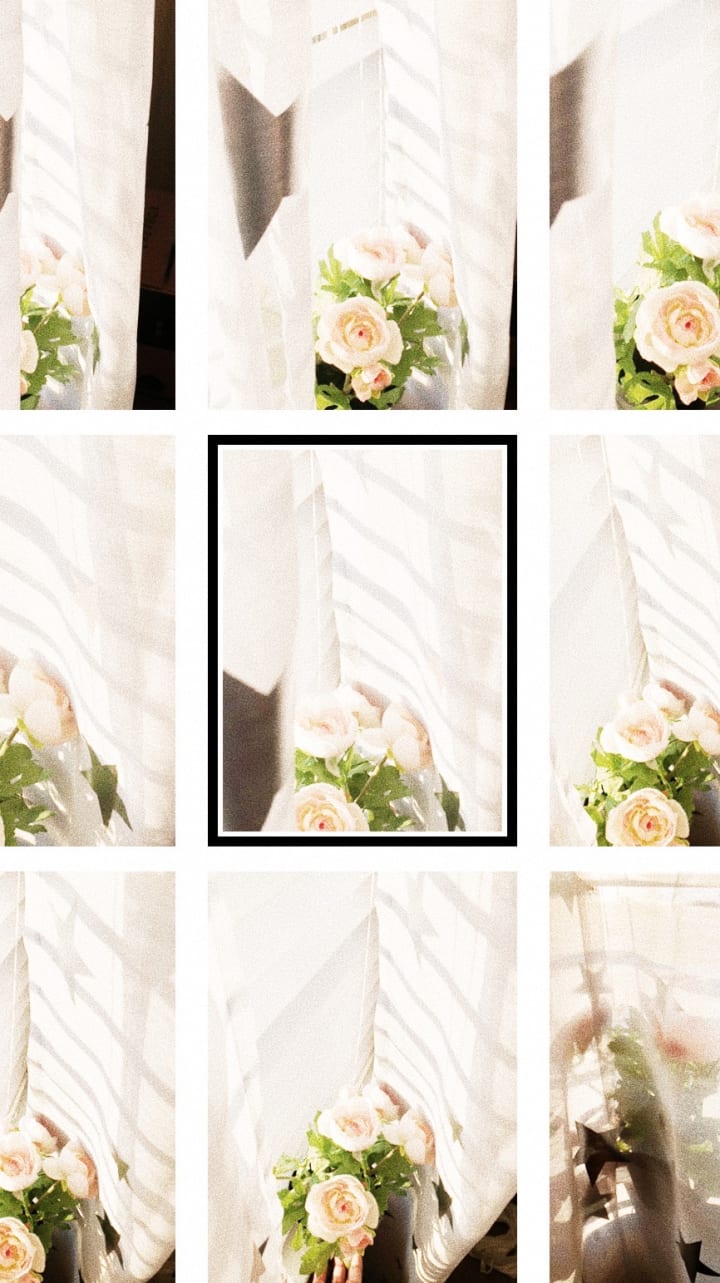
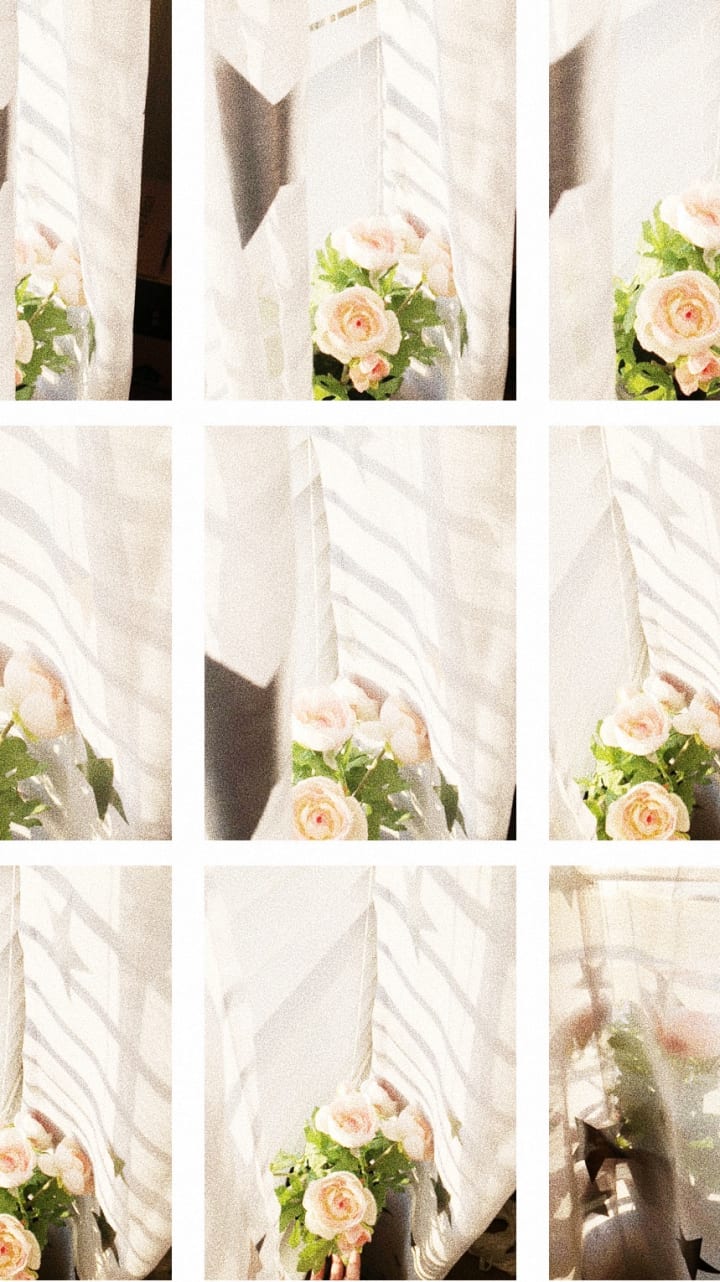
Note: This is an old version of VSCO, the studio is now dark in color.
Instagram: @afterrspring :)!
About the Creator
Summer Baldwin
Living part time in reality, living full time in my imagination.
Keep reading
More stories from Summer Baldwin and writers in Photography and other communities.
Written in the Stars
On September 18th at 9:24 am and 22 seconds, my own personal universe was created, the one inside of me at least, the one in which I’m the sun and the planets in astrology, including the signs surrounding me. On that day I was considered what the concept of astrology would deem a Virgo.
By Summer Baldwin5 years ago in Humans
Leavie Scott
ORDER HERE Chicago – A Radiant Urban Masterpiece by Leavie Scott Arts & Culture Review – Feature Story In his striking new work Chicago, photographer Leavie Scott captures the soul of the Windy City with a level of vibrancy and emotional resonance that is impossible to ignore. The image immerses viewers in a dazzling skyline bathed in mesmerizing tones of purple, pink, and gold—a palette rarely seen in traditional urban photography and one that instantly distinguishes Scott’s artistic voice.
By Organic Products 3 days ago in Photography
Curious Photography Tips Every Beginner Should Try
Have you ever wondered why two people using the same camera can produce completely different photos? The answer often lies in how well the photographer understands the camera itself. For beginners, cameras can seem filled with confusing buttons, dials, and settings. But what if those settings are actually the key to better photos?
By Craig Spiesmanabout 7 hours ago in Photography
This Is What I Do When People Throw Rocks At Me
Rocks have been thrown at me for a greater part of my life. Some have been small and missed hitting me. When people don't get a reaction from me, they throw bigger rocks with a better aim. Many have been hurled at me with precision over the years. For a long time, I thought my only options were to dodge them or be crushed by them.
By Margaret Minnicks8 days ago in Confessions


Comments
There are no comments for this story
Be the first to respond and start the conversation.