
Printing your photos will make you a better photographer
Why should you print photos? What are the benefits?

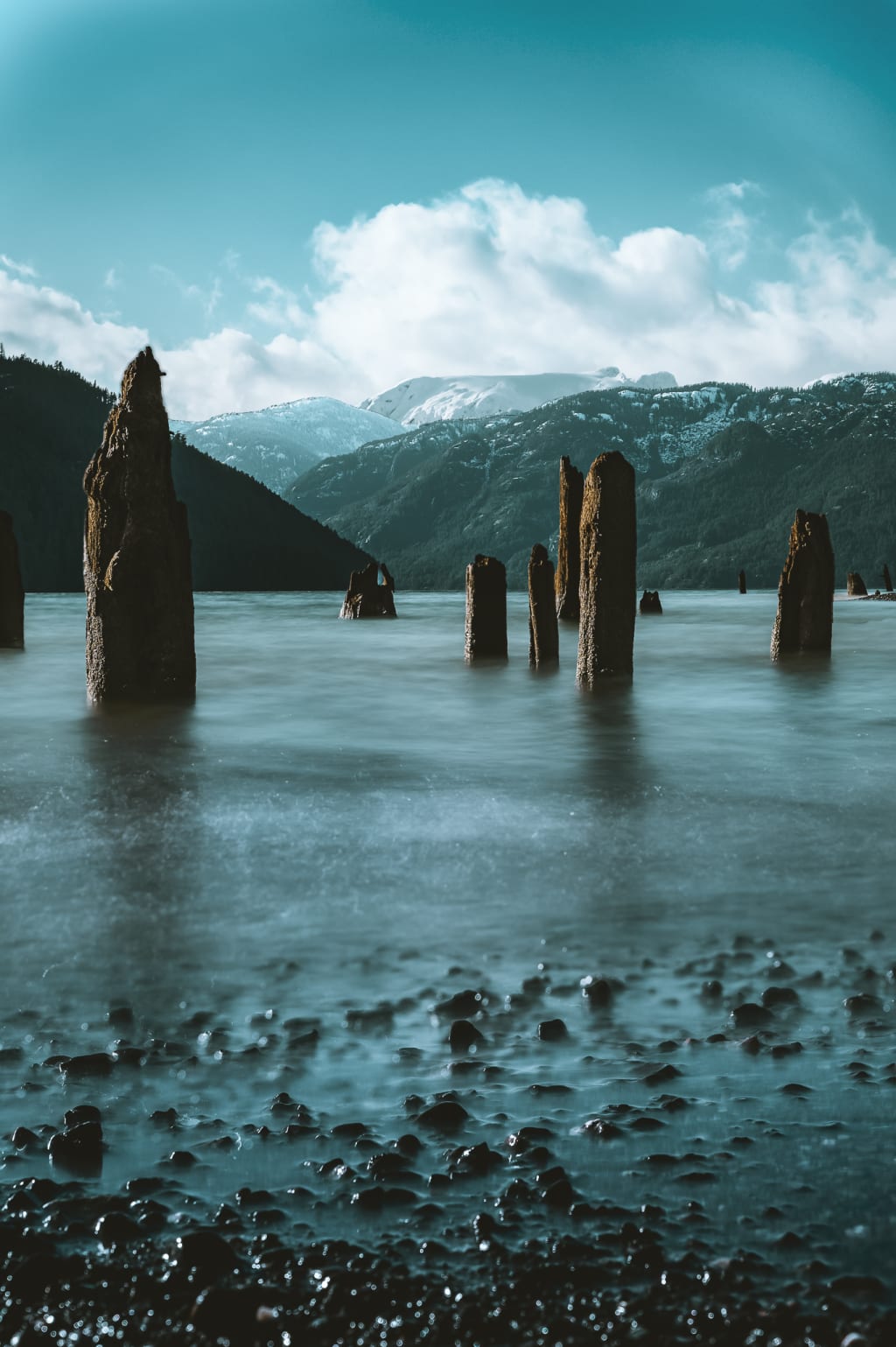
Hello everybody! Welcome back, sorry for my little hiatus once again. This week I'd like to have a chat with everyone about why I'm a strong believer in printing our photos. I've been pretty consistently printing my own photos since I started on this path, however I didn't really understand the importance of it and how it was actually helping. Let's jump into it.
So, from what I've been able to experience, there are many things that have improved my photography by printing my images, and these are all small things that I never even considered when I was more junior than I currently am. It's helped me learn so much about the craft, and also about the small shortcuts with my photography that I was taking that were actually detrimental to my growth. So what's the first one?
Understanding there is a significant difference between media for online and physical consumption
When we take our photos, I'm willing to wager most often than not, we're posting them online and that's about the end of it. When we take a photo and post it online, the requirements for getting a good looking shot are significantly lower, especially in terms of pixel count, physical size of the image, and brightness. What do I mean by this? For one, have you ever tried to post a full resolution image that looked stunning on your computer/phone on Facebook or Instagram and then the algorithm has compressed it so much that it looks like someone has chewed the image and spat it back out? This is because full resolution images depending on the website aren't necessary. Not only are the file sizes huge and would slow down the websites dramatically, but additionally screens aren't large enough, or good enough quality at this point in time to display a full sized 24mp image in all it's glory. For digital consumption, depending on the website, you don't often need larger than 2048px on the long edge and can still maintain a suitable quality to size ratio.
So if the requirements are lower to still get a good looking shot, isn't that a good thing? It's easier for us to get better looking images. While this is a benefit of digital consumption, it can make us lazy, or unaware of issues with our photography that are easily corrected. So just before, it was mentioned that Pixel counts are different for physical or digital consumption, lets expand on this.
What is a pixel?
What is a pixel, and why do we care? Is more pixels better than less pixels? Our digital cameras contain sensors, and these sensors often come with a megapixel (MP) count, for example my old trusty Nikon d3100 is a 14.2MP camera, my Nikon Z6 is a 24.5MP camera. A megapixel is 1 million pixels (not just 1 super awesome pixel), and a singular pixel, is what our digital cameras use to absorb light. Continuing with this train of thought, my Nikon D3100 has roughly 14,200,000 pixels on the sensor, and my Z6 has roughly 24,500,000 pixels on the sensor. But what's the difference that is specific to what we're discussing here (focusing specifically for printing vs digital consumption because discussing the differences between full-frame vs crop sensor, MP count, light sensitivity, etc is a complete blog by itself (which I'm sure I'll get to at some point))? Specifically for pixel counts and digital consumption, there is little to no discernible difference between these two cameras. When displayed online they will both, look nearly indistinguishable. If comparison shots were taken with both cameras with the same settings, same lens, and same editing workflow, you nearly wouldn't be able to tell the difference, especially with an untrained eye. Why is this? Because whether we downsample (reduce our pixel count) our image or an algorithm from a website downsamples our image, it is essentially throwing away pixels it doesn't need. It is easier to downsample than upsample, we can always take away pixels, we can't always add pixels. But if we do some simple math, say we have a 3:2 landscape image that we'd like to put on Instagram, our long edge is 2048px, this makes our short edge 1365px (2048/3 = 682.6 -> 682.6 x 2 = 1365px the math behind our 3:2 aspect ratio). Now that we've managed to work out what our edge counts are, let's see how many pixels are actually in this image that we've decided to put online 2048 x 1365 = 2,795,520px or 2.8MP. The image that we've just uploaded is only 2.8MP?! But why did I use my 24.5MP camera that cost a lot of money, and when I put the image online it's only using just over 10% of the potential pixels?! Because we simply don't need it for online consumption, but because it's a good waste of pixels, it compensates for our small shortfalls that become more evident when we print.

Printing that hasn't gone quite right
Have you ever taken a photo, looked at it on your computer and thought "man, what a beautiful photo", our next instinct might be "I'd like to put this on my desk/wall/up in my office", we head down to our printer's place, or submit an order online, we want this photo really big, like 3 foot by 2 foot big. The photo gets printed, we pick it up, "What the hell is this?!" The image looks no where near as nice! It's not your printer's fault, 9 times out of 10 when we print our first few images, it's our own fault. This is ok though, because these are things we can fix! Let's talk about a few of the issues we could've had and how they were probably our fault. What happens when we print, and how do we fix it? How does this improve our photography?
Our pixels are precious to us, more so when we print large images, but even sometimes when we print small images we still ask too much of them.
When printing commonly most printers will require a photo that is between 240-300DPI, we'll assume 300DPI as a baseline from hereon out.
DPI stands for "dots per inch",this is the measurement for how many little blobs of ink a printer will put onto our medium in 1 inch. DPI and PPI (pixels per inch) are different, but if we match PPI and DPI at say 300, that means every blob a printer puts onto the medium is 1 pixel, this is ideal for quality. So from this we can say, "well, I need 300 pixels for every inch I would like to print". My z6 can print an image to 20inches by 13inches before I start to stray from this 300DPI/PPI, if I use every single pixel. This is where shooting only for digital consumption makes us lazy, how often are your photos shot to such a high standard, that if we needed to, we could use every single pixel offered by our camera?
Wasting our pixels
So, we've established, pixels are pretty important to us. How do we waste our pixels? When we alter our photos in any way by a crop, we are likely losing pixels. These are a few of the shortfalls that are covered up by using media online:
- Cropping in
- Straightening our image in post
- Changing our aspect ratio
Cropping in: Cropping in is when we zoom in on our image by cutting the outside off, and "zooming in" on the image. I used to be a big fan of this, when I didn't have quite enough reach on lenses but I wanted to get a photo of something and change it for composition but couldn't walk closer to compensate, I would do it in post, by cutting away the outsides. Why is this a problem? Depending on your camera, you can crop in a lot, and still have a good looking image when posted online, while a useful technique, this is a bad habit to form, as we want to be achieving composition in-camera rather than with post processing, simply because it is good practice and better for your photography. How do we fix this? Get your composition sorted first, in-camera. It doesn't need to be perfect, but the more mindful you are each time, the more natural it becomes and it will improve your ability to compose your images nicely.

Straightening Images in Post: Straightening our images in post, everyone should do this, we don't always take perfectly aligned shots and being able to make small adjustments is incredibly appreciated. But when does this become an issue? When I was first taking photos, I had some images that were on such a slant I would be using more than 10 degrees of straightening, this is just poor photography, and a lack of mindfulness on my own behalf. Nowadays most of my images require less than 1 degree of straightening if that. Why does this waste pixels and why is it a bad habit to form? When you straighten an image, we are cutting pixels off the sides of our image to make it straight. Similar to cropping in, even though we have the ability to correct it in post, we should be trying to do this in-camera, rather than after the fact.

Changing our aspect ratio: Now this one is not necessarily something we need to improve on, just to be aware of. If we want to print an image at a different ratio to 3:2; say we want to print it as a 1:1 or as a 16:9 because we simply want to or for artistic effect, this still cuts away pixels. Not really anything we can do to fix that in the pursuit of creativity, but just keep in mind that it will affect your final pixel count.

Is there any benefit of printing other than just being mindful of not wasting pixels?
There are other benefits of printing. When you print an image, things that previously didn't seem like an issue in a photograph, very quickly becomes an issue. An example would be things that seem somewhat minor when looking at them on a screen such as maybe a glass, or piece of rubbish we could've healed out, remained. It'll improve your eye on finding things that might be an issue with an image before they're published or printed. It helps train your eye on the "final touch" components of editing.
Additionally, I think the most important part of printing your photographs, is that it allows us to appreciate our art differently. Sure, photos look great on instagram, or facebook, or sent to friends and family, but there's something really special about holding your own framed image. It allows a greater depth of appreciation and enjoyment. It's also regarded as some photographers as the end of the image, the end of the photography cycle, seeing a scene, taking a shot, editing/refining the image, printing the image. It's incredibly rewarding. If you don't print your images, I'd suggest giving it a shot just for this reason if nothing else.
I would've liked to share photos of some of my images I've printed and have hanging on my walls, however I'm 14,000km from home and don't have any images of them unfortunately, but please, please print your photos, frame them, appreciate your work.
Once again, thanks for stopping by! - J
As always, if you've enjoyed this blog, or if you've found some benefit from this, feel free to share it around, drop a comment on the facebook post with this blog on my page, or if you're really feeling generous Vocal allows readers to leave tips. If you enjoyed this enough to buy me a coffee I wouldn't say no to a coffee donation 😍 Additionally, if there is artwork of mine that you would like a physical copy of, please contact me for prices!
If I've missed something or completely missed the mark, please feel free to let me know also, I do take constructive criticism onboard for future blogs!
About the Creator
Keep reading
More stories from Justin Clark and writers in Photography and other communities.
To edit, or not to edit?
Hello all! Welcome back, Happy New Year! I figured we'd get back into some photography related blogs! Let's talk a little bit about editing. What is it? What does it do? Is all editing the same? How do we edit an image? Is editing necessary?
By Justin Clark6 years ago in Photography
Why Printed Photographs Still Matter: The Art and Value of Preserving Memories in Print
In a world where most photographs live on phones, laptops, and cloud storage, it is easy to assume that printing pictures is a thing of the past. Yet something meaningful gets lost when memories stay locked inside a device. A photograph printed on high quality paper carries a weight and warmth that no screen can fully replicate. It can be held, shared, framed, and passed down through generations.
By The Iconabout 4 hours ago in Photography
The Gold Tone (Orotone) Technique
She picked it up from a dusty shelf at an estate sale, thinking it was just an old frame. Then the light caught it. The image glowed, not like a print, not like a painting, but like something that seemed to carry its own inner warmth. That was her first encounter with an Orotone, and she bought it without asking the price.
By CurlsAndCommas4 days ago in Photography


Comments
There are no comments for this story
Be the first to respond and start the conversation.