
How to Unbind a DJI Drone: A Complete Step-by-Step Guide
Easy steps to unbind a DJI drone, mistakes to avoid & expert advice!

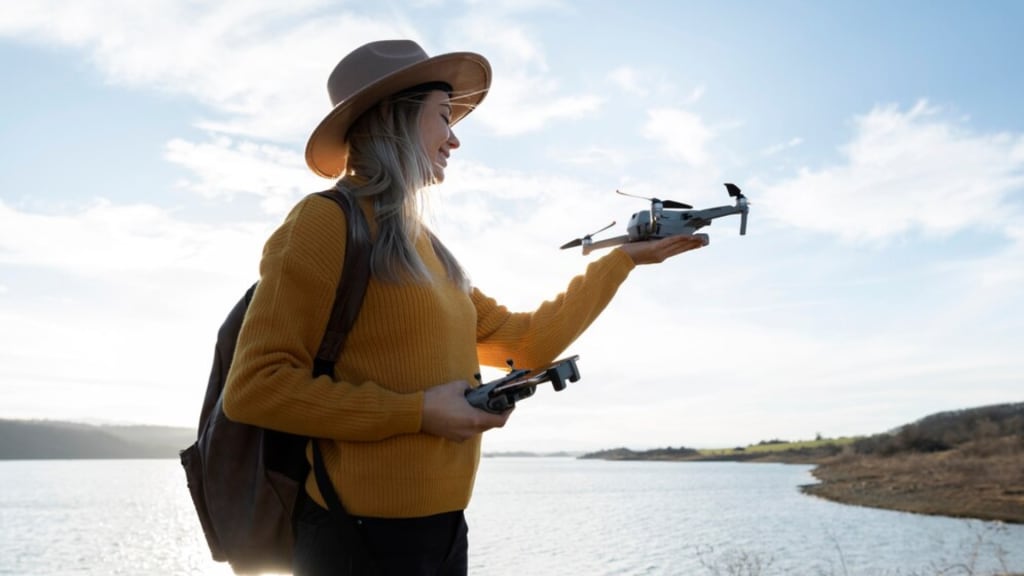
DJI drone is the most popular flying device in the UAV industry. Though you are using the DJI Air 3S, Mavic mini, or DJI Neo, you must link them to your DJI account. The drone setup is not so hard. And the setup is called “binding”. But what if you want to sell your used drone and start your videography with a new one? Then you need to unbind your drone.
In this guide, I will disclose the meaning of unbind, why you need to know it, and how to unbind a DJI drone safely. Besides, I have covered how to avoid common mistakes and transfer ownership.
What Does “Unbind” Mean on a DJI Drone?
As a DJI drone owner, you absolutely know that binding means linking your gadget to your personal DJI account. Therefore, unbinding means disconnecting your drone and personal account connection.
Unfortunately, unbinding the drone, you are losing control of access to your drone. This situation only occurs if you want to sell or transfer your drone to anyone.
Important to know that if a new user does not unbind the drone, they can face difficulties in flying. They can see errors like “ this drone is bound to another account”. For that reason, the user will be blocked from flying and will have full access to the drone.
Particularly, DJI has a special security system to recover a stolen drone. Therefore, it is mandatory to unbind your DJI drone while changing ownership.
Why Should You Unbind DJI Drone?
You can unbind your DJI drone for several reasons. The most common reasons are-
- Selling the gadget.
- Giving away the drone to someone.
- Switching to a new DJI account.
- Facing technical problems.
- Repairing the drone.
What You Need to Do Before Starting Drone Unbinding
Before you start to undock your drone, make sure everything is okay. Firstly, you have to confirm that the drone is fully charged. Besides, check your mobile and drone controller. In addition, you must have a stable internet connection. It allows you to send all the data to DJI’s server.
Another with you have to double-check your DJI FLY app is updated. Plus, you can use the updated DJI GO 4 app for older models. After that, you have to log in to your current DJI account. Unfortunately, if you forget your password or lose access, you need to contact DJI support.
How to Unbind a DJI Drone Using DJI App

Are you using DJI Air 3S, Mavic Mini, or DJI Mini 4K? Then you have to unbind the drone with DJI FLY app. That means the upgraded models of DJI drones allow only the DJI FLY app. On the other hand, the older models allow the upgraded DJI GO 4 app. Now I will share how you can unbind your DJI drone, whether it is a new model or an older one.
Unbinding Drone Using DJI FLY App
In the first step, you have to turn on your drone and connect to your mobile device. Next, you have to log in DJI FLY app with your existing account. While the app will detect your drone then go to the profile section. For that, you have to tap the icon at the bottom right.
After that, you have to select device management. And you will get a list of gadgets that are linked to your account. Now select the drone that you want to unbind. Here you will get options like More Settings or Account and Security. Finally, the unbind or remove device button will arrive.
So, tap the button and confirm your DJI account’s password. At long last, your drone is unlinked from your account. You can bind the drone to another account.
Unbinding Drone Using DJI GO 4 App
Same as before, you have to power on your DJI drone and connect it to your mobile device. Correspondingly, log in to your DJI account that is linked to your drone. Never forget to use DJI GO 4 App this time.
Furthermore, go to General Settings or Account Settings from the menu bar. According to your drone model, you will find the button like Aircraft Management or My Devices.
Going through these options, you will find a button to unbind or remove the device. Just tap the button and unbind your drone, confirming your DJI account’s password.
What If You Can’t Unbind the DJI Drone?
Though a drone is a gadget, sometimes you may face some technical issues. The problems like-
- The unbind button is greyed out.
- The drone is already bound to another account.
These can occur if you are not logged in with the correct account or you have purchased a used drone. Then you have to contact DJI support.
Therefore, go to DJI official Help Center and submit a request with proper proofs and papers. The process can take a few days, but if you provide all documents, the process may be completed quickly.
Expert Advice on Unbinding DJI Drones
After researching with drones, I have found that drone professionals always suggest unbinding the drone before selling or donating. It reduces risk if the new owner breaks down any rules or restrictions.
The smartest tip is to keep a record of the drone serial number, flight logs, and purchase date. Certainly, these details help to prove your ownership and support any legal issues.
One of the best practices is to review the linked devices list a few months earlier. So, you can get to know if any devices are linked to your DJI account.
FAQ’s - How to Unbind a DJI Drone
Can I unbind my DJI drone without the app?
Of course not. Without using the DJI Fly or GO 4 app, you can’t unbind the drone from your account.
Does resetting the drone unbind it?
No. Only a factory reset does not remove the account binding. You must manually unbind it through the app according to your drone model.
Can a secondhand drone be unbound?
Only if the original owner unbinds it first, or you contact DJI support with proof of purchase.
How long does it take for DJI to transfer ownership?
It usually takes 1 to 3 business days after you submit valid documents to transfer ownership.
What happens if I sell the drone without unbinding it?
The buyer won’t be able to fly the drone until you unbind it or help transfer ownership.
My Thoughts: How to Unbind a DJI Drone
For a safer drone experience, unbinding the drone is a must. Following the right steps you can unbind the DJI drone quickly. For network or internet connection stability, the successful process can take a long time.
Still facing more problems in unbinding DJI drone? Now it’s time to contact DJI support, and the support team must help you to solve the problem. And need to purchase a DJI drone for videography? You can go through the best DJI drones review and get you're demanding one.
About the Creator
Jennifer Wilson
Trendy tech research and digital content creator.
Keep reading
More stories from Jennifer Wilson and writers in Photography and other communities.
Leavie Scott
ORDER HERE Chicago – A Radiant Urban Masterpiece by Leavie Scott Arts & Culture Review – Feature Story In his striking new work Chicago, photographer Leavie Scott captures the soul of the Windy City with a level of vibrancy and emotional resonance that is impossible to ignore. The image immerses viewers in a dazzling skyline bathed in mesmerizing tones of purple, pink, and gold—a palette rarely seen in traditional urban photography and one that instantly distinguishes Scott’s artistic voice.
By Organic Products 7 days ago in Photography
Curious Photography Tips Every Beginner Should Try
Have you ever wondered why two people using the same camera can produce completely different photos? The answer often lies in how well the photographer understands the camera itself. For beginners, cameras can seem filled with confusing buttons, dials, and settings. But what if those settings are actually the key to better photos?
By Craig Spiesman4 days ago in Photography
TUS NUA - ch 53
TUS NUA – ch 53 New Beginnings – Mia and Midnight (*)(*)(*) Finola knew Ali’s brother-in-law needed to put his mind at rest. She fed her arm through his and led him outside. “We’ll sit here. If you like, I can put a block around us so our conversation will be private.”
By Margaret Brennana day ago in Fiction



Comments
There are no comments for this story
Be the first to respond and start the conversation.