
Create Amazing Cartoon Characters with PhotoCut
Create Amazing Cartoon Characters with PhotoCut

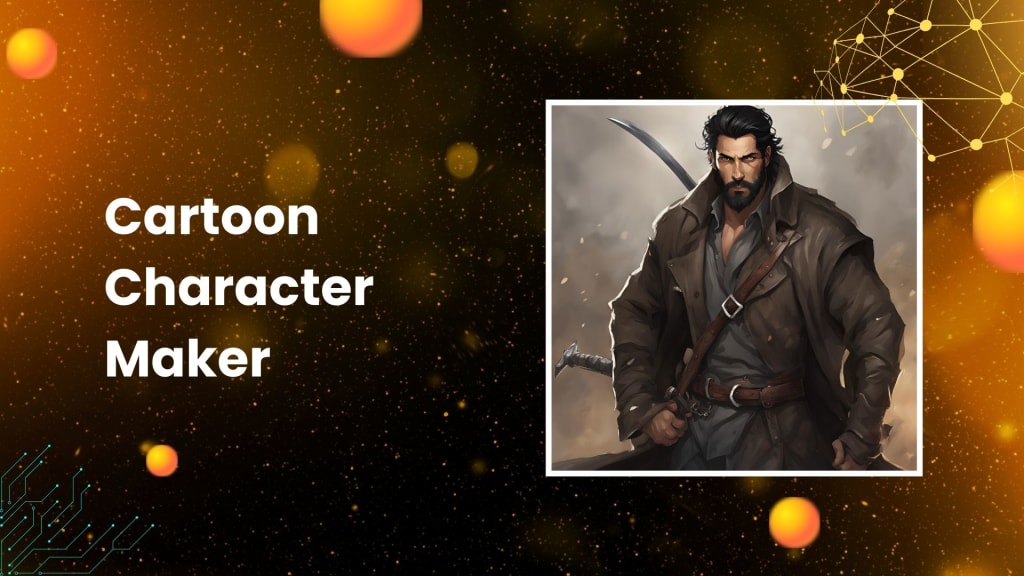
Ever wanted to come up with a cartoon character of your own but you did not have any idea as to where you could start from? PhotoCut's online cartoon character maker is here to help with that. Now, this marvelous tool will provide you with free and easy quick ways to build and edit cartoons. You can transform your concepts into animated characters at the click of a few mice. In this guide, we will discuss how to use PhotoCut's cartoon maker and go into depth on the various features and edit options.
What is PhotoCut’s Cartoon Character Maker?
PhotoCut's cartoon character maker is an advanced online tool that allows the creation of animated characters with minimal or no expertise in drawing. You can make a cartoon for your project, social media, or simply just for fun using PhotoCut. The tool uses AI to help create characters from text descriptions or photos and also allows you to personalize the features of your character, clothes, accessories, and more. You can even design 2D and 3D cartoon characters, according to your taste.
You can also create flyers when needed using PhotoCut’s flyer maker.
Why Should You Use a Cartoon Character Maker?
There are numerous reasons why you could want to have a cartoon character maker like PhotoCut:
- Create a Fun Avatar: Many people now use cartoon characters as avatars for their profiles on social networking sites or online forums. With PhotoCut, you would be able to design a unique avatar like you or a fun fictional figure.
- Develop Characters for Projects: In case you're working on a story, game, or even a presentation, you can develop characters that will give life to your ideas. The cartoon character maker enables the quick design of the characters without drawing them by hand.
- Explore Your Creativity: Be creative to the core and design cartoon characters. You would be able to try out funny looks, distinctive features, and zany outfits while creating something inimitable.
- Visualize Yourself or Others: You must have wondered what you would be like as a cartoon. Click a couple of times to create a cartoon version of yourself, your friends, or your family. Making cartoon characters out of actual people is entertaining.
- Learn the Basics of Character Design: A cartoon character maker allows you to become familiar with creating a character. It's an excellent way to exercise without much knowledge of drawing.
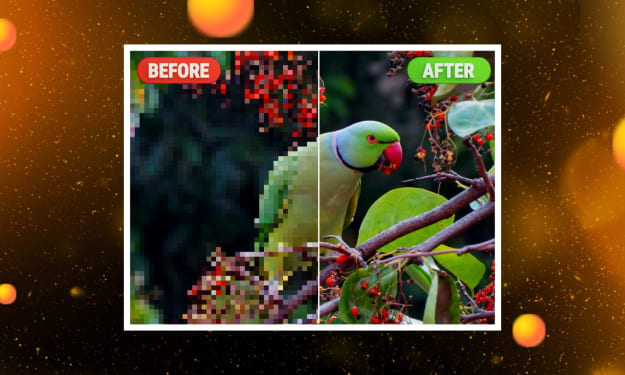
You can easily unpixelate your images using PhotoCut’s online photo depixelizer.
How to Use PhotoCut’s AI Cartoon Generator
Making cartoons using PhotoCut is easy and fast. To get you started, here is how to proceed:
1. Visit the PhotoCut Website
First, access the PhotoCut website and then click on the "Make Cartoon Characters" button. This will redirect you to the AI Image Generator page where one can create their characters.
2. Create a Character from Text
You may create a cartoon figure by just describing it, which is the most exciting feature of PhotoCut's cartoon creator. You must explain the character's physical attributes, personality, and other characteristics, like hair color, eye shape, dress styles, and even vibe. The more precise and comprehensive your description is, the more closely the generated character will resemble your intended character.
After you've entered your description, click "Generate," and PhotoCut's AI will use your description to create a cartoon figure.
3. Cartoonize Your Photo
PhotoCut also makes it very simple to change a picture of you, a friend, or even your pet into a cartoon. All you need to do is upload the image to the website, and AI will transform it into a cartoon. The tool adjusts the features in the picture for an animated look.
You can also add additional humor or creativity if you wish to do so. You can use different cartoon filters to make it even more funny and have that extra cartoon effect.
4. Generate a Cartoon Avatar
Do you want a cartoon version of yourself or any of your friends? Using an avatar creator is easy and requires only minutes; you can find the right one by selecting through various character templates and modifying whatever features to design the perfect cartoon version of yourself. Modify things such as your character's face, hair, outfit, accessories and so much more. It can be used simply for fun but can also provide avatars as profile pictures or even in forums online.
5. Create 2D or 3D Cartoon Characters
Regardless of your preference to stick with a 2D old cartoon, you can get modern 3D animated character pictures using PhotoCut. PhotoCut allows the creation of different styles; starting from easy, simple figures for 2D cartoons to rather complicated 3D characters. Experimenting is very possible since the application uses any animation style possible. You will be able to create cartoons of your favorite type.
6. Download and Save Your Character
Save your cartoon character when you are all set with it. The download button is all you have to do to save it to your device. For any project or social media usage, you may save the character as an image file (such as a PNG or JPEG).
Features and Customization Options
PhotoCut has loads of features in customization, from which you will be able to make the best cartoon character design for yourself.
- Facial Features: Among the primary features are the facial features that help you shape up your character's eyes, nose, mouth, and eyebrows, and add some facial hair and ears with some other minute details to your cartoon character.
- Hairstyles: This is a way of changing different haircuts, styles, and colors to go with the character's personality. You can go for long or short hair; curly or straight hair; PhotoCut has it all.
- Body Type and Skin Tone: Customize the body shape and proportions of your character to express their personality. You can heighten, weighty, or the body type to suit the taste. You may also change the skin tone to complement the background or your taste.
- Clothing: To give your character a distinctive appearance, you may mix and match costumes from a vast assortment of clothing items, including dresses, shirts, pants, shoes, and even accessories.
- Accessories: To give your character some individuality and flare, you may include exciting accessories like hats, spectacles, jewelry, or even weaponry.
- Backgrounds: PhotoCut lets you select from a variety of backdrops, including patterns, solid hues, and scenic designs. The background can complement the look of your character or help tell their story.
- Poses and Expressions: Some cartoon character creators also give you the option to change up your character's pose and expressions. Whether he or she is grinning, scowling, or striking an action pose, you can imbue more vibrancy and spirit in your artwork.
Learn how to whiten your teeth in images using PhotoCut.
Conclusion
PhotoCut's cartoon character maker is easy and fun, allowing you to gain your unique cartoon character quickly and easily. Be you creating cartoon characters for social media, personal projects, or whatever, this utility offers all that you may ever need to do everything right; customize every aspect. It also comes with a simple user interface and tremendous artificial intelligence power; PhotoCut offers the chance of character designing with ease, depending on the kind of skills at play. So don't wait and create your very own cartoon character today and have fun!
Find the best free clipart sites to enhance your designs.
FAQs
Q1. What is a cartoon character maker?
Ans. Cartoon character maker: Online tool or software that you use to design an animated character, designing every feature which would include the facial features of your character and dressing and all types of accessories and things.
Q2. Why should I use a cartoon character maker?
Ans. You would like to employ a cartoon character maker for purposes such as creating an enjoyable avatar, or characters for a project, trying on different styles, or visualizing people and ideas in the form of a cartoon.
Q3. Are cartoon character makers free to use?
Ans. Well, that depends on what tool you might choose. While most cartoon character makers are indeed free, a few may come with premium features or more advanced options requiring some sort of payment, one-time or monthly.
Q4. Do I need drawing skills to use a cartoon character maker?
Ans. No! Most cartoon character makers are designed to be easy and user-friendly, so you don’t need any drawing skills to create amazing characters.
Q5. What can I do with the characters I create?
Ans. You can use your characters for personal projects, share them on social media, and also as avatars. You can use them for commercial purposes following the rights of the respective platforms.
Q6. Can I create characters in different art styles?
Ans. Yes! Anime, chibi, and Western cartoons are just a few of the many visual styles available to cartoon character creators like PhotoCut. The style that you like most is yours to chose.
Q7. Can I upload my assets, like custom clothing or accessories?
Ans. Some advanced character makers allow you to upload your assets, but this feature is typically available on paid versions or more professional tools.
Q8. Can I save and edit my character later?
Ans. Most platforms allow you to save your characters and come back to edit them later. You might need to create an account to do this.
About the Creator
PhotoCut
AI Photo Editing Tool - Remove or Change your Background & Enhance Product Photos
Keep reading
More stories from PhotoCut and writers in Photography and other communities.
Unpixelate Your Images Online with PhotoCut
Perhaps you have snapped or downloaded a blurry or pixelated picture. In case you urgently need an image for something vital, it can be frustrating when not as clear as you would desire. But wait! You can quickly and simply restore pixelated photographs with a few clicks with PhotoCut's online picture depixelizer. With robust AI features, restoring the clarity and sharpness you require from your photographs or even making product shots look better for your company won't be an issue with PhotoCut.
By PhotoCut12 months ago in Photography
The Gold Tone (Orotone) Technique
She picked it up from a dusty shelf at an estate sale, thinking it was just an old frame. Then the light caught it. The image glowed, not like a print, not like a painting, but like something that seemed to carry its own inner warmth. That was her first encounter with an Orotone, and she bought it without asking the price.
By CurlsAndCommas4 days ago in Photography
Gold Chrysotype Photography Is Back and the Colours Are Breathtaking
There is a moment when a chrysotype print is lifted from its chemical bath and held up to the light stops people mid-breath. The colours that bloom across the surface — soft dusty pinks fading into deep magenta, rich cyans pooling at the edges, velvety blacks settling into the grain of the paper — look less like a photograph and more like something pulled from a dream.
By CurlsAndCommas4 days ago in Photography
My First Time Skiing and I Got Lost, Alone, in the French Alps
Looking back, I can trace some of my life’s biggest adventures to a simple action from my sister. She’d introduced me to Tommy (a very long time ago), a colleague of hers, who had overshared his penchant for Italian-looking women, and I ticked that box.
By Chantal Christie Weiss3 days ago in Humans


Comments
There are no comments for this story
Be the first to respond and start the conversation.