
A Comprehensive Guide to Stunning Product Photography
A Comprehensive Guide to Stunning Product Photography

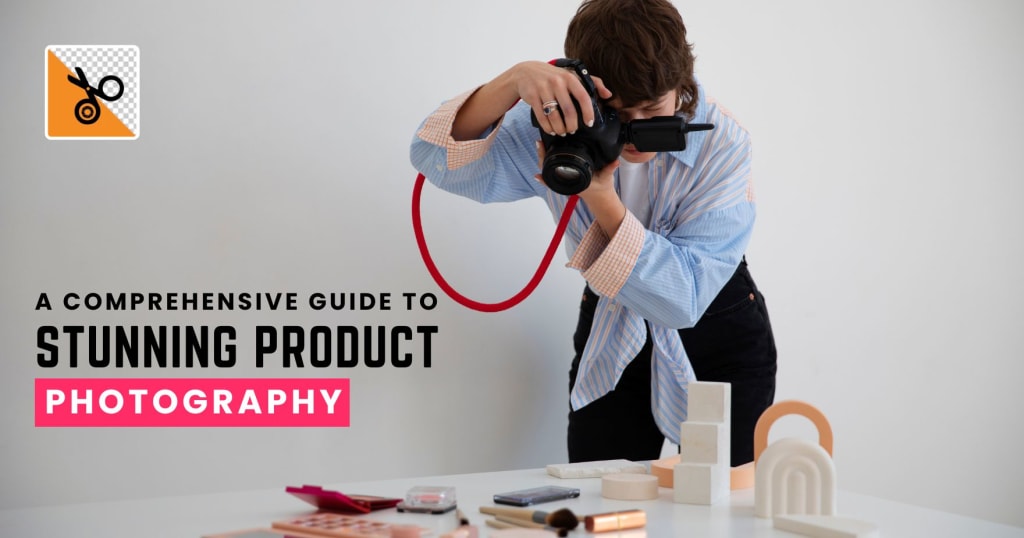
Photography is more than art. It is powerful when it comes to selling, branding, and storytelling. Whether it's dazzling jewelry, ostentatious vehicles, stylish outfits, or mouth-watering dishes, mastering product photography will sweep the floor. In this guide, you will get to see five highly popular photography fields, including product, jewelry, car, flat lay clothing, and food photography, where you can explore how to use PhotoCut to maximize the effect of such images for professional, scroll-stopping results.
Create tattoo designs easily with PhotoCut’s Tattoo Generator.
Product Photography
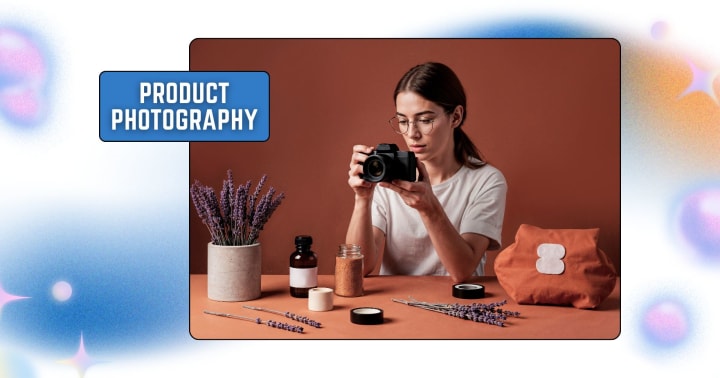
Product photography is the umbrella category that covers a wide range of commercial shots, anything from electronics to home goods. The goal is to make products look clean, clear, and desirable.
Key Elements of Great Product Photography
- Lighting: Use soft, diffused lighting to avoid harsh shadows. Natural daylight or a lightbox setup works great.
- Background: Stick to neutral or white backgrounds for e-commerce. Colored backgrounds can work for lifestyle shots.
- Angles: Show the product from multiple viewpoints, like front, back, side, and close-up details.
- Consistency: For online shops, keep angles, light, and size uniform across your products.
Using PhotoCut for Product Photos
PhotoCut helps you remove distracting backgrounds, especially when you don’t have a professional studio setup. With its background eraser:
- Upload your image.
- Tap the subject for AI to automatically detect the product.
- Replace with a clean white background or custom scene.
Bonus Tip: Use PhotoCut’s shadow tool to create natural-looking drop shadows that make products pop without looking fake.
Remove your tattoos in photos with PhotoCut’s Tattoo Remover.
Jewelry Photography
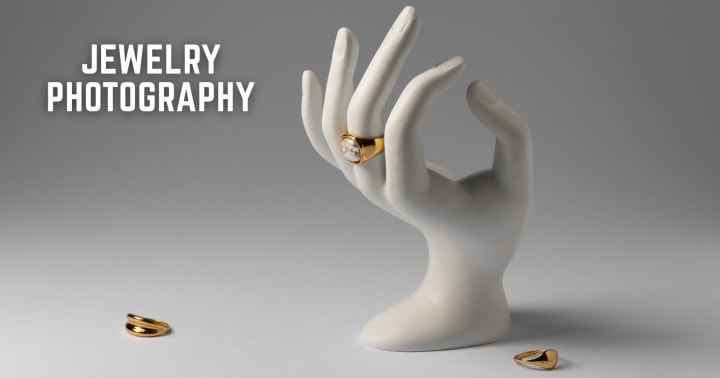
Jewelry photography demands precision and clarity. The shiny, reflective surfaces of metals and gems make this one of the most challenging forms of product photography.
Techniques for Photographing Jewelry
- Macro Lens: A very close view of and detail of a small thing.
- Lighting: Helps to eliminate hard reflections with a softbox light or a light tent.
- Reflectors and Diffusers: Control unwelcome glare and direct lights where wanted.
- Use a Tripod: Avoid blur and capture crisp sparkle by keeping the camera stable.
Editing Jewelry Shots with PhotoCut
- Use PhotoCut’s background remover to isolate your jewelry piece.
- Apply bokeh or gradient backgrounds for a luxurious effect.
- Apply retouch and enhancement to remove fingerprints or dust marks that come up from close shots.
Pro Tip: Isolate the jewelry, then add a nice reflection or shadow to simulate it as if it were shot in an exclusive product photo shoot with PhotoCut.
Car Photography

Such marvelous designs in themselves, cars reflect status and speak to dreams alive on wheels. Car photography is the attempt to inspire emotion through amazing shots of all the compelling features of the automobile.
Tips for Car Photography
- Golden Hour: Shoot early morning or just before sunset for beautiful natural light.
- Choose the Right Location: Urban backdrops, mountain roads, or clean parking structures work great.
- Focus on Details: Wheels, headlights, and logo badges add character.
- Angles: Shoot from low for a dramatic effect, or use drone views for landscape integration.
Car Photography Editing with PhotoCut
Once your shot is done:
- Use PhotoCut to remove unwanted elements, like reflections, trash cans, or background distractions.
- Isolate the car and place it against a cinematic sky or sleek urban background.
- Use the blur tool to mimic the depth of the field or create a motion effect for a dynamic look.
Quick Fix: Did a shadow or person photobomb your shoot? PhotoCut’s Object Remover makes it disappear with a tap.
Find the best tattoo apps to create and find designs that suit you.
Flat Lay Clothing Photography
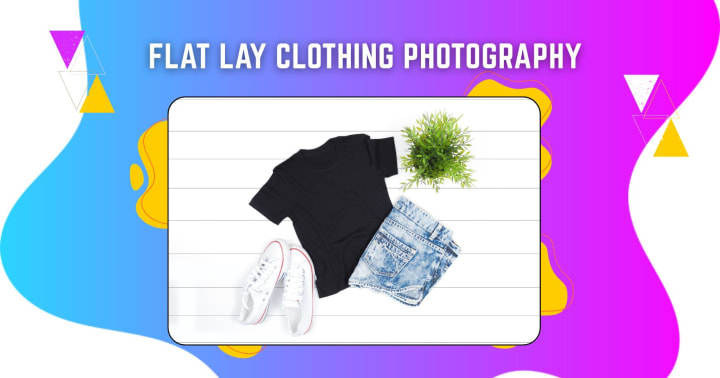
Flat lay photography is essential for fashion e-commerce and Instagram branding. It’s about arranging clothing or accessories on a flat surface and shooting from above.
Styling Flat-Lay Clothing Photos
- Choose a Theme: Decide on a seasonal, lifestyle, or color-based theme.
- Use Props Wisely: Sunglasses, coffee mugs, and books keep them minimal and relevant.
- Even Lighting: Natural window light works wonders. Avoid overhead artificial lights that create shadows.
- Composition: Follow the rule of thirds, or use grid templates for neat layouts.
Enhancing Flat Lays with PhotoCut
- Remove the background and place your outfit on a custom template for consistent branding.
- Use PhotoCut’s crop and resize to make flat lays fit specific social media formats.
- Create collages of multiple looks or seasonal pairings with the app’s layout tools.
Aesthetic Tip: Use color overlays or filters in PhotoCut to create a signature look for your fashion brand.
Food Photography
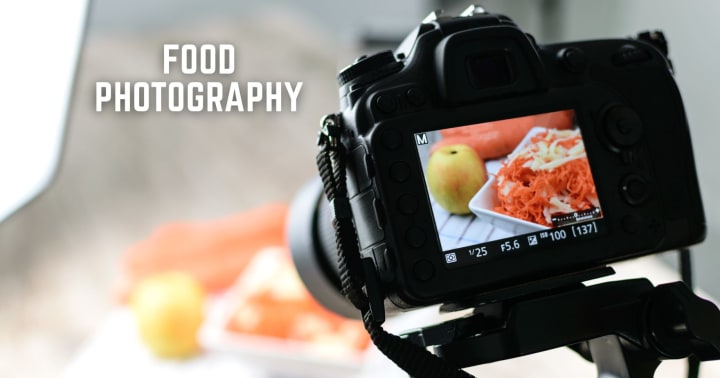
Food photography is all about visual taste. Whether you’re a chef, blogger, or restaurant owner, the goal is to make viewers hungry with just a glance.
Shooting Techniques for Food Photography
- Lighting: Natural light from the side works best, and avoid flash!
- Plating and Styling: Keep things neat. Garnishes, textures, and clean dishes matter.
- Composition: Overhead, 45-degree angle, and straight-on shots work depending on the food.
- Props: Utensils, napkins, ingredients, use them to tell a story.
Editing Food Shots with PhotoCut
- Use the background remover to isolate a dish and place it on a clean tablecloth or wood texture.
- Adjust saturation and contrast to make colors pop, think greens in salads or reds in pasta sauce.
- Blur the background slightly for focus, or create a stylized food menu layout using PhotoCut’s collage feature.
Pro Tip: Create marketing materials by combining dishes, prices, and branding elements into menu mockups within PhotoCut.
Tips for All Product Photography Types
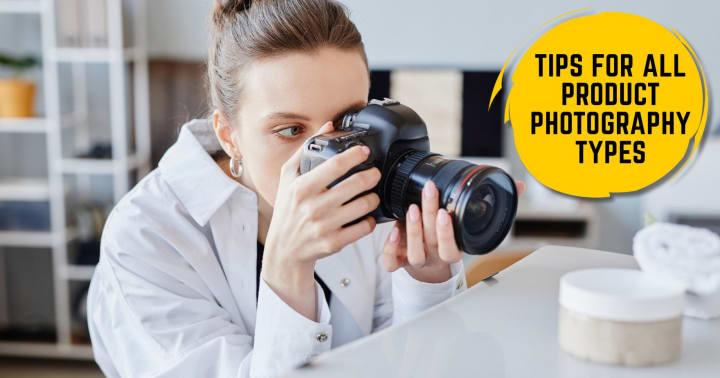
- Plan Your Shot: Know your brand message and set the scene accordingly.
- Keep It Simple: Avoid clutter and let the product speak.
- Consistency Is Key: Use similar lighting and editing styles to build brand identity.
- Experiment: Try different angles, props, and colors to see what resonates with your audience.
No matter the niche, combining solid photography techniques with a powerful editing app like PhotoCut will elevate your visuals and make your products shine.
Explore the best family tattoo ideas to showcase your family love.
Conclusion
Whether you’re snapping high-end jewelry, styling a cozy flat lay, showcasing a new car, or preparing a food shoot, quality editing is just as important as the camera work.
PhotoCut stands out as an essential app for creators who need precise background removal, object cleanup and retouching, creative templates and overlays, and social media-ready formats.
AI tools also come in handy to photographers, small business owners, and content creators to produce impeccable quality in purely studio-level transparency right from their mobile phones.
Discover the best cover-up tattoo ideas to hide your old tattoos.
FAQs
Q1. How important is editing in product photography?
Ans. Extremely important! Editing in Photoshop or GIMP works great when you need to remove blemishes, adjust colors, or enhance the overall product image.
Q2. What is a "clean white background," and how would I accomplish it?
Ans. A clean white background is pure white with no shadows or distractions. You would do this with a white background-seamless paper, white fabric, or a light tent-and proper lighting to help eliminate shadows. You may also remove the background during post-processing.
Q3. What is the biggest challenge that people encounter in jewelry photography?
Ans. Those are reflection, tiny size, and fine detail capture. Jewelry is a highly reflective object, with all the resulting ugly, glaring highlights.
Q4. What lighting type is ideal for jewelry photography?
Ans. Soft, diffused lighting is best suitable for photographing jewelry. Use a lightbox or soft boxes to eliminate harsh reflections, or fill shadows with multiple light sources.
Q5. What is the best time of day for vehicle photography?
Ans. "Golden hour." That is shortly after dawn and shortly before dusk, using that soft, warm light to capture images of the automobile at hand. These are also good, as they sometimes provide the best lighting.
Q6. Should I photograph a car in a studio or outdoors?
Ans. Both can work. Certain styles can be accentuated in a studio setting with controlled lighting, while natural backgrounds and lighting will serve other artistic ends. Therefore, choose according to the effect you want to attain.
Q7. What's a flat lay, and what makes it so appealing in clothes?
Ans. A flat lay is a bird's-eye perspective on a stage, where objects are placed on a flat surface. It's very appealing for clothes, as it shows the garment design, shape, and small details very clearly and attractively, e-commerce requirement.
Q8. How to make clothes look nice in a flat lay?
Ans. Clean the clothes, iron them well, and remove any wrinkles. You can also pin them to get your desired shape and fit, or double-sided tape in like colors may work.
Q9. What is most important in food photography?
Ans. Making the food look edible! Go for the texture, color, and freshness.
Q10. What type of lighting is best for food photography?
Ans. Natural lighting is the best for this. Shooting by a window under cloud cover gives the effect of soft, diffused light. Use a softbox or diffuser if using artificial light to eliminate harsh shadows.
About the Creator
PhotoCut
AI Photo Editing Tool - Remove or Change your Background & Enhance Product Photos
Keep reading
More stories from PhotoCut and writers in Photography and other communities.
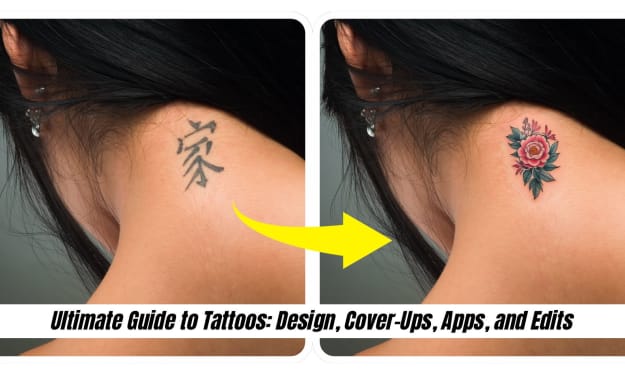
Ultimate Guide to Tattoos: Design, Cover-Ups, Apps, and Edits
The human body becomes the canvas on which the fine art of tattooing is practiced. A tattoo speaks more than just the meaning inked on the skin. When a person gets a tattoo, they express themselves in a different tone and create a beautiful memory, portraying their life's creativity in an art form. So, if you are here because of that never-ending thought of getting a tattoo, trying to hide an older one, or experimenting with designs digitally before making any permanent decisions. In that case, this is a guide for you. Here you will find things from the best family tattoo ideas to popular cover-up methods, guidance on using a tattoo generator, tips for digitally removing tattoos from photos, and the best tattoo design apps on the market. Learn how to use PhotoCut, an easy mobile editing app for visualization and refinement of your intended tattoo concepts.
By PhotoCut10 months ago in Photography
The Photographer's Code
You decide to visit your local park. You have become a close confidant to the homeless people who gather there most days. While talking to Cleo and Reed, you notice a new face in the crowd. It belongs to a stick-thin, middle-aged woman. She has her hand on her forehead as if taking her temperature.
By Paul Aaron Domenick6 days ago in Photography
The Gold Tone (Orotone) Technique
She picked it up from a dusty shelf at an estate sale, thinking it was just an old frame. Then the light caught it. The image glowed, not like a print, not like a painting, but like something that seemed to carry its own inner warmth. That was her first encounter with an Orotone, and she bought it without asking the price.
By CurlsAndCommas3 days ago in Photography
Why Didn't Anyone Tell Us
Men, move along. This is not for you. This is for the women. I was forty-five when I began menopause. It is pretty young for that to be going on in a woman’s life, but I had undiagnosed PCOS, my entire life. Thank you to all the gynecologists I had seen my entire life. That in itself should encourage women to keep seeking second opinions, especially when you are not getting correct answers or any at all.
By Alexandra Grant4 days ago in Humans


Comments
There are no comments for this story
Be the first to respond and start the conversation.