
Using Music Tools to Create and Share Music
Article - The uses of music tools
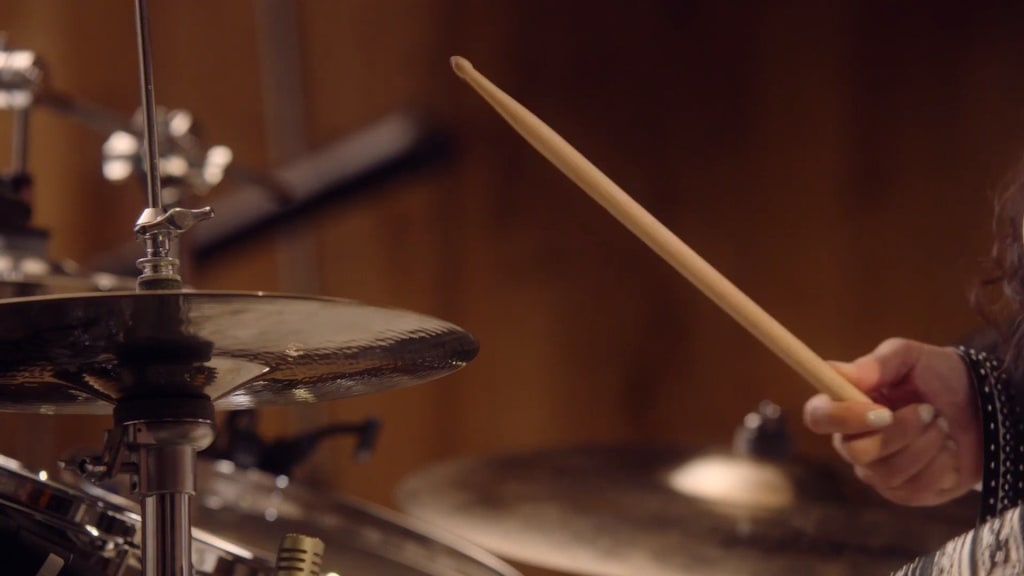
Music is a powerful tool that can be used to express oneself, connect with others, and simply enjoy life. In recent years, there has been a growing trend of people using music tools to create and share their own music. These tools can be used by anyone, regardless of their musical ability, to create unique and expressive pieces of music.
There are many different music tools available, each with its own strengths and weaknesses. Some popular tools include:
- GarageBand: This is a free music creation software that is available for Mac and iOS devices. It is easy to use and comes with a variety of instruments and effects.
- Logic Pro: This is a more advanced music production software that is available for Mac. It is a powerful tool for creating professional-quality music.
- MuseScore: This is a free and open-source music notation software. It is a great tool for writing and printing sheet music.
- Soundtrap: This is a web-based music creation tool that allows users to collaborate on projects in real time.
- Bandlab: This is another web-based music creation tool that offers a variety of features, including a virtual studio, a collaborative workspace, and a social network for musicians.
These are just a few of the many music tools that are available. With so many options to choose from, there is sure to be a tool that is perfect for everyone.
Once you have chosen a music tool, you can start creating your own music. There are many different ways to approach this, but some common steps include:
- Brainstorming: This is the process of coming up with ideas for your music. You can do this by freewriting, listening to other music, or simply experimenting with different sounds.
- Arrangement: This is the process of putting together the different elements of your music. This includes deciding on the melody, harmony, rhythm, and structure of your song.
- Recording: This is the process of capturing your music so that you can listen to it and share it with others. You can record your music using a variety of devices, such as a computer, a smartphone, or a digital audio recorder.
- Mixing and mastering: This is the process of adjusting the sound of your music so that it sounds its best. This includes adjusting the levels, equalizing the frequencies, and adding effects.
Once you have finished creating your music, you can share it with others by uploading it to a music sharing site, such as SoundCloud or Bandcamp. You can also share it on social media or through email.
Creating and sharing music can be a rewarding experience. It is a great way to express yourself, connect with others, and simply have fun. If you are interested in creating music, I encourage you to check out some of the music tools that are available. With a little effort, you can create your own unique and expressive pieces of music.
Here are some additional tips for using music tools:
- Don't be afraid to experiment: One of the best ways to learn how to use a music tool is to experiment with it. Try different things and see what sounds good to you.
- Don't be afraid to make mistakes: Everyone makes mistakes when they are learning something new. The important thing is to learn from your mistakes and keep trying.
- Have fun: Creating music should be enjoyable. If you are not having fun, you are less likely to stick with it.
I hope this article has inspired you to start using music tools to create and share your own music. With a little effort, you can create your own unique and expressive pieces of music that you can enjoy for years to come.
About the Creator
Keep reading
More stories from writers in Lifehack and other communities.
Essential Differences Between MMA Flooring and Epoxy Flooring Systems
Ever walk into a big store, a hospital, or maybe even a high-end garage and catch yourself thinking, “Wow, that floor actually looks great—what’s it made of?” Turns out, there’s a good chance you’re standing on either MMA flooring or epoxy flooring. These two pop up all over the place, and for good reason. People pick them for all sorts of different spaces. At a glance, they seem pretty similar. But trust me, they’re not the same at all.
By Muhammad Hanzlaabout 17 hours ago in Lifehack
Mismanaging Your Emotions At Work Leads To Occupational Burn Out
People being forced to fake how they feel in the work place is one of the main causes of occupational burn out. That’s according to new research by Emlyon Business School. Researchers have discovered that the surface acting creates a form of exhaustion which drains the ability an employee possesses to be able to organise themselves and take part in everyday work-related tasks. This effects an organisation’s ability to function well and cater for it’s own staff and customers. This creates a huge impact on the ability each individual has to manage their own cognitive capacity as well as eroding their sense of authenticity. This puts a huge impact on team trust and makes engaging in leadership more difficult.
By Ashish Prabhua day ago in Lifehack
A Letter to the Firestarter
Dear Firestarter, We can all see you, we've been watching you since you began. In case you didn't know we were here before you and we will be here after. We witnessed your rise, your setbacks, your guilt and your lies. We witnessed you start the fire.
By Donny Foley4 days ago in Poets




Comments