
Unlock more jobs in Neevo with this simple trick
Finding jobs in Neevo can be difficult for some. Make sure you follow these steps to get the latest tasks in Neevo.

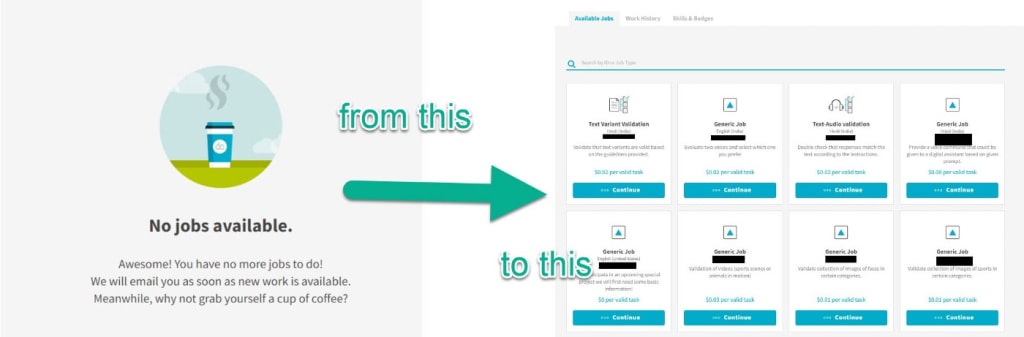
Neevo has been one of the most confusing sites to work on. While I would see reports of people earning hundreds of dollars every month from it, I would be greeted with the “ No Jobs available” message every time I logged in.
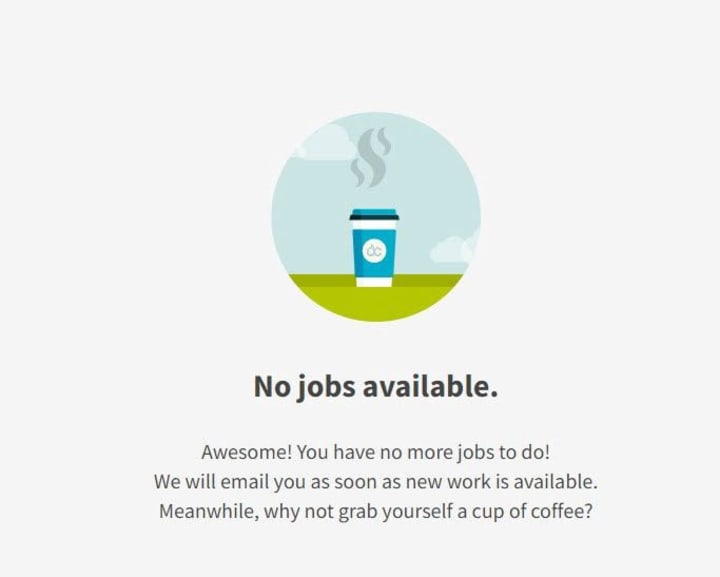
It was frustrating, and I almost gave up on Neevo after not getting a single task for 3 months. But then I came across this simple tweak that I needed to do.
This is a simple trick, that enables your account to start receiving jobs if you haven’t already.
qualifying for more jobs in neevo (the method)
Neevo strictly filters the jobs available to you based on the languages you have added to your profile. While creating your account, you would have most probably skipped that section of the profile, just like me.
So here’s how it works:
- Neevo allows you to add upto 4 languages to your profile. Two languages can be marked “native”, while the other two can be “fluent”.
- These languages are what ultimately decides what kind of jobs you are invited for and allowed to work on.
- I had only added Hindi (India) and English (India) in my profile. It was when I added English (UK) and English (US) in my profile that I started getting job invites through email.
I recommend you add all the languages you are comfortable working with in your profile. Be it regional languages (Bengali, Gujarati, etc) or English variants of your country such as English (UK, Australia, etc.)
Note that adding regional languages can get you some good-paying jobs. This is because they have very few workers for regional and less-known languages.
Do not add any language that you are not fluent or comfortable with, as you will end up wasting your time.
how to add languages to your neevo profile?
- Log in to your Neevo account.
- Hover your mouse on the upper right corner of the Dashboard, and click “Profile Settings” on the menu that appears.
- Scroll down to the section called “Language Abilities”. There you can add up to 4 languages that you think you know best.
- Go back to the Dashboard. You will be greeted with a message saying you have a new “Skill test” available. This is basically a test of the language you just added.
- Clear the test and the language will get added to your profile.

I received my first job invitation 2 weeks after I added the proper language information in my profile and cleared the tests. A month later I had the first payment from Neevo in my account.

And I get task notifications almost every day in my email (the first three months I didn’t receive a single mail from them).
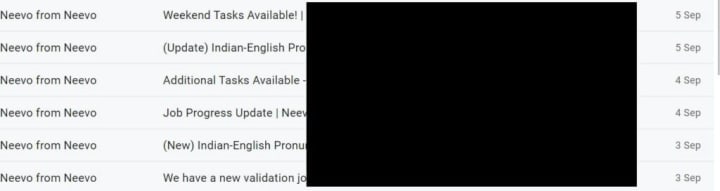
This is how you can get started with working on Neevo. It is a legit site with a sufficient amount of web judging and data collection jobs.
One problem people have with Neevo is that they reject a lot of jobs. There is a reason for this, which I wrote about here.
a note for the smarty-pants out there
This is NOT a trick to earn more. It is a basic profile setting that a lot of people miss while signing up.
DO NOT keep changing your languages in an effort to get more tasks. Changing your language frequently will get you banned.
Only add languages you are comfortable working with.
---
Hello, people of Vocal. I quit my full-time desk job in search for an adventure. I wanted to work whenever, however and whereever I felt like.
Now, I write about online earning websites and tips.
My ultimate goal is to have a digital nomad lifestyle, but right now my goal is to get to 100 subscribers on Vocal. Follow my journey on https://digitalbazaari.com
About the Creator
Digital Bazaari
I quit my full-time job for an adventure. To live a digital nomad lifestyle by working and earning money online. Follow my journey at digitalbazaari.com
Keep reading
More stories from Digital Bazaari and writers in Lifehack and other communities.
Timebucks- Get paid for the most basic tasks (Legit + Worldwide)
what is timebucks and how does it work? Timebucks is an online earning platform. It works like other Get Paid To (GPT) websites offering rewards for simple tasks - you can spend an hour and earn cash.
By Digital Bazaari4 years ago in Lifehack
How to Hire a Quality Painting Team in Sydney Without the Job Dragging On
A repaint is meant to be a tidy upgrade: cleaner lines, brighter rooms, a place that feels looked-after again. Yet plenty of paint projects in Sydney turn into a slow-motion inconvenience—rooms half usable, dates sliding, and that lingering sense the finish isn’t quite right.
By Evelyn Heard6 days ago in Lifehack




Comments
There are no comments for this story
Be the first to respond and start the conversation.