
The Ultimate Guide to Choosing the Best Handwritten Signature Maker
A handwritten signature has never been as important as it is in today's digital world.
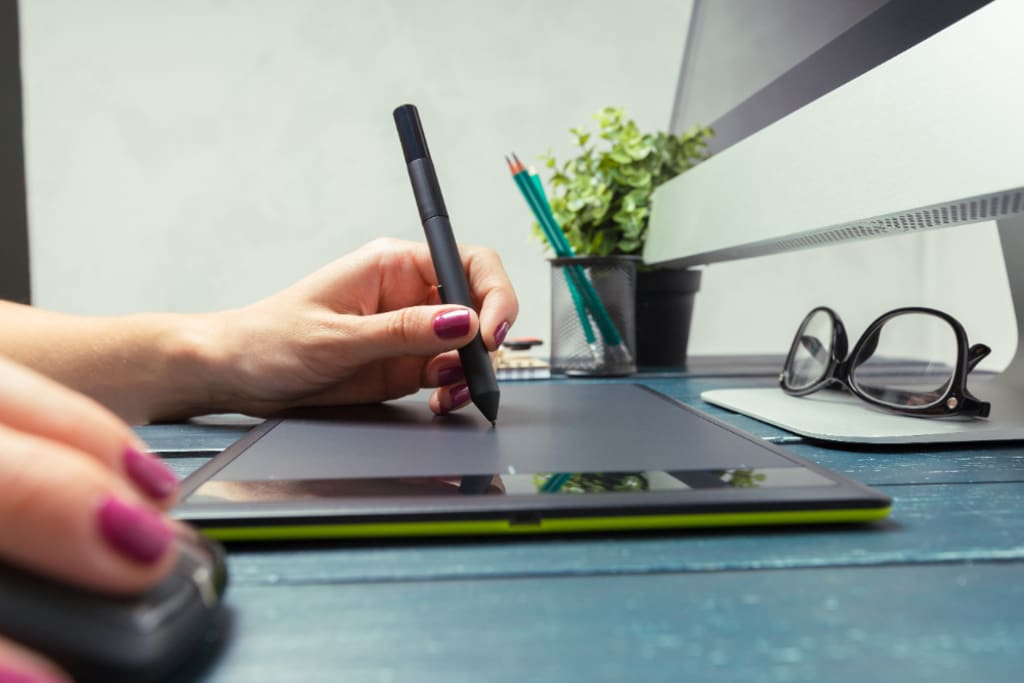
A handwritten signature has never been as important as it is in today's digital world. It is for personal branding, legal documents, or creative pursuits; a unique and elegant signature can set you apart. So how do you choose the best handwritten signature maker with so many options available? This comprehensive guide will answer all your questions, guiding you through making an informed decision.
Why You Need a Handwritten Signature Maker
A handwritten signature maker is more than a tool; it is the pathway to professionalism and personalization. The traditional pen-and-paper methods are not as flexible or precise as digital solutions. The following are some reasons you should invest in the right tool:
- Efficiency: Digital signature makers will save you time because you will be able to create your signature once and reuse it whenever you want for other purposes.
- Consistency: With a handwritten signature maker, you can ensure that your signature looks the same every time.
- Customization: Most tools provide options for adjusting styles, colors, and sizes, which will give you control.
Features to Look for in a Handwritten Signature Maker
When choosing a handwritten signature maker, focus on features that are aligned with your needs. Here are the must-haves:
- User-Friendly Interface: The tool should be easy to navigate even for beginners.
- Customization Options: Look for a tool that offers you several fonts, colors, and design elements.
- Cross-Platform Compatibility: Ensure the maker works seamlessly across devices, including desktops, tablets, and smartphones.
- Export Formats: Check if the signature can be exported in multiple formats like PNG, JPG, or SVG.
- Security Features: If you plan to use the signature for official documents, ensure the tool has encryption and other security measures.
Top Handwritten Signature Makers You Should Look at
To make navigating this array less overwhelming, here is the top handwritten signature makers that you should look into:
- Adobe Sign: Best known for reliability, Adobe Sign gives advanced customizing and securely integrates your documents.
- DocuSign: The ideal tool for professionals who require high-level encryption, multi-signature style, and so much more.
- SignWell: Best suited for small businesses and individual users who just want an easy and accessible way of doing things.
- HelloSign: It allows for easy integration with Google Workspace and easy sharing options.
- Signaturely: It is cost-effective and has all the basic features to create a signature that is personalized.
Each one of these tools has its advantages, so evaluate them according to your needs.
How to Make a Signature Using a Handwritten Signature Maker
Making a signature with a handwritten signature maker is easier than you think. You can make your perfect signature by following these steps:
- Choose a Tool: Select a signature maker that matches your needs.
- Input Your Name: Type or draw your name into the tool.
- Customize the Style: Experiment with fonts, colors, and effects to create a unique look.
- Preview and Adjust: Review your signature and make necessary adjustments.
- Download and Save: Export your signature in the desired format and save it for future use.
With these steps, you’ll have a signature ready in minutes.
Common Mistakes to Avoid When Using a Handwritten Signature Maker
While these tools are intuitive, there are common pitfalls you should avoid:
- Overloading with Effects: Keep your signature simple and professional.
- Ignoring Compatibility: Ensure the signature works well on different platforms and documents.
- Skipping Security Features: Always prioritize tools with encryption if you're using the signature for sensitive documents.
- Relying Solely on Templates: Use templates as a starting point but customize them to reflect your personality.
The Benefits of Using a Handwritten Signature Maker for Branding
Incorporating a digital signature into your branding efforts can yield remarkable results:
- Professional Appeal: A sleek, digital signature enhances your professional image.
- Consistency in Communication: Use your signature across emails, contracts, and presentations for a cohesive look.
- Memorable Identity: A unique signature differentiates you from the rest of the competition and gives you a lasting impression.
Free vs. Paid Handwritten Signature Makers Comparison
When choosing your handwritten signature maker, you'll have free and paid options. Here's how they compare:
- Free Tools: Suitable for basic needs but do not have advanced features or security.
- Paid Tools: Extensive customization, more secure, and premium support.
While free tools do sound tempting, it ensures reliability and quality with a paid option.
Future Trends on Handwritten Signature Makers
The world of handwritten signature makers is changing fast. Here is what to look out for:
- AI Integration: Tools will incorporate AI to predict and enhance your own signature style.
- Blockchain Security: Expect advanced encryption methods added for security.
- Mobile Optimization: Future tools will be dedicated to seamless functionality on mobile devices.
- Eco-Friendly Solutions: With digital signing, the usage of paper will reduce with time.
Staying abreast with these trends can make a choice to select the best relevant signature maker available in the market.
Conclusion: Find Your Perfect Handwritten Signature Maker Today
A handwritten signature is more than just the name on paper; it's a definition of yourself. By getting the appropriate handwritten signature maker, all doors unlock to endless possibilities for customizing and professionalism. Based on what you need, have a look at the top tools, and create the perfect signature that reflects you, all at your fingertips with just a few clicks away!
About the Creator
Keep reading
More stories from Christopher and writers in Lifehack and other communities.
Comparing the Best Water Filter Systems in Los Angeles
The most important decision related to clean, safe, and refreshing drinking water depends on the appropriate choice of water filter system los angeles. When it comes to the Los Angeles sprawl of its urban landscape and specific water requirements, people demand customised solutions. Here's our guide into the most efficient and popular water filter systems for you to choose in Los Angeles.
By Christopherabout a year ago in Lifehack
The Most Common Home Gym Equipment Mistakes — and How to Avoid Them
Buying home gym equipment should feel like a step toward better health and freedom. Instead, many people end up with expensive machines collecting dust, cluttering their space, or breaking far sooner than expected. Most of these problems aren’t caused by bad intentions — they come from a handful of very common mistakes.
By Enrique Navarro5 days ago in Lifehack


Comments
There are no comments for this story
Be the first to respond and start the conversation.