
How to Stop Apple Music from Deleting My Playlists
Check this article to know why Apple Music delete your songs and playlists, then we find top solutions to fix this issue. You will never lose Apple Music playlists from now on.

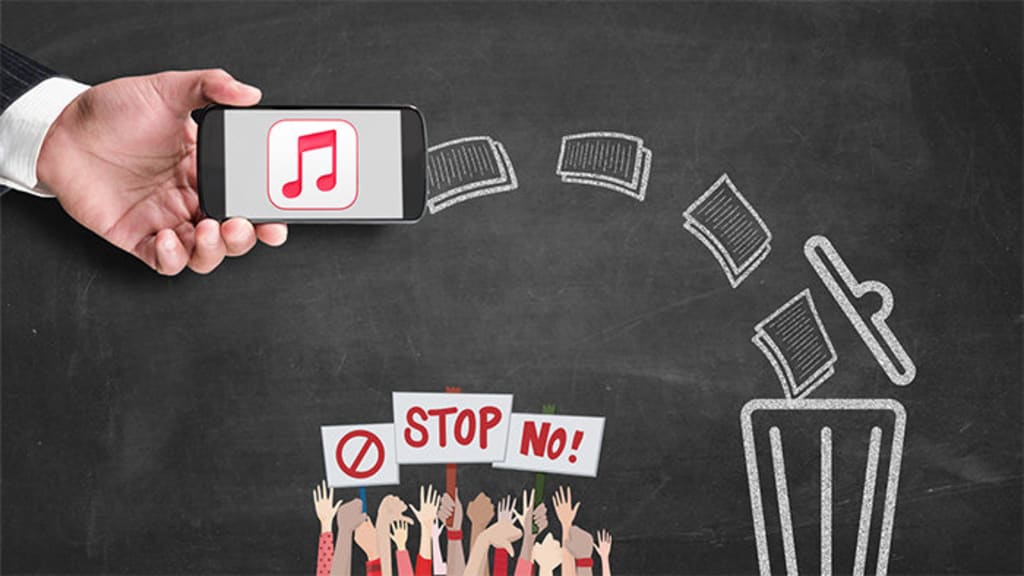
Apple Music is a streaming music service that offers a wide variety of content to its users. The platform gives access to millions of songs, albums, and artists, as well as curated playlists and personalized radio stations. It also allows artists to upload their music for exclusive distribution. With its intuitive interface, Apple Music makes it easy for both casual listeners and music aficionados to find the perfect track. Plus, its high-quality audio ensures an enjoyable listening experience. Whether you’re looking for something new or just want to reminisce with old favorites, Apple Music has it all. With its extensive library and innovative features, Apple Music is the ultimate destination for modern music lovers.
Notwithstanding tons of advantages, Apple Music users make a lot of complaints. In many music-related forums, you can often see Apple Music users share their bizarre experiences, that is, the playlists they worked hard to create will be suddenly removed. Some people think that this is just a program bug of Apple Music, but in fact, there are more factors. Read this article carefully and we will answer your doubts. And this article will also provide a solution that is very suitable for you so that you no longer worry about the sudden deletion of songs and playlists on Apple Music.
✅ Part 1: Why Does Apple Music Delete Songs? How to Fix It?
✅ Part 2: How to Keep Apple Music Playlists Forever after Unsubscribing
The frustration of seeing missing songs in your Apple Music library is real, and it can be a really unpleasant experience.
Part 1: Why Does Apple Music Delete Songs? How to Fix It?
1. Your Apple Music Subscription is Expired
If you find that some of your songs and playlists have been deleted from your Apple Music library, it could be because your subscription is no longer valid. This could be due to a payment issue or an expired subscription.
Apple will bundle all its products and software, so many users will not just use a single Apple software. For example, Apple Music will allow registered users to use it with iCloud Music Library. When you enjoy songs on Apple Music, you can upload and store songs to the cloud through the matching iCloud Music Library. This operation is so that you can listen to the songs you uploaded to the cloud on other iOS devices at any time. But the songs you save to iCloud during your subscription to Apple Music are protected by DRM. So when you decide not to renew the subscription, the songs downloaded through iCloud Music Library will also be automatically deleted by Apple Music.
If your Apple Music subscription is invalid, you won't be able to stream music or download songs until you update your payment information and/or renew your subscription. Your Apple Music library will also remain incomplete until then. To prevent this from happening in the future, you have to make sure that any payment or subscription plans associated with your Apple Music account are kept up-to-date. Failure to do so may result in the loss of some or all of your music library.
2. "Optimize Storage" is Turned on for Music
Apple Music has an automatic feature that removes unused songs from iPhones or iTunes. This is meant to save storage space on the device and ensure that users have access to only the music they are actively listening to or intending to use in their playlists. The service generally removes automatically downloaded items after 30 days of their last access if it appears that they haven't been used. That said, users can still manually delete songs and other content from their device by going to the “Recently Added” tab in Apple Music and tapping on the song or album they would like to remove. They can also manage their music library through iTunes if they prefer a desktop solution. Ultimately, Apple Music is designed to provide an easy and streamlined way to access, manage and delete music from iPhones or iTunes.
You can check the "Optimize Storage" setting on your iOS device. Get access to your iOS device, then go to "Settings > select Music > Optimize Storage". Now, you can turn off this option to enable this feature.
For more details, check How to Stop Apple Music from Deleting My Playlists>>
About the Creator
Kitchen Renovation Material Trends (2026 Report)
The 2026 kitchen is a study in deliberate, thoughtful evolution. Homeowners and designers are moving away from the stark minimalism and cold, sterile palettes that have dominated recent years. In their place, a new design language is emerging—one that speaks to our collective desire for warmth, tranquility, and a deeper connection to craftsmanship. This year, the kitchen is not just a place to cook; it is the hearth of the home, a multi-functional sanctuary designed for living, working, and gathering. The trends shaping this transformation are rich with texture, grounded in nature, and seamlessly integrated with invisible technology. This report delves into the definitive material trends of 2026, exploring how surfaces, colors, and finishes are being reimagined to create spaces that are both visually stunning and profoundly personal.
By Flooring Tips3 days ago in Lifehack


Comments
There are no comments for this story
Be the first to respond and start the conversation.