
How to Setup VPN on iPhone for Free?
How can I use VPN on my iPhone for free?

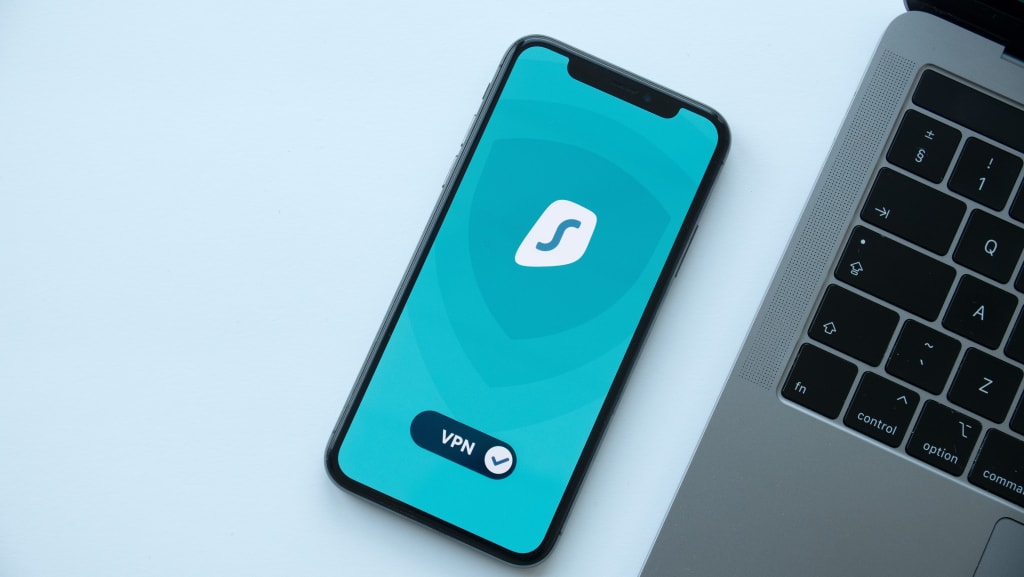
In today's world, privacy and security have become an essential concern, especially while using the internet on mobile devices. A Virtual Private Network (VPN) is a useful tool to protect your online privacy and keep your data secure. With the increasing demand for VPNs, many services have started charging exorbitant amounts for their services. However, you can set up a VPN on your iPhone for free.
This blog post will guide you through the steps to set up a VPN on your iPhone for free.
What is a VPN?
A VPN is a secure and private connection between your device and the internet. When you connect to a VPN, your internet traffic is routed through an encrypted tunnel to a remote server. As a result, your online activities are hidden from your Internet Service Provider (ISP) and other prying eyes.
Why use a VPN on iPhone?
Using a VPN on an iPhone can help protect your online privacy and security. It can also help you access geo-restricted content and protect your online activities from hackers and other malicious actors.
How to set up a VPN on iPhone for free?
Setting up a VPN on your iPhone is straightforward and can be done in a few simple steps. Here are the steps to set up a VPN on your iPhone for free:
Step 1: Choose a free VPN service
There are several free VPN services available in the App Store that you can use on your iPhone. Here are a few of the most popular options:
- Windscribe
- TunnelBear
- ProtonVPN
It's essential to choose a reputable and trustworthy VPN service to ensure your privacy and security.
Step 2: Download and install the VPN app
After selecting a VPN service, download and install the app on your iPhone from the App Store.
Step 3: Open the app and create an account
Open the app and follow the on-screen instructions to create an account. Some VPN services require an email address to sign up, while others offer sign-up via social media accounts.
Step 4: Connect to a VPN server
Once you've created an account, connect to a VPN server by selecting a location from the list of available servers in the app.
Step 5: Verify your connection
After connecting to the VPN server, verify that your iPhone is connected to the VPN. You can do this by checking the VPN status icon in the status bar at the top of your iPhone screen.
Congratulations! You have successfully set up a VPN on your iPhone for free.
Frequently Asked Questions (FAQ)
Q1: Is it safe to use a free VPN on iPhone?
A: While many free VPN services can be trusted, some may sell your data to third parties to generate revenue. Therefore, it's essential to choose a reputable and trustworthy VPN service that has a no-logs policy and follows strong privacy and security protocols.
Q2: Can I use a free VPN to access geo-restricted content?
A: Yes, a free VPN can help you access geo-restricted content. However, some free VPN services may have limitations, such as data caps and server location restrictions, which may impact your ability to access certain content.
Q3: Can I use a free VPN on multiple devices?
A: Most free VPN services only allow one device to connect to the VPN at a time. However, some premium VPN services offer multiple device connections.
Conclusion
Using a VPN on an iPhone is an excellent way to protect your online privacy and security. By following the steps outlined in this blog post, you can easily set up a VPN on your iPhone for free. Remember to choose a reputable and trustworthy VPN service to ensure your online activities remain private and secure.
About the Creator
Oliver Jack
Works at Online Marketing - Affiliate, Google Adsense, Social, & Video Income
Keep reading
More stories from Oliver Jack and writers in Lifehack and other communities.
5 Easy Ways to Ensure Your Privacy When Using Public Wi-Fi Networks
In today's world, where technology has made the world a global village, the use of public Wi-Fi networks has become an essential part of our daily lives. We use it to stay connected, get work done, and stay in touch with loved ones. However, public Wi-Fi networks can be a hotbed for cybercriminals who are looking to steal your personal information. Therefore, ensuring the privacy of your information when using public Wi-Fi networks is crucial.
By Oliver Jack3 years ago in Lifehack
Review of 'Man on the Run'
My wife and I saw Man on the Run, a nearly 2-hour documentary on Amazon Prime, about Wings, Paul McCartney's group that flew around the world from shortly after The Beatles broke up in early 1970 to shortly after John Lennon was murdered at the end of 1980, making a Beatles reunion forever impossible.
By Paul Levinson7 days ago in Beat




Comments
There are no comments for this story
Be the first to respond and start the conversation.