
How to Create a Beautiful Wedding Album with Online Prints
Your wedding day is one of the most special moments of your life, filled with love, joy, and unforgettable memories.
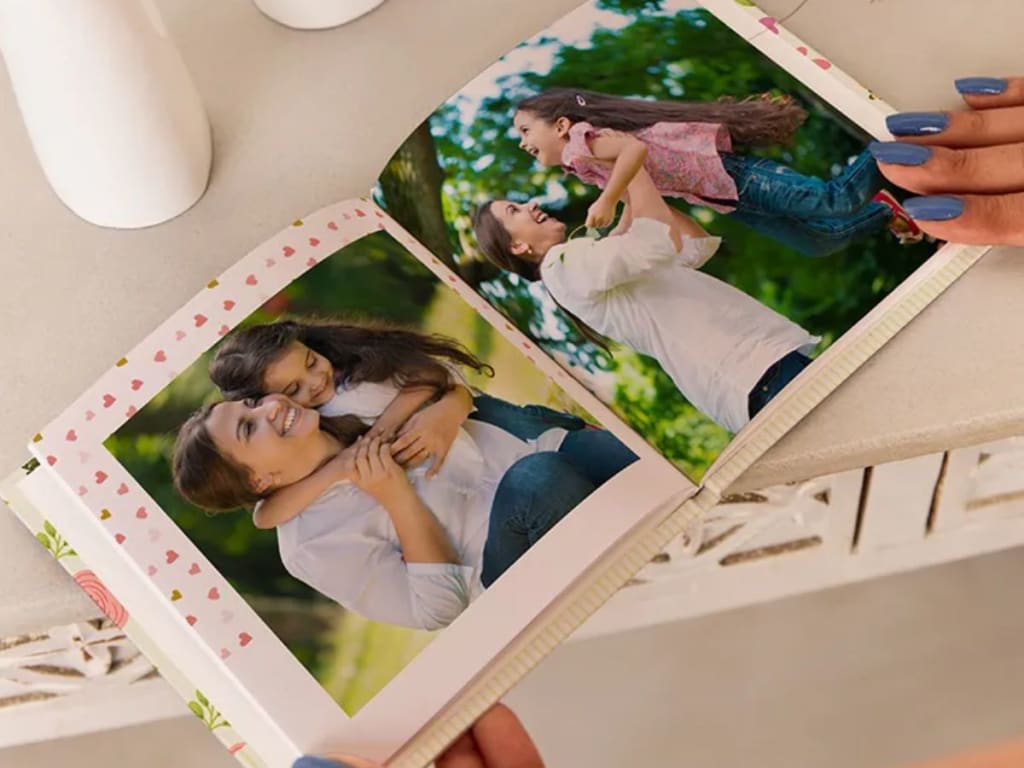
Your wedding day is one of the most special moments of your life, filled with love, joy, and unforgettable memories. Capturing these moments through stunning photographs is just the beginning. The real magic happens when you turn those digital memories into a tangible keepsake. A beautifully designed wedding album allows you to relive those precious moments for years to come.
With online photo print services like Zoomin, creating a high-quality wedding album has never been easier. Whether you want a classic, elegant look or a modern, vibrant design, this guide will walk you through the process of making a stunning wedding album with online prints.
1. Choose the Right Photos for Your Album
The first step in creating a wedding album is selecting the best photographs. You may have hundreds, if not thousands, of images from your special day, but not all of them will make the final cut.
Tips for Selecting Photos:
Focus on key moments – Include images from the ceremony, first dance, vows, and family moments.
Choose high-quality images – Ensure the resolution is high to maintain clarity in prints.
Mix candid and posed shots – A good balance of both makes the album feel natural and emotional.
Tell a story – Arrange the photos in chronological order to create a flow.
2. Pick the Perfect Album Style and Size
Once you've selected your photos, the next step is choosing the right album style. Zoomin offers various album options, from hardcover photobooks to layflat albums, allowing you to pick a style that matches your wedding theme.
Factors to Consider:
Size – Standard sizes like 8x8, 10x10, or larger sizes for grander designs.
Binding Type – Layflat binding ensures full-page spreads look seamless.
Paper Quality – Choose glossy or matte finishes based on your preference.
Cover Options – Opt for a leather-bound, linen, or photo-printed cover.
3. Organize Your Photos Creatively
How you arrange your photos will greatly impact the overall look and feel of the album. A well-designed layout enhances storytelling and makes flipping through the pages enjoyable.
Layout Tips:
Start with a beautiful opening image – A grand shot of the couple sets the tone.
Group similar photos together – Place getting-ready shots on one page and ceremony shots on another.
Use white space wisely – Don’t clutter pages; let each photo shine.
Add captions and text – Write a heartfelt message, date, or location details to personalize it further.
4. Use Zoomin's Online Photo Print Services
Once you’ve designed your layout, it’s time to print! Zoomin provides high-quality online photo print services that ensure your images look stunning on paper. Here’s how to use their platform:
Steps to Order Your Album:
Upload your selected photos to the Zoomin website.
Choose your album type, size, and cover.
Customize the layout by dragging and adjusting images.
Preview your album before finalizing the order.
Place your order, and Zoomin will take care of printing and delivering your beautiful wedding album.
5. Preserve Your Wedding Album for Years to Come
Once your wedding album arrives, it’s important to take care of it so it lasts a lifetime.
Album Maintenance Tips:
Store it in a cool, dry place to prevent fading and damage.
Handle with clean hands to avoid fingerprints on the pages.
Use acid-free paper when storing to maintain print quality.
Keep away from direct sunlight to prevent color fading.
Final Thoughts
Creating a beautiful wedding album is a heartfelt way to relive the magic of your special day. Thanks to Zoomin’s online photo print services, you can effortlessly design and print a stunning, high-quality wedding album that you’ll cherish forever. So, gather your favorite memories, design a perfect layout, and let Zoomin bring your love story to life in print!
About the Creator
Keep reading
More stories from writers in Lifehack and other communities.
How to Travel the Ella Odyssey Train Route in Sri Lanka
Taking a train ride in Sri Lanka is undoubtedly a unique experience, and there can hardly be a finer choice in this regard than riding the Ella Odyssey, a special luxury train service targeted mainly at tourists. You may well have seen images of the scenic sights that you can experience on this distinctive journey, which may be counted amongst the most picturesque in the world. Some useful information regarding enjoying this amazing ride is provided below.
By ameliarosanna2 days ago in Lifehack
“I Forgot How to Be Bored (And It Was Ruining My Focus)”
Let’s be real—my phone was low-key ruining my life. I’m gonna be 100% honest: it got pretty embarrassing. I reached a point where I couldn’t even wait for the coffee to brew without my hand "magically" grabbing my phone. It wasn’t even a choice anymore; it was just this mindless, zombie-like reflex. I’d spend an hour scrolling through absolute junk and then realize I didn't remember a single thing I saw. My focus? Completely trashed.
By Demiana Louis Boshra3 days ago in Lifehack


Comments
There are no comments for this story
Be the first to respond and start the conversation.