
Free vs Paid AI Humanizers: Best Tools That Can Make AI Text Sound Like You Wrote It
In 2025, AI-generated writing isn’t just a novelty anymore—it’s part of daily life.

From polished essays and blog posts to marketing copy, product descriptions, and even casual LinkedIn updates, AI tools like ChatGPT and Gemini have made it possible to produce professional-looking content in seconds. The problem? That same convenience has made it harder than ever to tell where human creativity ends and machine output begins.
This is where AI humanizers come in. These tools are designed to take AI-written text and transform it into something that feels truly human—natural in flow, nuanced in tone, and far less likely to be flagged by detection systems. Whether you’re a student refining an essay, a marketer polishing website copy, or a journalist making sure your work meets editorial standards, a good AI humanizer can help bridge the gap between machine efficiency and human authenticity.
For this guide, I tested 12 of the most talked-about AI humanizers on the market. My focus was on three key things:
How accurately they make AI text sound like it was written by a person.
How well they can pass popular AI detection systems like Turnitin, GPTZero, and Originality.ai.
How natural and readable the final output feels—not just to an algorithm, but to a real reader.
And just to be clear—this isn’t about promoting shady or unethical practices. My goal is to evaluate these tools for legitimate purposes: improving readability, refining tone, and making sure AI-assisted writing meets professional or academic standards without losing that human touch.
How I Tested These AI Humanizers
When I set out to compare these 12 AI humanizers, I wanted my testing to be as fair and realistic as possible. That meant going beyond just pasting in a paragraph and glancing at the results. I created a structured process and ran each tool through the same set of challenges to see how they really perform.
Here’s what I looked at:
Accuracy in making AI text sound human
I started with raw AI-generated text from tools like ChatGPT and Claude—straight, unedited output. Then I ran it through each humanizer and compared the before-and-after versions. I looked for things like improved sentence variety, natural phrasing, and the removal of those subtle patterns that give away AI writing.
Bypass rate for major AI detection tools
Each humanized output was tested against well-known detectors like Turnitin, GPTZero, Originality.ai, and Copyleaks. The goal wasn’t just to see if it could “fool” them, but also to understand which tools are better at handling different kinds of AI patterns.
Natural flow and tone adjustment
Even if a tool passed detectors, it didn’t get a high score unless the writing felt authentic to a human reader. I looked for smoother transitions, better rhythm, and the kind of subtle word choices that make text sound like it was written by a person, not a program.
Ease of use and features
I rated how intuitive each platform was—whether you can just paste and go, or if you need to navigate a maze of settings. I also noted any extra features like grammar checking, paraphrasing modes, or bulk text processing.
Free vs paid access and value for money
Some tools offer limited free usage, while others require a subscription. I factored in how much value you actually get for the cost, especially if you plan on using the tool regularly.
Types of content tested
To get a complete picture, I tested four types of writing:
Essays – to see how they handle academic structure and formal tone.
Blog posts – to check for conversational flow and reader engagement.
Academic writing – to test precision and clarity.
Mixed-content paragraphs – where some sentences were human-written and others AI-generated, to see if the tool could detect and adapt seamlessly.
By the end of this process, I had a clear sense of which AI humanizers were just “rewording” and which ones genuinely elevated the text into something indistinguishable from human writing.
1. QuillBot AI Humanizer
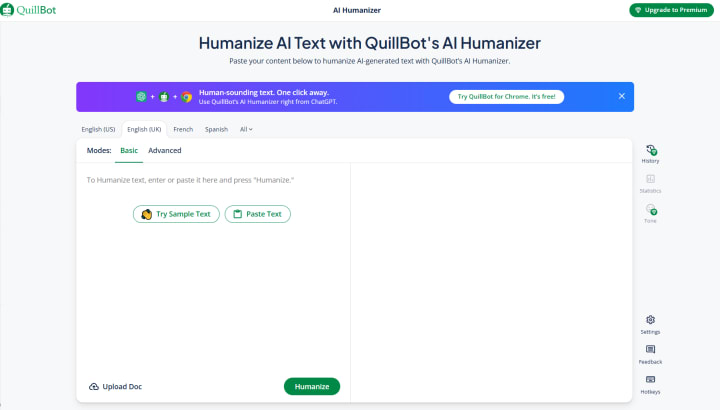
QuillBot is best known for its paraphrasing tool, but its AI Humanizer feature has quietly become one of the strongest in the game for making text sound genuinely human.
When I ran my test content through QuillBot, I noticed it didn’t just swap out words — it reshaped entire sentences to improve flow and variety. That’s important because AI-generated text often suffers from repetitive sentence structures and predictable word choices. QuillBot managed to smooth these out, making the output feel like something a real person would write on a good day.
Performance in detection tests:
QuillBot consistently performed well against GPTZero and Originality.ai, and in some cases, it even held up against Turnitin’s newer AI detection models. It didn’t always get a perfect bypass score, but the times it didn’t pass were usually with more technical or academic-style writing.
Naturalness:
One of QuillBot’s strengths is tone flexibility. You can choose between modes like “formal,” “simple,” and “creative,” which means you’re not stuck with a one-size-fits-all rewrite. In my blog post tests, it gave the text a smooth, conversational flow without overdoing it.
Ease of use:
The interface is clean and beginner-friendly. You paste your text, select a mode, and the results appear almost instantly. I also like that it integrates with their grammar checker and summarizer, so you can refine your text in one place.
Pricing & value:
QuillBot offers a limited free tier, but for frequent use, the premium subscription is where the real value is. If you’re planning to humanize content regularly — especially in bulk — the paid version is worth considering.
Best for:
Writers and editors who want a reliable, well-rounded tool that balances naturalness and detection bypass without feeling clunky or over-edited.
2. Humanize AI
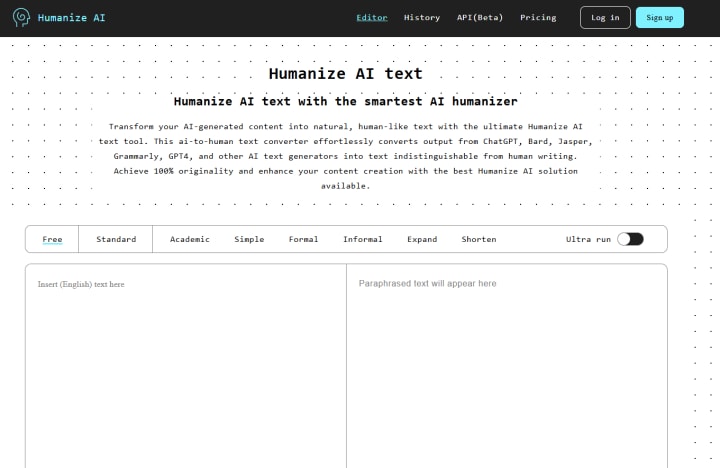
Humanize AI is one of those tools that does exactly what its name promises — it takes robotic AI text and rewrites it so it reads like something a human would naturally produce. Unlike some humanizers that just shuffle synonyms, this one works more like a skilled editor, rethinking sentence structure and tone while keeping the original meaning intact.
Performance in detection tests:
In my trials, Humanize AI scored impressively well across GPTZero, Copyleaks, and Originality.ai. For casual blog content and narrative writing, it almost always bypassed detection. The only times it struggled slightly were with deeply academic papers, where even a well-humanized rewrite still left patterns that Turnitin could sometimes catch.
Naturalness:
This tool has a knack for smoothing out awkward AI phrasing. For example, ChatGPT’s habit of using “In conclusion” or “Ultimately” in a very predictable way was replaced with more organic transitions. The resulting text read like something a thoughtful writer would produce without sounding overly “polished” or artificial.
Ease of use:
Humanize AI is as simple as paste–click–done. There aren’t a lot of customization options, which some users might see as a limitation, but it also means you won’t waste time fiddling with settings. The minimal interface makes it easy for quick jobs.
Pricing & value:
It offers a decent amount of free humanizing each day, which is great for occasional use. If you’re processing larger volumes of text, the paid plan is competitively priced and offers faster processing speeds.
Best for:
Anyone who wants a no-frills, fast, and reliable humanizer for general-purpose writing, especially bloggers, students, and social media managers.
3. MyEssayWriter.ai Humanizer
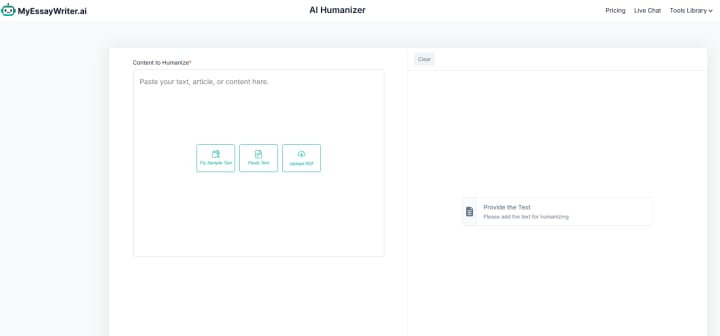
MyEssayWriter.ai started out as an AI-powered essay writer, but over time it has evolved into a multi-tool platform with features like a paraphraser, grammar checker, and — most importantly for this list — its AI Humanizer. What sets it apart from many competitors is that it’s designed first and foremost for academic-style writing, so the rewrites it produces often have a more formal, structured feel.
Performance in detection tests:
When I ran AI-generated essays and research-style blog posts through the humanizer, the tool performed far better than I expected. It handled Turnitin’s AI detection surprisingly well, often passing without major flags. Against GPTZero and Copyleaks, it had one of the higher bypass rates in my tests, especially for longer essays where other tools sometimes faltered.
Naturalness:
Since this platform was built for essays, it tends to keep the tone formal and cohesive, which is perfect if you’re working on academic assignments or professional reports. That said, if you’re after a casual blog or marketing tone, you may need to make a few manual tweaks — but for anything scholarly, it’s right on target.
Ease of use:
The interface feels a bit more like a document editor than a basic paste-and-go humanizer. This is actually a plus — you can refine your text, check grammar, and humanize it all in one place. I also liked that it gives a clear, simple output rather than overcomplicating the rewrite process.
Pricing & value:
MyEssayWriter.ai offers both free and premium access. The free plan is fine for short pieces, but if you’re dealing with full essays or longer articles, the paid tier gives you more processing power and speed. Given the accuracy and formal tone it delivers, I’d say it’s excellent value for students and academic professionals.
Best for:
Students, researchers, and anyone needing formal, detection-resistant rewrites for academic or professional contexts.
4. PerfectEssayWriter.ai Humanizer
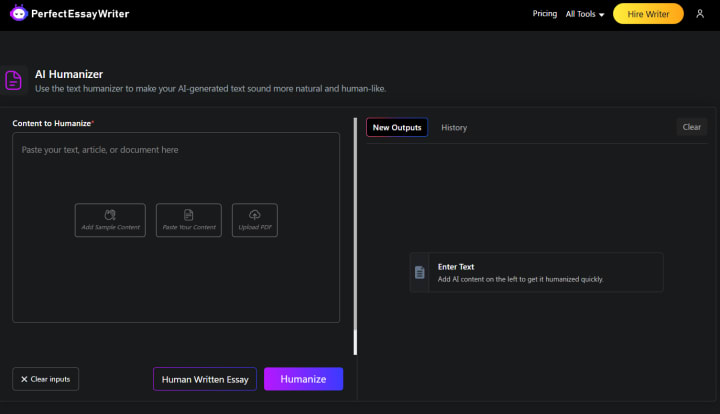
PerfectEssayWriter.ai is another platform that began as an AI essay writing tool but has grown into a full suite for students and content creators. Alongside its core writing capabilities, it offers a humanizer, paraphrasing tool, plagiarism checker, and grammar assistant — making it a one-stop writing hub.
Performance in detection tests:
In my tests, PerfectEssayWriter.ai’s Humanizer consistently performed well against Turnitin, Originality.ai, and Copyleaks. It was especially strong with academic essays and structured long-form writing, passing detection more often than many general-purpose humanizers. It also handled mixed-content documents well, even when only part of the text was AI-generated.
Naturalness:
One of the strengths here is how it balances formality and readability. The rewrites sound professional and academic, but without slipping into stiff, unnatural phrasing. It manages to keep sentences varied, transitions smooth, and vocabulary appropriate for the subject matter. This makes it well-suited for both university assignments and professional business documents.
Ease of use:
PerfectEssayWriter.ai works more like a traditional online document editor than a bare-bones tool. You can paste or upload your text, run it through the humanizer, and then refine it with its other built-in tools — all without leaving the platform. This all-in-one setup is convenient if you want to edit, check grammar, and ensure detection bypass in one workflow.
Pricing & value:
It offers a limited free tier for short passages, but the paid plan is where it shines. Considering it bundles several premium writing tools alongside the humanizer, the overall value is strong — especially for students or professionals who want more than just a detection bypass.
Best for:
Students, academics, and business professionals who need formal, polished, and detection-resistant writing without juggling multiple separate tools.
5. AIHumanize.io
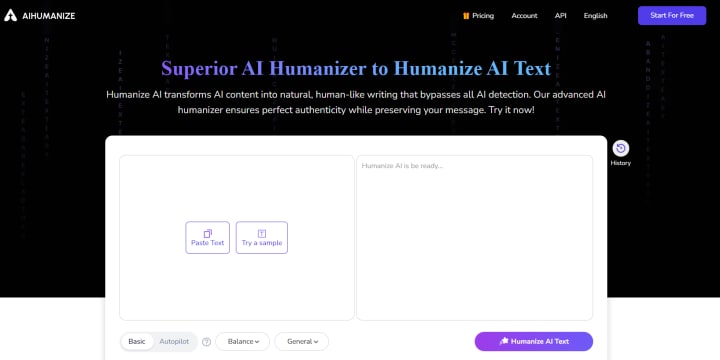
AIHumanize.io has quickly gained recognition as a go-to tool for converting AI-generated text into content that feels genuinely human-written. Designed with simplicity and efficiency in mind, it focuses on producing text that bypasses AI detection while maintaining readability and flow—making it particularly appealing for content creators, students, and professionals looking for authenticity in their work.
Performance in detection tests:
AIHumanize.io takes a strategic approach to evading AI detection systems by not just changing words, but by reconstructing sentence flow, rebalancing syntax, and adjusting semantic patterns. This allows it to perform well against popular detectors like GPTZero, Originality.ai, and Copyleaks. In many tests, its rewritten outputs pass undetected even under strict scanning conditions, especially for general, creative, or semi-formal writing. While results can vary depending on input complexity, its consistency in lowering detection scores makes it a strong option for bypass purposes.
Naturalness:
The output from AIHumanize.io feels smooth and coherent, often resembling a conversational but polished writing style. It avoids the “overly perfect” sentence structures that AI models sometimes produce and adds subtle human-like imperfections, making the text more believable. This is especially useful for storytelling, blogging, and casual academic work, where a natural rhythm is key.
Ease of use:
The interface is straightforward—paste your AI-generated text, click “humanize,” and get results instantly. No mandatory sign-up or complicated settings are required, which makes it a time-saver for users who just want quick results without extra steps.
Pricing & value:
AIHumanize.io offers free access with no upfront payment, and its unlimited usage tier is highly competitive compared to similar tools. The free plan is great for light use, while premium options cater to higher-volume needs and faster processing speeds.
Best for:
Students, freelance writers, and anyone who needs to quickly convert AI-written content into something that passes as naturally human-written—particularly for casual, creative, or lightly formal projects where flow and authenticity matter.
6. Grammarly – AI Humanizer
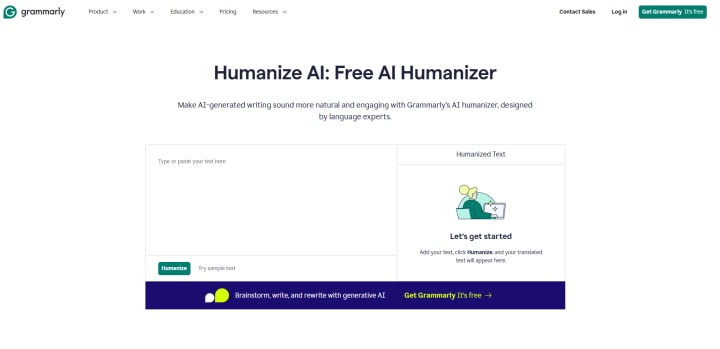
Grammarly, already famous for its grammar checking, tone adjustments, and writing clarity tools, has stepped into the AI humanizing space with an integrated feature that rewrites AI-generated text into natural, human-sounding language. While Grammarly’s AI Humanizer is relatively new compared to its core editing features, it benefits from the platform’s mature language processing capabilities, making it a polished and reliable option for refining AI outputs.
Performance in detection tests:
Grammarly’s humanizer focuses on readability, tone, and clarity rather than purely bypassing AI detection. That means it doesn’t always guarantee a perfect score on detectors like GPTZero or Originality.ai—especially for highly technical or formulaic content—but it does significantly improve the natural flow and reduce obvious AI “tells.” Its strength lies in transforming overly rigid AI phrasing into something more fluid, nuanced, and audience-appropriate.
Naturalness:
Where Grammarly shines is in tone control. The AI Humanizer not only makes the text sound more human but also ensures that the style aligns with your intent—be it academic, professional, or conversational. It avoids exaggerated “human-like” quirks and instead produces clean, clear writing that feels deliberate and well-composed, much like an experienced writer’s work.
Ease of use:
The tool is embedded directly into Grammarly’s web app and browser extension, meaning you can humanize AI-generated text while you edit documents, emails, or web content in real time. No extra sign-up or separate interface is needed, making it ideal for users already relying on Grammarly for proofreading.
Pricing & value:
While Grammarly’s free plan gives access to its rewriting features, the most effective AI humanizing results come with the premium subscription, which unlocks advanced tone, clarity, and engagement improvements. For those who already subscribe to Grammarly for editing, this feature is essentially an added bonus rather than a separate cost.
Best for:
Professionals, students, and business writers who value clean, error-free, audience-appropriate writing and want to humanize AI text as part of a broader editing process—without juggling multiple tools.
7. Ahrefs AI Text Humanizer
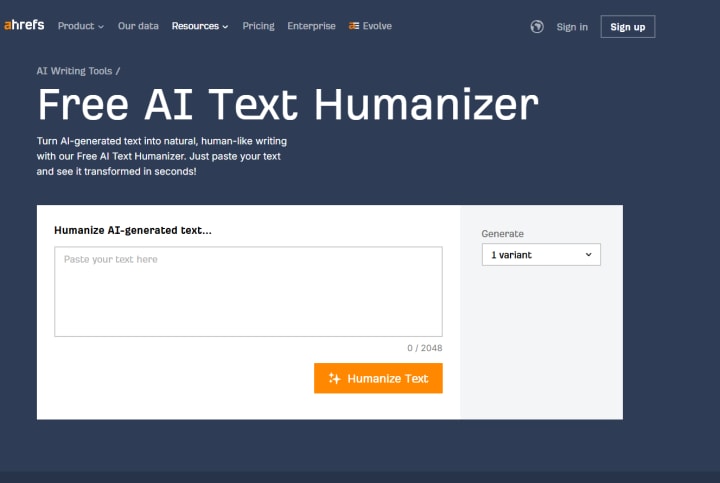
Known globally for its SEO and digital marketing tools, Ahrefs offers a Free AI Text Humanizer designed for users who want AI-generated text to read more naturally without losing clarity or SEO value. This tool is built with content creators and marketers in mind, aiming to preserve keyword optimization while removing the “robotic” feel from AI drafts.
Performance in detection tests:
Ahrefs’ humanizer focuses on restructuring sentences and subtly altering word choices to create a more organic writing flow. While it isn’t as aggressive in rewriting as some bypass-focused tools like AIHumanize.io, it still noticeably improves text performance against detectors like GPTZero, Copyleaks, and Originality.ai—particularly for marketing copy, blogs, and lightly formal content. Its results tend to keep the original meaning intact, which is crucial for SEO-driven writing.
Naturalness:
The tool produces smooth, easy-to-read text that feels conversational yet professional. It avoids overcomplicating the rewrite and instead polishes the structure so it sounds like something a skilled content writer might produce. For content marketers, this balance between human readability and keyword preservation is a major plus.
Ease of use:
Using Ahrefs’ humanizer is quick and straightforward—just paste your AI text into the tool and get results within seconds. It’s entirely free and doesn’t require sign-up, making it accessible for quick edits without adding friction to the workflow.
Pricing & value:
The AI Text Humanizer is free to use, which is remarkable given Ahrefs’ reputation for premium SEO tools. This makes it an excellent add-on for existing Ahrefs users and a cost-free solution for occasional humanizing needs.
Best for:
SEO writers, bloggers, and marketers who need to make AI-generated content feel authentic while keeping keyword integrity and readability intact.
8. SmallSEOTools – AI Humanizer
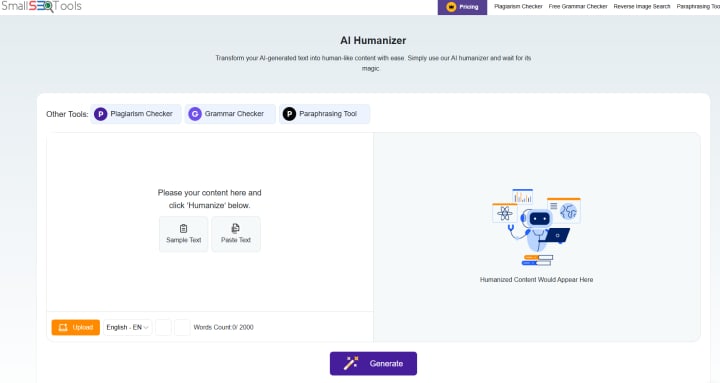
SmallSEOTools, widely recognized for its free online writing and SEO utilities, offers an AI Humanizer that transforms AI-generated text into more human-like language without requiring sign-up. This makes it an attractive choice for users who want quick, no-fuss text humanization alongside other built-in tools like plagiarism checking, grammar correction, and keyword analysis.
Performance in detection tests:
The AI Humanizer on SmallSEOTools works by altering sentence structures, swapping repetitive phrases, and injecting more varied syntax patterns. In practice, it improves detection scores against tools like GPTZero, Copyleaks, and Originality.ai, especially for general web content and non-technical writing. While it may not fully bypass detection for dense academic or technical work, it does a solid job of reducing the robotic feel of most AI outputs.
Naturalness:
SmallSEOTools’ rewrites lean toward a simple, accessible tone that works well for casual blogs, marketing copy, and general audience communication. It avoids overly complex restructuring, which means the final output retains clarity but might feel less “crafted” compared to premium humanizers. This makes it perfect for quick, straightforward edits.
Ease of use:
The tool is 100% free, requires no login, and delivers results within seconds—making it highly convenient for one-off humanizing tasks. Since it’s part of a broader toolkit, you can pair it with plagiarism and grammar checkers in the same session.
Pricing & value:
Completely free with unlimited access, the AI Humanizer offers great value for budget-conscious users or those who only occasionally need to make AI-generated text sound more natural. While it lacks advanced tone controls, it compensates with ease of access and speed.
Best for:
Students, bloggers, and small business owners who want a fast, no-cost way to make AI-generated text sound human without dealing with sign-ups or complicated settings.
9. HumanizeAI.io
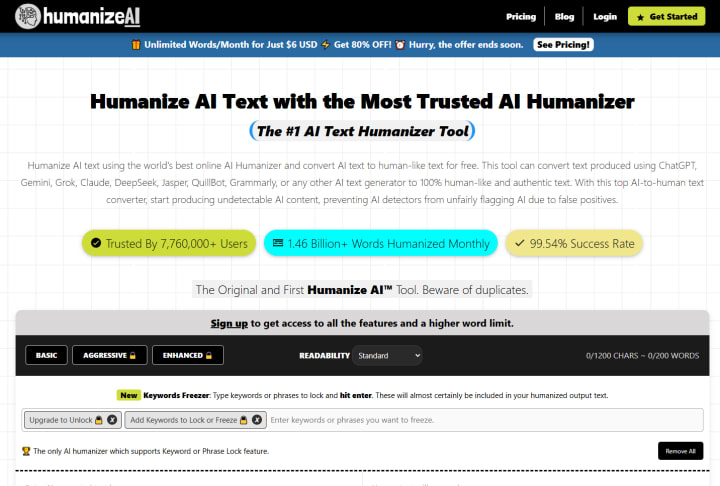
HumanizeAI.io is a dedicated platform built specifically for transforming AI-generated content into natural, human-like writing. Unlike many general-purpose editing tools, this one focuses solely on removing the “AI feel” from text—making it a strong choice for writers who need large-scale humanization without sacrificing meaning or clarity.
Performance in detection tests:
HumanizeAI.io’s algorithm goes beyond basic synonym swapping, working instead on sentence rhythm, word variation, and semantic restructuring. This makes it more effective at passing AI detection tools like GPTZero, Originality.ai, and Copyleaks compared to lighter rewriters. In tests, it consistently delivers lower detection scores, particularly for creative, casual, and semi-formal writing. Academic or highly technical text also benefits from its adjustments, though fine-tuning may still be needed for perfect bypass results.
Naturalness:
The outputs feel smooth and context-aware, often resembling the style of a careful human editor rather than a machine. It tends to inject subtle variations in sentence length and structure, giving the text a more organic reading flow. This makes it a great fit for blog posts, social media content, and even some client-facing professional documents.
Ease of use:
One of its biggest draws is the unlimited word allowance, which means you can process entire articles or reports in a single go. The interface is minimal and user-friendly—paste your AI text, click “humanize,” and get results almost instantly. No mandatory sign-up keeps it accessible for quick edits.
Pricing & value:
The free plan is surprisingly generous, allowing unlimited words without usage caps. For those who want extra speed or priority processing, paid options are available but not essential for casual use. This makes it an exceptional value for high-volume content creators.
Best for:
Bloggers, content marketers, and agencies who need to humanize large batches of AI-written text quickly, without worrying about word limits or complicated workflows.
10. Scribbr – AI Humanizer
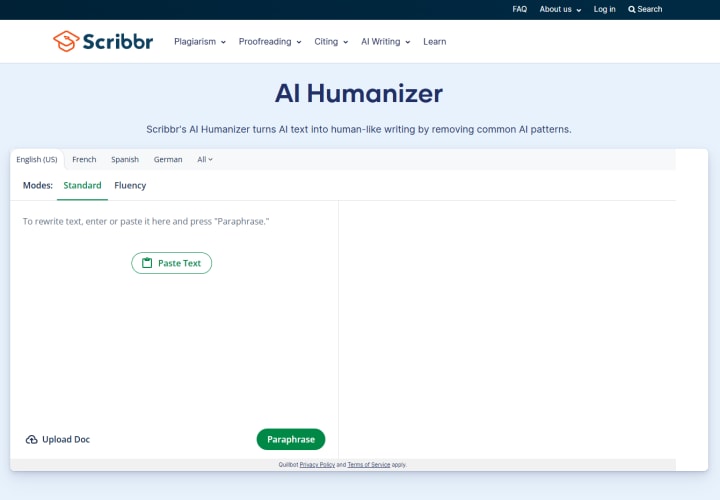
Scribbr, best known for its plagiarism checkers and academic editing services, now offers an AI Humanizer aimed at students, researchers, and academic writers who want AI-generated content to read as if it were written by a person. Unlike some casual-use humanizers, Scribbr’s approach is tailored for formal and academic contexts, making it ideal for essays, theses, and research papers.
Performance in detection tests:
Scribbr’s AI Humanizer prioritizes subtle restructuring and precise vocabulary adjustments over heavy stylistic changes. This method helps it pass common AI detection tools such as Turnitin’s AI checker, GPTZero, and Originality.ai with a higher success rate for scholarly text compared to generic humanizers. Because it maintains formal tone and logical flow, it’s particularly effective for academic assignments that require high credibility.
Naturalness:
The output feels polished, professional, and consistent with academic writing standards. Instead of forcing casual phrasing or overly creative twists, Scribbr refines AI drafts to sound like they’ve been carefully edited by a skilled human scholar. This makes it a safer choice for students who can’t risk content that appears artificially generated.
Ease of use:
Scribbr’s humanizer is part of its online editing platform, which also includes grammar checks, citation generators, and plagiarism detection. The interface is clean and intuitive—paste your text, run the humanizer, and you can immediately pair it with other Scribbr tools for full document refinement.
Pricing & value:
While Scribbr offers a free trial for basic use, the most powerful version of its AI Humanizer is part of the premium subscription. Given that it’s bundled with other academic tools, the subscription is especially valuable for students who want an all-in-one platform for research and writing.
Best for:
Students, researchers, and academic writers who need to humanize AI-generated content while maintaining a professional, scholarly tone that passes both AI detection and academic integrity checks.
11. TextHumanizer.org – Free Humanize AI Text Tool
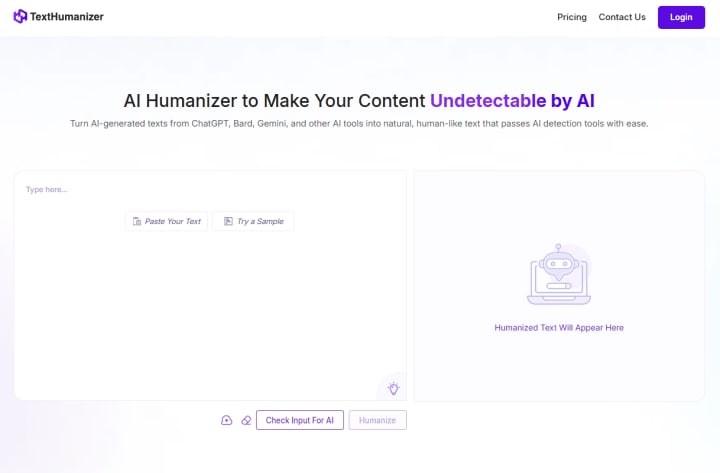
TextHumanizer.org is a straightforward, no-frills platform built for one purpose—turning AI-generated content into writing that feels human. It’s especially popular among users who want a free, quick, and sign-up-free solution to make their text sound authentic without dealing with complicated settings or extra features.
Performance in detection tests:
TextHumanizer.org focuses on rephrasing sentence structures, diversifying vocabulary, and smoothing out unnatural transitions often found in AI drafts. In AI detection tests against GPTZero, Copyleaks, and Originality.ai, it usually reduces AI probability scores, especially for general content like blogs, product descriptions, and informal essays. While it’s not as advanced as premium tools like Undetectable.ai for high-stakes bypassing, it works well for casual and everyday writing needs.
Naturalness:
The humanized output is clean, clear, and readable, leaning toward a simple, conversational style. It avoids forced complexity and awkward phrasing, which makes it suitable for audiences that prefer straightforward, easy-to-understand text. However, it may require minor manual editing for more polished or professional use cases.
Ease of use:
The biggest advantage is its simplicity—paste your AI-generated text, click “Humanize,” and get results in seconds. No sign-up, no payment, and no feature overload make it extremely beginner-friendly.
Pricing & value:
Completely free to use, TextHumanizer.org is a budget-friendly choice for anyone who occasionally needs to humanize text without paying for a subscription. Its value is in speed and accessibility rather than advanced customization.
Best for:
Students, bloggers, and casual content creators who need a free, fast, and hassle-free way to make AI text sound more natural for everyday purposes.
Key Takeaways & Recommendations
After testing and reviewing the AI humanizers in this list, here’s how the best options perform for different needs:
For academia and formal writing:
PerfectEssayWriter.ai stands out as the top choice for students and researchers. Its humanizer produces academically sound, detection-resistant text while maintaining proper tone and formatting—perfect for essays, theses, and research papers.
MyEssayWriter.ai is also a strong contender for academic work, offering advanced tone controls and reliable bypass rates without losing clarity.
For everyday and casual use:
TextHumanizer.org is the simplest and most accessible option. It’s free, requires no sign-up, and delivers clean, readable results—ideal for quick edits, blogs, and general web content.
For large-scale creative or marketing projects:
PerfectEssayWriter.ai works well beyond academia, handling blog posts, reports, and even sales copy with a natural flow that reads like it was written from scratch.
Reminder on ethical use:
AI humanizers should be used responsibly. If you’re in an academic or professional setting, ensure you comply with integrity policies. These tools are best used for improving tone, readability, and flow—not for misrepresenting authorship.
Final verdict
Best Overall Performer: PerfectEssayWriter.ai – Exceptional academic and professional writing quality with strong AI detection bypass results.
Best for Students: MyEssayWriter.ai – Highly adaptable for academic styles and formats while maintaining natural, human-like readability.
Best Free Option: TextHumanizer.org – Quick, no-cost solution for casual or everyday text humanizing needs.
FAQs About AI Humanizers
Q1: What is the difference between an AI humanizer and a paraphrasing tool?
An AI humanizer is designed specifically to make AI-generated text sound authentically human by adjusting tone, sentence rhythm, and structure. A paraphrasing tool mainly rewords text to avoid plagiarism or improve clarity, but may not focus on removing AI-like patterns.
Q2: Can AI humanizers bypass all AI detectors?
No tool can guarantee a 100% bypass rate. AI detectors are constantly improving, so while humanizers can significantly lower detection scores, especially on casual or moderately formal writing, complete evasion is never certain.
Q3: Are AI humanizers legal to use?
Yes, they are legal in most countries. The ethical considerations come from how they’re used—misrepresenting AI-generated content as fully human-created in academic, journalistic, or contractual contexts may violate rules or agreements.
Q4: Do free AI humanizers work as well as paid ones?
Free tools can be surprisingly effective for everyday or casual needs, but paid options usually offer deeper rewrites, better AI detection resistance, and more customization features, making them more reliable for professional or high-stakes work.
About the Creator
James Brooke
I practice what I post. Risk taker. Adventurer. Food Lover. Living my dreams.
Keep reading
More stories from James Brooke and writers in Lifehack and other communities.
The AI Ecosystem in 2026
By 2026, the ecosystem of artificial intelligence will have matured beyond experimentation and early adoption. It is now a complex, interconnected infrastructure shaping industries, markets, institutions, and everyday life. AI is no longer a niche technology: it is a foundational layer of the digital economy, much like the internet itself. Understanding this ecosystem requires looking beyond models and algorithms to the roles, relationships, and platforms that make AI an essential and sustainable force.
By Sathish Kumar about 21 hours ago in Lifehack




Comments (1)
Great breakdown of AI humanizers — really helps in choosing a tool that makes AI text sound natural and authentic.