
Why Is My Facebook Feed All Ads? Here’s What You Need to Know
Explore why your Facebook feed is full of ads!

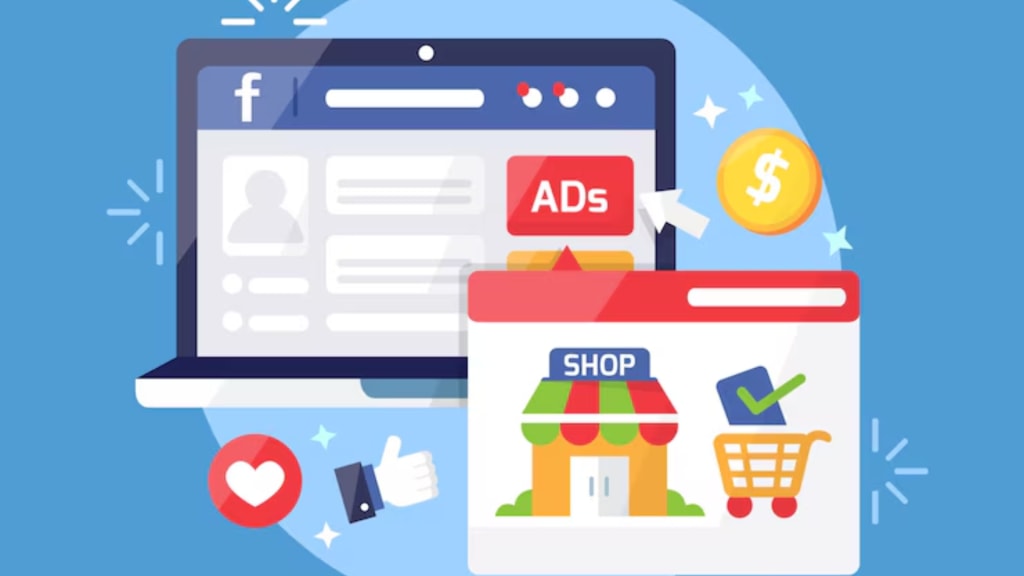
Have you opened your Facebook app lately? And wondering, you are scrolling through nothing but ads? Don’t think that you are alone. Your feed looks more like a sales catalog than a place to connect with friends.
Now have a question in mind that "Why is my Facebook feed all ads?" The answer is simple but a little frustrating. In fact, Facebook shows you more ads because that’s how it makes money. Fortunately, here’s a good news that is you can take control over what you see.
Let’s break down all of your questions in your mind and fix them together.
Why is Facebook Feed full of Ads?
Facebook is a free platform. But do you know? It doesn’t run for free. Behind Facebook has a powerful advertising machine. Also, Facebook is under Meta, which earns billions of dollars each year from advertisers. Therefore, these companies pay to get in front of users like you.
Though you don’t have to pay money for using Facebook, you have to pay for data. In addition, when you like any posts, watch videos, and follow a brand or person, Facebook stores that data. Surprisingly, it figures out your habits and makes sure what types of ads you are likely to click.
Doesn’t think that all end here. Facebook also tracks what you are doing outside the app.
How Facebook Tracks You- Even Off the App
Did you ever look up a product on Amazon or another website? And then see that exact item show up in your Facebook feed? That’s not a coincidence. It’s called Off-Facebook Activity.
When you visit a website, that site might send data back to Facebook. And this is called Facebook Pixel. That tells Facebook what you viewed or searched for. The algorithm will work even if you weren’t using the Facebook app at the time.
That’s how Facebook builds a picture of what you want. Therefore, they can read your mind and provide your linking ads on your Facebook feed.
Facebook Algorithm Loves Ads
As Facebook changed its algorithm, it now prefers showing you paid content. Moreover, regular posts from friends and family get pushed down. On top of that, the sponsored ads take center stage.
Why sponsored ads at the top? The reason is that Facebook gets paid when you click on ads. So it wants to show you ads that you’ll likely click.
The shift means your news feed is now full of:
- Sponsored posts
- Suggested reels from brands
- Product ads that match your browsing history
The more you engage, the more you see. After all, it's a loop.
You May Within Facebook’s High-Value Target
If you spend much time on Facebook, browse online stores, or follow pages, you are part of Facebook’s high-value audience.
Literally, Facebook knows:
- What topics do you care about
- What products do you look at
- What types of posts do you click
Furthermore, that makes it easy for companies to target you. If you're into travel, fitness, tech, or parenting, thousands of brands are waiting to get your attention.
So, your feed is all ads, it's because you’re valuable to advertisers.
Can You Stop the Ads on Facebook? Not 100%, But You Can Cut Them Down

Honestly, you can’t remove every ad from Facebook. But you can reduce how many you see and change the types of ads you get.
1. Hide Ads that You Don’t Like
Next time an ad pops up that you don’t want to see, tap the three dots in the corner. Choose “Hide ad” or “Why am I seeing this?” You can tell Facebook to stop showing similar ones.
2. Change Your Ad Preferences
Go to:
Settings → Ads → Ad Preferences
Here, you’ll see what topics Facebook thinks you're interested in. Remove anything that doesn’t fit. It helps Facebook stop targeting you with ads you don’t care about.
3. Turn Off Off-Facebook Activity
Here’s a big one:
Go to Settings & Privacy → Settings → Your Facebook Information → Off-Facebook Activity
- Tap “Clear History”
- Then turn off “Future Activity”
It limits how much Facebook can track you outside the app.
4. Use an Ad Blocker (For Desktop Only)
If you mostly use Facebook on a computer, browser extensions like uBlock Origin or AdBlock Plus can help block ads. Just know that ad blockers don’t work on the mobile app.
Are Facebook Ads Always Bad for You?
Not really! Some ads are helpful. You might find a discount on something you need or discover a local business. But when your feed is 80% ads and only 20% posts from friends, that’s a problem.
In fact, you have the right to enjoy your Facebook feed.
Let’s Clean Up Your Facebook Feed
You now understand why Facebook shows so many ads and how to get fewer of them.
Here’s a quick recap:
- Facebook makes money from your clicks and attention
- Your activity (on and off Facebook) fuels ad targeting
- You can hide, limit, or reset ad preferences to reduce ads
It’s your feed. Don’t let it get hijacked by ads you didn’t ask for. For that, you have to make a few changes today. From then on, you'll start seeing more of what you care about, and that inspires you.
Want help customizing your ad settings or making your feed clean again?
Just ask me, I'm happy to guide you step-by-step.
If you are a Business owner, then I can help you with Facebook Ads. Boosting your brand on Facebook, you can get your targeted audience and increase ROI.
Why Are You Waiting For? Get services from the best Facebook ads agency in Bangladesh.
If you search for best boosting service in Bangladesh you will find us too!
About the Creator
Jennifer Wilson
Trendy tech research and digital content creator.
Keep reading
More stories from Jennifer Wilson and writers in Journal and other communities.
How Much Is a Rolex Watch | The Price of Timeless Elegance
Rolex is known around the world as a symbol of luxury and success. When you see a Rolex watch, it often means style, quality, and status. But how much is a Rolex watch? The truth is, prices can range a lot depending on the model and materials.
By Jennifer Wilson8 months ago in Journal
Safety Protocols For Treatment Facilities
Introduction Safety protocols are a fundamental component of operating any healthcare or treatment facility. These protocols are designed to protect patients, staff members, and visitors while ensuring that healthcare services are delivered in a controlled and secure environment. Treatment facilities, including rehabilitation centers, behavioral health programs, and medical clinics, often serve individuals who may be physically or emotionally vulnerable, making safety planning especially important. Effective safety protocols help prevent accidents, manage emergencies, and maintain a structured environment that supports healing and recovery. In addition to protecting individuals, safety procedures also help facilities comply with healthcare regulations and accreditation standards. Regulatory agencies and accrediting bodies expect treatment centers to demonstrate strong safety practices through documented policies, staff training, and regular monitoring of safety performance. When safety protocols are clearly established and consistently followed, treatment facilities can reduce risks, respond effectively to unexpected situations, and create a supportive environment where patients feel protected and staff can perform their duties with confidence.
By Abdul Mueedabout 20 hours ago in Journal
How Much Does It Cost to Start a Rehab Center in a Leased Facility
Understanding the Cost of Starting a Rehab Center in a Leased Facility The addiction recovery industry has expanded dramatically in recent years. Rising awareness of mental health, substance abuse disorders, and holistic recovery programs has created a strong demand for professional rehabilitation facilities. Entrepreneurs, healthcare professionals, and social impact investors are increasingly exploring opportunities to establish treatment centers that address this growing societal need. Launching a rehabilitation center requires substantial capital, but leasing a facility can significantly reduce initial property acquisition expenses. Instead of purchasing land or buildings, investors can secure a suitable location through a lease agreement and allocate resources toward clinical services, staffing, and patient care infrastructure. Leasing allows new operators to enter the healthcare market with greater financial flexibility while maintaining operational agility. A leased facility also enables founders to test the viability of their treatment model before committing to long-term real estate ownership. This approach can be particularly advantageous in the healthcare sector where regulatory requirements, zoning laws, and patient demographics play decisive roles in business sustainability.
By Fida Hassainabout 20 hours ago in Journal



Comments
There are no comments for this story
Be the first to respond and start the conversation.