
How To Migrate From Magento To Shopify: The Ultimate Guide
Migrating from Magento to Shopify | The Ultimate Guide To Magento To Shopify Migration

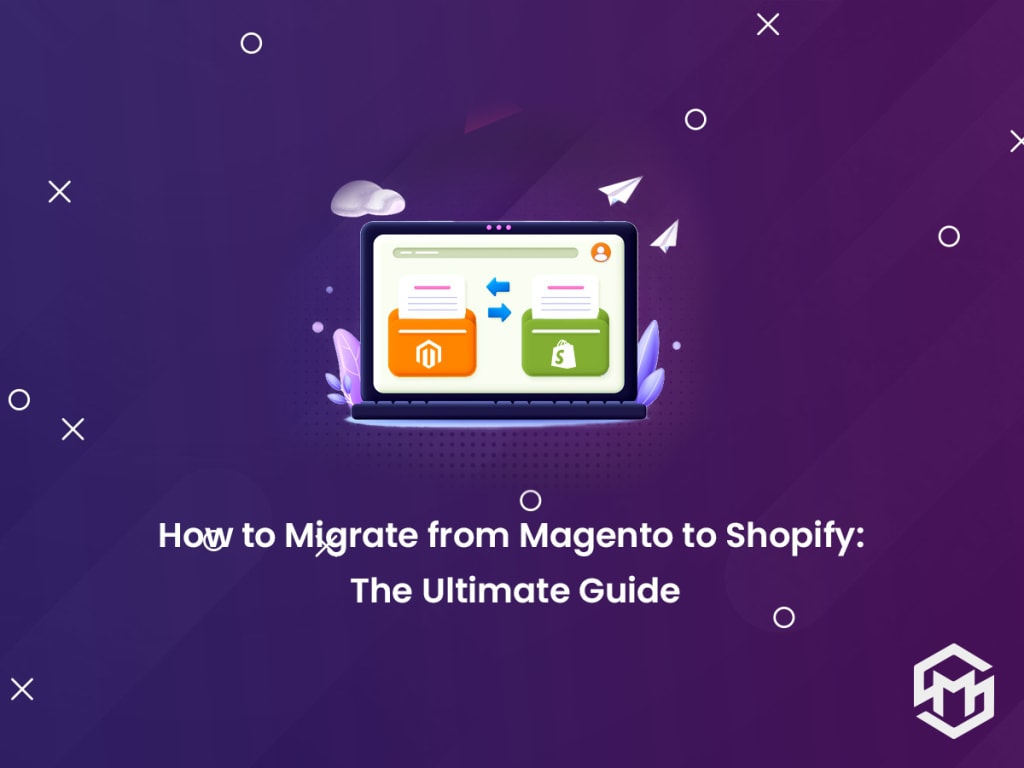
Magento has been proven to be a robust, more efficient, and scalable eCommerce platform for online businesses around the world. Be it small, medium, or large enterprises, Magento is best-suitable for businesses of all sizes.
But many online businesses are moving from Magento to Shopify because of the awesome features, easy-to-use, and friendliness of the admin interface. And when it comes to moving your online business from Magento to Shopify, it requires a lot of practice, technical expertise, and great coding skills to make this job done seamlessly.
Migrating your store from Magento to Shopify is like moving your home from one place to a different place, which is a hard nut to crack. Well, now you no longer need to worry about it because, in this article, you will learn the ultimate guide to migrating your store from Magento to Shopify.
To migrate your store from Magento to Shopify without any hassle, don’t forget to read till the end and follow all the steps carefully.
Let’s get started!
Why Should I Migrate from Magento to Shopify?
Whether you migrate your store from Magento to Shopify yourself or take help from experts to get this job done for you, here are some reasons why migrating an online store from Magento to Shopify would be a good option for your online business.
- Migrating from Magento to Shopify will give you a lot of benefits to your online business as it will reduce all efforts to manage and maintain an online eCommerce store.
- Shopify was specially designed with a focus on helping business owners to create and manage their online stores. With new feature enhancements, it is now not only easier to manage and run an online store but to sell products online more effectively as compared to any other eCommerce platform.
- Shopify is well-known for the best and most cost-effective eCommerce solutions for your online eCommerce store in comparison to any other platform available in the market.
- It also provides the highest security solutions for online eCommerce stores. Apart from that Shopify offers a wide range of add-ons, apps, and other fantastic features for your store.
Shopify provides a lot of features that let you sell online across the world more efficiently. Read the article below to know more about Shopify features and functionalities for your online store.
Shopify Plus: Top 10 features you need to know in 2021
What Data Can Be Migrated From Magento to Shopify?
Products & Product Categories: When moving from Magento to Shopify, you can migrate all products and product categories, along with product name, description, size, price, URL, status, SKU, images, special price, manufacturer name, weight, variants, meta title, meta description, base image, and several items available in the stock.
Order Data: It covers the number of purchased items, list of goods purchased already, customer ID, customer name, billing & shipping address, order date, order status, payment details, product price, product quantity, shipping cost, discount price, tax price, total price, subtotal prices, customer name, order comments.
Images: It covers images of the main page and between content.
Static Page Content: It covers pages such as Home, About us, Blogs, Contact pages, Privacy page, and other CMS pages.
Products’ Visuals: It will migrate all product details, such as product color, size, and shape.
Integrations: It migrates customers’ essential information such as name, email, contact number, location, address, etc.
Benefits: It includes various offers, discounts, promo codes, coupons, etc.
Challenges you may face while migrating from Magento to Shopify
Now that you have planned for the migration from Magento to Shopify. Be prepared as you may have to face some challenges and you must be ready to overcome these challenges while migrating from Magento to Shopify. Because migrating an online store from Magento to Shopify is not that simple, it requires being skilled enough with technical expertise as we told you already.
Try to identify how your store is running currently and what are the most important things that you think are really important, check them carefully and after that, you can start the migration process. Also, think about any critical or technical issues if they come up, then Shopify is ready to help around the clock.
But please make sure that the whole website data is migrated successfully without any loss of single data. Keep a note that there should be no data loss during the migration if it happens it may affect your store.
Steps to Migrate from Magento to Shopify
Let’s get started with the migration process using the steps below:
1. Make Your Store Ready with Shopify
First of all, you need to prepare your Shopify store with the Shopify installation for your store without requiring any add-on modules or further changes. To get started with Shopify, you will get a 14-day trial to build, manage and run your Shopify store.
You will get to learn about the various features, functionalities, and uses during the trial version. Once you get used to it or are familiar with the Shopify platform, you can upgrade to a paid version for more features.
Shopify comes with hundreds of free and paid themes that you can use for your store depending on your business needs and further you can customize the theme to meet your specific needs of customers. But before you go with the customization, make sure the migration has been completed successfully.
2. Take a Backup of Your Magento Store
Before you start with the migration, make sure you have generated a backup of your Magento store, so in case any problem comes up during Magento to Shopify migration, you have the backup ready. So, it’s very very important to take a backup to ensure all the data is safe and secure.
To create a backup, follow the steps below:
Login to the admin panel, go to System>Tools>Backups
Click on the button at the upper right corner and choose the type of backup you want to create
System Backup: It includes a full backup including all the data and file systems on your store. This backup also covers the backup of the Media folder.
Database and Media Backup: It includes the backup of certain media folders and the database.
Database Backup: It covers a backup of the database only.
3. Download the app for Import
Shopify provides various fantastic applications for importing data but what works best matters most. Seeing my experience, I would recommend Store Importer as the best option for migrating data to Shopify.
To download the app, go to the Shopify Admin Panel, select Apps, then Store Importer and follow the instructions.
For More Information, Visit:- How to Migrate from Magento to Shopify: The Ultimate Guide
About the Creator
Magespark
Get the best & feature-rich Magento 2 extensions, Themes, & services that meet all your business needs. Hire Magento Certified Adobe Commerce Experts To get top-rated Magento development services.
Author’s Advice
If you would’ve asked me 20 years ago did I know I’d become a writer and an author, I would’ve said “nope, ain’t happening”. As fate would have it I did become an author and I can honestly say I’m loving it so far. It really does feel good to be a writer. I’ve learned a lot on this journey and I feel like with even me being as new to this world as I am, there’s some wisdom I need to share with every other aspiring author.
By Joe Patterson4 days ago in Journal
How to organise a multi destination journey on the rails across Central Vietnam
Cutting through urban settings and connecting travellers with rural countryside and great cities, train journeys offer an entirely new perspective on a destination. Expect plenty of magic when you engage in this venture. With an abundance of amenities at hand in the carriages and fellow travellers to interact with or the dazzling landscapes you pass by, a rail trip through central Vietnam promises adventure and insights into the heart of the nation.
By Jeewanthi Armstrong4 days ago in Journal




Comments