
How to create a professional Photography WordPress website in 2021
Being a creative artist, in the present era, has become extremely simpler and hassle-free. In fact, you can easily find an array of photographers gaining immense success in this field, courtesy to the internet.
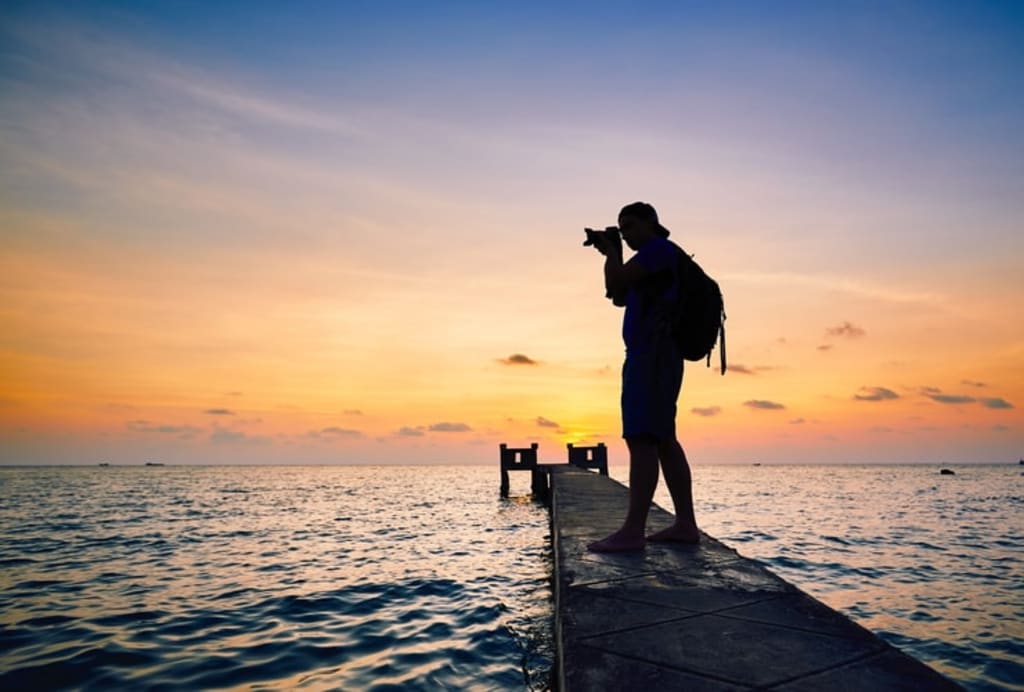
So, if you’re somebody who likes capturing, whether casually or professionally, having a perfect platform to show your art is extremely necessary. That is where a WordPress photography theme for a website enters a picture.
With such a platform, not just you can showcase your work to the entire world but can also fetch clients and collaborators. Don’t worry if you’re not aware of the basics. In this post, you can find out how to create a professional photography WordPress website in 2021.
Top 5 Requirements to Create a Website
Before you think of beginning the development, there are a few things that you must get a hold of, such as:
Portfolio Creation
For your professional photography website, the portfolio is of utmost importance. It showcases your artwork done so far and the accomplishments you have achieved till now. So, get on the work of assembling the best of your clicks in a portfolio.
Responsiveness
Considering that you’re going to upload high-resolution pictures, or maybe even videos, on the website, it has to be responsive. Your visitors would not want to see a blank page while browsing through a tablet or a phone. So, make sure the selected theme is responsive on all the screen sizes.
Fast Loading
Believe it or not, even 1 second of delay in loading the site decreases customer satisfaction by a whopping 16%. Are you ready to lose this just because you couldn’t optimize the speed of the site properly? Definitely not!
Good Design
A photography website has to be always about attractive and appealing aesthetics. While your work seems jaw-dropping, how can the outlook of your website be basic? So, make sure the site’s design matches the standard of your work.
Service Enquiries
Lastly, your website needs a service enquiry page. You can either create a dedicated page for it or put a new button there. This is essential as it will be easier for the potential leads and clients to get in touch with you. If you want, you can also add a form on the site with required columns that people would fill and get in touch.
Create a Photography Website with WordPress
Once you’re wary of all the things required, let’s get started with creating a photography website with WordPress.
Why should you use WordPress?
WordPress is one of the most popular platforms out there. Used by uncountable websites, both new and established ones, there are plenty of big names attached to WordPress. Basically, there are two types of this platform – WordPress.com and WordPress.org.
WordPress.com is one hosted type that has restricted options of customization; WordPress.org is a self-hosted platform that allows you limitless customizations with several plugins and themes. Hence, for a photography site, you can go with WordPress.org.
However, here you’ll also need a domain name for your website. So, make sure you choose a trendy, unique name.
Using the Responsive WordPress Theme
As mentioned above, your website has to be extremely responsive. And for that, you can choose this Responsive Photography theme by CyberChimps. Not just this theme helps you showcase your work online, but it also allows you to put a feature that would enable online bookings and lead generations.
It comes with a 1-click import functionality that helps you import the demo with a click. This one is an essential feature for newcomers as it requires minimal to no editing or customization while developing a photography website with a WordPress template.
And then, you can also make WooCommerce shop layouts to sell your pictures on the internet.
Portfolio and Blog
By now, you’d have understood how important a portfolio is for your website. Thus, you’d have to set up one so as to communicate the talent through work rather than words. With this free wordpress photography theme, you can create a dedicated portfolio page, showcasing all of your work.
Along with that, you can also create a blog on your website with this free WordPress photography theme. Through this, you can educate new photographers with your experience. Sharing tips and tricks and monetizing the blog can help you generate additional passive income.
WP Photography Theme: The Pro Version
If you wish to grab a premium version of the WP Photography Theme by CyberChimps, you surely wouldn’t have to face any hassles. Along with offering a variety of additional features, it also provides plenty of benefits.
Membership
The pro version allows you to sell both monthly and annual subscription memberships. This is one of the perfect ways of increasing your outreach and expanding your audience.
It will also ensure that you’re able to establish yourself credibly. This can easily be done by using the WooCommerce membership plugin.
Bookings with Appointment Plugin
One of the best things about the premium feature of this plugin is that it allows you to use the bookings feature. This way, you can let your potential leads, clients and the ones who want certain information about your work to see the availability and book appointed accordingly.
This feature can be enabled by using a pre-integrated WooCommerce bookings plugin. At the end of the day, it takes away all the hassle of calling and messaging back and forth with the clients with no anticipation of whether an appointment will be booked after all or not.
Online Store
This theme by CyberChimps carries some of the exciting and intriguing collection of WooCommerce shop layouts. This feature allows you to launch a photography store within a matter of time.
The best thing here is that the store can be easily launched by a complete rookie as well. Once done, continue uploading all of your works and selling them to people across the world.
Wrapping Up
To sum it up, the importance of a WordPress website for a photographer, especially at this age, cannot be denied. And, thanks to WordPress, the process of developing a perfect, attractive platform is not just hassle-free but less time-consuming and inexpensive as well.
So, if you have been thinking of creating a site for your photography work, follow these steps mentioned above, use the best WordPress photography theme, such as Responsive and get started.
About the Creator
Keep reading
More stories from Luther Abrams and writers in Journal and other communities.
How to Reach Maximum Productivity While Working Remotely
However, nothing can be 100% positive and of course, we face some challenges while working remotely. In this article, I am going to bring some major issues related to remote work into the spotlight and share my own recipes for thrashing them and taking productivity to the maximal level.
By Luther Abrams5 years ago in Journal
Why Didn't Anyone Tell Us
Men, move along. This is not for you. This is for the women. I was forty-five when I began menopause. It is pretty young for that to be going on in a woman’s life, but I had undiagnosed PCOS, my entire life. Thank you to all the gynecologists I had seen my entire life. That in itself should encourage women to keep seeking second opinions, especially when you are not getting correct answers or any at all.
By Alexandra Grant2 days ago in Humans



Comments
There are no comments for this story
Be the first to respond and start the conversation.