
How Canva Changed My Freelance Career
3 Lessons I Learned

When I started freelancing, I wasn’t thinking about design. I was focused on offering value through admin tasks, communication, and support. But as I worked with more clients, I realized something: visual content is everywhere. Whether it was a proposal, a social media post, or a client presentation design mattered.
The problem? I wasn’t a designer.
That changed the day I discovered Canva.
At first, I used it for small things simple Instagram graphics, quote posts, and headers. I remember how unsure I felt dragging text boxes around and picking fonts. But there was something about Canva that felt easy. Friendly. Possible.
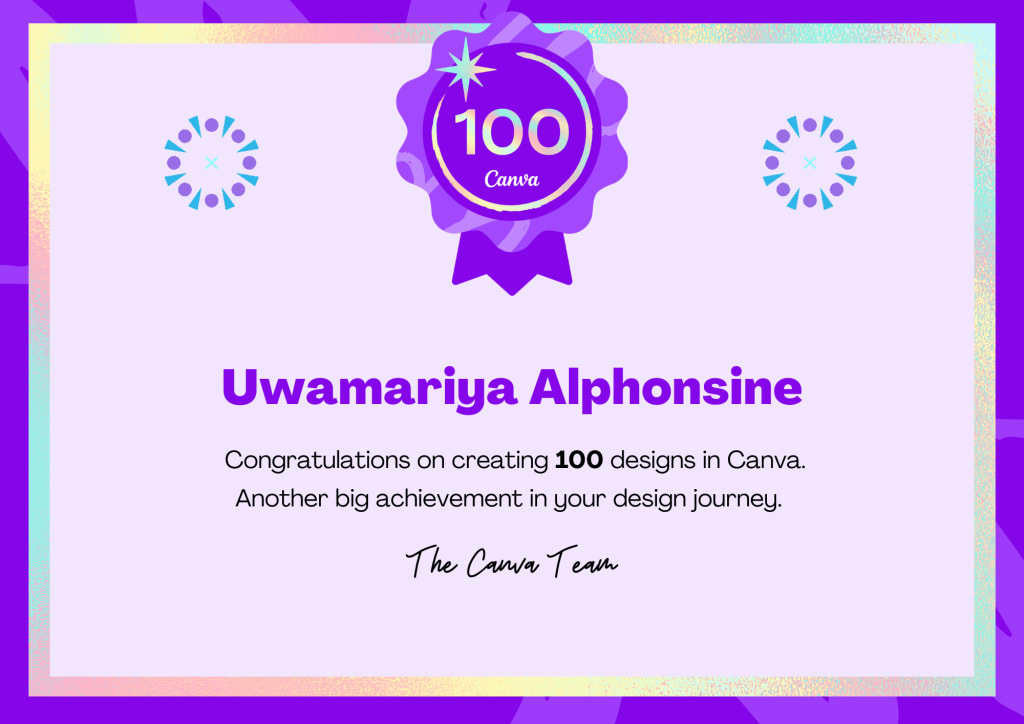
Then I challenged myself: Could I create 100 designs in just 7 months?
It wasn’t about becoming a pro. It was about improving, step by step. And that’s exactly what I did.
The Journey to 100 Designs
Every week, I made time to create something new. I played with templates, explored brand kits, and even created designs just for fun—like calendars, resumes, and pretend client portfolios.
I learned how to make things align properly, how to balance colors, and how to simplify. The more I created, the more confident I became not just in design, but in the value I could offer my clients.
By the end of those 7 months, I had built up 100 Canva designs. And that number wasn’t just a milestone. It was proof that:
I could learn something new from scratch.
I could provide even more value as a freelancer.
I didn’t need expensive tools or years of experience to create beautiful, client-ready visuals.
What I Learned: 3 Canva Lessons for Freelancers
Now that Canva is part of my freelance toolkit, here are three things I’d share with any freelancer looking to add it to their workflow:
1. You don’t need to be a “designer” to design.
Canva was built for non-designers. The templates are there to guide you, not limit you. Start simple. Edit a template. Change colors. Add your text. That’s designing.
2. Your work looks more professional instantly.
From client reports to pitch decks to social media graphics, a good design sets you apart. Canva helps your work look as professional as it actually is and clients notice.
3. It saves you time and builds your brand.
Once you create a few designs, save them as templates. I now have folders full of ready-to-edit content for proposals, social posts, and more. It saves me hours and keeps my brand consistent.
Final Thoughts
Today, Canva isn’t just something I use it’s something that helped shape my freelance identity in a way I never expected. What started as a curiosity turned into one of the most useful skills in my freelancing toolkit. Canva gave me more than just a way to make beautiful graphics it gave me a space to grow.
When I was just starting out, I had no idea how powerful visual design could be in my work. I thought Canva would be a nice bonus skill. I didn’t know it would become the very thing that would help me stand out in a crowded freelance market. It taught me that you don’t need to be perfect or have a design degree to make something that looks and feels professional.
Using Canva helped me build confidence, improve my presentation, and offer more value to clients. It allowed me to say “yes” to projects I used to turn down and deliver them well. It made me more creative, more resourceful, and more professional.
So if you're a freelancer wondering if Canva is worth your time, my answer is simple: yes absolutely. It might just become your secret weapon, too. Start today, stay curious, and let your creativity surprise you.
About the Creator
Alphonsine Uwamariya
Helping freelancers and remote professionals navigate the digital workspace. I share tips on freelancing, virtual assistance, and work‑from‑home success. Let’s make remote work work for you!
Keep reading
More stories from Alphonsine Uwamariya and writers in Journal and other communities.
~ Fired ~
— Ai Intrusion ~ Are you Next ~ Is Ai Evolution after your job? — Few workplaces haven't been affected. Ai is in supermarkets, at doctors' offices, and even monitoring farms. I just can't think of anything this machine is not getting into, can you? For instance: Education ~ Law and Tech jobs will one day have a major influence or be taken over by these inanimate machines, with accuracy and vigor. From mechanics' diagnoses to a wide variety of everyday jobs, including fast food workers, with this input having the ability to cut their unnecessary work hours. I'm certain all of us have been touched by this with our short stories and colorful headings, have you? Even comments are very questionable 'Non-Robot' insertions.
By Jay Kantor2 days ago in Journal
When Motivation Becomes a Turning Point
Why the Right Words Matter in Difficult Seasons Personal challenges often arrive quietly but leave a deep impact. Emotional exhaustion, career uncertainty, or personal loss can disrupt stability and erode confidence over time. In these moments, people are rarely searching for quick fixes. What they need most is reassurance, clarity, and a sense that forward movement is still possible.
By Dr. Stephen Swisher 5 days ago in Journal



Comments
There are no comments for this story
Be the first to respond and start the conversation.