
How an Online File Converter Makes Everyday Files Easier to Use
A practical look at how online file converters handle images, videos, audio, and documents so your content works across devices and platforms.

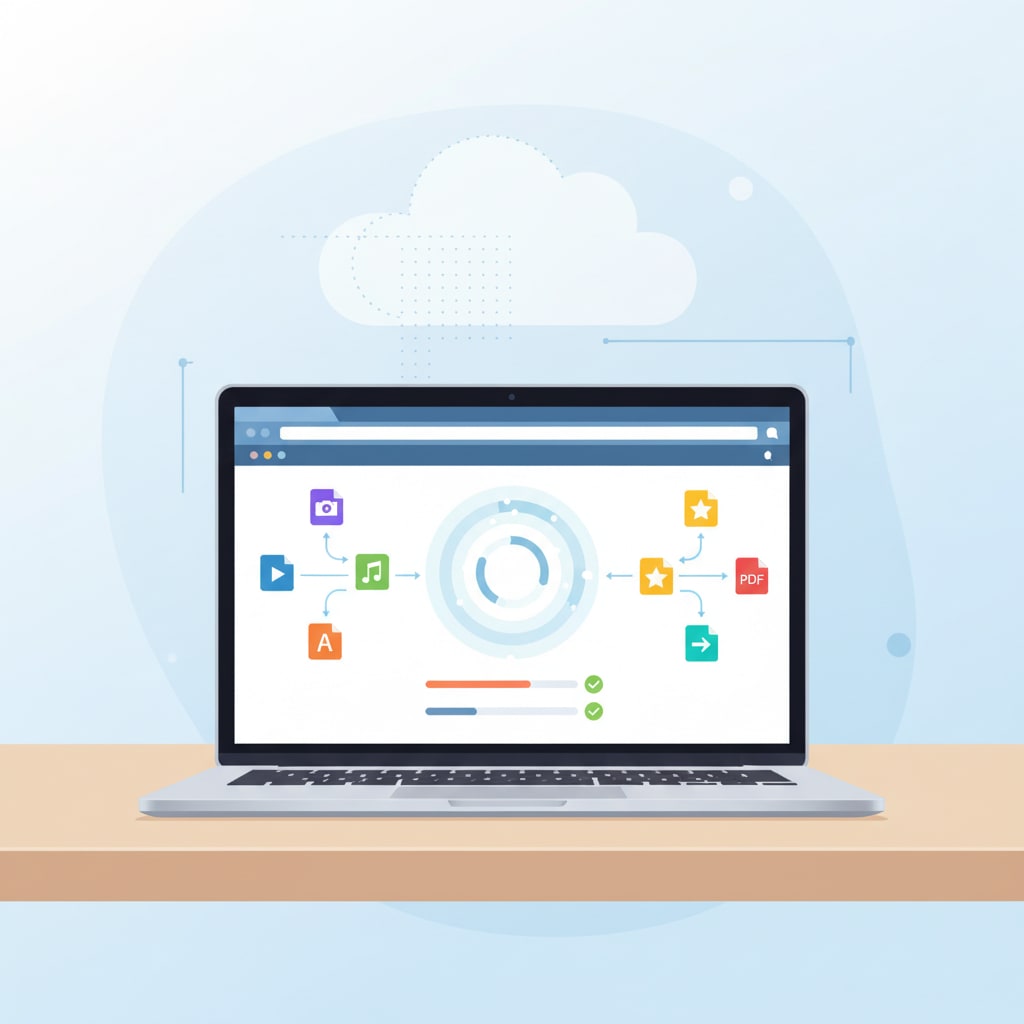
Managing digital files today means dealing with many formats, devices, and platforms. A photo that looks perfect on a laptop might be too large for a website, and a document that opens in one office suite may not display correctly in another. An online file converter is a simple way to bridge these gaps by transforming files into formats that are easier to open, share, and store across different environments.
What an Online File Converter Does
An online file converter is a web-based service that accepts a file in one format and returns it in another. The user uploads a file, selects a target format, and downloads the converted version from the browser. Many services support a broad set of file types, including images, videos, audio, documents, presentations, and eBooks, so a single tool can handle multiple tasks.
In computing, this process is an example of data conversion, where digital information is translated from one representation into another so different systems can process it correctly. Data conversion shows up in many places, from simple document conversions to larger projects like database migrations and data integration between applications. Online converters bring this technical idea into a straightforward, task-focused interface that non-specialists can use without additional software.
Why Images Are Frequently Converted
Images are one of the most common use cases for an online file converter. Different image formats have different strengths: JPEG is widely used for photographs and web images because it compresses well, while PNG is often used when transparency or sharper edges for graphics and text are important. Other formats such as TIFF or BMP are sometimes used in printing or archiving scenarios where detail matters more than size.
Converting between these formats lets users adapt the same visual content for different purposes. Large, high-resolution images can be converted into compressed versions that load faster on websites or in apps. Conversely, images can be converted into formats more suitable for editing or printing. In some workflows, images are also turned into PDFs so they can be attached to emails or uploaded to online forms that expect documents rather than picture files.
Video and Audio Conversion for Compatibility
Video and audio files also benefit from conversion. There are several widely used video containers, such as MP4, MOV, and AVI, and a range of audio formats including MP3, WAV, and AAC. Not every device or platform supports each format equally well, and file sizes can be large, which makes sharing and storage more challenging.
An online file converter can transcode media files into formats that are more broadly compatible with modern players and platforms. For example, converting a less common video format into MP4 often ensures that the file will play in most browsers and on mobile devices. Audio recordings can be converted into MP3 or other compressed formats to reduce size while keeping acceptable listening quality. These processes usually involve choosing a balance between file size and quality, since higher compression often means losing some detail.
Converting Documents and PDFs
Documents and PDFs are another central area for file conversion. Office documents, such as text files, spreadsheets, and presentations, are often converted into PDF before they are shared. PDFs are designed to preserve layout, fonts, and graphics so that the document looks the same on different devices and operating systems. This is one reason they are widely used for contracts, forms, and official communications.
In the other direction, there are cases where a PDF needs to be converted back into an editable format. Online tools can convert PDFs into formats such as DOCX or other document types so that text can be updated without starting from scratch. Image-to-PDF and PDF-to-image conversions are also common, especially when users are working with scanned documents or need static snapshots of pages for presentations or web use. These everyday conversions show how flexible document formats have to be in modern workflows.
How These Conversions Fit Into the Bigger Picture
The activity of changing file formats fits into a broader set of data transformation tasks in computing. Data transformation involves converting, cleaning, and reshaping data so that it can be used in different systems, combined with other sources, or prepared for analysis. Data conversion is one part of that, focusing specifically on the translation between formats, encodings, or structures.
In day-to-day use, the goal is usually practical rather than technical. People want files that open reliably, work on different devices, and can be kept for future reference. Converting from older or proprietary formats into widely supported ones reduces the risk that important materials will become difficult to open as software changes over time. Many guides to data conversion highlight this long-term aspect, emphasizing the importance of choosing stable formats for archives while still generating convenient versions for current use.
Using Online File Conversion in Practice
Because online converters run in a browser, they can be used from various devices without installing additional programs. This is helpful in shared or restricted environments where installing desktop software is not possible. Users can perform occasional conversions—such as adjusting a single image or document—or run small batches of files when preparing content for a website, class, or project.
There are many services offering similar capabilities, and users often select tools based on format support, ease of use, and how they describe data handling practices. Some platforms emphasize broad format coverage, while others focus on specific tasks such as document-to-PDF conversion or media transcoding. As with any online service, it is useful to review basic information about how uploads are processed, whether connections are secured, and how long files remain on the servers.
Further Reading on File and Data Conversion
For readers interested in the underlying concepts behind file conversion, overviews of data conversion and data transformation in computing explain how information is represented and translated between formats in more detail. These resources place everyday tasks—such as turning a document into a PDF or converting a video for a different device—within the larger context of how digital systems exchange and preserve information.
About the Creator
Md Mehedi Hasan Rifad
Professional SEO Expert
Keep reading
More stories from Md Mehedi Hasan Rifad and writers in Journal and other communities.
3D Printed Gold: When Technology Redesigns a Love Story
The first time someone showed a 3D printed gold ring on a screen, it didn’t look like jewellery at all. It looked like a tiny, impossible sculpture: delicate honeycomb structures, curves that seemed to float, shapes that would snap under a traditional file or saw. Yet there it was — solid gold, perfectly polished, ready to be worn.
By Md Mehedi Hasan Rifad26 days ago in Journal
~ Fired ~
— Ai Intrusion ~ Are you Next ~ Is Ai Evolution after your job? — Few workplaces haven't been affected. Ai is in supermarkets, at doctors' offices, and even monitoring farms. I just can't think of anything this machine is not getting into, can you? For instance: Education ~ Law and Tech jobs will one day have a major influence or be taken over by these inanimate machines, with accuracy and vigor. From mechanics' diagnoses to a wide variety of everyday jobs, including fast food workers, with this input having the ability to cut their unnecessary work hours. I'm certain all of us have been touched by this with our short stories and colorful headings, have you? Even comments are very questionable 'Non-Robot' insertions.
By Jay Kantor5 days ago in Journal
How to Use Analytics to Identify Which Marketing Channels Deliver the Best Rehab Leads
Introduction: The Imperative of Data-Driven Rehab Marketing In the behavioral healthcare landscape, intuition is no longer sufficient to guide marketing decisions. Competition is intense, regulations are strict, and acquisition costs continue to rise. Analytics provides a disciplined framework for distinguishing between channels that merely generate volume and those that deliver qualified rehab leads. When leveraged correctly, data transforms marketing from a cost center into a strategic growth engine.
By Fida Hassain3 days ago in Journal



Comments
There are no comments for this story
Be the first to respond and start the conversation.