
Enhancing Business Operations through Salesforce Integration Solutions
Unlock Seamless Data Flow and Business Efficiency with Salesforce Integration Solutions
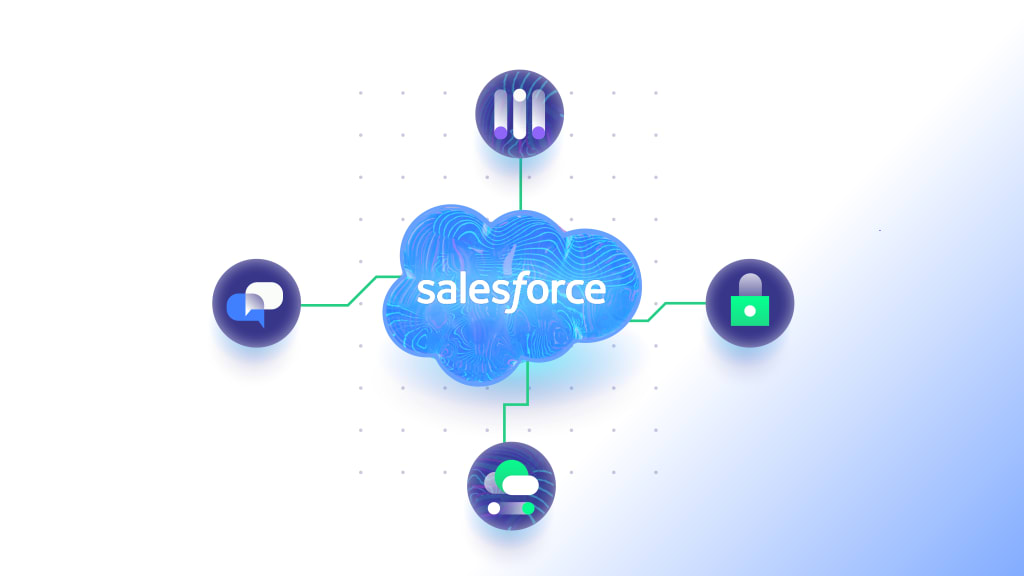
In the modern business environment, data is a key asset that drives decision-making, strategy, and customer satisfaction. However, managing data spread across disparate systems can lead to inefficiencies, data silos, and missed opportunities. Salesforce offers powerful CRM solutions that allow for seamless integration with a variety of enterprise systems, providing a unified platform for data flow. By integrating Salesforce with other tools such as ERP, marketing automation, and e-commerce platforms, organizations can create a single source of truth, reduce manual tasks, and enhance operational efficiency.
The Value of Data Integration in Businesses
Data integration plays a vital role in aligning different functions of a business, such as marketing, sales, customer service, and supply chain management. Businesses that fail to integrate their systems often struggle with:
Data Silos: Separate systems that don’t communicate effectively can create isolated pockets of data, making it hard for teams to get a complete view of the customer journey or operational performance.
Inconsistent Data: Manually transferring data between systems can result in errors, creating inconsistencies in customer information, financial reports, or inventory levels.
Delayed Decision-Making: When data isn’t integrated, teams may not have access to real-time information, leading to delayed or misinformed decisions.
Integrating Salesforce into existing systems ensures that all departments have access to consistent, real-time data. Whether it's for customer interactions, sales pipelines, inventory levels, or financial reporting, Salesforce’s integration capabilities help businesses streamline operations and improve decision-making processes.
Benefits of Salesforce Integration for Seamless Data Flow
Salesforce’s integration capabilities allow businesses to enhance their overall operations by ensuring that all systems work together harmoniously. Key benefits include:
1. Unified Customer Data
Salesforce integration consolidates customer data from various systems into a single, comprehensive view. Sales, marketing, and support teams can access the same data, leading to more informed decisions and a consistent customer experience. For example, by integrating Salesforce with a marketing automation platform like HubSpot or Pardot, businesses can sync customer behavior data (such as email opens, clicks, and website visits) with Salesforce records. This enables sales teams to prioritize leads based on engagement, while marketing teams can tailor their campaigns more effectively.
2. Automated Workflows
Manual data entry is time-consuming and prone to human error. Salesforce integration eliminates the need for repetitive data entry tasks by automatically syncing information across systems. For instance, integrating Salesforce with an ERP system can automate the flow of data related to orders, billing, and inventory, reducing the workload for teams and minimizing errors. This level of automation allows teams to focus on high-value tasks, improving productivity and accuracy.
3. Improved Reporting and Analytics
Seamless data integration improves reporting and analytics capabilities by providing access to real-time data across departments. Salesforce’s integration with business intelligence (BI) tools like Tableau or Power BI allows businesses to visualize trends, track key performance indicators (KPIs), and generate comprehensive reports based on data from multiple sources. This improved visibility helps organizations make data-driven decisions and identify opportunities for growth.
4. Enhanced Customer Service
When customer service teams have access to a unified view of customer interactions, they can resolve issues faster and provide more personalized support. Integrating Salesforce with customer support tools like Zendesk or ServiceNow ensures that customer service representatives can view the entire customer history, including previous support tickets, purchase history, and communication logs. This results in faster issue resolution, increased customer satisfaction, and stronger customer relationships.
5. Streamlined Sales Processes
For sales teams, having access to integrated data across systems is critical for closing deals efficiently. By integrating Salesforce with financial and inventory management systems, sales teams can quickly check product availability, generate quotes, and finalize contracts without needing to switch between different platforms. This integration reduces the sales cycle and enables faster deal closures, increasing overall revenue.
Key Systems to Integrate with Salesforce
Salesforce offers integration capabilities with a wide range of business systems, helping organizations create a seamless flow of data. Some of the most common systems to integrate with Salesforce include:
1. Enterprise Resource Planning (ERP) Systems
ERP systems manage core business functions such as finance, inventory, and supply chain. Integrating Salesforce with ERP ensures that sales, finance, and operations teams are working from the same data, improving order processing, billing accuracy, and inventory management. This integration helps organizations reduce operational inefficiencies and increase overall productivity.
2. Marketing Automation Platforms
By integrating Salesforce with marketing automation tools like Marketo or HubSpot, businesses can create a more cohesive customer journey from lead generation to conversion. Salesforce integration enables sales teams to access marketing-qualified leads (MQLs) and track customer interactions across all channels, allowing for more targeted outreach and better lead nurturing.
3. E-commerce Platforms
For businesses that operate online stores, integrating Salesforce with e-commerce platforms like Shopify or Magento ensures a seamless flow of customer and order data. This integration enables sales teams to track purchase histories, manage customer profiles, and offer personalized product recommendations based on past behavior.
4. Customer Support Systems
Salesforce integration with customer support platforms ensures that service representatives have access to the entire customer lifecycle. When support teams have access to sales and marketing data, they can offer personalized solutions and resolve issues faster, resulting in better customer satisfaction.
Overcoming Challenges in Salesforce Integration
While integrating Salesforce offers numerous benefits, there are challenges that businesses must address to ensure a successful implementation.
1. Data Quality and Consistency
When integrating multiple systems, businesses must ensure that data is consistent across platforms. Poor data quality can lead to incorrect reporting and decision-making. Implementing data validation rules and using middleware solutions can help maintain data integrity during integration.
2. Customization Requirements
Many businesses have unique processes that require custom integration solutions. Salesforce’s flexible API architecture allows for custom integrations, but it’s important to work with experienced developers or Salesforce-certified partners to ensure that custom solutions are scalable and maintainable.
3. Security and Compliance
Data security is critical, especially when integrating systems that handle sensitive customer information. Businesses must ensure that their integration solutions comply with data privacy regulations like GDPR or HIPAA and implement security measures like encryption, access controls, and regular audits.
Best Practices for Salesforce Integration
Clearly Define Objectives: Before starting an integration project, businesses should define their objectives, such as improving sales efficiency, enhancing customer service, or streamlining operations.
Use Middleware Solutions: Middleware platforms like MuleSoft or Zapier simplify the integration process by connecting Salesforce with other systems without requiring custom development.
Test Thoroughly: Before going live, businesses should thoroughly test their integration solutions to ensure that data flows correctly between systems and that all processes work as expected.
Monitor and Optimize: Ongoing monitoring and optimization are essential for ensuring that integration solutions continue to perform as expected and adapt to changes in business processes or systems.
Integrating Salesforce with other enterprise systems is essential for businesses looking to streamline operations, improve customer experiences, and make data-driven decisions. By creating a seamless flow of data across platforms, businesses can automate workflows, reduce manual tasks, and gain real-time insights into their performance. Whether integrating with ERP, marketing automation, or customer support tools, Salesforce serves as the foundation for a unified, efficient, and data-driven business strategy.
About the Creator
Keep reading
More stories from EM ER Marketing and writers in Journal and other communities.
The Role of Predictive Analytics in Supply Chain Optimization
Predictive analytics plays a crucial role in optimizing supply chains by leveraging historical data to forecast future trends, demands, and potential disruptions. This approach allows businesses to anticipate market shifts, adjust inventory levels, and streamline procurement processes. For companies like Marra Data, predictive analytics provides insights into areas such as demand planning and transportation optimization, ensuring that resources are allocated efficiently and costs are minimized. By predicting customer demand accurately, businesses can reduce overstock and stockouts, leading to significant cost savings and improved customer satisfaction.
By EM ER Marketingabout a year ago in Journal
~ Fired ~
— Ai Intrusion ~ Are you Next ~ Is Ai Evolution after your job? — Few workplaces haven't been affected. Ai is in supermarkets, at doctors' offices, and even monitoring farms. I just can't think of anything this machine is not getting into, can you? For instance: Education ~ Law and Tech jobs will one day have a major influence or be taken over by these inanimate machines, with accuracy and vigor. From mechanics' diagnoses to a wide variety of everyday jobs, including fast food workers, with this input having the ability to cut their unnecessary work hours. I'm certain all of us have been touched by this with our short stories and colorful headings, have you? Even comments are very questionable 'Non-Robot' insertions.
By Jay Kantor3 days ago in Journal
Trouble at the Tea Leafing Café
The rain had started right around the time that Annie was buttering her second thick slice of homemade toast for breakfast, and hadn’t paused since. Not that anyone could tell. The windows of the café were fogged over, and with every seat filled with happy customers munching on fresh baked pastries or steaming bowls of the delicious soup of the day, it was hardly surprising. Annie looked around the room, finally taking a moment to breathe after the lunch time rush. Her old life already felt like a bad memory, a part of her history, always, but just that. History.
By Hannah Moore5 days ago in Fiction


Comments
There are no comments for this story
Be the first to respond and start the conversation.