
4 Best TikTok AI Voice Text To Speech Tools
Create Engaging and Human-like Content For Your Tiktoks

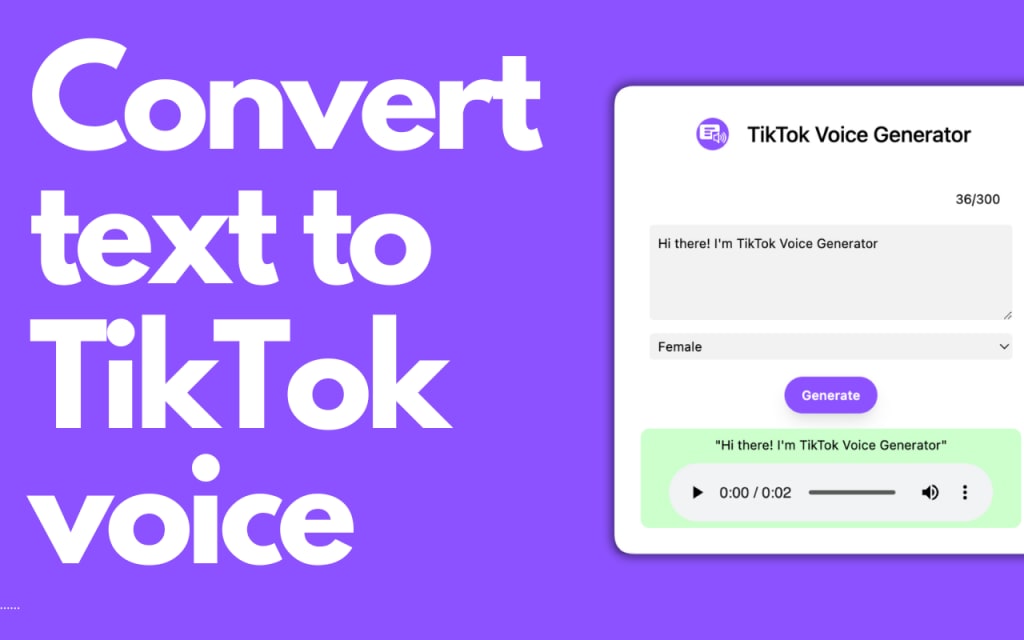
If you create videos on TikTok, using AI voice text-to-speech tools can help make your content more engaging and professional.
These tools turn written text into speech, allowing your videos to have clear and natural-sounding narration without needing to record your voice.
The best AI voice text-to-speech tools for TikTok give you different voices, languages, and styles to match your video’s tone.
This makes it easier to create content that connects with your audience and stands out on the platform. Using these tools can save you time while improving the quality of your videos.
1) Crreo AI Text To Speech Generator
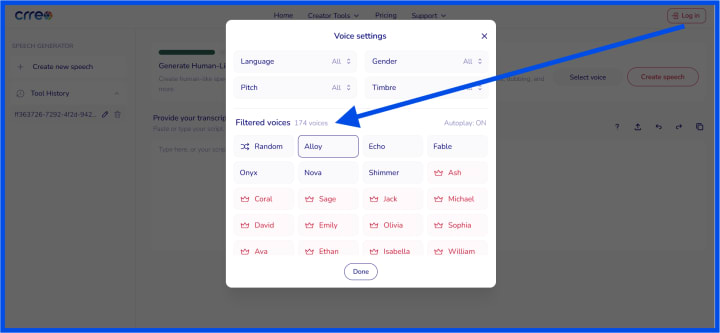
You can easily turn text into natural-sounding speech with Crreo’s AI voice tool. It offers over 170 voice styles and supports multiple languages, giving you many options for your TikTok content.
This helps you create videos with clear, human-like narration without recording your voice.
The generator is fast and simple to use. Just paste your text and get your audio in seconds. You don’t need to pay or enter any credit card details to start, making it a convenient choice for quick projects.
Crreo also supports longer videos, so you can make tutorials or explainer videos with consistent voice quality.
The tool adds natural pauses and emotions to the speech, which avoids the robotic sound many text-to-speech programs have.
If you want to experiment with different voices or apply filters, the platform lets you do that easily.
You can try different styles to match the tone of your video or audience. Check the artificial voice creation options on their speech generator page for more details.
2) Gesserit - TTS text-to-speech online for video creators
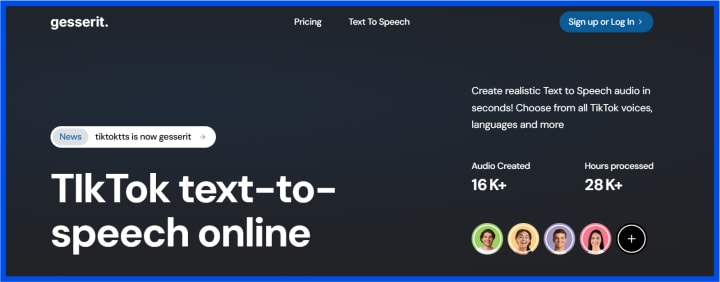
Gesserit lets you create voices from text for your videos easily. You can pick popular TikTok-like voices, including the girl voice that sounds like Siri. It also offers fun character voices like a robot or Rocket.
The tool supports over 100 voices in more than 20 languages. This means you can use it for a wide range of content, not just English. Some voices that don’t always appear in TikTok can be accessed here.
You can generate up to 500 words for free. If you need more, you can buy credits to keep creating.
This makes it flexible depending on how much voice content you want.
If you ever find TikTok voices missing or not working, Gesserit can be a reliable alternative. It also includes Disney and character voices to give your videos a unique touch.
3) TikTok Voice Generator (.net)
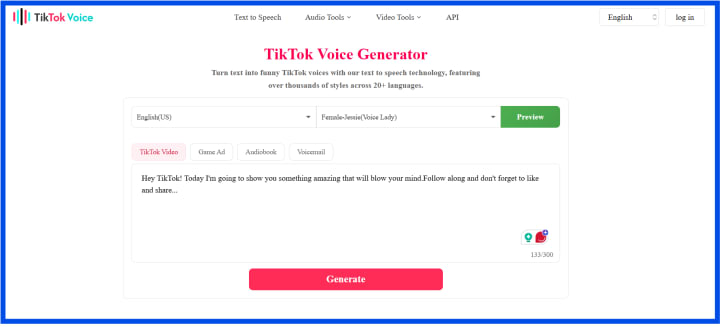
TikTok Voice Generator (.net) uses the latest text-to-speech technology to create voices similar to those on TikTok.
You can generate many popular TikTok voices, including options like Derek, Austin Butler, and news reporter styles. More voices and languages are planned for the future.
The tool is easy to use. You pick a language and accent, type your text, then click generate. After a few seconds, you get a realistic voice you can listen to or download.
This generator also lets you use voiceovers that TikTok removed from its app. Voices like Deep Voice, Ghostface, and C3PO are popular for funny or engaging videos.
You can upload the audio to TikTok or any video editor after transferring it to your phone.
It is free and works well for creating authentic TikTok-style audio on your PC. Visit https://tiktokvoice.net/ to try it yourself.
4) TTS Vibes - Free TikTok Voice Generator
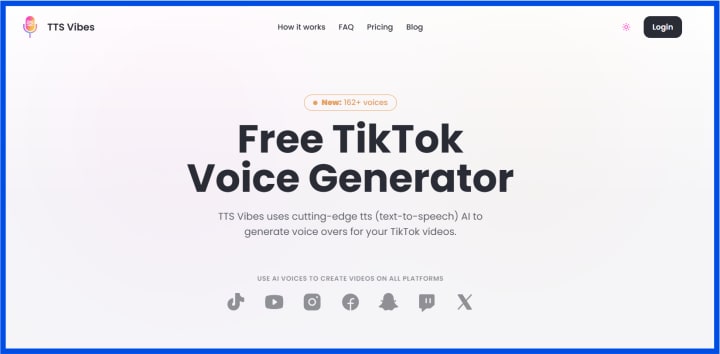
TTS Vibes offers a simple way to create AI voice overs for your TikTok videos.
You start by picking a language and a voice style that fits your content. Then, just generate the voice over with a click.
The tool lets you listen to a preview before you download the audio. This helps ensure the voice sounds right for your video.
You can use the free plan to make voice overs with a limit of 300 characters per generation.
If you need longer voice overs or higher quality voices, there are paid plans available. These offer more words per month and better audio quality. TTS Vibes works well if you want to add clear and natural-sounding narration without much effort.
You can create voice overs for TikTok and other social platforms easily. It does not require any special skills or software downloads to get started.
How TikTok AI Voice Text To Speech Tools Work
These tools turn your typed text into natural-sounding speech using advanced technology. They also fit seamlessly into TikTok videos, allowing you to add voiceovers quickly and easily.
1) AI Voice Synthesis Technology
You start by typing or pasting text into the tool. The AI then processes this text using speech synthesis. This means it creates sound waves that mimic human speech patterns.
The AI can produce different voice styles and emotions. Some tools offer options like robotic voices, character voices, or highly realistic speech that copies intonation and tone.
Most tools support multiple languages and accents. This helps you reach a broader audience or create content that matches your style.
These systems use neural networks for better accuracy. The AI learns from large libraries of recorded voices to sound natural and clear.
2) Integration With TikTok Videos
Once the voice is generated, you can add it directly to your TikTok videos. Many tools allow you to download voice files in formats like MP3 to upload into TikTok.
Some platforms offer real-time voice editing and syncing features. This lets you match the voiceover precisely with the video timeline.
Certain tools can integrate with video editors like Canva or Clipchamp. This integration helps you combine visuals and AI voices smoothly.
Using these tools, you can produce voiceovers for tutorials, entertainment, and commercial content without extra recording equipment. The process is fast and user-friendly, saving you time and effort.
Is the Crreo AI tool free to use?
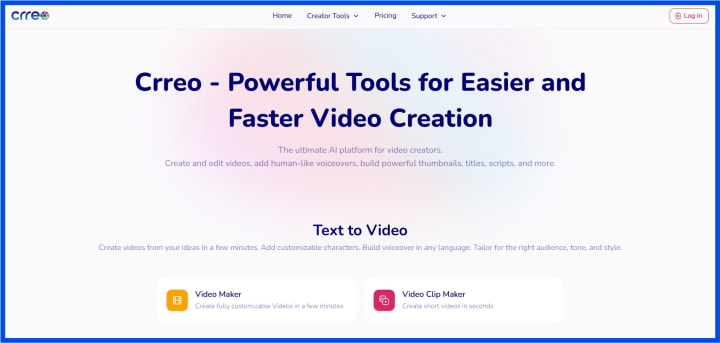
Crreo offers a free plan that lets you create videos and voiceovers without paying.
Here’s a quick look at what you get with Crreo’s free plan:
Feature - Available in Free Plan?
- AI voice generation - Yes
- Video creation - Yes
- Unlimited text-to-speech - Yes
- Advanced editing tools - No
- Higher resolution videos - No
You can start using Crreo by simply pasting your text and choosing from multiple voice styles. It supports several languages, making it useful to create diverse TikTok content.
If you need more powerful tools like script writing automation or custom edits, you may want to consider their paid plans. But for straightforward TikTok voice content, the free version works well.
About the Creator
Thakur S
I am curious individual who likes to write and share stuff around range of topics. Personally I would love to share any information through my vocal media content consistently to my loving readers.
China’s Top Political Advisory Body Convenes Standing Committee Session
China’s political calendar has once again drawn global attention as the country’s top political advisory institution convened a high-level meeting to discuss national priorities and policy direction. The Standing Committee of the Chinese People’s Political Consultative Conference (CPPCC) gathered in Beijing for a crucial session aimed at reviewing proposals, strengthening political unity, and shaping the agenda ahead of key national decisions.
By Sajida Sikandar6 days ago in Journal
REEEEEEEEE!
I'm on a low road right now. There are a literal million things to do and not one of them worth my time. I would rather sit in place and burn but the orbit takes me on its inevitable route 'round the center; and I a center in my own right, around which others orbit, and so on and so forth, ad infinitum, ad nauseum.
By C. Rommial Butler5 days ago in Poets




Comments
There are no comments for this story
Be the first to respond and start the conversation.