
Resume Format PDF: A Complete Guide to Creating the Perfect Resume
Understanding the Importance of a Resume Format PDF for Job Seekers


When it comes to job hunting, one of the most crucial steps is creating a professional and eye-catching resume. A resume is your first impression on potential employers, and you want it to stand out for all the right reasons. But with so many different types of resume formats, how do you choose the one that's best for you?
In this article, we will explore various resume formats, how to create one, and why using a resume format PDF is a great option. Whether you're a fresh graduate or an experienced professional, we’ve got tips, examples, and a free downloadable template to help you build your perfect resume.
________________________________________
Table of Contents
1. What is a Resume Format PDF?
2. Why Choose a Resume Format PDF?
3. Different Types of Resume Formats
o Chronological Resume Format
o Functional Resume Format
o Combination Resume Format
4. How to Create a Resume Format PDF
5. Key Elements of a Resume
o Contact Information
o Summary or Objective
o Work Experience
o Education
o Skills
6. How to Save and Convert a Resume to PDF
7. Tips for Optimizing Your Resume PDF
8. Sample Resume Format PDF
9. Key Takeaways
10. FAQs
11. Conclusion
________________________________________
1. What is a Resume Format PDF?
A resume format PDF refers to a resume document that is saved in the PDF file format. PDF (Portable Document Format) is widely recognized for its ability to maintain formatting across different devices and operating systems, ensuring that your resume looks professional no matter where it's opened.
By using a PDF format, you eliminate the risk of formatting issues that can occur when a resume is opened in different software applications. This makes a resume format PDF a reliable and effective option.
________________________________________
2. Why Choose a Resume Format PDF?
There are many reasons why a resume format PDF is a preferred choice. Here are a few key advantages:
• Preserves Formatting: Unlike Word documents, PDF files retain the formatting you’ve applied to your resume. This ensures your resume looks exactly the same on every device.
• Professional Look: PDF files are more polished and formal compared to Word documents or plain text files.
• Easy to Share: Most employers prefer receiving resumes in PDF format, as they are easy to download and open without worrying about software compatibility.
• Secure: PDFs can be password-protected, ensuring your resume is safe and only accessible to intended recipients.
By choosing a resume format PDF, you're making sure your resume is as professional as possible.
________________________________________
3. Different Types of Resume Formats
There are several different resume formats you can choose from, each with its own strengths and suitability for different career situations. Below are the three most popular formats:
Chronological Resume Format
This is the most common type of resume format, especially for those with a solid work history. The chronological resume lists your work experience in reverse chronological order, starting with your most recent job. It’s great for professionals with steady career growth.
Pros:
• Shows career progression clearly.
• Easy to read for employers.
• Best for those with a consistent work history.
Cons:
• Not ideal if you have large employment gaps.
• Doesn’t highlight skills as much as other formats.
Functional Resume Format
A functional resume focuses on your skills and qualifications rather than the chronological order of your work experience. This format is ideal if you’re changing careers or have employment gaps.
Pros:
• Highlights skills and strengths.
• Suitable for those with gaps in their employment or changing careers.
Cons:
• May be less familiar to some employers.
• Doesn’t provide much context for your work history.
Combination Resume Format
As the name suggests, a combination resume combines elements of both the chronological and functional formats. It highlights your skills and experience, while also showing your career history.
Pros:
• Balanced between skills and experience.
• Ideal for people with diverse skills or a varied work history.
Cons:
• Can be a bit longer than other formats.
• May require more time to organize effectively.
________________________________________
4. How to Create a Resume Format PDF
Creating a resume in PDF format requires several key steps. Here’s how to do it:
1. Choose a Template: Start by selecting a template that suits your career field. There are many free and paid resume templates available online.
2. Customize Your Template: Fill in your personal information, including contact details, work experience, skills, and education.
3. Proofread Your Resume: Make sure there are no spelling or grammar errors. A polished resume is essential for leaving a great first impression.
4. Save as PDF: Once you’ve finished creating your resume, save it as a PDF file. Most word processors (like Microsoft Word or Google Docs) have the option to "Save As" or "Export" to PDF.
________________________________________
5. Key Elements of a Resume
Regardless of the format you choose, there are certain elements every resume should include:
Contact Information
This section includes your name, phone number, email address, and LinkedIn profile (if applicable). Make sure your contact information is easy to find.
Summary or Objective
A brief statement (2-3 sentences) explaining who you are and what you're seeking in a job. A summary focuses on your experience and skills, while an objective focuses on what you hope to achieve in your next role.
Work Experience
List your work experience in reverse chronological order. For each job, include your job title, company name, dates of employment, and a bullet point list of key responsibilities and accomplishments.
Education
List your educational background, including degrees, certifications, and relevant coursework. Include the institution’s name, location, and dates of attendance.
Skills
Include hard and soft skills that are relevant to the job. This could be anything from technical skills (e.g., coding or data analysis) to communication or leadership skills.
________________________________________
6. How to Save and Convert a Resume to PDF
Once your resume is ready, saving it as a PDF is easy. Here's how to do it:
From Microsoft Word:
1. Go to "File" in the top menu.
2. Select "Save As."
3. Choose "PDF" from the list of file formats.
From Google Docs:
1. Go to "File" in the top menu.
2. Select "Download" and then choose "PDF Document."
From an Online Resume Builder:
Many online resume builders, like ResumeEra.xyz, allow you to create a resume and download it directly as a PDF file.
________________________________________
7. Tips for Optimizing Your Resume PDF
To make your resume stand out, consider the following tips:
• Use clear headings: Make sure each section is easy to find with bold headings.
• Keep it simple: Avoid unnecessary graphics or colors. A clean, simple design is often best.
• Use keywords: Many employers use Applicant Tracking Systems (ATS) to filter resumes. Be sure to include relevant keywords related to the job you're applying for.
• Compress the file size: Large PDFs can be difficult to email. Use an online tool to compress your resume if needed.
________________________________________
8. Sample Resume Format PDF
Here’s an example of how a resume format PDF might look:
Section Details
Contact Information Name, Phone Number, Email Address, LinkedIn URL
Summary/Objective A brief statement outlining your career goals and what you bring to the company
Work Experience Job Title, Company, Dates, Key Responsibilities and Achievements
Education Degree, Institution, Graduation Date, Key Coursework
Skills Technical Skills, Soft Skills, Certifications (e.g., MS Office, Communication, Time Management)
________________________________________
9. Key Takeaways
• A resume format PDF is the best choice for maintaining formatting and ensuring professionalism.
• Choose the right resume format based on your career history and current job goals (chronological, functional, or combination).
• Include essential resume elements: contact information, summary/objective, work experience, education, and skills.
• Save your resume as a PDF to ensure it looks professional and is easy to share with employers.
________________________________________
10. FAQs
How can I download a resume in PDF format?
You can download a resume in PDF format using a word processor (like Google Docs or Microsoft Word) or an online resume builder such as ResumeEra.xyz.
Should I use a resume template?
Yes, using a resume template can save time and help ensure your resume is formatted correctly. Look for templates that suit your career field and style.
How do I make my resume stand out?
Highlight your most relevant skills and achievements. Keep your formatting clean and easy to read, and tailor your resume to the specific job you are applying for.
________________________________________
Conclusion
Creating a resume format PDF is a great way to ensure your resume remains professional, easy to share, and compatible with various devices. Whether you choose a chronological, functional, or combination format, be sure to focus on the key elements that make your experience and skills shine. By following the tips and steps in this guide, you'll be on your way to landing your next job in no time.
For easy and professional resume creation, check out ResumeEra.xyz, where you can find templates and tools to create your perfect resume!
✨ सपनों की नौकरी पाने का पहला कदम यहीं से शुरू करें! ✨
क्या आप अपनी जॉब एप्लिकेशन के लिए एक परफेक्ट रिज्यूमे तैयार करना चाहते हैं?
हमारी वेबसाइट ResumeEra.xyz पर आपको मिलेगा:
• ✅ आसान और फ्री ऑनलाइन रिज्यूमे मेकर
• ✅ प्रोफेशनल टेम्पलेट्स
• ✅ पीडीएफ डाउनलोड की सुविधा
💡 10,000+ उपयोगकर्ता अपने करियर को नई ऊंचाइयों पर ले गए। अब आपकी बारी है!
👉 आज ही विज़िट करें: ResumeEra.xyz
आपके करियर की सफलता का साथी, ResumeEra!
About the Creator
Shahrukh Mirza
my name is sharukh khan. and i am a content writer to resume and career advice .
i have a website to create resume for free
To create Resume online and abolutely Free:- https://resumeera.xyz
Keep reading
More stories from Shahrukh Mirza and writers in Interview and other communities.
How to Create a Perfect Resume Using Resume Format PDF Templates
Creating a resume that stands out is one of the most important steps in landing your dream job! 🏆 But if you’re unsure where to start, don’t worry! With the right tools and guidance, you can craft a resume that showcases your skills and experience in the best possible way. In this article, I’ll show you how to create a perfect resume using resume format PDF templates. I’ll walk you through the process step-by-step, explain how to make your resume shine, and provide you with some helpful tips along the way. Let’s dive in! 🌟
By Shahrukh Mirzaabout a year ago in Interview
Part 2 Interview With Joe Patterson, Author Of Melanin Memoirs
This is my second interview with Joe Patterson. His 4th anniversary writing on Vocal will be in March 2026. He has one achievement on Vocal, The Other Foot. He has over 17,000 reads on Vocal since he started on Vocal in 2022. Joe Patterson is very creative poet and rapper. Joe is deep thinker and I feel it is reflected in his latest published book, Melanin Memoirs.
By Mariann Carroll22 days ago in Interview
I MADE THE SHADE ROOM!!!!
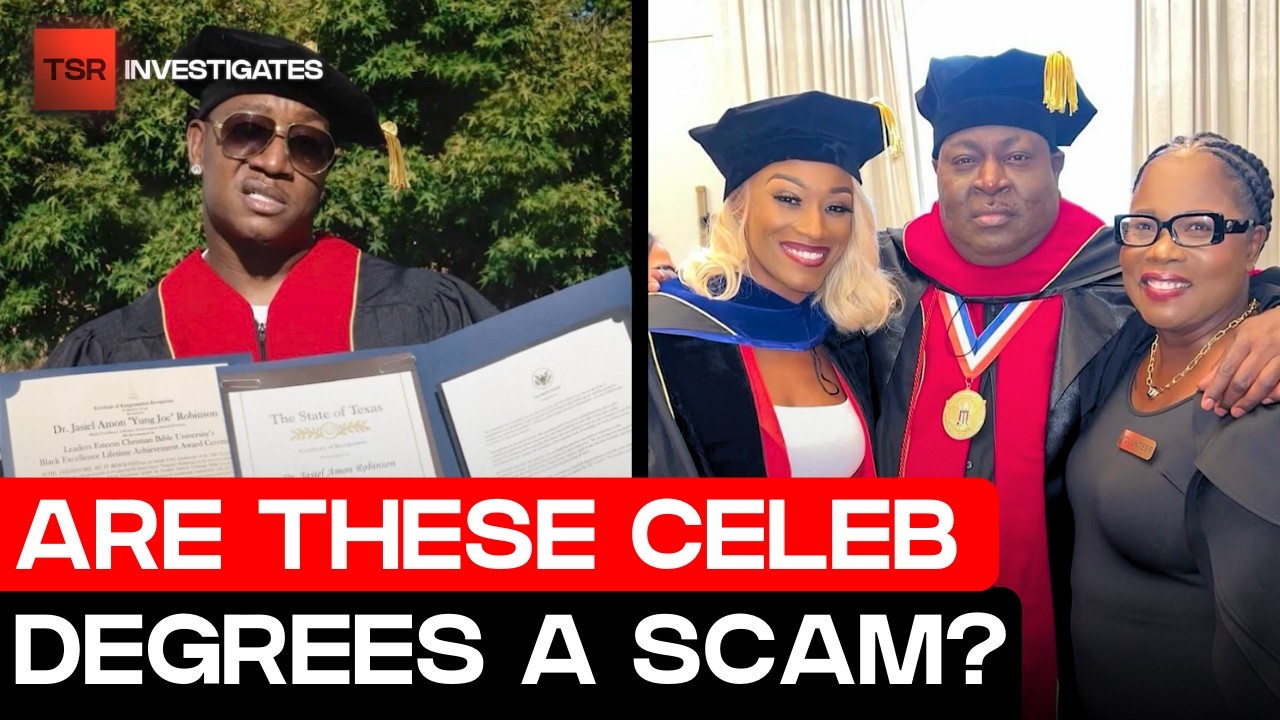
Honestly, this was unexpected but yes I was on the Shade Room. Three months ago, I wrote a story about Celebrities getting Honorary Degrees and how Rapper Young Joc, Reality Stars Cynthia Bailey and Towanda Braxton are receiving their honorary doctorates and accepting their titles from this so-called bible christian university.
By Gladys W. Muturi3 days ago in Interview
Who is your "Person"?
It's important to recognize that you cannot go through life as easily on your own. My name is Elizabeth and I'm a survivor of child abuse and horrific trauma. Healing from trauma is not a quick fix and recognizing that it will take time, is part of the struggle.
By Elizabeth Woods4 days ago in Psyche



Comments
There are no comments for this story
Be the first to respond and start the conversation.