
How Can I Build My Resume Online for Free?
Build My Resume Online for Free
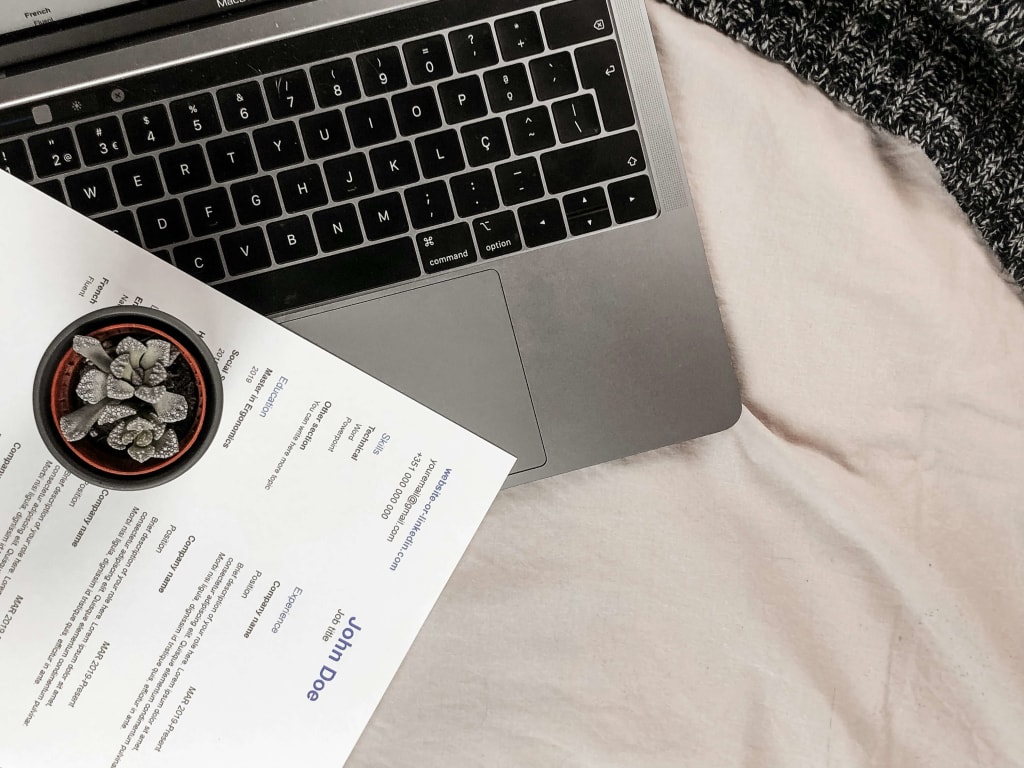
Looking for a job can be hard. But building a resume doesn’t have to be. Today, many free tools online let you make a resume in minutes. You don’t need to pay or download anything. Just open your browser and get started. This blog shows you how to build your resume online for free. It gives easy steps anyone can follow. You’ll learn where to go, what to write, and how to make your resume stand out. Whether you're a student, a fresh graduate, or changing careers, this guide is for you. Let's start building a resume that gets results.
What Is an Online Resume Builder?
An online resume builder is a tool that helps you create a resume step by step. It works right in your web browser. You don’t need to install anything. Most tools let you pick a design, fill in details, and download the finished resume. These builders use forms that guide you. You just fill in your name, job, skills, and more. Then, the tool puts it all into a clean format. Some even give tips on what to write.
Many people use these tools because they’re simple. You don’t have to be good at writing. You don’t need design skills. The builder does the hard part for you. Online builders are also fast. You can make a complete resume in under 30 minutes. Some even let you save your work and come back later.
Free tools give you the basics. They include a few templates and offer simple downloads. That’s all you need to get started. So, an online resume builder is perfect if you want a resume that looks good, works well, and doesn’t cost a thing.
Why Choose Free Resume Builders?
Free resume builders help you save time and money. You don’t need to hire a writer. You don’t need to buy fancy software. Everything you need is right there, at no cost. These tools are also easy to use. Most of them are made for beginners. You don’t need to know how to design or format anything. Just follow the steps. Add your info. Pick a layout. Done.
Free builders also help you avoid mistakes. Many tools come with built-in tips. They guide
you on what to say and how to say it. Some even check spelling and grammar. They work fast, too. You can build your resume in minutes. This is great when you need to send out a job application right away.
Also, many free builders let you save your resume as a PDF or Word file. That means you can use it anywhere: email, job sites, or print. Some people think free means low quality. But that’s not true. Many free resume builders offer great templates. They look clean and professional. The best thing to do is to use a free tool if you're just starting out or updating an old resume. It gets the job done without the cost.
7 Benefits of Using Online Tools
Online resume tools come with many perks. They make resume building simple, fast, and stress-free. Here are the top benefits:
1. Easy to Use
Most tools guide you step by step. You don’t need to think about layout or spacing. Just type in your info, and the tool takes care of the rest.
2. Saves Time
You can build a complete resume in less than 30 minutes. No need to start from scratch. Templates speed things up.
3. Looks Professional
Even if you’re not a designer, your resume will look sharp. Templates keep everything neat.
4. Instant Downloads
Once you’re done, you can download your resume right away. Most tools let you save it as a PDF or DOC file.
5. Edits Are Simple
Need to fix a typo? Want to update your job title? Just open the tool, make changes, and download it again. It’s that easy.
6. No Extra Costs
You don’t need to pay for a basic resume. Most tools offer free templates and downloads with no hidden fees.
7. Works Anywhere
Online builders work on laptops, tablets, and even phones. You can build or update your resume from almost anywhere.
How Can I Build My Resume Online for Free?
Building your resume online for free is easier than ever. You don’t need to pay for a writing service. You don’t need to buy a fancy design tool. All you need is the internet and a free resume builder.
Here’s how to do it in 10 simple steps:
Step 1: Choose a Resume Template
Start by picking a layout. Most resume builders offer many templates. Choose one that fits the job you want. For formal jobs, go with a clean, simple design. For creative roles, try a modern or bold look. Templates help you skip the design work. They keep your resume neat and easy to read.
Step 2: Add Your Contact Info
This goes at the top of your resume. Include:
- Full name
- Phone number
- Email address
- City and state (optional)
- LinkedIn or portfolio link (if needed)
Make sure this info is correct. Employers need to reach you fast.
Step 3: Write a Short Summary
This is your intro. Keep it 2–3 sentences long. Tell who you are and what you do. Mention your top skills or goals.
Example:
“Hard-working sales associate with 3 years of retail experience. Skilled in customer service, upselling, and teamwork. Looking to grow in a fast-paced store environment.”
Step 4: Add Work Experience
This is the most important part. Start with your most recent job.
For each job, add:
- Job title
- Company name
- Dates you worked there
- Key tasks or achievements (use bullet points)
Use action words like led, built, managed, and improved. Keep each point short and strong.
Example:
Sales Associate – Target
Jan 2021 – Present
- Helped 100+ customers daily
- Trained three new team members
- Increased monthly sales by 20%
Step 5: Add Education
List your most recent school first. Include:
- School name
- Degree or diploma
- Dates you attended
- Any honors or awards
If you’re still in school, write “Expected graduation: Year.”
Step 6: List Your Skills
This is a short list of what you’re good at. Add 6–10 skills. Use words from the job post if you can. This helps your resume get noticed.
Example skills:
- Microsoft Excel
- Customer Service
- Time Management
- Bilingual – English/Spanish
- Adobe Photoshop
Step 7: Include Certifications (if any)
If you have certificates, add them here. It shows extra effort.
Example:
- CPR Certified – 2024
- Google Analytics Certificate – 2023
Step 8: Add Optional Sections
You can also include:
- Volunteer work
- Projects
- Languages
- Awards
- Hobbies (if they relate to the job)
Only add what helps your chances. Keep it short.
Step 9: Review Your Resume
Check everything. Fix any spelling or grammar mistakes. Read it out loud. Make sure dates, names, and skills are correct. A clean resume shows you care. It also helps you look professional.
Step 10: Download or Save
Most free builders let you:
- Save your resume online
- Download it as a PDF or Word file
- Make changes anytime
Pick a PDF for job sites. It keeps your format safe. Use Word if you need to edit often.
What Are the Most Important Resume Sections? (With Examples)
When building your resume online, knowing which sections matter most is important. A clear layout helps hiring managers scan your skills fast. Each section plays an important role in showing your value and experience. Below, we break down all the essential resume parts with simple examples you can follow.
1. Header
This is the first thing employers see. Your header should include your name in bold, followed by your phone number, email, and a link to your LinkedIn or portfolio (if you have one). Keep it short and clean.
Example:
Sarah Johnson
📞 (555) xxx-xxxx | ✉️ [email protected] | 🌐 linkedin.com/in/sarahjohnson
2. Professional Summary
This short paragraph at the top explains who you are. You can highlight your goals, skills, and experience here. It's not a list, it’s your career snapshot.
Example:
Detail-attentive administrative assistant with four years of expertise in planning meetings, progressing workflow and organizing calendars. Known for problem-solving skills & strong communication.
3. Work History
List jobs in reverse order first. For each role, include your title, the company, dates, and bullet points. Focus on what you achieved, not just what you did.
Example:
Administrative Assistant — BlueTech Inc.
Aug 2021 – May 2024
- Scheduled 30+ weekly meetings across departments
- Streamlined document filing system, cutting search time by 40%
- Trained 2 junior staff members in office procedures
4. Education Background
This section lists your schools, degrees, and graduation years. Include awards or GPAs if they’re strong and relevant. If you’re still studying, say when you’ll finish.
Example:
- B.A. in Communications
- University of Florida, Graduated 2022
5. Core Skills
Use a bulleted list here. Tailor your skills to the job you want. Mix soft skills (like teamwork) with technical skills (like Microsoft Excel or data entry).
Example:
- QuickBooks
- Scheduling software (Asana, Calendly)
- Verbal and written communication
- File management
- Bilingual – English/Spanish
6. Certifications & Training
Add any licenses, short courses, or workshops that add value to your profile, even free ones, from Google or LinkedIn.
Example:
- Google Workspace Essentials – 2023
- HIPAA Compliance Training – 2022
7. Bonus Sections (Add If Relevant)
You can include extra parts if they help your job search. These sections can set you apart, especially if you start or switch fields.
Good optional sections:
- Languages: List any additional languages you speak
- Volunteer Work: Add if it shows leadership or job-relevant skills
- Projects: For students, freelancers, or tech roles
- Awards: Honors from school, work, or community
Example:
Languages: Fluent in French and English
Volunteer: Animal Shelter Volunteer – 2023
Best Free Resume Builders in 2025 (List + Pros)
You don’t need expensive software to build a strong resume. Many free online resume tools offer templates, guides, and easy downloads. Below are some of the best free resume builders you can use in 2025, along with what makes each one a smart choice.
1. Jump Resume Builder
Best for: Fast, professional resumes with no sign-up
Pros:
- 100% free with no hidden fees
- Clean, job-ready templates
- Easy download options (PDF/Word)
- No watermark or branding
- Quick edit tools and autosave
If you are someone who is not willing to give up on quality and wants a resume fast then Jump Resume Builder is a solid pick for you.
2. Zety
Website: zety.com
Best for: Personalized resume tips while you build
Pros:
- Custom writing suggestions for each section
- Multiple modern templates
- Easy to use for beginners
Note: Some downloads may require payment unless you copy and paste the content manually.
3. Canva
Website: canva.com
Best for: Creative roles and design-heavy resumes
Pros:
- Drag-and-drop design
- Huge selection of templates
- Add graphics or icons easily
For future creative minds or someone in graphics, this is probably one the best tool you can use.
4. Resume.com
Website: resume.com
Best for: Quick resumes with easy sharing options
Pros:
- Resume.com has best editing tool and it is user friendly
- Easy sharing via link or download
- Ready-to-use templates with one click
With Resume.com, you can create and post your resume in just minutes.
5. Novoresume
Website: novoresume.com
Best For: Clean, minimalist resumes with a modern, professional design
Pros:
- Step-by-step guidance
- ATS-friendly formatting
- Preview updates in real time
The free version includes most features for a basic resume.
6. Indeed Resume Builder
Website: indeed.com
Best for: Job seekers who want to apply instantly
Pros:
- Create and store your resume on your job profile
- Use the same resume to apply to jobs directly
- No extra downloads needed
Perfect for people actively job hunting through Indeed.
7. VisualCV
Website: visualcv.com
Best for: Multiple resume versions for different jobs
Pros:
- Great layout variety
- Track views/downloads of online resume
- Good for creating a resume and a CV
It is best if you need different versions for different industries.
8. Resume Genius
Website: resumegenius.com
Best for: Fast resume writing with templates
Pros:
- Auto-fills based on your answers
- Templates by industry
- Option to export resume easily
Some features are gated behind a sign-up, but you can still create resumes for free.
Things to Look for in a Free Resume Builder:
Before picking one, check if it:
- Offers free downloads
- Has no watermark
- Gives editing help
- Is mobile-friendly
- Has job-specific templates
Final Thoughts: Start Your Resume Without Spending a Dollar
Building a resume online doesn’t have to cost you anything. With the right tools and tips, you can create a professional, job-ready resume in just a few steps. No design skills or paid services are needed.
Just choose a free resume builder, follow a clean structure, and tailor each section to your strengths. Whether applying for your first job or changing careers, your resume is your first impression. Make it count. You don’t need fancy software. You don’t need hours. You just need the right platform and a little effort.
Take your next step with confidence. Try the Jump Resume builder for free today and build a resume that gets noticed.
About the Creator
Keep reading
More stories from jerry Smith and writers in Interview and other communities.
Essential Tips for Starting Your Process of Junk Removal in West Palm Beach FL
Dealing with junk removal in west palm beach fl can be an overwhelming task. Whether you are looking to clear out a cluttered garage, get rid of old furniture, or dispose of construction debris, taking the first step is crucial. With West Palm Beach being a vibrant city known for its beautiful homes and landscapes, keeping your property junk-free is essential for maintaining its appeal. Below, we offer a detailed guide on where to start with junk removal and how to ensure the process is smooth and efficient.
By jerry Smithabout a year ago in Serve
Part 2 Interview With Joe Patterson, Author Of Melanin Memoirs
This is my second interview with Joe Patterson. His 4th anniversary writing on Vocal will be in March 2026. He has one achievement on Vocal, The Other Foot. He has over 17,000 reads on Vocal since he started on Vocal in 2022. Joe Patterson is very creative poet and rapper. Joe is deep thinker and I feel it is reflected in his latest published book, Melanin Memoirs.
By Mariann Carroll21 days ago in Interview
I MADE THE SHADE ROOM!!!!
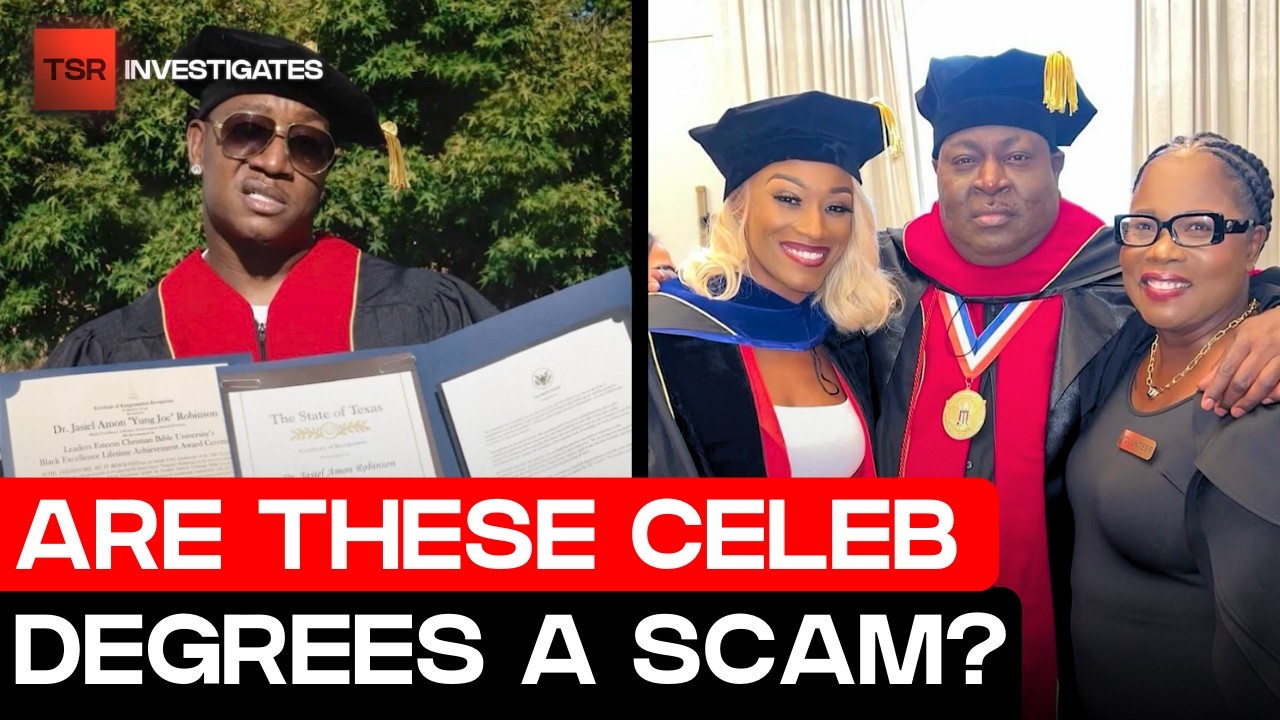
Honestly, this was unexpected but yes I was on the Shade Room. Three months ago, I wrote a story about Celebrities getting Honorary Degrees and how Rapper Young Joc, Reality Stars Cynthia Bailey and Towanda Braxton are receiving their honorary doctorates and accepting their titles from this so-called bible christian university.
By Gladys W. Muturi3 days ago in Interview


Comments (1)
Building a resume online is easy with free tools. I made mine in no time following simple steps.