
Oppo Phone Not Charging? 5 Things to Try Before Visiting a Repair Shop
It’s late at night, and you plug in your Oppo phone expecting it to charge while you sleep — but the battery percentage doesn’t budge.

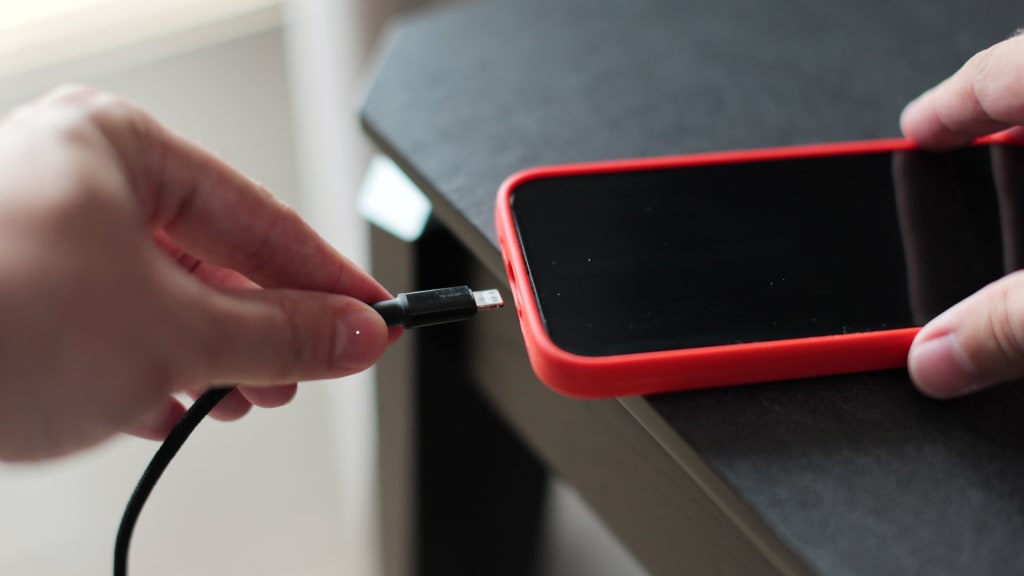
Panic sets in. Before you assume the worst or rush to the nearest repair shop, take a moment. Charging issues are common and can sometimes be resolved at home without the need for professional intervention.
Whether you're facing a completely dead battery or an intermittent charging issue, there are a few simple things you can try before seeking professional Oppo phone repair. In this article, we’ll walk you through five effective troubleshooting steps that might bring your phone back to life — and help you avoid unnecessary repair costs.
1. Inspect the Charging Cable and Adapter Thoroughly
One of the most overlooked causes of charging problems is a faulty cable or adapter. These components go through a lot — bending, tangling, and even sudden pulls — which can lead to internal damage or fraying.
What to do:
Try charging your Oppo phone with a different cable and adapter.
Use the original Oppo charger if you have it, as third-party chargers sometimes deliver inconsistent power.
Plug the charger into a different power outlet just to rule out socket issues.
If your phone starts charging with a different cable or adapter, you've found the problem — no repair shop visit needed.
2. Clean the Charging Port (Gently!)
It’s surprising how much lint, dust, or debris can collect in a phone’s charging port over time, especially if you regularly keep your phone in a pocket or bag. This can prevent the charger from making a proper connection.
Steps to clean it safely:
Turn off your phone.
Use a flashlight to inspect the charging port.
Take a dry, soft-bristled toothbrush or a wooden toothpick and very gently dislodge any visible debris.
Avoid using metal objects like pins or tweezers — they can cause damage to the port.
Once cleaned, plug in your charger again to see if it resolves the issue.
3. Check for Software-Related Glitches
Sometimes, the problem isn’t hardware — it’s software. If your Oppo device has recently undergone a software update or started acting glitchy, there might be an issue affecting its charging functionality.
Try these fixes:
Restart your phone: A simple reboot can resolve minor software bugs.
Boot into safe mode: This disables third-party apps temporarily and helps identify if any app is interfering with the charging process.
Install pending updates: Oppo regularly releases firmware updates that address system stability and performance issues. Ensure your device is up to date.
If your phone starts charging normally in safe mode, the problem could be caused by a rogue app you recently installed.
4. Inspect for Physical or Water Damage
Take a close look at your device. Even a small crack, dent, or moisture buildup can interfere with charging. Oppo phones are fairly durable, but accidental drops or exposure to humidity can affect internal charging components.
Signs of damage:
Burn marks near the port
Corrosion inside the charging port (a greenish or white residue)
A warped charging port or loose connection
If you suspect water damage and your phone still turns on, do not charge it. Attempting to charge a water-damaged phone can cause further damage. Instead, power it off and consult a professional repair technician immediately.
5. Try a Wireless Charging Option (if available)
Some Oppo models, especially higher-end ones, support wireless charging. If you're unable to charge via cable, this could be a good workaround — or at least a temporary solution — to keep your phone powered up.
What to do:
Use a Qi-compatible wireless charging pad.
Remove any thick phone cases that could block charging.
Make sure the pad is plugged into a functioning power source.
While this won't fix the original issue, it’s a great way to keep using your phone while you schedule a repair, if needed.
When It’s Time to See a Professional
If you've tried everything and your Oppo phone still refuses to charge, it may be time to seek professional help. Internal problems like a faulty charging IC, battery failure, or motherboard issues are beyond what you can fix at home. That’s where expert service providers come in.
Before you pick just any technician, ensure that the repair shop:
Specializes in Oppo phone repair
Uses genuine parts
Offers a service warranty
Has transparent pricing
If you're in South Australia and looking for the best phone repair in Adelaide, choosing the right technician can make all the difference between a quick fix and a costly mistake.
Final Thoughts
Charging issues can be frustrating — especially when they appear out of nowhere. But as we've seen, not all problems require a technician right away. By trying the five steps outlined above, you might be able to fix your Oppo phone’s charging issue at home.
H0wever, if nothing works or you suspect internal damage, don’t risk it. Getting professional advice early on can prevent further complications and save you both time and money.
For those in Adelaide, trust your device with those who know Oppo phones inside out.
Digimob Phone Repair offers expert Oppo phone repair services with quality parts, experienced technicians, and fast turnaround times — making them one of the best choices for phone repair in Adelaide.
About the Creator
Digimob Phone Repairs
We are Adelaide's one-stop shop for reliable mobile phone repair service. From Apple to Samsung gadgets, we can fix it all! Get in touch for more details.
Keep reading
More stories from Digimob Phone Repairs and writers in Humans and other communities.
Is Your iPhone on the Brink? Finding Reliable Repair Services in Adelaide
In today’s world, our iPhones have become more than just communication devices—they’re our cameras, wallets, work tools, entertainment hubs, and even our personal organisers. When something goes wrong, whether it’s a cracked screen, faulty battery, or sudden software glitch, it can feel like life is put on pause. That’s why finding reliable iPhone repair services in Adelaide is not just about fixing a device—it’s about restoring a part of your daily life.
By Digimob Phone Repairs5 months ago in Humans
Wild Card Weekend Recap: What Happens Now?
I think I figured out why I love Wild Card Weekend so much. It's because it's the first playoff anything of the calendar year. The NFL season starts in the fall, and once upon a time, the champion was crowned either on or slightly before New Year's. The evolution of the NFL schedule has resulted in the playoffs starting just into the New Year, and currently, the final week of the season falls on the first weekend of the New Year, with Wild Card Weekend coming a week after that. So yes, chronologically, the NFL's Wild Card Weekend serves as the first playoff anything of the calendar year.
By Clyde E. Dawkins6 days ago in Unbalanced



Comments
There are no comments for this story
Be the first to respond and start the conversation.