
Why Does It Seem Like Some Steam Games Patch So Slowly?
Unpacking the Hidden Causes Behind Sluggish Game Updates on Steam

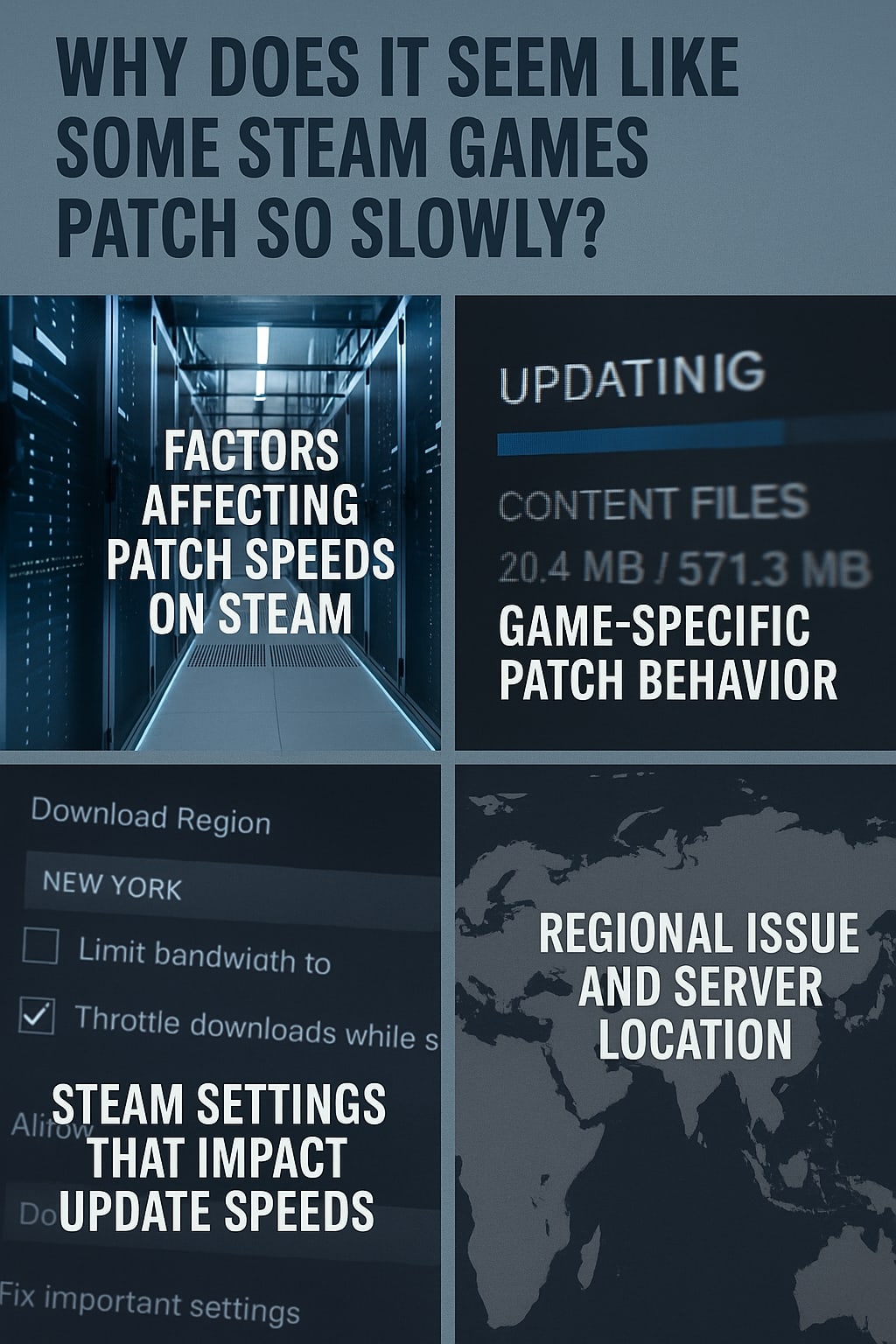
Note: This article contains AI-generated content.
(Created with assistance from ChatGPT.)
Have you ever sat down, eager to dive into a game, only to be stuck waiting for what feels like an eternity as Steam updates it? You're not alone. Gamers around the world often ask, "Why does it seem like some Steam games patch so slowly?" The answer is more complex than you'd think—ranging from technical limitations and Steam settings to regional server issues and even game-specific design quirks.
Let’s explore all the reasons behind sluggish Steam updates—and how you can speed things up.
Understanding the Steam Patch Process
What Happens During a Game Update?
When Steam patches a game, it’s not simply downloading new files. Instead, the platform typically identifies which parts of your game need updating, downloads only those pieces (if delta patching is supported), and then carefully rebuilds the updated files on your system.
This includes:
Downloading data chunks
Decompressing files
Replacing or appending content
Revalidating file integrity
It’s a surprisingly CPU and disk-intensive operation.
Difference Between Patching and Downloading
Downloading is just fetching data from a server, but patching is the entire process of applying that data. So, even if your download finishes quickly, patching could take much longer due to decompression and disk writes—especially if you’re on a traditional HDD.
Factors Affecting Patch Speeds on Steam
Steam Server Load and Throttling
Steam uses a content delivery network (CDN) distributed across the globe. When traffic is high—like during major game releases or sales—these servers can get overwhelmed, causing throttled download speeds and delays.
Your Internet Speed and Connection Type
If you're on a slower broadband connection or using Wi-Fi instead of Ethernet, patching can appear slower. Even if Steam is downloading fast, Wi-Fi interference can lead to unstable file transfers.
Hard Drive Speed and Storage Type
This is a huge one. SSDs handle file writes significantly faster than HDDs. Steam needs to write, move, and rewrite files during patching. On HDDs, these operations are much slower, especially if the drive is fragmented.
Game-Specific Patch Behavior
Large File Sizes and Asset Rewrites
Games like Call of Duty or ARK: Survival Evolved are notorious for patching entire gigabytes of assets, even if the change was minor. That's due to how they’re built—if one asset changes, the whole package may need replacing.
Delta Patching vs. Full File Replacement
Delta patching updates only the changed parts of a file. However, not all developers use this method. Games that force full file replacement will always patch slower.
Poor Optimization by Developers
Some developers don’t properly segment game files. Instead of splitting them into modular chunks, they rely on monolithic files, which leads to longer patch times and larger downloads.
Steam Settings That Impact Update Speeds
Download Restrictions and Throttle Settings
Steam allows you to limit download speeds manually. If you’ve set a low cap, it’ll crawl. Navigate to Steam > Settings > Downloads to check.
Bandwidth Limits in Steam
Steam may automatically throttle your bandwidth during high usage hours unless otherwise specified in your settings.
Background Downloads and Game Running
Steam slows downloads if a game is running in the background—this helps prevent game lag. But it also means patches will take longer if you forget to exit your games.
Regional Issues and Server Location
Auto-Selection of Content Servers
Steam automatically picks a server based on your geographic location. Sometimes, those local servers are under high load or misconfigured.
Changing Your Download Region for Better Performance
Go to Settings > Downloads > Download Region. Try switching to a nearby country. You might get faster and more reliable speeds.
How File Systems Affect Steam Patching
Fragmentation on HDDs
Heavily fragmented drives slow down Steam’s ability to patch games. Defragmenting your HDD can make a noticeable difference.
NTFS vs. exFAT and Other File Systems
NTFS is Steam’s preferred format. Using other file systems like exFAT or FAT32 may cause slow patching or even file corruption.
Windows and System-Level Interference
Antivirus and Firewall Interruption
Antivirus programs often scan files during patching. This can drastically reduce speeds. Temporarily disabling real-time protection (carefully) can help.
Windows Defender Real-Time Scanning
Windows Defender is notorious for slowing down file operations. Consider adding Steam to its exclusion list.
Common Myths About Steam Patch Speeds
"Steam Is Always the Problem"
Not always. Often, it’s your hardware or ISP throttling your speeds. Steam’s infrastructure is usually reliable.
"Only My Game Updates Slowly"
Steam can treat each game differently depending on the dev’s update structure. So yes, some games patch faster than others—by design.
How to Speed Up Slow Steam Game Patches
Pause and Resume Updates
This can force Steam to re-prioritize download routes and possibly pick faster servers.
Clear Steam Download Cache
Go to Settings > Downloads > Clear Download Cache. This fixes corrupted downloads and stalled patches.
Use SSDs Instead of HDDs
Move your Steam library to an SSD if possible. You’ll see a huge improvement in patching speed.
Prioritize Steam in Task Manager
Set Steam to “High Priority” in Task Manager during patching. It might help allocate more resources.
Troubleshooting Tools and Logs
Checking Steam Logs for Errors
Steam keeps logs in its logs folder. Check content_log.txt for errors that might point to patching issues.
Using Network Monitors
Apps like NetLimiter or Resource Monitor can show whether Steam is actively downloading and where bottlenecks occur.
Comparing Steam Patch Speeds to Other Platforms
Steam vs. Epic Games Launcher
Epic often downloads entire game files rather than patches, leading to faster but larger updates.
Steam vs. Battle.net and Origin
Battle.net uses delta patching more effectively for games like Overwatch or Diablo, resulting in smoother updates.
Real-World User Experiences and Anecdotes
Community Discussions and Reddit Threads
Reddit threads are filled with users facing similar patch speed issues. Solutions vary from switching servers to disabling overlays.
Developer Insights and Responses
Some devs explain on forums why patches are large—usually due to engine constraints or mandatory certification.
When to Contact Steam Support
Signs of a Real Technical Issue
Patches that never finish
Crashes after updating
Game fails to launch post-patch
How to Properly Report It
Submit logs and detailed descriptions via Steam Support. They're slow but helpful with repeatable issues.
Preventive Measures for Future Updates
Keeping Games on SSDs
If you play a game often, install it on an SSD. It improves loading and update speeds.
Scheduling Updates at Off-Peak Hours
Use Steam’s scheduled auto-updates feature to let it patch games while you sleep—when servers are less congested.
Steam's Future Plans to Improve Updates
New Update Technologies in Development
Valve is rumored to be working on smarter delta patching and bandwidth optimization.
Steam's Track Record on Performance
Historically, Valve has continually improved patch performance—just not uniformly across all games.
FAQs About Steam Game Patch Speeds
1. Why is patching slower than downloading?
Because it involves decompressing and rewriting files, not just downloading them.
2. Does my drive type affect patch speed?
Yes, SSDs are far quicker than HDDs for patching.
3. Can I prioritize one game to patch faster?
Yes. Pause all others and ensure the one you want is active.
4. Will reinstalling Steam help?
Rarely. Try clearing the cache and checking for drive issues first.
5. Are Steam servers to blame?
Sometimes—especially during big releases—but not always.
6. Is there a way to avoid slow updates entirely?
Keep games up-to-date automatically during off-hours and use SSDs.
Conclusion
So, why does it seem like some Steam games patch so slowly? It’s often a mix of game design, hardware limitations, Steam’s update system, and your own internet setup. But now you know the truth—and the fixes. With a few changes, you can spend less time waiting and more time playing.
About the Creator
DJ for Change
Remixing ideas into action. I write about real wealth, freedom tech, flipping the system, and community development. Tune in for truth, hustle, hacks, and vision, straight from the Capital District!
https://buymeacoffee.com/djforchange
Keep reading
More stories from DJ for Change and writers in Gamers and other communities.
Why the Elites Fear Creativity
Every empire in history has feared one thing above all else — not war, not rebellion, but imagination. Every generation has its creators, the people who look at a broken system and say, “We can do better.” They don’t wait for permission. They grab what’s around them and build something new. They fix, remix, and reimagine the world while others stay locked in patterns of obedience.
By DJ for Change5 months ago in Motivation
10 Horror Video Games Loved by Women
Horror video games have increasingly become a space where female players find engaging narratives, strong characters, and immersive experiences. Here are ten horror games that are particularly favored by women, along with the virtues that make them appealing.
By Ninfa Galeano6 days ago in Gamers


Comments
There are no comments for this story
Be the first to respond and start the conversation.