
What is the F Panel Switch of Motherboard Do – Complete Guide for Beginners
What is the F Panel Switch of Motherboard Do? Learn how this small connector powers your PC’s buttons and lights. Easy explanation for beginners with FAQs included.

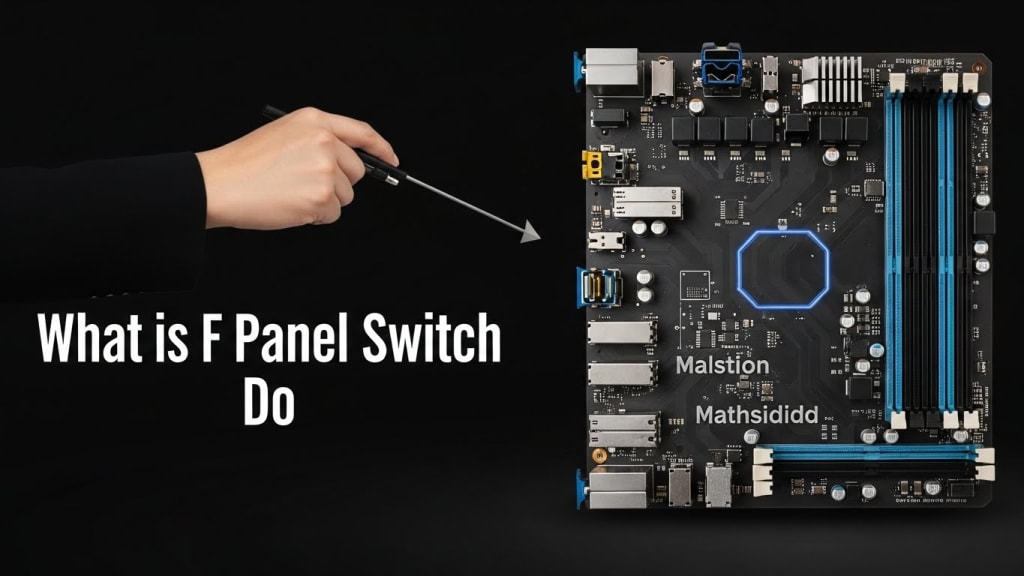
Quick Answer: The F panel switch of a motherboard connects the case buttons and lights (like the power button, reset button, and LED indicators) to the motherboard. It allows you to turn your computer on and off, reset it, and see status lights such as power and hard drive activity.
What is the F panel switch of motherboard do? This is a question many new PC builders ask when they see tiny pins on their motherboard labeled “F Panel” or “Front Panel Header.” Although it looks confusing, the F panel is actually very simple.
It connects the buttons and lights on your computer case to the motherboard. Without it, you wouldn’t be able to turn your PC on, reset it, or see the power and hard drive activity lights.
In this guide, we’ll explain everything about the F panel switch in simple words. You’ll learn what it does, how to connect it, why it matters, and how it affects your computer’s daily use.
What is the F Panel Switch of Motherboard Do?
The F panel switch of motherboard is a set of small pins located on the motherboard. These pins connect to cables from your computer case. They control:
- Power button – Turns the computer on and off.
- Reset button – Restarts the computer instantly.
- Power LED – Shows if the computer is on.
- Hard Drive LED – Blinks when the hard drive is working.
- Speaker (beep codes) – Gives sound signals during startup.
Why is the F Panel Switch Important?
Even though it looks small, the F panel switch is very important because:
- It lets you control your PC physically using case buttons.
- It provides visual feedback through LED lights.
- It helps in troubleshooting with beep codes.
- It ensures the motherboard and case work together.
Without it, your computer case would just be a box with no working buttons or lights.
How Does the F Panel Switch Work?
The F panel works like a bridge. The case buttons and lights are connected to wires. These wires plug into the F panel pins. When you press the power button, the signal travels through the wire to the motherboard, telling it to start.
For example:
- Pressing the power button closes a circuit, sending a signal to the motherboard.
- The reset button works the same way but restarts the system.
- The LED lights get power from the motherboard through the pins.
What is the F Panel Switch of Motherboard Do in PC Building?
When building a PC, connecting the F panel switch is one of the final steps. You usually find a diagram in the motherboard manual showing which pins connect to which cable.
Most motherboards follow the Intel Front Panel Header standard, which makes it easier to connect correctly.
Step-by-Step Guide to Connecting the F Panel Switch
- Locate the F panel header on the motherboard.
- Check the manual for pin layout.
- Find the case cables labeled Power SW, Reset SW, HDD LED, Power LED.
- Match the cables to the correct pins.
- Plug them in carefully (LEDs are polarity-sensitive, meaning + and – matter).
Common Mistakes with the F Panel Switch
- Forgetting polarity for LEDs.
- Not connecting the speaker, missing beep codes.
- Leaving cables loose, causing buttons not to work.
Plugging cables into the wrong pins.
Troubleshooting F Panel Issues
If your PC doesn’t start after connecting the F panel:
- Double-check the pin layout in the manual.
- Make sure the power supply is connected.
- Test the power button cable.
- Try shorting the power pins with a screwdriver to see if the PC starts.
What is the F Panel Switch of Motherboard Do for LED Indicators?
The F panel also controls LED indicators:
- Power LED – Shows system is on.
- HDD LED – Flashes when the hard drive is active.
These lights help you know if your PC is working properly.
Conclusion
The F panel switch of motherboard may look small, but it plays a big role in making your computer usable. It connects the case buttons and lights to the motherboard, allowing you to turn on your PC, reset it, and see status indicators. Without it, your computer case would not function properly.
In short, the F panel switch is the hidden hero of PC building. Once you understand it, connecting it becomes easy, and your computer works smoothly.
FAQ – What is the F Panel Switch of Motherboard Do?
Q1: Can a PC run without the F panel switch? Yes, but you would need to short the pins manually to start the PC.
Q2: Why doesn’t my power button work after connecting the F panel? It may be connected to the wrong pins or the cable may be faulty.
Q3: Are all F panel switches the same? Most follow the Intel standard, but always check your motherboard manual.
Q4: What happens if I connect LEDs backward? They simply won’t light up, but nothing will be damaged.
Q5: Do gaming motherboards have different F panels? No, they use the same standard, but some may include extra features like RGB headers.
About the Creator
Perfect Tech Views
Welcome to Perfect Tech Views—your go-to source for clear, unbiased, and insightful tech knowledge. Whether you're a pro, a beginner, or just exploring gadgets, we've got you covered with expert guidance!
Keep reading
More stories from Perfect Tech Views and writers in Gamers and other communities.
How to Update Gigabyte Motherboard BIOS – Step-by-Step Guide
Quick Answer: To update a Gigabyte motherboard BIOS, download the latest BIOS file from Gigabyte’s official website, save it to a USB drive, and use the built-in Q-Flash utility to safely install it GIGABYTE.
By Perfect Tech Views4 months ago in Gamers
20 Horror Game Masterpieces to Play Before You Die
Horror games have a unique ability to evoke fear and adrenaline, making them a beloved genre among gamers. However, there are some horror video games that will blow your mind, and you should play them to experience the sensations they offer. For this reason, I asked the AI about the best horror video games available, since I find it difficult to choose among so many options.
By Ninfa Galeano6 days ago in Gamers
10 Things Cloud Computing Solutions Simplify Server Control
Managing physical servers often feels like a never-ending battle against tangled wires and heat. You spend hours monitoring blinking lights in a cold room. Traditional setups demand constant attention and manual updates. Cloud computing solutions change this entire dynamic for modern businesses. It moves your digital assets to a flexible virtual space. This shift grants you total authority without the physical burden. The cloud transforms complex technical chores into simple clicks. It allows you to focus on growth rather than hardware maintenance.
By Arthur Leo6 days ago in Gamers
Thief In The Night
To the thief in the night that took and replicated what once was mine: Honestly, I feel kind of bad for you. It’s funny, because we hardly know each other. I only know of you through the magazines you’ve written and the broadcasts you have televised in the past — as well as through the public mentions of you from your show business connections there.
By Snarky Lisa8 days ago in Humans




Comments